
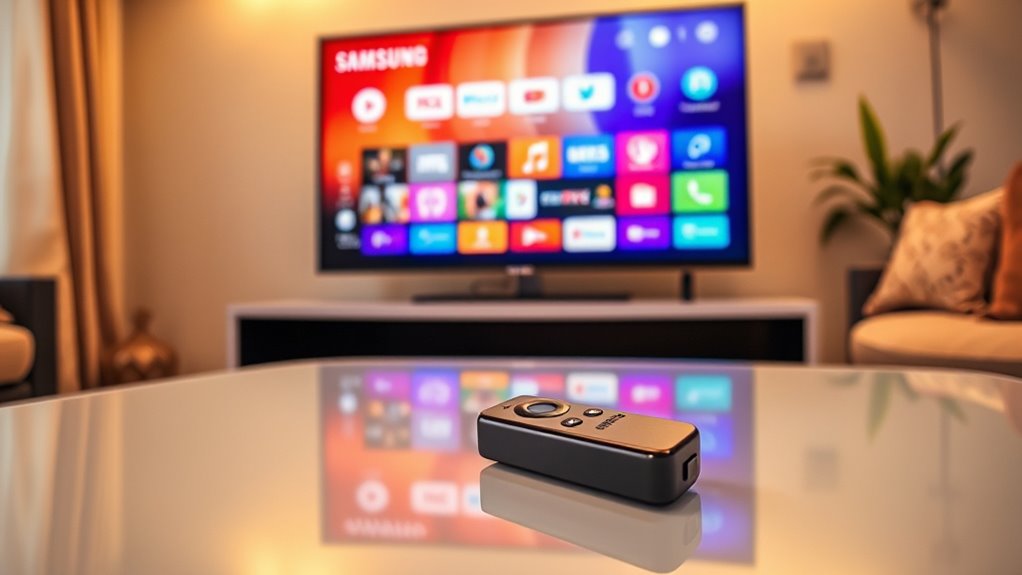

If you’ve got a Samsung Smart TV, adding a Firestick can really enhance your viewing experience. Built-in apps may be limited, which means you could miss out on some favorite streaming services. A Firestick opens the door to a broader range of content and makes navigation easier. Plus, you’ll enjoy faster streaming and personalized recommendations. Want to know more about the pros and cons of integrating a Firestick with your Samsung? Keep exploring!
Understanding the Features of Samsung Smart TVs
Samsung Smart TVs are packed with features that enhance your viewing experience. With a robust app ecosystem, you’ve got access to a wide array of streaming services, games, and utilities right at your fingertips. You can easily download popular apps like Netflix, Hulu, and YouTube, making binge-watching and entertainment a breeze. Plus, the intuitive interface allows you to navigate seamlessly between apps and settings, giving you the freedom to personalize your viewing habits. Voice control features like Bixby let you search for content hands-free, adding another layer of convenience. Whether you’re into movies, sports, or gaming, your Samsung Smart TV caters to all your needs, making it a truly versatile entertainment hub without the necessity for an external device like a Firestick.
Limitations of Built-in Apps
While built-in apps on Smart TVs offer convenience, they do come with some limitations that might affect your viewing experience. One major drawback is app variety; you may find that some of your favorite streaming services aren’t available. This can restrict your options and prevent you from accessing diverse content. Additionally, built-in apps often lag behind in app updates compared to standalone devices. This means you might miss out on new features and improvements that enhance usability. Depending on your viewing habits, you could find the selection insufficient, leading to frustration. If you crave a wider range of apps and the latest updates, you might want to contemplate adding a Firestick for greater freedom and flexibility in your entertainment choices.
Expanding Content Options With Firestick
If you’re looking to broaden your entertainment choices, adding a Firestick to your setup can remarkably enhance your content options. With a Firestick, you gain access to a plethora of streaming services beyond what’s built into your Samsung Smart TV. This means more content diversity, catering to different tastes and preferences. You can easily download apps like Hulu, HBO Max, or even niche services, which greatly boosts your viewing experience. The Firestick also offers streaming flexibility, letting you watch shows and movies on various platforms without being tied to one service. Plus, you can enjoy exclusive content that might not be available otherwise. Embrace the freedom of choice with a Firestick and elevate your home entertainment!
User Experience and Interface Comparison
When it comes to user experience, the interface of a Firestick often stands out in comparison to that of a Samsung Smart TV. Firestick’s user interface is designed for simplicity and ease of navigation, allowing you to find content quickly. You’ll appreciate the personalized recommendations, making it easier to discover new shows and movies tailored to your taste. In contrast, while Samsung’s interface is intuitive, it may feel a bit cluttered with pre-installed apps and features. Users looking for a streamlined experience may prefer the Firestick’s approach. Ultimately, if you value a more customizable and flexible user experience, the Firestick could enhance your overall streaming journey beyond what a Samsung Smart TV offers.
Streaming Quality and Performance
Streaming quality and performance can greatly impact your viewing experience, especially when comparing a Firestick to a Samsung Smart TV. With a Firestick, you might notice improved streaming speed and access to a broader range of apps, enhancing your content resolution options. Samsung Smart TVs already offer impressive streaming capabilities, often providing 4K resolution for supported content. However, if you’re a heavy streamer or enjoy diverse content, a Firestick could elevate your experience further by optimizing performance. Ultimately, the choice depends on your viewing habits and preferences. If you prioritize seamless streaming and high-resolution content, integrating a Firestick might just be the freedom you need to enhance your entertainment setup.
Cost-Benefit Analysis of Adding a Firestick
While you might already enjoy the features of your Samsung Smart TV, adding a Firestick can offer both advantages and costs that are worth considering. The firestick advantages include access to a broader range of apps and channels, enhancing your smart TV capabilities. You’ll enjoy streaming services that may not be available natively on your Samsung, along with personalized recommendations. However, there’s a financial aspect to weigh. A Firestick requires an upfront investment, plus potential subscription fees for premium content. If you’re a casual viewer, the cost might not justify the benefits. But if you crave more variety in your viewing experience, the Firestick could be a worthwhile addition to your entertainment setup.
Frequently Asked Questions
Can I Use Firestick With Non-Samsung TVS?
Yes, you can use a Firestick with non-Samsung TVs! Firestick compatibility opens up fantastic streaming options, allowing you to enjoy diverse content on any compatible TV. Just plug it in and start streaming freely!
What Alternative Devices Are Available to Firestick?
If you’re exploring alternatives to Firestick, consider Roku devices for simplicity, Apple TV for seamless integration, Chromecast for casting, or Nvidia Shield for gaming and streaming. Each offers unique features to enhance your viewing experience.
How Does Firestick Update Its Software?
Ever wondered how smooth your viewing experience could be? Firestick updates its software automatically, enhancing system performance and ensuring you enjoy the latest features. You’ll never miss out on software upgrades that keep everything running flawlessly.
Is Firestick Compatible With All Wi-Fi Networks?
Yes, a Firestick’s compatible with most Wi-Fi networks. Just make sure your network’s Wi-Fi security is up to date for best streaming quality. A secure connection enhances performance, giving you freedom to enjoy endless content seamlessly.
Can I Control Firestick With My Samsung TV Remote?
You can control your Firestick with your Samsung TV remote, thanks to Samsung remote compatibility. This feature simplifies your viewing experience, letting you enjoy Firestick features without juggling multiple remotes—freedom at your fingertips!
