
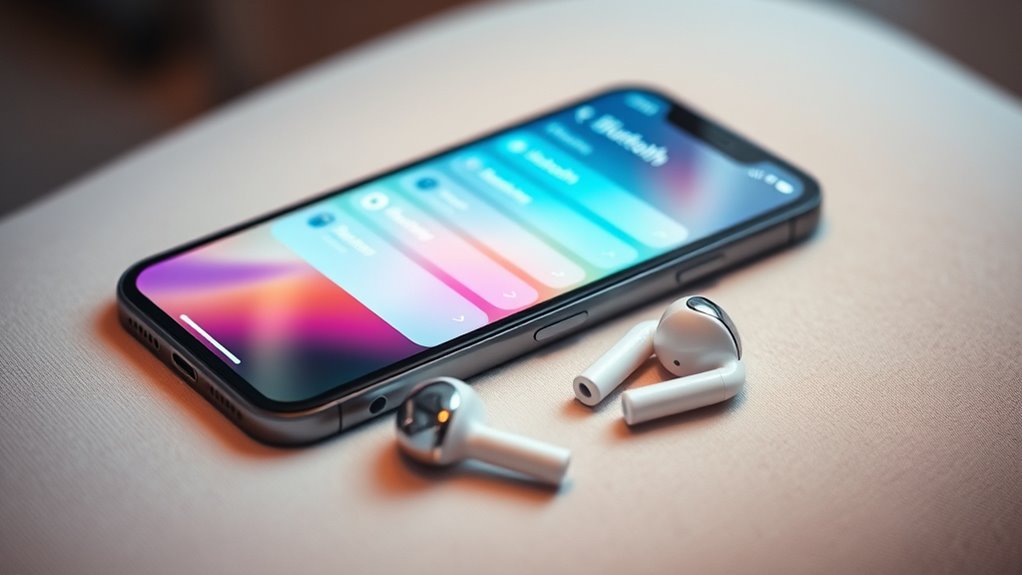

To pair your earbuds to your iPhone, make certain they’re charged and in pairing mode, usually indicated by a flashing light. Open your iPhone’s Bluetooth settings and look for your earbuds in the list of available devices. Select them, and if prompted, confirm the passcode. Keep your earbuds close to the iPhone for a stable connection. Once paired, you can enjoy a wireless audio experience. Stay tuned, and you can discover troubleshooting tips and ways to enhance your audio enjoyment!
Understanding Bluetooth Technology
While you might be familiar with Bluetooth as a way to connect devices wirelessly, understanding its fundamentals can enhance your experience with earbuds. Bluetooth basics involve a short-range communication protocol that allows your devices to exchange data without cables. This technology enables seamless wireless audio streaming, letting you enjoy music or podcasts without being tethered to your device.
Bluetooth uses frequencies in the 2.4 GHz range, which are ideal for quick and efficient connections. By grasping how Bluetooth works, you’ll appreciate the convenience it brings to your listening experience. From avoiding tangles to enjoying hands-free calls, mastering Bluetooth can free you from limitations, letting you move freely while staying connected to your favorite tunes.
Preparing Your Earbuds for Pairing
Before diving into the pairing process, it’s essential to prepare your earbuds properly. First, check the earbud compatibility with your iPhone model. Most modern earbuds will work seamlessly, but it’s always good to confirm. Next, make sure your earbuds are charged and ready to go. A fully charged battery not only enhances performance but also makes the pairing process smoother. If your earbuds have a power button, press it to turn them on. Some models enter pairing mode automatically, while others may require you to hold down a button. Finally, keep your earbuds close to your iPhone during this initial setup. With these steps, you’ll be all set to enjoy your wireless freedom!
Connecting Your Earbuds to Your Iphone
Now that your earbuds are prepared, it’s time to connect them to your iPhone. Start by opening the Bluetooth settings on your device. For true wireless earbud types, simply place them in pairing mode; usually, this involves holding a button until you see a flashing light. For wired earbuds, just plug them into the headphone jack or Lightning port. Once your earbuds are in pairing mode, your iPhone should detect them. Tap on the name of your earbuds when it appears on the screen. Depending on the pairing method, you might need to confirm a passcode or simply wait for a connection notification. And just like that, you’re ready to enjoy your music with freedom!
Troubleshooting Common Connection Issues
Connecting your earbuds to your iPhone should be a seamless experience, but sometimes things don’t go as planned. If you’re facing common problems like your earbuds not appearing in Bluetooth settings, first verify they’re charged and in pairing mode. Restarting your iPhone can also resolve connectivity issues. If they’re still not connecting, try forgetting the device in your Bluetooth menu and re-pairing.
Another tip is to keep your iPhone and earbuds close together to avoid signal interference. If you encounter audio dropouts, check for any obstacles or other Bluetooth devices nearby that might be causing interference. Remember, a little troubleshooting can go a long way in getting you back to enjoying your music or calls effortlessly.
Enjoying Your Audio Experience
Once you’ve successfully paired your earbuds to your iPhone, it’s time to elevate your audio experience. With the perfect blend of sound quality and wireless convenience, you can immerse yourself in your favorite playlists, podcasts, or audiobooks without any hassle. Adjust the volume to suit your mood and enjoy the freedom of movement that comes with going wireless. Whether you’re at the gym, commuting, or just relaxing at home, great audio can make all the difference. Don’t forget to explore features like noise cancellation or spatial audio if your earbuds support them; they can enhance your listening experience even further. So, sit back, relax, and let the music take you wherever you want to go!
Frequently Asked Questions
Can I Connect Multiple Earbuds to My Iphone Simultaneously?
You can’t connect multiple Bluetooth earbuds to your iPhone simultaneously due to Bluetooth limitations. However, you can use features like Audio Sharing with compatible devices to enjoy music together with a friend.
Will My Earbuds Work With Other Devices?
Yes, your earbuds will likely work with other devices, provided they have Bluetooth compatibility. Just keep in mind that sound quality might vary depending on the device, so testing them out is always a good idea!
How Do I Reset My Earbuds?
To reset your earbuds, hold the power button for about 10 seconds until you see a flashing light. This’ll clear any previous connections, ensuring compatibility with new devices. Follow specific resetting procedures for your model for best results.
What Should I Do if My Earbuds Are Not Charging?
If your earbuds aren’t charging, check for common charging issues like dirty contacts or a faulty cable. Try using different outlets and follow troubleshooting tips to guarantee a proper connection and restore their functionality.
Can I Use My Earbuds While Exercising?
Absolutely, you can use your earbuds while exercising! With incredible earbud comfort, they’ll boost your workout motivation to heights you never imagined. Just guarantee a secure fit, and you’re ready to conquer your fitness goals!
