
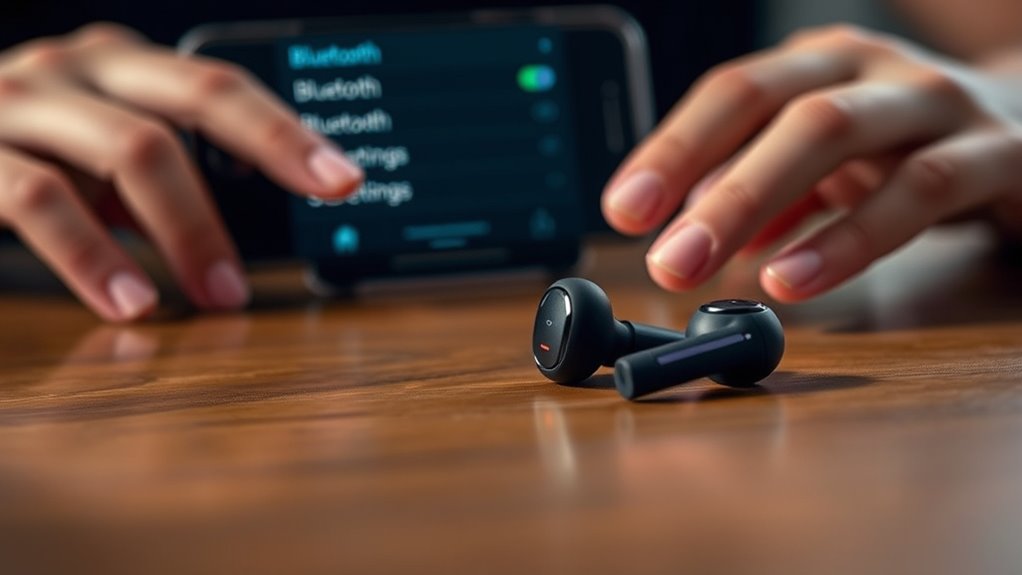

To pair your wireless Skullcandy earbuds, first verify they’re fully charged. If needed, reset them by holding the power button for 10 seconds until the LED flashes. Enable Bluetooth on your device, then put the earbuds in pairing mode by opening their case and pressing the pairing button. Select the earbuds from your device’s Bluetooth menu to connect. If you run into issues, there’s more guidance available to make the process even smoother.
Preparing Your Skullcandy Earbuds for Pairing
Before you can enjoy your favorite tunes, you’ll need to prepare your Skullcandy earbuds for pairing. Start by ensuring your earbuds are fully charged; this’ll help avoid any interruptions during your listening experience. Plug them into a power source and let the charging process complete. Once charged, it’s a good idea to reset your earbuds if you’re having trouble connecting. To do this, press and hold the power button for about 10 seconds until you see the LED light flash. This clears any previous connections and gets them ready for pairing. Now, your earbuds should be primed and ready to connect to your device. Enjoy the freedom of wireless listening!
Pairing With a Smartphone
Once your Skullcandy earbuds are ready, pairing them with your smartphone is a straightforward process. First, make sure your device supports smartphone compatibility. Then, follow these steps to enjoy exceptional audio quality:
| Step | Action |
|---|---|
| 1 | Enable Bluetooth on your smartphone. |
| 2 | Open the earbuds’ case. |
| 3 | Press the pairing button. |
| 4 | Look for your earbuds on the smartphone’s Bluetooth list. |
| 5 | Select the earbuds to connect. |
Once paired, you’ll experience the freedom of wireless audio. Enjoy your favorite music, podcasts, or calls without the hassle of wires. With a few simple steps, you’re all set to savor that rich sound!
Connecting to a Tablet
To connect your Skullcandy earbuds to a tablet, first verify that Bluetooth is enabled on the device. Go to your tablet’s settings, and locate the Bluetooth option. Once you’ve turned it on, put your earbuds in pairing mode—usually by holding the power button until the LED light blinks.
Next, look for your Skullcandy earbuds in the list of available devices on your tablet. Tap on their name to establish the connection. You should hear a confirmation sound, indicating that you’re all set!
Enjoy your favorite music or podcasts with impressive audio quality, thanks to Skullcandy’s reliable tablet compatibility. Now you’re ready to experience the freedom of wireless listening on your tablet!
Linking to a Laptop
After connecting your Skullcandy earbuds to your tablet, you might want to enjoy the same wireless freedom on your laptop. First, verify your laptop has Bluetooth compatibility. If it does, turn on your laptop and open the Bluetooth settings. Look for the option to add a new device. Next, put your Skullcandy earbuds in pairing mode—usually done by holding the power button until the LED light flashes. In your laptop’s Bluetooth settings, select your earbuds from the list of available devices. Once they connect, you’ll hear a confirmation sound. Now you can stream music, take calls, or enjoy your favorite shows wirelessly. It’s that simple—freedom awaits!
Troubleshooting Connection Issues
If your Skullcandy earbuds aren’t connecting, there could be a few reasons behind the issue. First, check your Bluetooth settings on the device. Make certain Bluetooth is enabled and your earbuds are in pairing mode. If that doesn’t work, try resetting your earbuds. To do this, hold down the power button for about 10 seconds until you see the LED light flash. Then, reconnect them through the Bluetooth menu.
| Issue | Solution |
|---|---|
| Earbuds not visible | Verify they’re in pairing mode |
| Connection drops | Reset earbuds and reconnect |
| Audio quality issues | Check battery life and range |
Frequently Asked Questions
Can I Use My Skullcandy Earbuds While Charging?
You can’t use your Skullcandy earbuds while charging, as it risks battery safety. Balancing charging habits with usage helps extend their lifespan, granting you freedom to enjoy music without worrying about performance issues later.
How Long Does the Battery Last on Skullcandy Earbuds?
The battery performance of Skullcandy earbuds typically lasts around 5 to 10 hours on a single charge. For ideal use, follow charging tips like keeping them charged between uses to extend their lifespan. Enjoy your freedom!
Are Skullcandy Earbuds Water-Resistant?
Yes, Skullcandy earbuds typically have sweat resistance, making them suitable for workouts. However, they’re not fully waterproof, so avoid submerging them in water. Enjoy your freedom while staying active, but keep them dry!
How Do I Reset My Skullcandy Earbuds?
Think of resetting your earbuds like rebooting a computer. For earbud troubleshooting, hold the power button for ten seconds until they flash. This often resolves wireless connectivity issues and restores your earbuds to factory settings.
Can I Connect Multiple Devices to My Skullcandy Earbuds?
You can’t connect multiple devices to your Skullcandy earbuds simultaneously, but they offer Bluetooth compatibility, allowing easy device switching. Just disconnect one device before connecting another for a seamless listening experience. Enjoy your freedom!
