
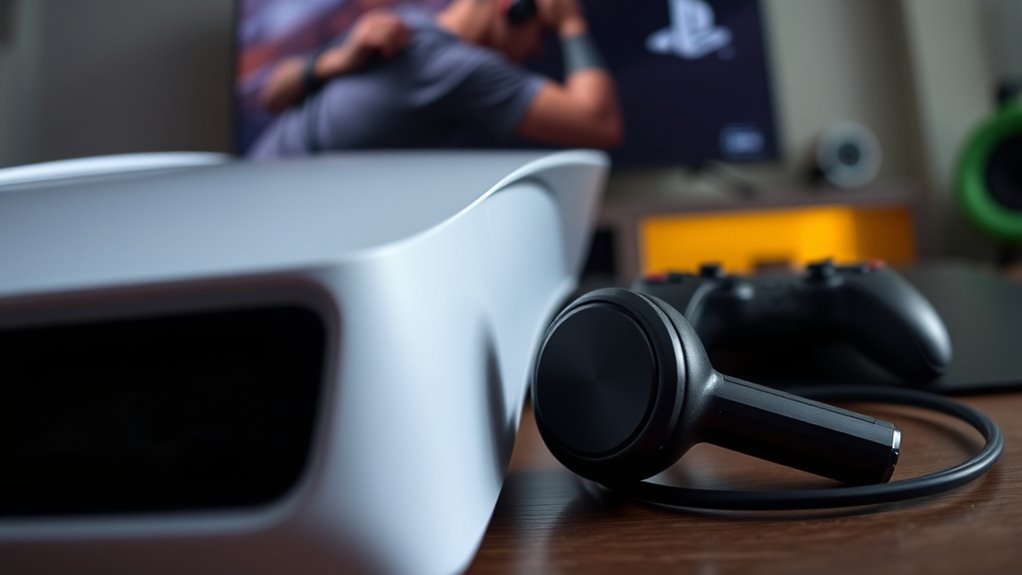

To connect your earbuds to the PS5, first check their compatibility, whether wired or Bluetooth. For wired earbuds, simply plug them into the 3.5mm audio jack on the PS5 controller and tweak your sound settings for the best experience. If you’re using Bluetooth earbuds, power them on and enter pairing mode, then go to PS5 settings, select “Accessories,” and find your earbuds. Want to learn more about optimizing your audio setup? Keep going!
Checking Compatibility of Your Earbuds
Before diving into the connection process, how can you be certain your earbuds are compatible with the PS5? First, consider the earbud types. The PS5 supports both Bluetooth and wired connections, so if you’ve got Bluetooth earbuds, check their specifications to verify they work with the console. Look for low latency features to enhance your gaming experience and maintain sound quality. If you’re using wired earbuds, make sure they have a 3.5mm jack, as this is the standard for the PS5 controller. Finally, read reviews or consult the manufacturer’s website to confirm compatibility. By understanding these factors, you’ll avoid frustration and enjoy seamless audio while gaming, giving you the freedom to focus on your adventures in the virtual world.
Connecting Wired Earbuds to PS5
Once you’ve confirmed that your wired earbuds are compatible with the PS5, connecting them is a straightforward process. First, plug your earbuds into the PS5 controller’s 3.5mm audio jack. This port is standard for most wired earbud types, so you shouldn’t run into compatibility issues. Next, adjust your audio settings by maneuvering to the sound menu on the PS5 dashboard. Here, you can manage audio quality considerations, ensuring you’re getting the best sound experience for gaming or media. If your wired earbuds come with a built-in microphone, you’ll also be able to use it for voice chat. Enjoy your gaming sessions with enhanced audio clarity and a more immersive experience, all while staying comfortably connected.
Pairing Bluetooth Earbuds With PS5
While Bluetooth earbuds offer a convenient wireless option, pairing them with your PS5 requires a few simple steps. First, verify your earbuds are charged and in pairing mode. Then, navigate to the PS5’s settings. Select “Accessories,” followed by “Bluetooth Accessories.” Your PS5 will scan for available devices within the Bluetooth range. Once your earbuds appear, select them to pair.
Here’s a quick reference table for different earbud types:
| Earbud Type | Bluetooth Range | Compatibility |
|---|---|---|
| Standard Bluetooth | Up to 30 feet | Most devices |
| Low Latency | Up to 30 feet | Gaming consoles |
| Noise Cancelling | Up to 30 feet | Phones, consoles |
Enjoy your gaming experience with your new earbuds!
Adjusting Audio Settings on PS5
Adjusting audio settings on your PS5 can greatly enhance your gaming experience, ensuring you get the best sound quality for immersive gameplay. Start by traversing to the Settings menu, then select “Sound.” Here, you’ll find options to customize your audio output. Choose between HDMI or USB audio output, depending on your connected earbuds. Adjust the volume levels to suit your preference, and don’t forget to explore the 3D Audio settings for more depth in sound. You can also enable or disable the voice chat feature for a more tailored experience. Experimenting with these settings allows you to find the perfect balance, so you can fully enjoy your games with crystal-clear audio. Happy gaming!
Troubleshooting Connection Issues
Connection issues with your earbuds on the PS5 can be frustrating, but troubleshooting them doesn’t have to be. First, check if your earbuds are fully charged and powered on; dead batteries are a common issue. Confirm your PS5 is in pairing mode by guiding to Settings > Accessories. If they still won’t connect, try resetting your earbuds—often, a simple restart can solve connection problems. Make sure no other Bluetooth devices are interfering; disconnect them if needed. If your earbuds support multiple connections, verify they’re not linked to another device. Finally, updating your PS5 software can provide connection solutions to known issues. With a few quick adjustments, you’ll be back to enjoying gameplay in no time!
Frequently Asked Questions
Can I Use Earbuds With a PS5 Controller?
Yes, you can use earbuds with a PS5 controller! The controller features a 3.5mm audio jack, ensuring earbud compatibility. Just plug them in, and you’re ready to enjoy immersive gaming audio with freedom.
What Types of Earbud Connections Are Supported by PS5?
The PS5 supports wired connections and Bluetooth compatibility, making it as versatile as a Swiss Army knife. You can use both wired earbuds and Bluetooth-enabled ones for an immersive gaming experience. Enjoy the freedom!
Are There Any Audio Quality Differences Between Wired and Bluetooth?
Yes, there are audio quality differences. Wired options typically offer better sound fidelity and lower audio latency compared to Bluetooth, which might introduce slight delays and compressions, affecting the overall listening experience during gaming.
Can I Connect Multiple Earbuds to My PS5?
Unfortunately, you can’t connect multiple earbuds simultaneously to your PS5. While earbud compatibility allows for single-device pairing, multiple device pairing isn’t supported, limiting your listening experience. Enjoy your gaming freedom with just one pair at a time!
Do I Need a Special Adapter for My Earbuds?
You don’t need a special adapter for your earbuds, but make sure they have Bluetooth earbud compatibility. Keep in mind that audio latency can affect your gaming experience, so choose wisely for best performance.
