

Watching TV on a curved monitor is indeed possible, and many users enjoy the immersive experience it offers. Curved monitors can enhance the viewing experience by providing a unique perspective that flat screens cannot match. However, whether it’s the right choice for you depends on various factors, including content compatibility, setup requirements, and your personal preferences. In this article, we’ll explore the benefits, limitations, and practical considerations of using a curved monitor for television viewing, helping you determine if it’s the right choice for you.
Benefits of Watching TV on a Curved Monitor
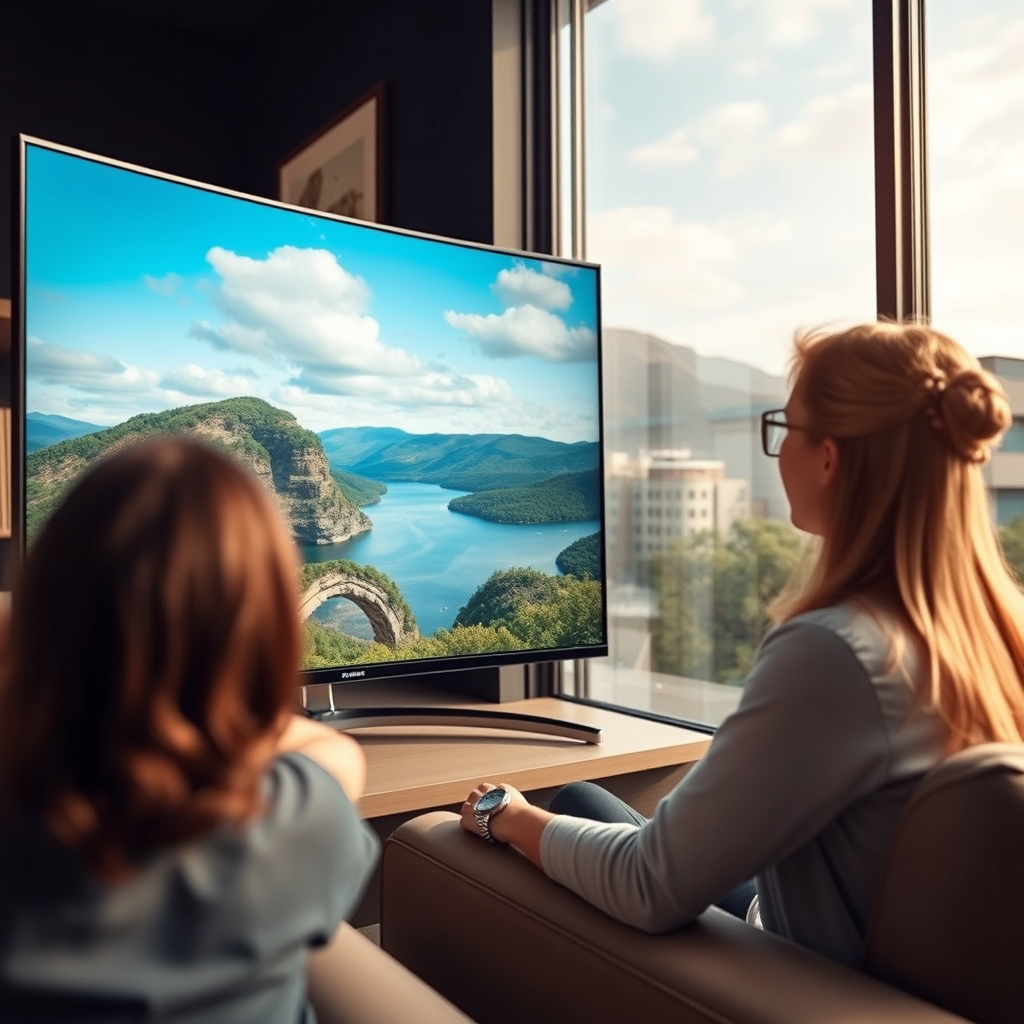
One of the primary advantages of watching TV on a curved monitor is the enhanced immersion it provides. The design of a curved screen wraps the image around your field of vision, making you feel more engaged with the content. This immersive quality is particularly beneficial when watching films or playing video games, as it can draw you into the action and create a more captivating experience.
Moreover, curved monitors can improve depth perception. The curvature of the screen helps create a sense of depth that makes images appear more lifelike. This is especially noticeable in scenes that involve landscapes or 3D graphics, where the curvature can make the visuals pop out, adding to the realism.
Compatibility with TV Content
When considering a curved monitor for TV viewing, resolution is a crucial factor. Ensure that your monitor supports the resolution of the TV content you want to watch, such as 4K or HDR. A monitor with a lower resolution may not deliver the same level of detail and color vibrancy that high-definition content requires.
Additionally, aspect ratio is another important compatibility consideration. Most TV shows and movies are produced in 16:9 aspect ratio, so checking whether your curved monitor aligns with this standard format is essential. If the aspect ratio does not match, you may encounter letterboxing or cropping, which can detract from the viewing experience.
Setup and Connectivity Options
Modern curved monitors typically come equipped with multiple connectivity options, making it easy to set up for TV viewing. Most models feature HDMI and DisplayPort inputs, which are standard connections for various devices, including streaming boxes, gaming consoles, and Blu-ray players.
However, if your TV source uses different output methods, you may need additional adapters to ensure compatibility. For instance, connecting an older device that uses VGA or component video may require specific adapters. It’s important to assess your existing devices and plan your setup accordingly to avoid any connectivity issues.
Top Curved Monitors for TV Viewing (2023)
| # | Model | Resolution | Size | HDR Support |
|---|---|---|---|---|
| 1 | Samsung Odyssey G7 | 2560 x 1440 | 27″ | Yes |
| 2 | LG UltraGear 34GN850-B | 3440 x 1440 | 34″ | Yes |
| 3 | Dell Alienware AW3423DW | 3440 x 1440 | 34″ | Yes |
| 4 | Acer Predator X34 | 3440 x 1440 | 34″ | Yes |
| 5 | Samsung CRG9 | 3840 x 1080 | 49″ | Yes |
| 6 | Asus ROG Strix XG35VQ | 3440 x 1440 | 35″ | Yes |
| 7 | BenQ EX3501R | 3440 x 1440 | 35″ | Yes |
Optimal Viewing Distance and Angle
To achieve the best viewing experience on a curved monitor, it’s important to consider both the distance and angle from which you watch. The recommended distance typically ranges from 1.5 to 2.5 times the diagonal size of the monitor. Sitting too close can lead to distortion, while sitting too far may diminish the immersive effect that curved monitors are designed to provide.
Understanding how the curvature affects viewing angles is also essential. Curved monitors are optimized for a single viewer, meaning the ideal seating position is directly in front of the screen. If multiple people are watching, those seated at wider angles may experience reduced picture quality and color accuracy. Finding the sweet spot for the best picture quality is crucial, especially when watching high-definition content.
Limitations of Curved Monitors for TV
Despite their benefits, there are limitations to using curved monitors for TV viewing. One significant drawback is screen size; many curved monitors do not match the larger screen sizes typically associated with TVs. While larger monitors are becoming more common, they often come at a premium price compared to traditional TVs.
Another limitation is the reduced effectiveness of curved displays for multi-viewing situations. The design of curved monitors is optimal for a single viewer, meaning that if you plan to watch with friends or family, some viewers may have a less favorable experience due to viewing angles. This can lead to a less enjoyable experience for those sitting off to the sides, making it essential to consider your typical viewing environment.
Alternative Uses for Curved Monitors
Curved monitors are not just suitable for TV viewing; they also excel in various other applications. One of the most popular uses is gaming. Gamers appreciate the immersive experience provided by the curvature, which can enhance gameplay by making it feel more engaging and realistic. The benefits of reduced motion blur and enhanced depth perception can significantly improve gaming performance.
In addition to gaming, curved monitors can boost productivity for multi-tasking or creative work. The curvature can provide a more cohesive visual space, allowing users to manage multiple applications or windows more efficiently. This is particularly advantageous for professionals working in graphic design, video editing, or financial analysis, where screen real estate is essential.
As such, if you are considering a curved monitor, it’s worth exploring its versatility beyond just TV viewing.
In summary, watching TV on a curved monitor is a feasible option that offers both unique benefits and certain limitations. The immersive experience and improved depth perception can greatly enhance your viewing pleasure, especially for cinematic content or gaming. However, it is critical to consider factors such as resolution compatibility, optimal viewing distance, and the limitations of screen size and viewing angles. If immersive media experiences are a priority for you, trying out a curved monitor could be a worthwhile investment.
Frequently Asked Questions
Can you watch TV shows and movies on a curved monitor?
Yes, you can watch TV shows and movies on a curved monitor, provided it has the necessary connections and compatibility with streaming devices. Many curved monitors support HDMI inputs, allowing you to connect devices like Roku, Apple TV, or a gaming console. The immersive design of a curved monitor can enhance your viewing experience by providing a wider field of vision.
What are the advantages of watching TV on a curved monitor?
Watching TV on a curved monitor offers several advantages, including improved immersion and reduced glare. The curved design helps to create a more engaging experience by wrapping the image around your peripheral vision, making it particularly beneficial for gaming and action-packed movies. Additionally, curved monitors tend to have better viewing angles, ensuring consistent colors and contrast from various positions.
How do you connect a curved monitor to a TV source?
To connect a curved monitor to a TV source, you typically use an HDMI cable, which is the most common and efficient method. Simply plug one end of the HDMI cable into your monitor’s HDMI port and the other end into your TV source, such as a cable box or streaming device. Once connected, you may need to select the correct input source on your monitor to start streaming your favorite content.
Why might a curved monitor not be ideal for watching TV?
A curved monitor may not be ideal for watching TV if you frequently have multiple viewers sitting at different angles. The curvature can lead to distortion for those sitting off to the sides, resulting in an inconsistent viewing experience. Additionally, curved monitors may not be as suitable for casual viewing compared to larger flat-screen TVs designed specifically for group settings.
Which curved monitors are best for watching movies and TV?
Some of the best curved monitors for watching movies and TV include models with high resolution and good color accuracy, such as the Samsung Odyssey series and Dell UltraWide monitors. Look for features like a wide color gamut and high refresh rates to enhance your viewing experience. Additionally, consider monitors with built-in speakers or easy connectivity options to simplify the setup process.
References
- Curved screen
https://en.wikipedia.org/wiki/Curved_display - https://www.ncbi.nlm.nih.gov/pmc/articles/PMC7319920/
https://www.ncbi.nlm.nih.gov/pmc/articles/PMC7319920/ - https://www.sciencedirect.com/science/article/pii/S0165168421000665
https://www.sciencedirect.com/science/article/pii/S0165168421000665 - https://www.bbc.com/news/technology-54208621
https://www.bbc.com/news/technology-54208621 - https://www.theguardian.com/technology/2020/nov/02/curved-monitors-explained
https://www.theguardian.com/technology/2020/nov/02/curved-monitors-explained - https://www.nytimes.com/2021/01/10/technology/personaltech/curved-monitors.html
https://www.nytimes.com/2021/01/10/technology/personaltech/curved-monitors.html - https://www.reuters.com/article/us-tech-curved-monitors-idUSKBN26K1N5
https://www.reuters.com/article/us-tech-curved-monitors-idUSKBN26K1N5 - Google Scholar Google Scholar
https://scholar.google.com/scholar?q=can+you+watch+tv+on+a+curved+monitor - Google Scholar Google Scholar
https://scholar.google.com/scholar?q=curved+monitors+vs+flat+monitors - Google Scholar Google Scholar
https://scholar.google.com/scholar?q=benefits+of+curved+monitors+for+tv+viewing
