


Yes, you can fast forward through commercials on YouTube TV, but there are specific limitations based on the content you are watching and the network that broadcasts it. Understanding how fast forwarding works, which types of content are affected, and implementing effective ad management strategies can enhance your viewing experience significantly. This article will explore these aspects in detail.
Understanding YouTube TV’s Ad Experience
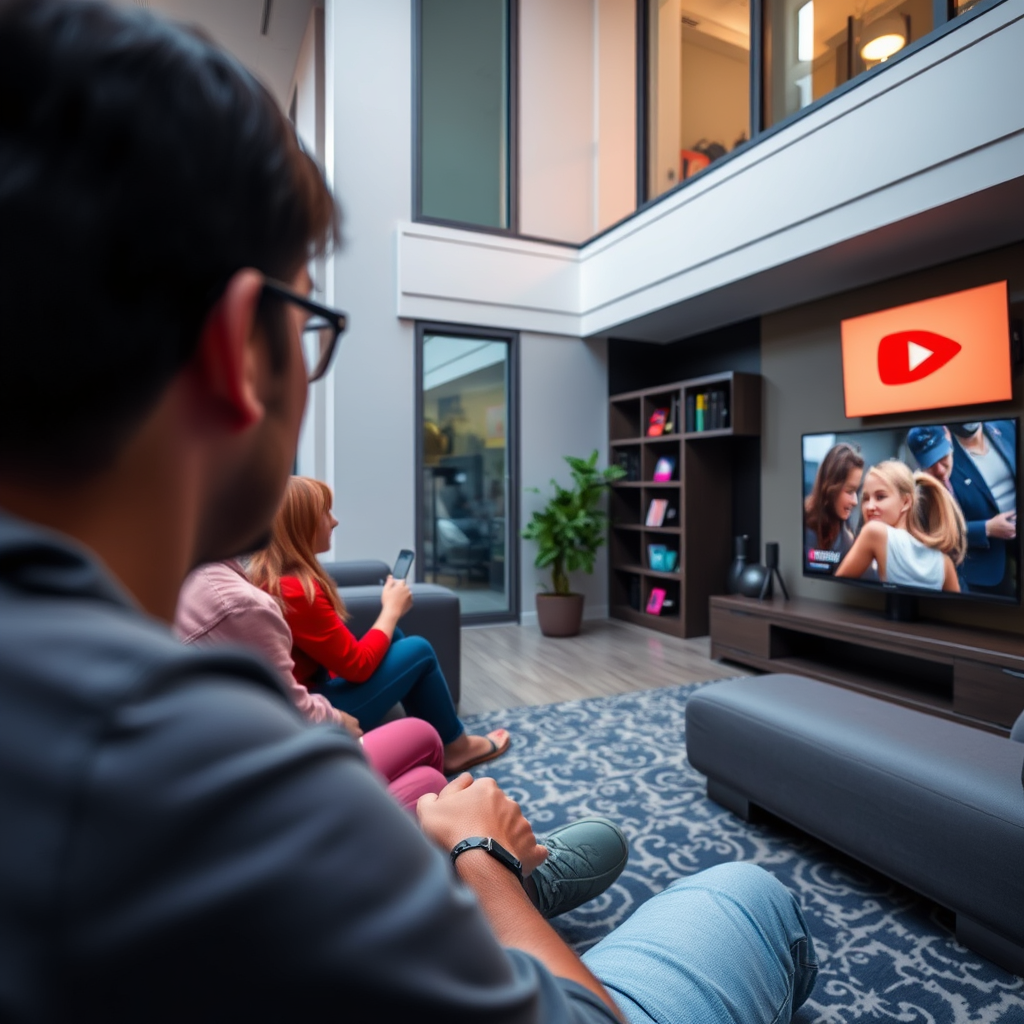
YouTube TV has made strides in creating a more user-friendly experience by allowing users to skip commercials on many channels and programs. This feature is highly valued by subscribers who prefer uninterrupted viewing. However, it’s essential to note that not all networks allow for fast forwarding through commercials due to licensing agreements. For example, some channels may enforce stricter rules regarding commercial breaks during live broadcasts or specific on-demand content, which can limit the flexibility for users wanting to skip ads.
Additionally, the ad experience on YouTube TV varies significantly between live broadcasts and recorded content. While many channels have adopted more user-friendly ad models, others still adhere to traditional commercial breaks that can disrupt the flow of your favorite shows. Understanding these nuances can help you navigate your viewing experience more effectively.
How to Fast Forward Through Commercials
To fast forward through commercials on YouTube TV, you can simply use the rewind and fast forward buttons available on your remote control or the app interface on your device. When a commercial break begins, you can immediately fast forward through the ads, but keep in mind that this feature is not universally available for all programs. For instance, some live events, such as sports games, may not allow for fast forwarding due to the nature of the broadcast and contractual obligations with advertisers.
To optimize your viewing experience, familiarize yourself with the specific shows and channels that support this feature. If you’re watching a series that often has lengthy commercial breaks, knowing which episodes allow for skipping can save you time and enhance your overall enjoyment.
Limitations of Fast Forwarding
While fast forwarding through commercials is a great feature, there are notable limitations to be aware of. Live TV events—such as sports, award shows, and breaking news—usually do not permit fast forwarding during commercial breaks. This is largely due to the real-time nature of these broadcasts and the agreements networks have with advertisers to maintain commercial breaks as scheduled.
Furthermore, on-demand content may have different rules, depending on the provider and the specific agreements in place. Some shows might allow for fast forwarding, while others may restrict this feature entirely. This inconsistency can sometimes lead to frustration if viewers are not aware of the rules surrounding specific programs.
Commercial Skipping Availability on YouTube TV (2024)
| # | Content Type | Fast Forward Available | Commercial Duration | Example Shows |
|---|---|---|---|---|
| 1 | Live Sports | No | 6-8 minutes | NFL Games |
| 2 | On-Demand Shows | Yes | 2-5 minutes | The Office |
| 3 | Recorded Content | Yes | 3-7 minutes | Breaking Bad |
| 4 | Premium Channels | Yes | 1-4 minutes | HBO Shows |
| 5 | Network Shows | Variable | 3-6 minutes | Grey’s Anatomy |
| 6 | Documentaries | Yes | 2-5 minutes | Planet Earth |
| 7 | Reality Shows | Yes | 4-6 minutes | Survivor |
The Role of DVR Functionality
One of the key features of YouTube TV is its cloud DVR functionality, which allows users to record shows and watch them later at their convenience. This feature significantly enhances the ability to skip commercials, as recorded content generally permits fast forwarding through ads. When you record a show, you can watch it on your schedule, and during playback, you can easily skip any commercial breaks that may have aired during the original broadcast.
Subscribers benefit from unlimited cloud DVR storage for recordings made on YouTube TV, providing flexibility for binge-watching series or catching up on missed episodes without the annoyance of advertisements. This is particularly advantageous for viewers who prefer to manage their viewing experience on their terms, making the DVR feature a valuable asset for users.
Tips for Managing Commercial Breaks
To manage commercial breaks effectively while watching YouTube TV, consider the following strategies:
1. Plan Your Viewing Schedule: Some programs are known for having fewer ads or shorter commercial breaks. Research and plan your viewing around these shows to minimize ad interruptions.
2. Utilize the “Watch Later” Feature: YouTube TV offers a “Watch Later” feature that allows you to queue up content for a more seamless viewing experience. This can help you avoid commercial breaks entirely by watching the shows later when ads have already been aired.
3. Take Advantage of the DVR: As mentioned earlier, recording shows allows for skipping commercials. Use this to your advantage by setting recordings for your favorite shows, so you can enjoy them without interruptions.
4. Explore Add-Ons: Some channels available on YouTube TV offer add-ons that can provide ad-free experiences for their specific programming. Investigate these options to see if they fit your viewing habits.
5. Stay Informed About Changes: Regularly check for updates regarding ad policies on specific channels or shows, as networks often change their guidelines, which can affect your ability to skip ads.
Alternatives to YouTube TV Commercials
If the presence of commercials on YouTube TV is a significant concern for your viewing experience, there are several alternatives to consider:
1. Subscription Services: Many streaming services like Netflix, Hulu (with an ad-free plan), and Disney+ offer ad-free viewing, allowing for uninterrupted access to their content libraries. These platforms typically have a monthly subscription fee but can be worth the investment for viewers who prioritize an ad-free experience.
2. Premium Cable Subscriptions: Certain premium cable services offer commercial-free viewing on specific channels. For example, HBO and Showtime provide original programming without commercials, making them appealing options for viewers who dislike ads.
3. Digital Antennas: For those who prefer live television without commercials, using a digital antenna can provide access to over-the-air broadcast channels, which often have fewer commercial interruptions compared to cable networks.
4. Ad-Free Options on YouTube: Upgrading to YouTube Premium provides an ad-free experience across all of YouTube, including YouTube TV, allowing subscribers to enjoy all content without commercial interruptions.
By exploring these alternatives, you can find a balance that suits your viewing preferences while minimizing exposure to advertisements.
You now have a clear understanding of how to fast forward through commercials on YouTube TV and the limitations that come with it. By utilizing the DVR functionality and planning your viewing habits, you can better manage your experience. If you’re looking for an ad-free experience, explore the alternatives available to enhance your entertainment options.
Frequently Asked Questions
Can you fast forward through commercials on YouTube TV?
Yes, you can fast forward through commercials on YouTube TV, but it depends on the content you are watching. For shows that are recorded via the cloud DVR feature, you can skip through ads once the show has been saved. However, for live broadcasts, you will not be able to fast forward during commercial breaks.
How do you skip commercials on YouTube TV?
To skip commercials on YouTube TV, you need to use the cloud DVR feature to record the show. Once the show is recorded, you can play it back and use the fast forward option to skip through the commercials. Keep in mind that this feature is only available for select shows and channels.
Why can’t I fast forward through commercials on some shows on YouTube TV?
The ability to fast forward through commercials on YouTube TV can be restricted due to licensing agreements with certain networks. Some live broadcasts and specific programming may have limitations that prevent users from skipping ads. Always check the recording options and features for the specific content you want to watch.
What is the best way to avoid commercials while watching YouTube TV?
The best way to avoid commercials on YouTube TV is to utilize the cloud DVR feature, which allows you to record shows and fast forward through ads. Additionally, subscribing to ad-free services or channels, if available, can enhance your viewing experience by reducing commercial interruptions.
Which channels on YouTube TV allow fast forwarding through commercials?
Channels that typically allow fast forwarding through commercials on YouTube TV are those that support the cloud DVR feature, such as major networks like NBC, ABC, and CBS. However, the ability to skip ads may vary by specific shows and events, so it’s advisable to check the recording settings for each program.
References
- https://www.wikiwand.com/en/YouTube_TV
https://www.wikiwand.com/en/YouTube_TV - https://www.reuters.com/article/us-youtube-tv-idUSKBN2A10Z
https://www.reuters.com/article/us-youtube-tv-idUSKBN2A10Z - https://www.bbc.com/news/technology-48716887
https://www.bbc.com/news/technology-48716887 - https://www.theguardian.com/technology/2020/jul/16/youtube-tv-broadcasting-ads
https://www.theguardian.com/technology/2020/jul/16/youtube-tv-broadcasting-ads - https://www.nytimes.com/2020/02/14/technology/youtube-tv.html
https://www.nytimes.com/2020/02/14/technology/youtube-tv.html - Google Scholar Google Scholar
https://scholar.google.com/scholar?q=YouTube+TV+commercials+fast+forward - Google Scholar Google Scholar
https://scholar.google.com/scholar?q=YouTube+TV+ad+experience - Google Scholar Google Scholar
https://scholar.google.com/scholar?q=streaming+services+commercials+YouTube+TV - https://www.sciencedirect.com/science/article/pii/S0747563218309771
https://www.sciencedirect.com/science/article/pii/S0747563218309771 - Google Scholar Google Scholar
https://scholar.google.com/scholar?q=can+you+fast+forward+thru+commercials+on+youtube+tv
