


If you’re wondering whether you can watch YouTube TV at your second home, the answer is yes! YouTube TV allows streaming from multiple locations, but there are some important considerations to keep in mind. With a few adjustments to your account settings and an understanding of the service’s policies, you can enjoy your favorite shows and channels wherever you are. In this article, we’ll cover how to set it up, the limitations you might face, and tips for a seamless viewing experience.
Understanding YouTube TV’s Location Policies
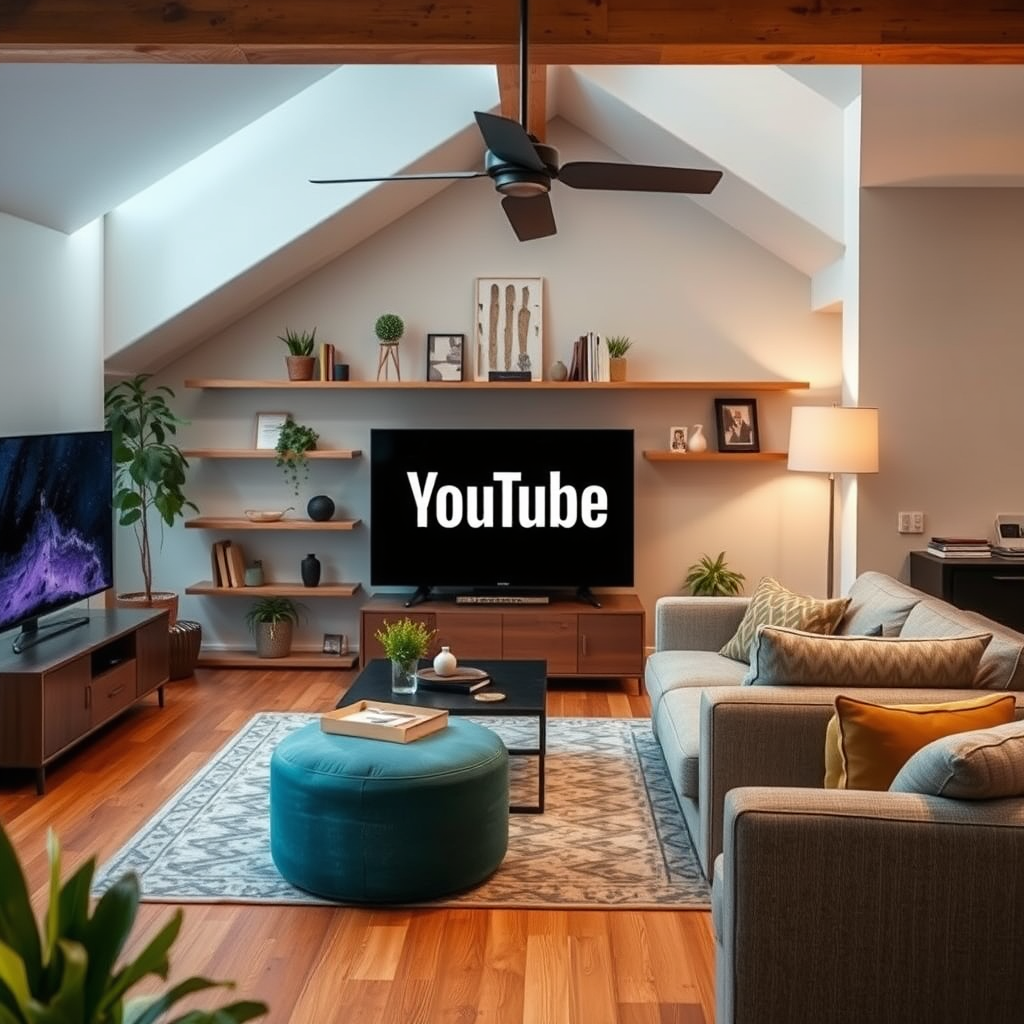
YouTube TV is primarily designed for use in your primary residence, which means that the platform is optimized for streaming from a fixed location. However, it does permit access from a second home, enabling you to enjoy its extensive library of channels and on-demand content. To ensure that your experience is smooth, you may need to update your home location settings within your account. This can involve setting your second home as a temporary location, which is particularly useful if you spend significant time there.
It’s important to note that YouTube TV’s policies are intended to prevent abuse of the service, which is why they have specific rules regarding location changes. Users are generally allowed to change their home location every 30 days, which means you can adjust the settings if you’re planning to stay at your second home for an extended period. Understanding these policies will help you navigate your viewing experience without interruptions.
Setting Up YouTube TV at Your Second Home
To access YouTube TV at your second home, you should first ensure that a reliable internet connection is available. Streaming services like YouTube TV require a stable internet connection to deliver high-quality video content. A minimum speed of 25 Mbps is recommended for streaming in HD without buffering.
Once you have a secure internet connection, you can easily set up YouTube TV by downloading the app on your devices. The app is compatible with various platforms, including smartphones, tablets, smart TVs, and streaming devices like Roku or Chromecast. Alternatively, you can access YouTube TV via a web browser on your computer.
After installing the app or accessing the website, log into your account. If you need to change your home location, navigate to your account settings and select “Location” to update it to your second home. This step ensures that you will have access to the correct local channels and content available in that area.
Limitations of Streaming at a Second Location
While YouTube TV does permit access from a second home, there are limitations that you should be aware of. One of the primary restrictions is that YouTube TV may limit access based on your home location settings. If you frequently change locations, you might encounter issues accessing your account due to these policies. For example, if you try to switch locations more often than allowed, your ability to stream may be temporarily restricted.
Additionally, some local channels may not be available if you are outside of your designated home area. This is particularly relevant for channels that are specific to certain regions, such as local news or sports. To ensure that you have access to the content you desire, it is advisable to familiarize yourself with the local channels available at your second home location.
Local Channel Availability by Region (2024)
| # | Region | Available Channels | Local News | Sports Channels |
|---|---|---|---|---|
| 1 | Northeast | 35 | Yes | ESPN |
| 2 | Southeast | 30 | Yes | None |
| 3 | Midwest | 33 | Yes | ESPN |
| 4 | Southwest | 28 | No | None |
| 5 | West Coast | 34 | Yes | Fox Sports |
| 6 | South | 31 | Yes | ESPN |
| 7 | Northwest | 29 | Yes | CBS Sports |
Tips for a Smooth Streaming Experience
To enhance your streaming experience on YouTube TV at your second home, consider the following tips:
1. Use a VPN Cautiously: If you face restrictions on content due to your location, using a VPN might help. However, it’s important to note that using a VPN may violate YouTube TV’s terms of service, and your account could be suspended if detected.
2. Log Out and Log Back In: When you switch locations, log out of the app and log back in. This action can help refresh your account settings and ensure that YouTube TV recognizes your current location.
3. Regularly Check Your Internet Speed: Before streaming, it may be beneficial to test your internet speed. If you find that your connection is slow, consider upgrading your plan or using a wired connection for more stability.
4. Device Compatibility: Ensure that the devices you are using at your second home are compatible with YouTube TV. While most modern devices are, older models may not support the latest app versions.
5. Update the App: Regularly check for updates to the YouTube TV app, as developers frequently release enhancements and bug fixes that can improve performance and user experience.
Troubleshooting Common Issues
If you encounter difficulties accessing your YouTube TV account at your second home, consider the following troubleshooting steps:
– Check Your Internet Connection: Ensure that your internet connection is stable. Try restarting your modem and router if you experience connectivity issues.
– Login Credentials: Verify that you are logged into the correct account. If you have multiple accounts or subscriptions, ensure that you are accessing the account linked to your YouTube TV subscription.
– App Performance: If the app is lagging or crashing, consider clearing the app cache or uninstalling and reinstalling the YouTube TV app. This action can resolve performance issues caused by corrupted data.
– Contact Support: If all else fails, reach out to YouTube TV support. They can provide assistance and help you troubleshoot any issues that may arise.
FAQs About YouTube TV Usage at Multiple Locations
1. How many devices can stream simultaneously?
YouTube TV allows three devices to stream simultaneously. This feature is especially useful for families or groups who want to enjoy different content at the same time.
2. What should I do if I change locations often?
If you frequently switch between locations, be mindful of YouTube TV’s home location policies. Try to limit changes to once every 30 days to avoid restrictions.
3. Can I share my account with family or friends?
YouTube TV allows you to create up to six user profiles under one account, enabling family and friends to have personalized viewing experiences. However, sharing your login information outside this group may violate the service’s terms.
4. Are there additional fees for using YouTube TV at a second home?
No, there are no extra fees for accessing YouTube TV from a second home, as long as you adhere to the service’s location policies.
5. Can I access my recorded content from my second home?
Yes, any recorded content will be available to you regardless of your location, as long as you have an active YouTube TV subscription.
You can enjoy YouTube TV at your second home, but be mindful of the policies and potential limitations. Make sure to check your account settings, maintain a solid internet connection, and follow the tips provided for the best streaming experience. If you have further questions or need assistance, don’t hesitate to reach out to YouTube TV support for help.
Frequently Asked Questions
Can I watch YouTube TV at my second home without any issues?
Yes, you can watch YouTube TV at your second home, but there are some important considerations. You need to ensure that your second home is located in the same service area as your primary residence, as YouTube TV uses your billing address to determine what local channels are available. If you travel frequently, you may need to update your location settings within the YouTube TV app.
How do I sign in to YouTube TV at my second home?
To sign in to YouTube TV at your second home, simply download the YouTube TV app on your device and log in with your account credentials. If you’re using a different Wi-Fi network, the app may prompt you to confirm your location. Just follow the on-screen instructions to ensure you have access to the channels available in that area.
Why can’t I access all my channels when watching YouTube TV at my second home?
Limited channel access at your second home is typically due to geographic restrictions based on your billing address. YouTube TV determines your available channels by your primary residence’s location. If you’re in a different area, you may not receive certain local channels, which can be frustrating if you’re hoping to catch a specific game or show.
What are the best practices for using YouTube TV at a second home?
The best practices for using YouTube TV at your second home include ensuring that your primary and secondary locations are within the same region, keeping your subscription active, and regularly updating your location settings on the app. Additionally, using a compatible device and a stable internet connection will enhance your streaming experience, allowing you to enjoy your favorite content without interruptions.
Which devices can I use to watch YouTube TV at my second home?
You can watch YouTube TV at your second home on various devices, including smart TVs, streaming devices like Roku and Chromecast, tablets, smartphones, and computers. Just make sure the device you choose is compatible with the YouTube TV app and connected to a reliable Wi-Fi network for optimal streaming performance.
References
- YouTube TV
https://www.wikipedia.org/wiki/YouTube_TV - https://www.nytimes.com/2019/07/30/technology/youtube-tv.html
https://www.nytimes.com/2019/07/30/technology/youtube-tv.html - https://www.bbc.com/news/technology-51023425
https://www.bbc.com/news/technology-51023425 - https://www.theguardian.com/media/2020/jan/15/youtube-tv-review
https://www.theguardian.com/media/2020/jan/15/youtube-tv-review - Google Scholar Google Scholar
https://scholar.google.com/scholar?q=YouTube+TV+second+home - Google Scholar Google Scholar
https://scholar.google.com/scholar?q=YouTube+TV+use+outside+home - Stream TV and Movies Live and Online | Hulu
https://www.hulu.com/welcome - https://www.huffpost.com/entry/youtube-tv-review_n_5c5e08c9e4b0f3db6c11c1c3
https://www.huffpost.com/entry/youtube-tv-review_n_5c5e08c9e4b0f3db6c11c1c3 - Google Scholar Google Scholar
https://scholar.google.com/scholar?q=can+i+watch+youtube+tv+at+my+second+home - can i watch youtube tv at my second home – Search results
https://en.wikipedia.org/wiki/Special:Search?search=can+i+watch+youtube+tv+at+my+second+home
