

Smart TVs are not just for watching traditional television; they are versatile devices that can significantly enhance your entertainment experience. By utilizing their various features, you can stream movies, browse the internet, play video games, and even control your smart home devices, all from the comfort of your living room. This article will delve into the wide array of functionalities offered by smart TVs, providing insights on how to maximize their potential.
Stream Your Favorite Content
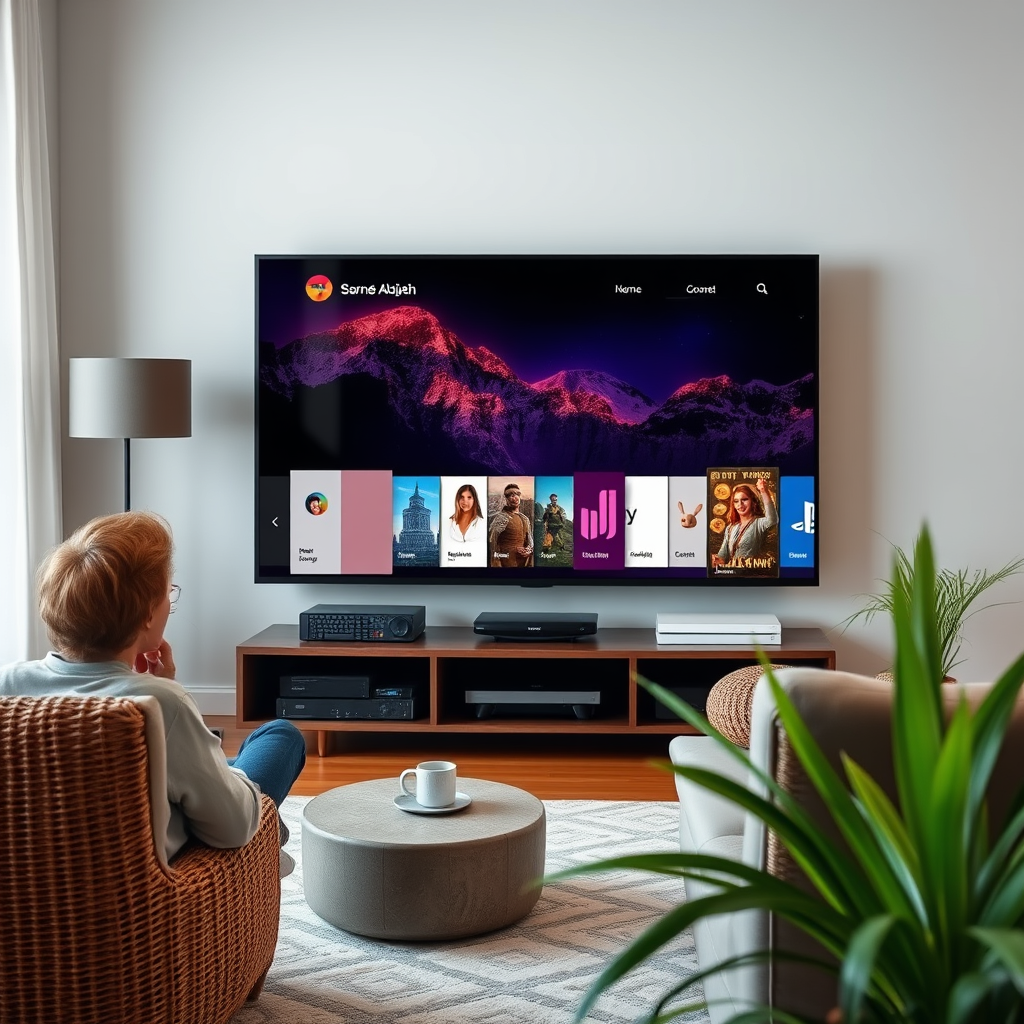
One of the most prominent features of smart TVs is their ability to stream content from a variety of services. You can access major streaming platforms like Netflix, Hulu, Disney+, and Amazon Prime Video directly from your TV without needing an additional device. This convenience allows for seamless viewing experiences, letting you dive into your favorite series or movies with just a few clicks.
Many smart TVs also offer personalized watchlists and recommendations based on your viewing habits. This means that the more you watch, the better your TV becomes at suggesting content you might enjoy. Features such as user profiles allow multiple family members to create their own personalized viewing environments, ensuring that everyone has access to their preferred shows and films.
Browse the Internet
Smart TVs come equipped with built-in web browsers, enabling you to browse the internet directly from your television. This feature transforms your TV into a more versatile device, allowing you to search for information, read articles, or even shop online while comfortably seated on your couch.
Using a smart TV for web browsing offers a larger screen experience, making it easier to view websites that may be difficult to read on smaller devices. Furthermore, many smart TVs are compatible with wireless keyboards and mice, enhancing usability for tasks like typing or navigating complex websites.
Play Games
Gaming on a smart TV can be an exhilarating experience. Many models allow you to download games directly from app stores, providing access to a wide range of titles, from casual games to more complex options.
Additionally, smart TVs can connect to gaming consoles or utilize cloud gaming services such as NVIDIA GeForce Now or Xbox Cloud Gaming. This integration enables you to access a broader library of games without the need for high-end gaming hardware, thereby making gaming more accessible.
Connect with Smart Home Devices
The integration of smart TVs with smart home devices is a significant advantage. You can synchronize your TV with devices such as smart lights, security cameras, and thermostats, allowing for seamless control and automation.
For example, you can set up routines where your lights dim and your TV turns on at a specific time, creating an immersive viewing experience. Voice commands through virtual assistants like Amazon Alexa or Google Assistant further simplify management, enabling you to control your smart home with just your voice.
Screen Mirroring and Casting
Screen mirroring and casting are features that allow you to display content from your smartphone or tablet directly on your smart TV. This functionality is ideal for presentations, sharing photos and videos with friends and family, or even displaying your mobile gaming sessions on a larger screen.
Many smart TVs support popular casting protocols like Chromecast and Apple AirPlay, making it easy to stream content from mobile apps directly to your TV. This capability enhances not just personal entertainment but also social interactions, as you can share your favorite videos or photos during gatherings.
Top 7 Smart TV Brands by Features (2024)
| # | Brand | Streaming Services | Gaming Support | Smart Home Integration |
|---|---|---|---|---|
| 1 | Samsung | Yes | Yes | Excellent |
| 2 | LG | Yes | Limited | Good |
| 3 | Sony | Yes | Yes | Excellent |
| 4 | TCL | Yes | Yes | Good |
| 5 | Vizio | Yes | Limited | Fair |
| 6 | Philips | Yes | Yes | Good |
| 7 | Sharp | Yes | Limited | Fair |
Customize Your Experience
The customization options on smart TVs are extensive, allowing you to tailor your viewing experience according to your preferences. You can personalize your home screen by arranging your favorite apps and channels for quicker access. This feature is particularly beneficial for users who have specific go-to services, as it minimizes the time spent navigating through multiple menus.
Furthermore, smart TVs often come with advanced settings that allow users to adjust picture and sound quality. You can select settings that enhance your viewing experience, whether you prefer a vivid, colorful display for movies or a more subdued tone for watching the news. Customization options extend to parental controls as well, enabling families to manage content accessibility based on age appropriateness.
Stay Updated with Apps
Smart TVs have become a hub for information, offering a variety of apps that keep you updated on current events. You can easily download news applications like BBC News, CNN, or other local news channels, which provide real-time updates directly on your TV screen.
In addition to news, weather apps can also be installed to keep you informed about local and global weather conditions. For those interested in educational content, many platforms offer documentaries and learning resources that can be accessed anytime, turning your entertainment device into an informative one.
Smart TVs are versatile devices that can vastly enhance your entertainment and informative experiences. By exploring the various features discussed, you can fully leverage your smart TV’s capabilities and enjoy a more integrated lifestyle. Consider diving deeper into each feature and personalize your usage to suit your needs, ensuring that your smart TV becomes a central component of your modern home entertainment system.
Frequently Asked Questions
What can I do with a smart TV besides watching traditional TV channels?
A smart TV allows you to stream content from popular platforms like Netflix, Hulu, and Amazon Prime Video, providing access to a vast library of movies and shows. Additionally, you can browse the internet, use apps for social media, and even play games, making it a versatile entertainment hub for any household.
How do I set up my smart TV for the best streaming experience?
To set up your smart TV for optimal streaming, ensure you have a stable internet connection, preferably via Ethernet for faster speeds. Download necessary apps from the TV’s app store, adjust your TV settings for picture quality, and consider investing in a soundbar for enhanced audio. Regularly update your apps and TV firmware to improve performance and access new features.
Why should I use my smart TV for gaming?
Using your smart TV for gaming can enhance your experience with larger screens, better graphics, and immersive sound. Many smart TVs support popular gaming consoles and have low input lag, making them ideal for competitive gaming. Additionally, some smart TVs offer cloud gaming services, allowing you to play without a console.
What are the best apps to download on my smart TV for entertainment?
The best apps for your smart TV typically include streaming services like Netflix, Hulu, Disney+, and YouTube for a variety of video content. Music streaming apps such as Spotify and Apple Music are also great choices. For news and sports, consider downloading apps like BBC News or ESPN, depending on your interests.
Which smart TV features should I look for when making a purchase?
When purchasing a smart TV, look for features like 4K resolution for better picture quality, HDR support for enhanced colors, and a user-friendly interface for easy navigation. Check for built-in voice assistants like Alexa or Google Assistant for additional convenience, and ensure it has a good selection of compatible apps to suit your entertainment needs.
References
- Smart TV
https://en.wikipedia.org/wiki/Smart_TV - https://www.bbc.com/news/technology-51480134
https://www.bbc.com/news/technology-51480134 - https://www.nytimes.com/2020/12/17/technology/smart-tv-privacy.html
https://www.nytimes.com/2020/12/17/technology/smart-tv-privacy.html - https://www.theguardian.com/technology/2020/jan/07/smart-tv-privacy-issues
https://www.theguardian.com/technology/2020/jan/07/smart-tv-privacy-issues - https://www.sciencedirect.com/topics/computer-science/smart-tv
https://www.sciencedirect.com/topics/computer-science/smart-tv - https://www.britannica.com/topic/smart-TV
https://www.britannica.com/topic/smart-TV - Google Scholar Google Scholar
https://scholar.google.com/scholar?q=what+can+i+do+with+a+smart+tv - Google Scholar Google Scholar
https://scholar.google.com/scholar?q=smart+TV+applications - Google Scholar Google Scholar
https://scholar.google.com/scholar?q=smart+TV+features - https://www.cdc.gov/healthyweight/healthy_eating/index.html
https://www.cdc.gov/healthyweight/healthy_eating/index.html
