
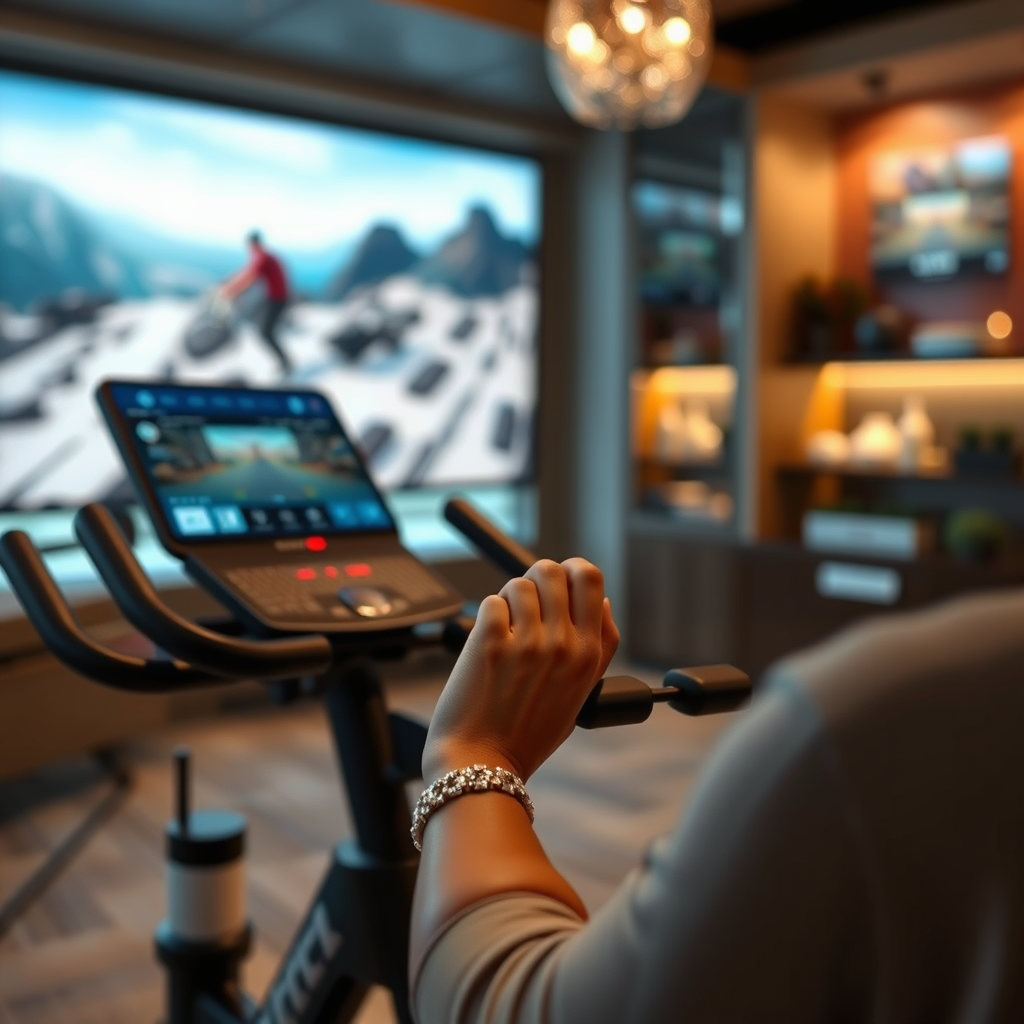

Watching TV on the Peloton Tread is indeed possible, albeit with some limitations. While the treadmill doesn’t natively support streaming apps, you can use various methods to enjoy your favorite shows while working out. This article will explore how to make the most of your Peloton Tread for entertainment during your workouts, enhancing both your exercise regimen and your viewing pleasure.
Understanding Peloton Tread Features
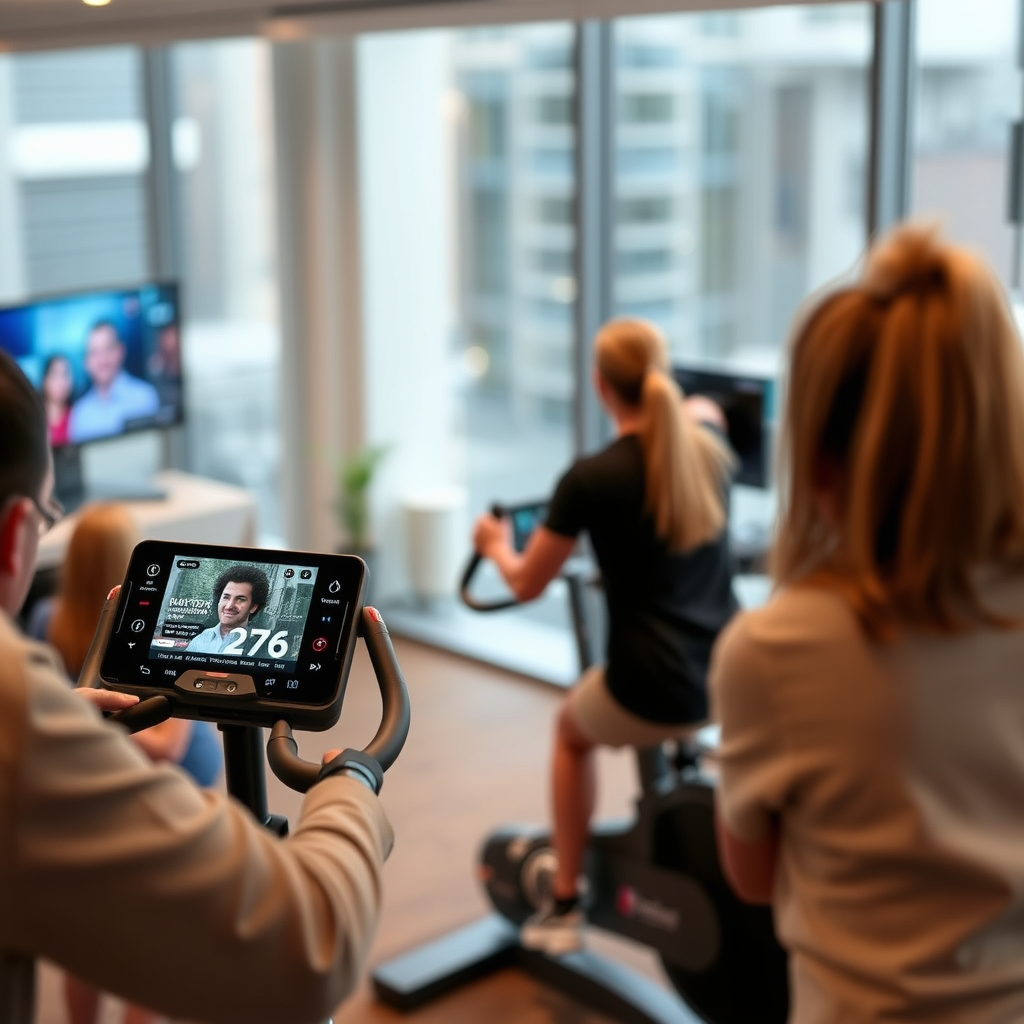
The Peloton Tread is primarily designed as a high-quality treadmill focused on fitness. It features a robust library of workout classes that range from running to strength training, ensuring that users remain engaged and motivated. One of the standout offerings is its large 23.8-inch touchscreen, which serves not only as a platform for fitness classes but also as a potential display for your entertainment needs. While the Tread emphasizes workout programs, its modern technological features can be leveraged for watching TV shows or movies, provided you utilize certain methods to bypass the lack of native streaming applications.
Streaming Options Available
While the Peloton Tread does not come with built-in support for streaming services like Netflix or Hulu, there are several effective alternatives that users can employ:
– Use Screen Mirroring: If you own a smartphone or tablet, you can connect it to the Tread via screen mirroring. This method allows you to display content from your device directly onto the treadmill’s screen. For iOS users, features like AirPlay can be utilized, while Android users may use Google Cast or similar mirroring applications.
– External Devices: Another option is to use external streaming devices such as Chromecast or Apple TV. By connecting these devices to the Tread’s HDMI port (if applicable), you can stream content directly from your favorite services. This setup can provide a seamless viewing experience, allowing you to enjoy your favorite shows while maintaining your workout routine.
Using the Peloton App
The Peloton app enhances your treadmill experience by offering a variety of engaging fitness classes. While these classes are primarily designed to keep you active, they can also provide entertainment during your workouts. The Peloton app includes music playlists, motivational talks, and instructor-led classes that can help you stay focused and entertained. Furthermore, as the app continues to expand its offerings, users may find new and innovative ways to combine fitness with entertainment.
Connecting to Other Devices
To improve your viewing experience significantly, consider connecting Bluetooth speakers or headphones to the Peloton Tread. This connection enhances audio quality for TV shows or movies, allowing for a more immersive experience. If you prefer a more traditional viewing setup, using a tablet or laptop on a secure stand in front of the treadmill can be an effective alternative. This option allows you to control your viewing more easily while still keeping an eye on your workout metrics.
Safety Considerations
While watching TV during your workout can be enjoyable, it’s essential to prioritize safety. Ensure that you are not overly distracted by the screen, as this could lead to accidents or injuries while using the treadmill. Keep your volume at a reasonable level to remain aware of your surroundings, and consider choosing programs that do not require intense visual focus, such as podcasts or audio-based shows, when increasing your speed.
Recommended Setup for Watching TV
For optimal viewing while using the Peloton Tread, here are some recommended setups:
– Positioning: Securely place a tablet or phone in front of you at eye level. This setup minimizes neck strain and allows you to maintain focus on both your workout and the screen.
– Adjusting Speed: Find a comfortable treadmill speed that allows you to focus on both your exercise and the content you are watching. A moderate pace is usually advisable, particularly if you are engaging with complex narratives or visuals.
Community Feedback and Tips
Joining Peloton forums or social media groups can be invaluable for discovering tips from users who have successfully integrated TV watching into their Tread sessions. Members often share personal experiences, recommended shows, and effective setups that ensure safety and enjoyment while exercising. Engaging with the community can provide insights that enhance your own workout and viewing routine.
Top Streaming Devices Compatible with Peloton Tread (2024)
| # | Device | Streaming Services | Price | Compatibility |
|---|---|---|---|---|
| 1 | Apple TV | Netflix, Hulu, Disney+ | $149 | iOS, Android |
| 2 | Chromecast | YouTube, HBO Max | $35 | iOS, Android |
| 3 | Roku Streaming Stick | Netflix, Hulu, Amazon Prime | $49 | All |
| 4 | Amazon Fire Stick | Disney+, Hulu, Prime Video | $39 | All |
| 5 | Nvidia Shield TV | Netflix, YouTube | $199 | All |
| 6 | Google Nest Hub | YouTube, Netflix | $99 | iOS, Android |
| 7 | Xbox Series X | Netflix, Hulu, Disney+ | $499 | All |
Watching TV on the Peloton Tread can enhance your workout experience if done safely and effectively. By utilizing screen mirroring, external devices, or the Peloton app, you can enjoy your favorite shows while staying active. For the best results, always prioritize safety and maintain a comfortable workout pace. If you’re ready to combine fitness with entertainment, give these tips a try on your next Peloton Tread session!
Frequently Asked Questions
Can you watch TV on the Peloton Tread while exercising?
Yes, you can watch TV on the Peloton Tread while exercising. The Tread offers a built-in touchscreen that allows you to access various apps, including streaming services. By using apps like Netflix or Hulu, you can enjoy your favorite shows or movies while running or walking, making your workout more enjoyable.
How do you set up streaming services on the Peloton Tread?
To set up streaming services on your Peloton Tread, first ensure your device is connected to Wi-Fi. Then, navigate to the apps section on the touchscreen, where you can download and log into your preferred streaming service. Once set up, you can seamlessly switch between workouts and entertainment.
Why can’t I find certain TV apps on the Peloton Tread?
The Peloton Tread has a limited selection of pre-installed apps, and not all TV streaming services are available. This limitation is primarily due to licensing agreements and compatibility issues. To watch content from unavailable apps, you can use screen mirroring from your mobile device if supported.
What are the best practices for watching TV on the Peloton Tread?
When watching TV on the Peloton Tread, it’s best to choose content that keeps you engaged but doesn’t distract you too much from your workout. Opt for shorter episodes or clips that allow for quick breaks to focus on your form. Additionally, ensure your device is charged and positioned for optimal viewing without compromising safety.
Which streaming platforms are compatible with the Peloton Tread?
The Peloton Tread is compatible with several popular streaming platforms such as Netflix, Hulu, and Amazon Prime Video. You can access these services directly through the Tread’s touchscreen, making it easy to enjoy your favorite shows while you exercise. Always check for the latest updates, as Peloton may add more compatible apps over time.
References
- https://www.washingtonpost.com/road-to-2024/2021/11/09/peloton-treadmill-features/
https://www.washingtonpost.com/road-to-2024/2021/11/09/peloton-treadmill-features/ - https://www.nytimes.com/2021/05/05/health/peloton-treadmill-injury.html
https://www.nytimes.com/2021/05/05/health/peloton-treadmill-injury.html - Peloton Interactive
https://en.wikipedia.org/wiki/Peloton_Interactive - https://www.bbc.com/news/technology-59200626
https://www.bbc.com/news/technology-59200626 - https://www.theguardian.com/technology/2021/may/05/peloton-treadmill-safety-recall
https://www.theguardian.com/technology/2021/may/05/peloton-treadmill-safety-recall - Google Scholar Google Scholar
https://scholar.google.com/scholar?q=Peloton+treadmill+TV+watching - Google Scholar Google Scholar
https://scholar.google.com/scholar?q=Peloton+Tread+features - Google Scholar Google Scholar
https://scholar.google.com/scholar?q=Peloton+fitness+technology - https://www.ncbi.nlm.nih.gov/pmc/articles/PMC6950637/
https://www.ncbi.nlm.nih.gov/pmc/articles/PMC6950637/ - Google Scholar Google Scholar
https://scholar.google.com/scholar?q=can+you+watch+tv+on+peloton+tread
