


Yes, you can easily cast Jackbox games to your TV using devices like Chromecast, Apple TV, or by connecting via HDMI. This guide will walk you through the steps to enhance your gaming experience, ensuring everyone can join in on the fun on a bigger screen. Whether you’re hosting a game night with friends or family, casting Jackbox games can transform a simple gathering into an interactive entertainment experience.
Understanding Jackbox Games
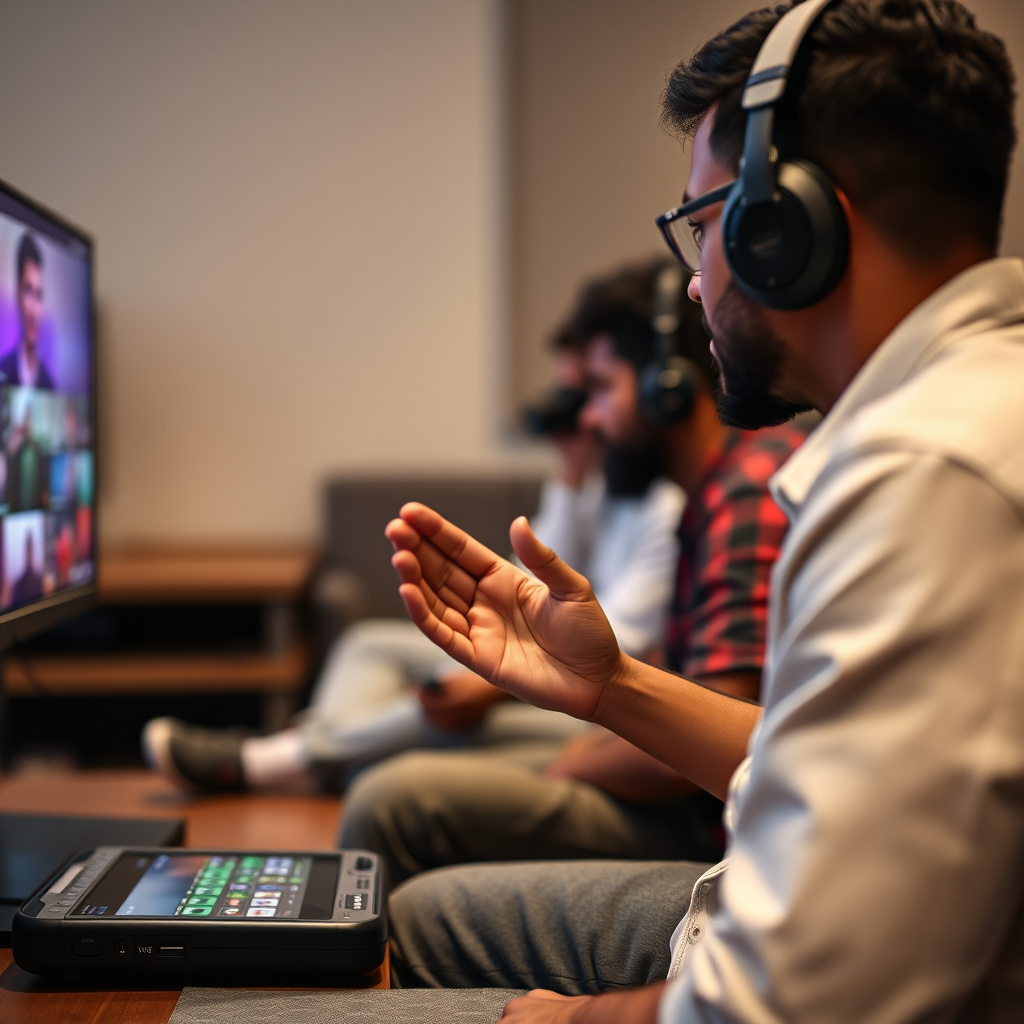
Jackbox Games is a renowned series of party video games designed primarily for multiplayer enjoyment, where players use their smartphones or tablets as controllers. Since their inception, these games have gained immense popularity due to their accessibility, humor, and creative gameplay, appealing to a wide range of audiences, from casual gamers to seasoned players. Each game pack typically includes multiple mini-games, encouraging laughter and competition in a relaxed atmosphere. Players join by entering a room code displayed on the TV screen, allowing for seamless participation without the need for additional controllers. This unique feature makes Jackbox Games perfect for gatherings, whether virtual or in-person.
Casting Options for Jackbox Games
When it comes to casting Jackbox games to your TV, several devices are compatible, each offering unique benefits:
– Chromecast: A popular choice due to its ease of use and compatibility with various apps, including the Jackbox Party Pack. Chromecast allows you to stream directly from your mobile device or computer to your TV, making it a convenient option for many users.
– Apple TV: For those in the Apple ecosystem, Apple TV enables smooth integration with iOS devices, allowing players to cast games using AirPlay. This is particularly beneficial for users who prioritize a seamless connection and high-quality playback.
– Fire TV Stick: Similar to Chromecast, the Fire TV Stick supports screen mirroring and is a budget-friendly option for those looking to enhance their gaming experience without a significant investment.
– HDMI Connection: If you prefer a wired connection, using an HDMI cable to connect your computer or gaming console directly to the TV is a reliable method. This option often provides the best video and audio quality, minimizing lag and ensuring a stable connection.
Each casting method has its benefits, allowing you to choose the one that best fits your preferences and setup.
Step-by-Step Guide to Casting with Chromecast
To cast Jackbox games using Chromecast, follow these detailed steps:
1. Set Up Chromecast: Ensure your Chromecast is connected to your TV and on the same Wi-Fi network as your mobile device or computer.
2. Open the Jackbox Game: Start the Jackbox game on your mobile device or computer.
3. Cast Screen: Open the Google Home app (for mobile) or use the Chrome browser (for computer). Tap on the “Cast” option and select your Chromecast device.
4. Select the Display: Choose the screen you want to cast. If using a mobile device, select “Cast Screen” to mirror your device’s display.
5. Launch the Game: Once connected, start the Jackbox game. The game screen will display on your TV, while players can join using their devices.
Tips for a Smooth Connection:
– Ensure your Wi-Fi signal is strong to minimize lag.
– Close any unnecessary apps running in the background.
– If possible, connect your mobile device to the 5GHz Wi-Fi band for better performance.
Connecting Jackbox to Your TV via HDMI
Connecting Jackbox games directly to your TV via HDMI is straightforward and often results in the best performance. Here’s how to do it:
1. Identify Your Device: This method works for PCs, gaming consoles, or laptops with HDMI outputs.
2. Connect via HDMI: Use an HDMI cable to connect your device to an available HDMI port on your TV.
3. Select the Input Source: Turn on your TV and select the appropriate HDMI input source.
4. Adjust Display Settings: On your computer or console, adjust the display settings to ensure optimal resolution and aspect ratio. Most devices automatically detect the TV and adjust accordingly, but it’s good to double-check.
This wired method is excellent for minimizing latency, ensuring that the gameplay is smooth and responsive, which is crucial for real-time party games.
Troubleshooting Common Issues
While casting Jackbox games is generally seamless, users may encounter some common issues. Here are solutions to troubleshoot these problems:
– Lag or Delay: Check your Wi-Fi connection. A weak signal can lead to lag. Try moving your router closer or using a wired connection if possible.
– Connection Drops: Ensure all devices are updated with the latest software. Restarting your router and devices can also help reset the connection.
– Audio Issues: If audio is out of sync, try disconnecting and reconnecting the casting device. Additionally, check your TV’s audio settings to ensure they are set correctly.
– Difficulty Joining Games: Ensure players are using the correct room code. Double-check that the Jackbox game is running and the code is displayed on the TV.
By addressing these common issues, you can ensure a more enjoyable gaming experience.
Enhancing Your Jackbox Game Night
To elevate your Jackbox game night, consider the following accessories and ideas:
– Microphones: Investing in external microphones can enhance audio clarity, making it easier for players to communicate and enjoy the experience.
– Extra Controllers: Depending on the game, some packs may support additional input devices. Having extra controllers can facilitate smoother gameplay.
– Themed Snacks: Create a menu that aligns with the theme of the game night. Fun finger foods, themed cocktails, or even homemade Jackbox-inspired treats can add excitement.
– Decorations: Set the mood with relevant decorations or props that tie into the games you are playing. This can create a more immersive experience for your guests.
These small additions can significantly enhance the atmosphere, making your game night memorable.
Alternatives to Casting Jackbox Games
If casting isn’t an option, there are alternative ways to enjoy Jackbox games:
– Local Multiplayer: If you have a gaming console, you can play Jackbox games directly on the console with multiple players using their devices as controllers, eliminating the need for casting.
– Online Play: Jackbox games also support online play, allowing players to join from anywhere. This is particularly useful for virtual gatherings, where friends can connect remotely.
– Other Party Games: Explore alternatives like “Among Us,” “Kahoot!,” or “Trivia Murder Party,” which offer similar interactive gameplay and are suitable for group settings.
These alternatives provide additional ways to enjoy party gaming, whether in-person or virtually.
With these steps and considerations, you can effortlessly cast Jackbox games to your TV, ensuring a fun and engaging experience for all players. Don’t hesitate to try out different methods and find what works best for your setup! Whether you’re hosting a game night or looking for a new way to connect with friends, Jackbox is a fantastic choice.
Top 7 Casting Devices for Jackbox Games (2024)
| # | Device | Compatibility | Setup Ease | Quality |
|---|---|---|---|---|
| 1 | Chromecast | Android, iOS | Easy | High |
| 2 | Apple TV | iOS, Mac | Very Easy | High |
| 3 | Fire TV Stick | Android, iOS | Easy | Moderate |
| 4 | Roku | Android, iOS | Easy | Moderate |
| 5 | HDMI Connection | PC, Console | Very Easy | Very High |
| 6 | Android TV | Android | Easy | High |
| 7 | Smart TVs | Various | Easy | Very High |
Frequently Asked Questions
How can I cast Jackbox games to my TV?
To cast Jackbox games to your TV, you can use a streaming device like Chromecast or a smart TV that supports screen mirroring. First, ensure your device and TV are on the same Wi-Fi network. Open the Jackbox game on your device, then use the cast feature available in the app or your device’s screen mirroring option to display the game on your TV.
What devices can I use to cast Jackbox games to my TV?
You can cast Jackbox games to your TV using devices such as Chromecast, Roku, Fire TV Stick, or any smart TV that supports screen mirroring. Additionally, gaming consoles like PlayStation and Xbox can also play Jackbox games directly on your TV without the need for casting.
Why is my Jackbox game not casting to my TV?
If your Jackbox game is not casting to your TV, check to ensure both your casting device and TV are connected to the same Wi-Fi network. Additionally, verify that your casting device is compatible with the Jackbox app and that you have the latest version of both the app and your device’s software.
What is the best method for casting Jackbox games to a non-smart TV?
The best method for casting Jackbox games to a non-smart TV is to use a streaming device like Chromecast or an HDMI cable connected to a laptop. With Chromecast, you can easily mirror your device’s screen to the TV, while an HDMI connection allows you to play the game directly from your computer to your TV.
Which Jackbox Party Pack is the most fun to play when casting to a TV?
While all Jackbox Party Packs offer unique games, many players find Jackbox Party Pack 3 to be the most fun when casting to a TV due to its variety of engaging and interactive games like “Quiplash 2” and “Trivia Murder Party.” These games are particularly enjoyable in a group setting and enhance the experience when displayed on a larger screen.
References
- The Jackbox Party Pack
https://en.wikipedia.org/wiki/Jackbox_Party_Pack - Google Scholar Google Scholar
https://scholar.google.com/scholar?q=Jackbox+casting+to+TV - Google Scholar Google Scholar
https://scholar.google.com/scholar?q=Jackbox+Party+Pack+screen+sharing - https://www.bbc.com/news/technology-57110147
https://www.bbc.com/news/technology-57110147 - https://www.theguardian.com/games/2020/apr/08/jackbox-games-party-pack-online-play
https://www.theguardian.com/games/2020/apr/08/jackbox-games-party-pack-online-play - https://www.nytimes.com/2020/12/04/style/jackbox-games.html
https://www.nytimes.com/2020/12/04/style/jackbox-games.html - https://www.sciencedirect.com/topics/computer-science/jackbox
https://www.sciencedirect.com/topics/computer-science/jackbox - https://www.reuters.com/technology/jackbox-games-2020-04-08/
https://www.reuters.com/technology/jackbox-games-2020-04-08/ - Google Scholar Google Scholar
https://scholar.google.com/scholar?q=can+you+cast+jackbox+to+tv - https://en.wikipedia.org/wiki/Special:Search?search=can+you+cast+jackbox+to+tv
https://en.wikipedia.org/wiki/Special:Search?search=can+you+cast+jackbox+to+tv
