


If you’re struggling to find the ESPN app on your Samsung TV, you’re not alone. Many users face this issue, but there are several effective ways to locate and access the app. In this article, we’ll guide you through the steps to find the ESPN app and ensure you can enjoy your favorite sports content without hassle. From navigating the Smart Hub to updating your software, we’ll cover all the essential methods to help you get back to watching your favorite games.
Check the Samsung Smart Hub
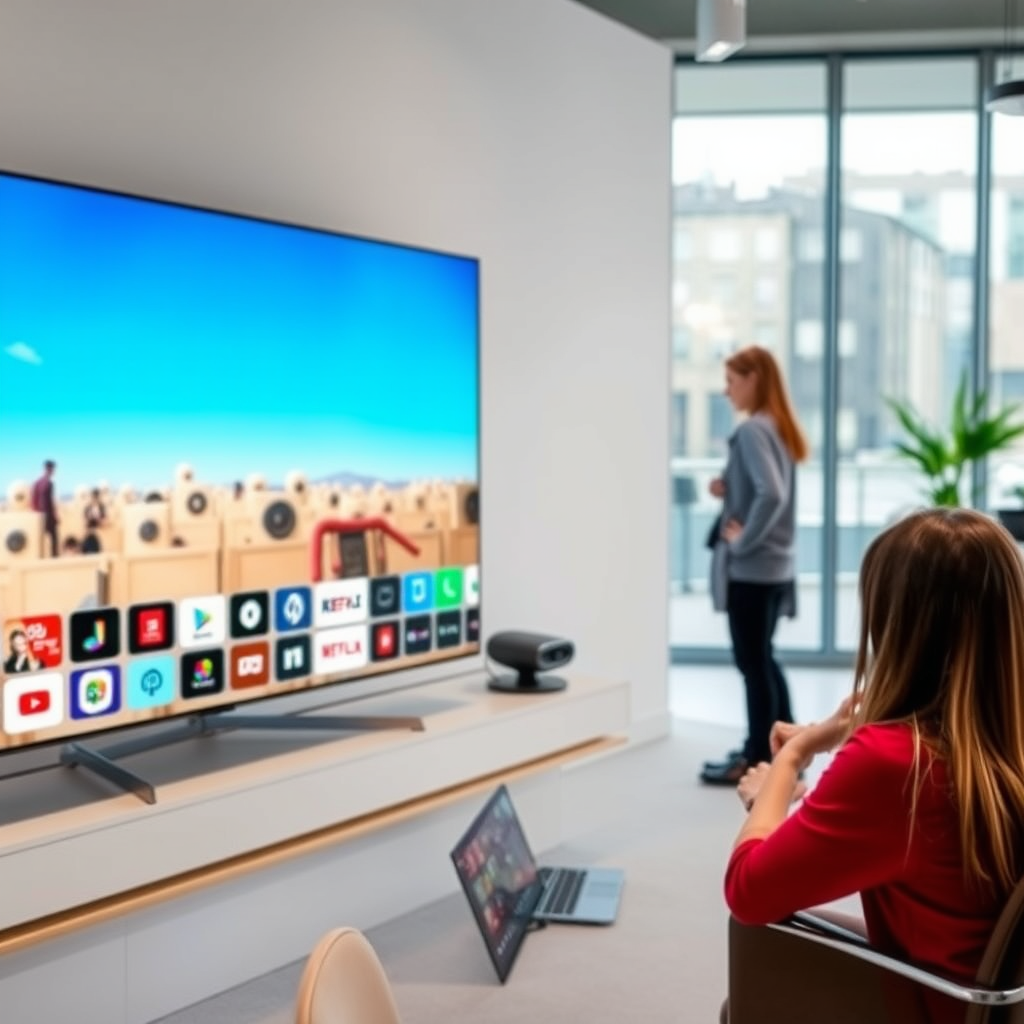
The Samsung Smart Hub is your primary interface for accessing apps and content on your Samsung TV. To check for the ESPN app, start by pressing the Home button on your remote control. This action will take you to the Smart Hub interface. Once there, you can either scroll through the app section to find the ESPN app icon or utilize the search function for a quicker result. Simply select the search option, type “ESPN,” and see if it appears in the results. If found, you can launch the app directly from this interface.
Update Your Samsung TV Software
Keeping your Samsung TV’s software up to date is crucial for optimal performance and app visibility. Outdated software can lead to missing features or apps. To check for updates, navigate to Settings > Support > Software Update. Here, you’ll be able to view your current software version and check for any available updates. If an update is present, follow the prompts to download and install it. A refreshed software version may restore the ESPN app’s visibility or improve overall functionality.
Download the ESPN App
If the ESPN app isn’t pre-installed on your Samsung TV, you can easily download it from the Samsung Apps store. After accessing the Smart Hub, go to the Apps section. Use the search feature to locate the ESPN app. Once you find it, select the app and initiate the download. The installation process is straightforward, and after completion, the app will be accessible directly from your Smart Hub. Ensure you have a stable internet connection during this process for a seamless download experience.
Check Your Region Settings
The availability of the ESPN app can vary based on your geographical location. If you’re unable to locate the app, it may be worth checking your TV’s region settings. To verify your settings, navigate to Settings > General > Location. Ensure that your TV reflects your correct location. If your settings are incorrect, adjust them accordingly and restart your TV. This step may resolve any regional restrictions that could be preventing the app from appearing.
Reset Smart Hub
If you’re still unable to find the ESPN app after attempting the previous methods, resetting the Smart Hub may be worth considering. This action can fix various glitches that may be hindering app access. To reset the Smart Hub, go to Settings > Support > Self Diagnosis > Reset Smart Hub. Keep in mind that this action will remove all installed apps and settings, so you will need to reinstall any apps you wish to keep, including ESPN. After the reset, revisit the Apps section to see if the ESPN app is now available for download.
Contact Samsung Support
If all else fails, reaching out to Samsung’s customer support can provide you with tailored assistance. The support team can help troubleshoot the issue and guide you on how to access the app. They may offer solutions specific to your model or firmware version that can resolve the problem. Additionally, you can visit Samsung’s official website, where you’ll find resources like forums and FAQs that could help address your concerns.
Explore Alternative Streaming Options
If you still can’t find the ESPN app, consider using alternative streaming services that offer ESPN content, such as Hulu or YouTube TV. These platforms provide access to live sports, including ESPN programming, and may be compatible with your Samsung TV. Be sure to check their subscription options and whether they require additional hardware or applications. This approach allows you to enjoy ESPN content even if the app itself remains elusive on your device.
Availability of ESPN in Different Regions (2024)
| # | Region | ESPN Availability | Subscription Required | Average Monthly Cost |
|---|---|---|---|---|
| 1 | United States | Available | Yes | $6.99 |
| 2 | Canada | Available | Yes | $9.99 |
| 3 | United Kingdom | Limited | Yes | $12.99 |
| 4 | Australia | Not Available | N/A | N/A |
| 5 | Germany | Limited | Yes | $10.99 |
| 6 | Japan | Not Available | N/A | N/A |
| 7 | India | Limited | Yes | $9.99 |
Finding the ESPN app on your Samsung TV can be straightforward if you follow these steps. By checking the Smart Hub, ensuring your software is up to date, and considering alternative options, you can easily get back to enjoying your favorite sports. If you continue to experience issues, don’t hesitate to seek help from Samsung support or explore other streaming solutions. With a little persistence and the right approach, you can seamlessly access all the sports content you love.
Frequently Asked Questions
Why can’t I find the ESPN app on my Samsung TV?
The ESPN app may not be available on your Samsung TV due to compatibility issues or if your TV model is outdated. Additionally, the app might not be pre-installed, or it could have been removed from the Samsung Smart Hub. Checking for software updates and ensuring your TV is connected to the internet can help resolve this issue.
How do I download the ESPN app on my Samsung Smart TV?
To download the ESPN app on your Samsung Smart TV, navigate to the Smart Hub and select the Apps section. Use the search function to find “ESPN” and select it. If the app is available for your model, click “Install” to download it directly to your TV.
What should I do if the ESPN app is not showing in the app store on my Samsung TV?
If the ESPN app is not appearing in the app store, ensure your TV model is compatible with the app, as some older models may not support it. You can also try resetting your Smart Hub by going to Settings > Support > Self Diagnosis > Reset Smart Hub, and then check the app store again.
Which Samsung TV models support the ESPN app?
The ESPN app is generally supported on Samsung Smart TVs released from 2016 onward. For the best experience, it’s recommended to have a TV running on the Tizen OS version 2.4 or later, as these models tend to have the latest app updates and features.
How can I stream ESPN if the app is unavailable on my Samsung TV?
If the ESPN app is unavailable, you can still stream ESPN content using alternative methods. Consider using streaming devices like Roku, Amazon Fire Stick, or Chromecast, which support the ESPN app. Alternatively, you can cast from a mobile device or computer to your TV using screen mirroring features, provided your Samsung TV supports this function.
References
- ESPN
https://en.wikipedia.org/wiki/ESPN - https://support.espn.com/hc/en-us/articles/360015218571-How-to-Download-the-ESPN-App-on-Samsung-TVs
https://support.espn.com/hc/en-us/articles/360015218571-How-to-Download-the-ESPN-App-on-Samsung-TVs - https://www.bbc.com/news/technology-51104590
https://www.bbc.com/news/technology-51104590 - https://www.theguardian.com/media/2020/jun/02/espn-samsung-app-launch
https://www.theguardian.com/media/2020/jun/02/espn-samsung-app-launch - Google Scholar Google Scholar
https://scholar.google.com/scholar?q=ESPN+app+Samsung+TV - Google Scholar Google Scholar
https://scholar.google.com/scholar?q=how+to+find+apps+on+Samsung+TV - Google Scholar Google Scholar
https://scholar.google.com/scholar?q=Samsung+Smart+TV+apps+troubleshooting - Google Scholar Google Scholar
https://scholar.google.com/scholar?q=can’t+find+espn+app+on+samsung+tv - can’t find espn app on samsung tv – Search results
https://en.wikipedia.org/wiki/Special:Search?search=can’t+find+espn+app+on+samsung+tv - https://www.ncbi.nlm.nih.gov/search/research-articles/?term=can’t+find+espn+app+on+samsung+tv
https://www.ncbi.nlm.nih.gov/search/research-articles/?term=can’t+find+espn+app+on+samsung+tv

[…] apps on your Samsung Smart TV is easiest when you use the Samsung Smart Hub and download from the built-in Apps store—this is the fastest, most reliable method. This guide […]
[…] usually find the ESPN app directly in your TV’s app store, and that’s the quickest route to live ESPN streaming. If ESPN […]
[…] to know how do you add apps to a Samsung Smart TV? The quickest path is through the Samsung Smart Hub app store: sign in, open Apps, search for your app, and install it in minutes. If you can’t find […]
[…] Hub on a Samsung TV usually takes just a few minutes: go to Settings > Support > Self Diagnosis > Reset Smart Hub, confirm, then let the TV restart. This clears common Smart Hub cache/network glitches and […]
[…] specifically for options like “Reset Smart Hub,” “Reset Connection,” or “Reset remote/connection.” Confirm the prompt and allow the TV […]