

If your television allows you to stream content from platforms like Netflix or Hulu, browse the internet, or download apps, then you likely have a smart TV. Smart TVs have become increasingly popular due to their versatility and the convenience they offer in accessing a wide array of entertainment options. In this article, we will guide you through various features and characteristics that can help you identify whether your TV is a smart model or not.
Check for Built-in Apps
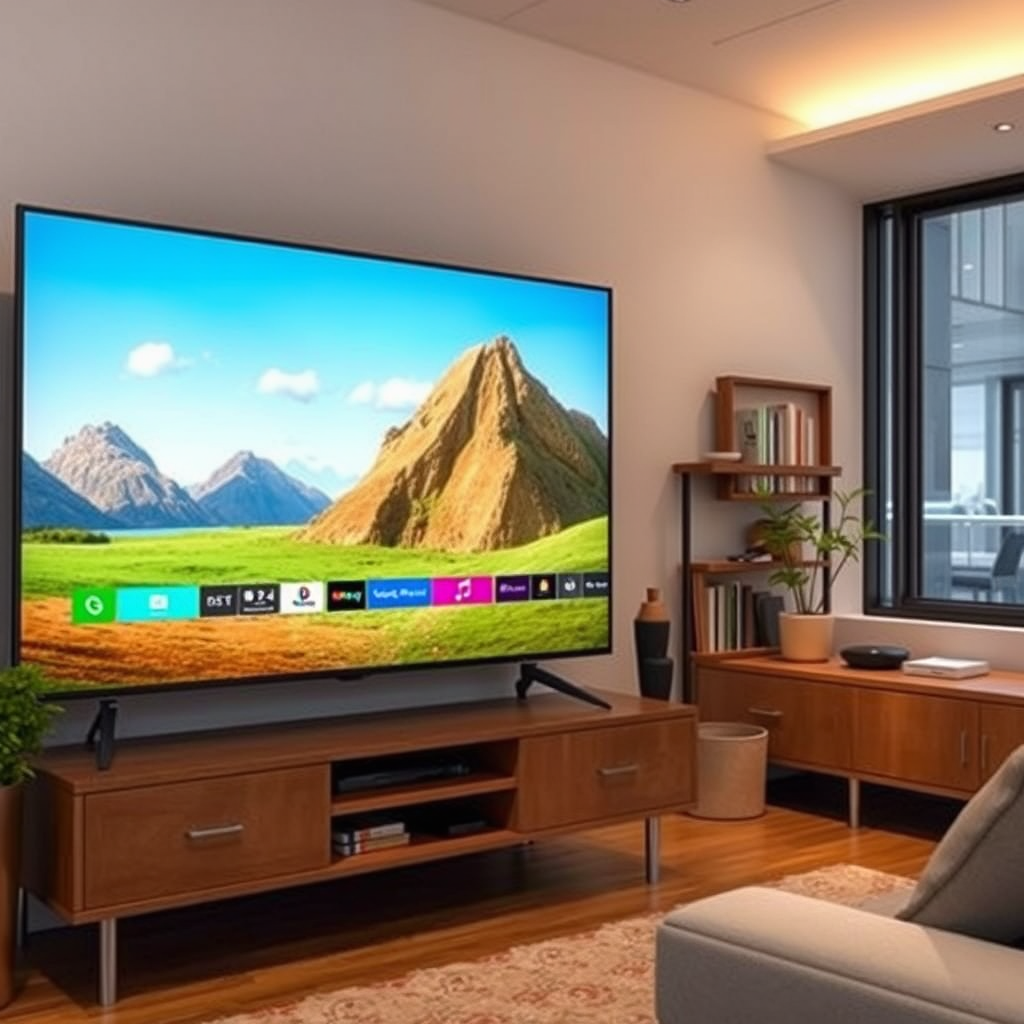
One of the most straightforward ways to determine if your TV is smart is to check for built-in applications. Smart TVs typically come with pre-installed apps for popular streaming services such as Netflix, Hulu, Amazon Prime Video, and YouTube. Additionally, many smart TVs include social media applications, music services like Spotify, and even web browsers that allow for direct internet access.
If you can access an app store on your TV, it is almost certainly a smart TV. This feature enables you to download additional applications, enhancing your viewing experience. In contrast, traditional TVs lack this capability and are limited to standard cable or satellite channels.
Examine the Remote Control
The design and functionality of the remote control can also indicate whether your television is a smart model. Smart TV remotes often feature dedicated buttons for popular streaming services, making it easy to navigate directly to your favorite content. For example, you might find buttons for Netflix, Hulu, or Disney+.
In some cases, smart TV remotes come equipped with advanced features such as voice control, allowing you to search for content or control your TV using voice commands. Touchpads or motion-sensing capabilities are also common in smart TV remotes, further indicating that your television is designed to accommodate modern digital functionalities.
Look for Internet Connectivity Options
Another critical feature that distinguishes smart TVs from traditional models is their internet connectivity options. Check if your television has an Ethernet port or Wi-Fi settings available in the menu. Smart TVs require an internet connection to access their various features, including streaming services and app downloads.
To verify this, navigate to the settings menu on your TV. If you see an option for network settings, it is a strong indicator that your TV can connect to the internet. Conversely, traditional televisions will typically only have basic input options, such as HDMI or AV.
Top Smart TV Features (2024)
| # | Feature | Availability | Functionality |
|---|---|---|---|
| 1 | Streaming Apps | Yes | High |
| 2 | Voice Control | Yes | Medium |
| 3 | Internet Browsing | Yes | Medium |
| 4 | App Store | Yes | High |
| 5 | Screen Mirroring | Yes | High |
| 6 | Smart Home Integration | Yes | High |
| 7 | Software Updates | Yes | High |
Access the TV Settings Menu
To further investigate whether your TV is smart, navigate to the settings menu. A smart TV will typically have options related to network settings, software updates, and app management. These sections are crucial for managing the functionality of a smart TV, as they allow users to connect to the internet, update software for better performance, and manage installed applications.
If you find these features, you can be confident that your television is likely a smart model. In contrast, a traditional TV generally has limited settings, focusing mainly on picture and sound adjustments without much else.
Identify Smart Features
Consider any additional smart features your TV may support. Many smart TVs now incorporate voice assistants such as Amazon Alexa or Google Assistant, allowing you to control your TV with simple voice commands. This feature can significantly enhance your viewing experience by making it easier to find content and adjust settings without needing to use the remote.
Furthermore, smart TVs often support screen mirroring, enabling users to cast content from smartphones or tablets directly onto the TV screen. This capability is particularly useful for viewing photos, videos, or even presentations on a larger display. If your TV includes these features, it is a strong indication that it is a smart model.
Check the Model Number
If you’re still uncertain about whether your TV is smart, consider checking the model number. You can usually find this information on the back of the TV or in the user manual. Once you have the model number, you can conduct a quick online search to verify whether it is classified as a smart TV.
Manufacturer websites, product listings, or online reviews are excellent resources for this information. This step can provide definitive answers and help clarify any lingering doubts regarding your TV’s capabilities.
Review the User Manual
Finally, the user manual is a valuable resource for determining if your television is smart. The manual typically outlines the features and capabilities of your TV, including whether it is classified as a smart model. If you no longer have the physical manual, you can often find a digital copy on the manufacturer’s website by searching for your TV model.
Reviewing the user manual can provide insights into the specific functionalities of your TV, ensuring you take full advantage of its capabilities.
By following these steps, you can confidently determine if you own a smart TV. Whether you’re checking for built-in apps, internet connectivity, or smart features, each point will help clarify your TV’s capabilities.
If you discover that you do have a smart TV, take the time to explore its features and settings to maximize your viewing experience. With the right knowledge, you can unlock a world of entertainment options and enjoy everything your smart TV has to offer.
Frequently Asked Questions
How can I determine if my television is a smart TV?
To determine if your television is a smart TV, check for built-in internet connectivity features. Look for apps like Netflix, Hulu, or YouTube directly on the TV interface. Additionally, if your TV has a dedicated app store or options to connect to Wi-Fi, it is likely a smart TV.
What features distinguish a smart TV from a regular TV?
Smart TVs typically come with features such as internet browsing, access to streaming services, and voice control capabilities. They also support various apps and allow for software updates to enhance functionality. In contrast, regular TVs usually only display broadcast content and lack these interactive features.
Why is it important to know if I have a smart TV?
Knowing whether you have a smart TV is important because it affects your viewing options and how you can access content. Smart TVs offer streaming services, internet browsing, and app availability, which can enhance your entertainment experience. Without this knowledge, you might miss out on valuable features that could improve your enjoyment of television.
Which brands are known for producing high-quality smart TVs?
Brands like Samsung, LG, Sony, and TCL are well-known for producing high-quality smart TVs. These manufacturers offer a variety of models with advanced features, superior picture quality, and user-friendly interfaces. Researching reviews and specifications can help you choose the best smart TV that meets your needs.
How can I upgrade my regular TV to a smart TV?
You can upgrade your regular TV to a smart TV by using streaming devices like Roku, Amazon Fire Stick, or Google Chromecast. These devices plug into your TV’s HDMI port and provide access to a wide range of streaming services and apps. Alternatively, consider using a smart Blu-ray player or a game console that includes smart features to achieve similar functionality.
References
- Smart TV
https://en.wikipedia.org/wiki/Smart_TV - https://www.lifewire.com/how-to-know-if-your-tv-is-smart-5075690
https://www.lifewire.com/how-to-know-if-your-tv-is-smart-5075690 - https://www.bbc.com/news/technology-56916340
https://www.bbc.com/news/technology-56916340 - Google Scholar Google Scholar
https://scholar.google.com/scholar?q=how+to+tell+if+you+have+a+smart+tv - Google Scholar Google Scholar
https://scholar.google.com/scholar?q=smart+tv+identification - Google Scholar Google Scholar
https://scholar.google.com/scholar?q=features+of+smart+tv - how to tell if you have a smart tv – Search results
https://en.wikipedia.org/wiki/Special:Search?search=how+to+tell+if+you+have+a+smart+tv - https://www.ncbi.nlm.nih.gov/search/research-articles/?term=how+to+tell+if+you+have+a+smart+tv
https://www.ncbi.nlm.nih.gov/search/research-articles/?term=how+to+tell+if+you+have+a+smart+tv
