

Smart TVs provide a plethora of functionalities that extend well beyond conventional television viewing. You can stream your favorite shows and movies, browse the internet, engage in gaming, and control your smart home devices—all from one central hub. This article will delve into the various activities you can enjoy on your smart TV, equipping you with the knowledge to maximize the potential of this versatile device.
Streaming Movies and TV Shows
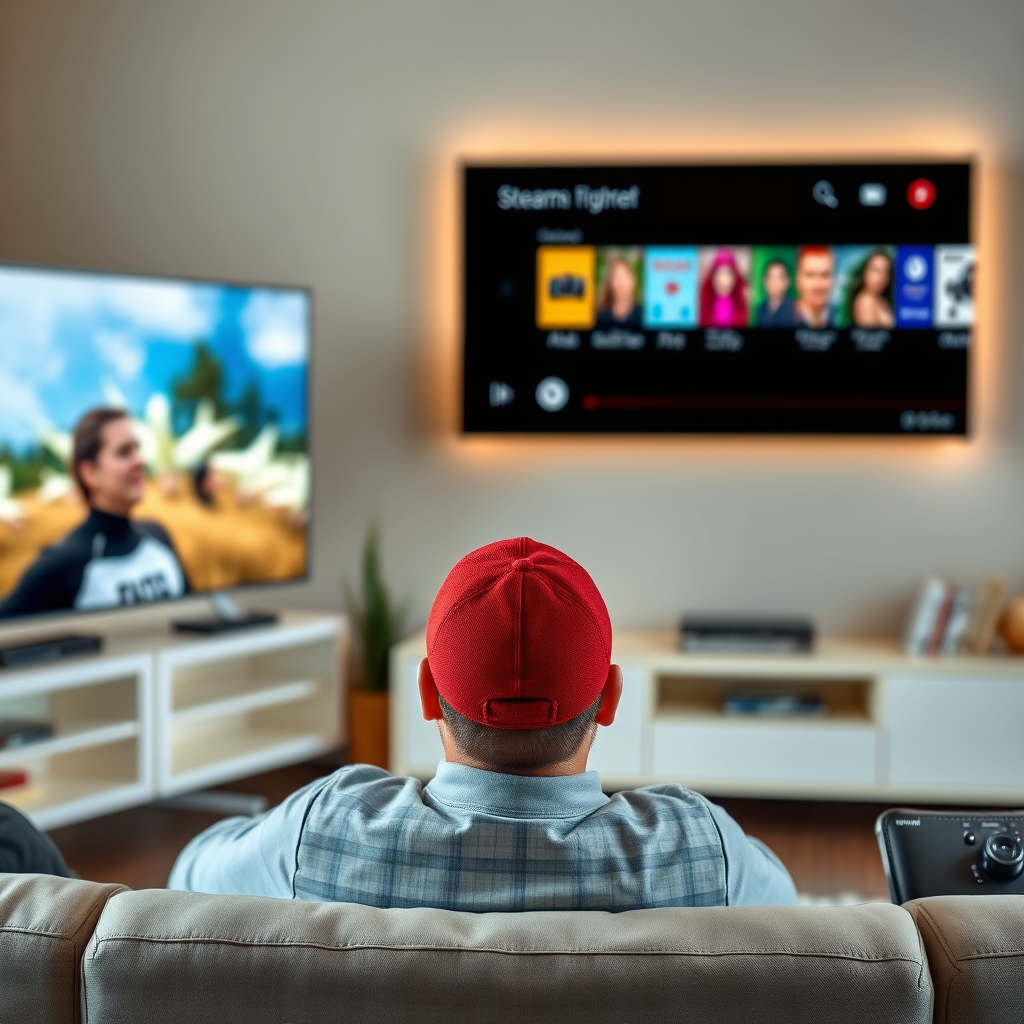
One of the most popular features of smart TVs is their ability to stream content from various platforms. With access to popular streaming services like Netflix, Hulu, Amazon Prime, Disney+, and HBO Max, viewers can enjoy an extensive library of movies, TV shows, and documentaries at their convenience.
Streaming services often offer a wide array of genres, including action, drama, comedy, and documentaries, ensuring there’s something for everyone. For instance, Netflix regularly updates its library with new releases and original content, allowing subscribers to binge-watch the latest series or catch up on critically acclaimed films.
Additionally, many smart TVs support 4K and HDR streaming, providing users with enhanced picture quality that elevates the viewing experience. This feature is particularly beneficial for those who appreciate cinematic visuals and want to enjoy their content in the best possible quality.
Browsing the Internet
Smart TVs come equipped with built-in web browsers, enabling users to surf the internet directly from the comfort of their couches. This functionality allows for seamless access to social media platforms, news websites, and other online resources on a larger screen.
For example, users can check their Facebook or Twitter feeds, watch YouTube videos, or even catch up on the latest news articles while enjoying their favorite snacks at home. This browsing capability transforms the television into a multifunctional device that can serve as a central hub for both entertainment and information.
Moreover, many smart TVs allow users to download additional web browsing apps, enhancing the browsing experience and providing a more user-friendly interface. This versatility makes smart TVs a valuable addition to any home, providing entertainment and information in one package.
Playing Games
Smart TVs have evolved into gaming platforms, allowing users to download and play games from app stores specifically designed for smart TV environments. Whether you’re a casual gamer or a dedicated enthusiast, there are countless games available to suit your preferences.
Many smart TVs support multiplayer options, enabling you to connect with friends and family for a fun gaming experience. Popular games like “Angry Birds,” “Crossy Road,” and even trivia games can be enjoyed on the big screen. Smart TVs often come with motion-sensing technology as well, allowing for interactive gaming experiences similar to those found on dedicated gaming consoles.
Additionally, some smart TVs are compatible with cloud gaming services like NVIDIA GeForce NOW or Xbox Cloud Gaming, enabling users to play high-quality games without the need for a console or high-end PC. This opens up a new realm of possibilities for gaming enthusiasts, combining the best of both worlds.
Top 7 Smart TV Brands by Market Share (2024)
| # | Brand | Market Share (%) | Smart Features | User Satisfaction |
|---|---|---|---|---|
| 1 | Samsung | 28.5 | Voice Control, 4K, Gaming | ★★★★☆ |
| 2 | LG | 25.0 | OLED, Smart Home Control | ★★★★★ |
| 3 | Sony | 20.3 | 4K HDR, Google Assistant | ★★★★☆ |
| 4 | TCL | 12.5 | Affordable, Smart Features | ★★★★☆ |
| 5 | Vizio | 8.0 | Smartcast, 4K | ★★★☆☆ |
| 6 | Philips | 4.5 | Ambilight, Smart Features | ★★★★☆ |
| 7 | Hisense | 3.5 | Affordable, Smart Features | ★★★☆☆ |
Using Apps for Additional Features
Smart TVs allow the installation of a variety of apps that can enhance your viewing experience significantly. Whether you’re looking for weather updates, cooking tutorials, or fitness sessions, there’s an app tailored to your needs.
For instance, fitness apps like Peloton and Fitbit can transform your living room into a personal gym space, offering guided workouts and fitness tracking on a large screen. Cooking apps can provide step-by-step video tutorials, making meal preparation easier and more engaging.
Moreover, apps like Spotify and Pandora allow you to turn your smart TV into a music system, letting you enjoy your favorite playlists in high-quality sound. The ability to personalize your smart TV with apps that align with your interests can greatly enhance your overall entertainment experience.
Connecting with Smart Home Devices
One of the standout features of smart TVs is their ability to connect with compatible smart home devices. This integration allows users to control lights, thermostats, and even security cameras directly from their TV interface.
For example, if you have smart lighting installed, you can adjust the brightness or change the color of your lights without getting off the couch. Voice control functionality through virtual assistants like Amazon Alexa or Google Assistant makes this process even more convenient.
Additionally, smart TVs can provide a centralized platform for monitoring your home security systems, allowing you to view camera feeds and receive notifications all from one device. This interconnectivity not only adds convenience but also enhances your overall smart home experience.
Mirroring and Casting Content
Smart TVs also enable users to mirror their smartphone or tablet screens for larger visuals. This feature is particularly useful for sharing photos, videos, or presentations during social gatherings or meetings.
By using casting technologies like Chromecast or Apple AirPlay, you can effortlessly stream content from apps like YouTube or Netflix directly to your TV. This capability is valuable for those who want to enjoy media on a bigger screen without the hassle of transferring files.
For businesses, this feature can facilitate presentations with a larger audience, making meetings more effective and engaging. The ability to cast content enhances the versatility of smart TVs, making them suitable for both personal and professional use.
Enhancing Your Viewing Experience
Smart TVs offer numerous customization options to enhance your viewing experience. Users can adjust settings for picture quality, sound, and accessibility features to suit their preferences.
For instance, picture settings can be optimized for different lighting conditions, ensuring that you get the best quality whether you’re watching in bright daylight or a dimly lit room. Sound settings can also be tailored to enhance dialogue clarity or boost bass, depending on the type of content being viewed.
Moreover, features like voice control and remote access make navigating your smart TV easier and more efficient. With voice commands, you can search for shows or adjust settings hands-free, while remote access allows you to control your TV from anywhere, providing unparalleled convenience.
By leveraging the numerous features available on a smart TV, you can significantly enrich your entertainment experience. Whether you’re looking to stream the latest series, play games, or connect with your smart home, this versatile device has something for everyone. Dive into these activities today and transform the way you enjoy your TV!
Frequently Asked Questions
What can I do on a Smart TV to enhance my viewing experience?
On a Smart TV, you can stream content from popular platforms like Netflix, Hulu, and Amazon Prime Video, allowing you to access a vast library of movies and series. Additionally, you can browse the internet, download apps, and even play games, turning your TV into an entertainment hub that caters to all your viewing preferences.
How do I connect my Smart TV to the internet?
To connect your Smart TV to the internet, go to the settings menu and select the network option. From there, you can choose either a wired Ethernet connection or a Wi-Fi connection; for Wi-Fi, you’ll need to select your network and enter the password. Once connected, you’ll be able to access streaming services and browse the web on your TV.
Why should I use apps on my Smart TV instead of watching traditional cable?
Using apps on your Smart TV allows you to enjoy on-demand content, which is often more flexible and tailored to your schedule compared to traditional cable. You can also save money by subscribing to only the services you want, avoiding high cable bills and lengthy contracts, while gaining access to a diverse range of programming options.
What are the best apps to download on a Smart TV?
Some of the best apps to download on a Smart TV include Netflix, Hulu, YouTube, Disney+, and Spotify. These apps provide a mix of streaming services, entertainment, and music, ensuring that you have a well-rounded selection of content available at your fingertips for any occasion.
Which features should I look for when buying a Smart TV?
When buying a Smart TV, look for features such as 4K resolution for better picture quality, a user-friendly interface for easy navigation, and built-in voice control for convenience. Additionally, consider the availability of popular streaming apps and the TV’s compatibility with other smart home devices to enhance your overall entertainment experience.
References
- Smart TV
https://en.wikipedia.org/wiki/Smart_TV - https://www.bbc.com/news/technology-50914184
https://www.bbc.com/news/technology-50914184 - https://www.nytimes.com/2020/05/10/technology/personaltech/smart-tv.html
https://www.nytimes.com/2020/05/10/technology/personaltech/smart-tv.html - https://www.hhs.gov/oidp/digital-citizenship/smart-tvs.html
https://www.hhs.gov/oidp/digital-citizenship/smart-tvs.html - https://www.mayoclinic.org/health-information/healthy-lifestyle/consumer-health/what-is-a-smart-tv/art-20361647
https://www.mayoclinic.org/health-information/healthy-lifestyle/consumer-health/what-is-a-smart-tv/art-20361647 - https://www.sciencedirect.com/topics/computer-science/smart-tv
https://www.sciencedirect.com/topics/computer-science/smart-tv - https://www.cdc.gov/healthyyouth/technology/index.htm
https://www.cdc.gov/healthyyouth/technology/index.htm - https://www.reuters.com/technology/what-you-can-do-with-smart-tv-2021-05-14/
https://www.reuters.com/technology/what-you-can-do-with-smart-tv-2021-05-14/ - Google Scholar Google Scholar
https://scholar.google.com/scholar?q=smart+tv+features - Google Scholar Google Scholar
https://scholar.google.com/scholar?q=smart+tv+applications+and+uses
