


If you have a smart TV, you typically do not need a cable box to watch television. Smart TVs can access streaming services and apps directly through the internet, which allows you to stream shows and movies without traditional cable. However, the necessity of a cable box can vary based on individual viewing preferences and channel requirements. In this article, we will explore how smart TVs operate, the alternatives available to cable, and the circumstances under which a cable box may still be necessary.
Understanding Smart TVs
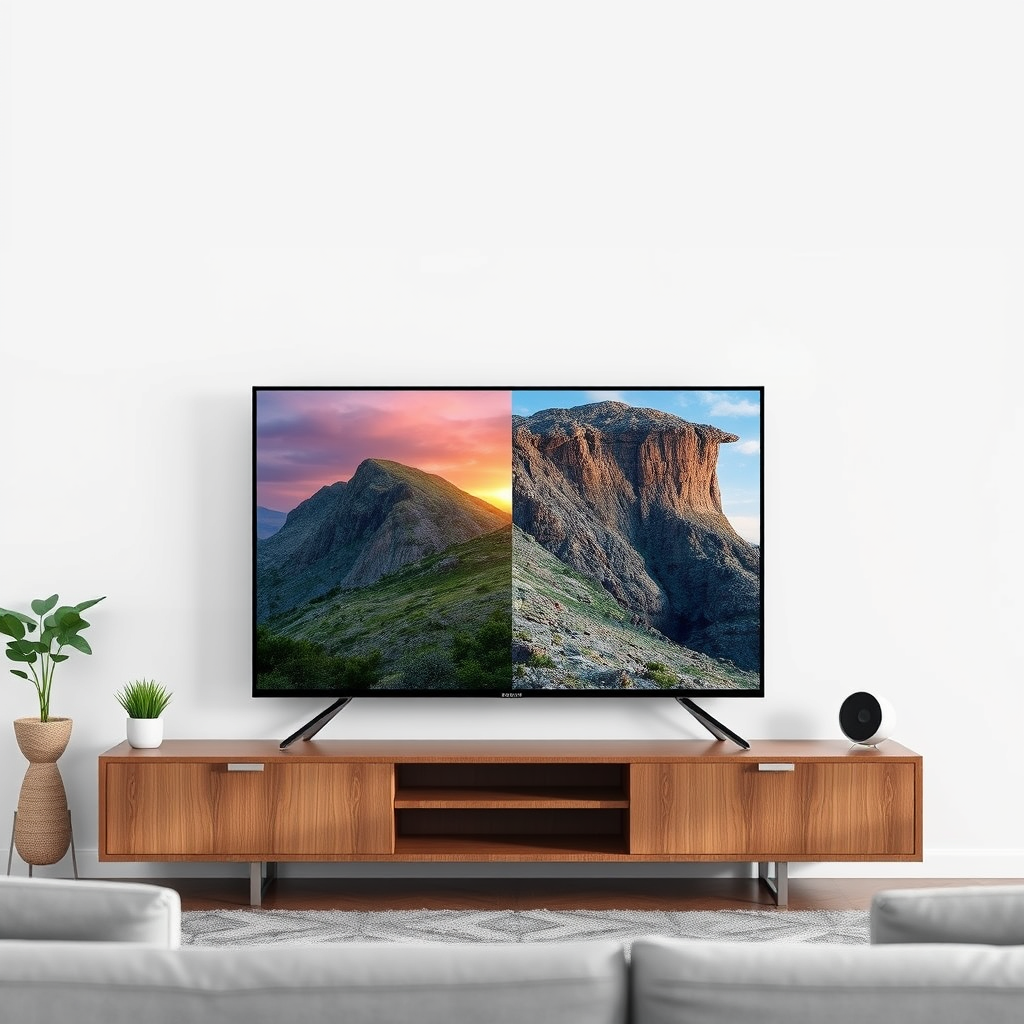
Smart TVs are designed to enhance the viewing experience by integrating internet connectivity directly into the television. This functionality allows users to access a range of streaming platforms, such as Netflix, Hulu, Amazon Prime Video, and many others, without needing additional hardware. Most smart TVs come with built-in applications, allowing users to install more apps as needed. These TVs also support voice control, enabling users to navigate content using voice commands, which can significantly enhance user experience.
Additionally, smart TVs often feature user-friendly interfaces that allow for easy navigation across various apps and services. The integration of smart technology means that viewers can enjoy high-quality content from a variety of sources, including on-demand movies, TV shows, and live broadcasts, all from one centralized device.
Streaming Alternatives to Cable
The rise of streaming services has transformed how we consume content, leading many to explore alternatives to traditional cable subscriptions. Platforms such as YouTube TV, Sling TV, and Hulu + Live TV provide live television options, enabling users to access a broad array of channels without the need for a cable box. These services cater to various viewing preferences, offering packages that allow users to choose only the channels they want.
Cord-cutting, the practice of canceling cable subscriptions in favor of streaming services, has gained popularity in recent years. This shift is primarily driven by the desire to save money and gain more control over viewing options. Many consumers find that they can replicate their cable experience through a combination of streaming services, thereby avoiding the high costs and contractual obligations associated with traditional cable providers.
When a Cable Box is Still Necessary
Despite the growing popularity of smart TVs and streaming services, there are still instances where users may find a cable box to be necessary. Some viewers prefer specific channels or content that is exclusive to cable providers. For example, certain premium networks such as HBO or Showtime may only be fully accessible through a cable subscription, unless you subscribe to their standalone streaming services.
Additionally, local broadcast channels, which are essential for watching regional news, sports, and events, may not be fully available through streaming options. While many streaming services offer local channels, they may not cover all geographic areas, and some live sports events might be restricted to cable broadcasts. For avid sports fans, this can be a significant drawback, influencing their decision to retain a cable box.
Content Comparison: Smart TV Streaming vs. Cable
| # | Feature | Smart TV Streaming | Cable |
|---|---|---|---|
| 1 | Cost | $10 – $70/month | $80 – $200/month |
| 2 | Channel Variety | Limited | Extensive |
| 3 | Contracts | None | Often Required |
| 4 | On-Demand Content | Extensive | Limited |
| 5 | Live Sports | Limited | Comprehensive |
| 6 | User Interface | Intuitive | Traditional |
| 7 | Accessibility | High | Medium |
Connecting Your Smart TV
Connecting a smart TV to your home network is generally straightforward. Most smart TVs require only a reliable internet connection, either via Wi-Fi or an Ethernet cable, to access streaming services. Ensuring that your Wi-Fi network is strong and stable is essential for optimal streaming quality, especially when multiple devices are connected to the same network.
Smart TVs typically come equipped with multiple HDMI ports, allowing for easy connections to additional devices such as gaming consoles, Blu-ray players, and, should you choose, a cable box. This flexibility means that you can curate your entertainment setup according to your needs, whether you opt for streaming, traditional cable, or a combination of both.
Setting Up Streaming Services
To get started with streaming services on your smart TV, you’ll need to create accounts with the platforms you’re interested in. This process often involves downloading the respective apps from your TV’s app store, entering your login credentials, and potentially paying subscription fees. Most smart TVs offer a straightforward interface for downloading and organizing these apps, making the initial setup relatively hassle-free.
Once your accounts are set up, you can personalize your viewing experience by curating a list of favorite shows and channels. Many streaming services provide recommendations based on your viewing history, further enhancing the user experience. Additionally, features like parental controls and multiple user profiles can help tailor the service to your household’s needs.
Pros and Cons of Using a Cable Box
Using a cable box comes with its own set of advantages and disadvantages.
Pros:
– Comprehensive Channel Selection: Cable subscriptions often provide access to a wider array of channels, including many premium networks that may not be available through streaming services.
– Better Reception for Live Broadcasts: Cable television generally offers superior quality for live broadcasts, particularly for local channels and events.
Cons:
– Additional Monthly Fees: Cable subscriptions typically involve higher costs compared to streaming options, which can add up over time.
– Equipment Clutter: Having a cable box contributes to the clutter of devices in your entertainment setup.
– Less Flexibility: Unlike streaming services, cable subscriptions often require long-term contracts, limiting your ability to change your viewing options without incurring fees.
In summary, using a cable box may be beneficial for specific viewers, particularly those who prioritize a comprehensive channel lineup and live sports. However, for many users, the advantages of smart TVs and streaming services offer a more flexible and cost-effective alternative.
As we have explored throughout this article, smart TVs provide a modern alternative to traditional cable boxes for most users. If you’re looking to save on costs and enjoy flexible viewing options, consider streaming services. However, if specific channels are essential for you, a cable box might still be a necessity. Evaluating your viewing habits and preferences will help you make an informed choice regarding your entertainment setup.
Frequently Asked Questions
Do you need a cable box with a smart TV to watch live TV?
No, you don’t necessarily need a cable box with a smart TV to watch live TV. Many smart TVs come with built-in tuners that allow you to access over-the-air channels using an antenna. Additionally, you can subscribe to streaming services that offer live TV, eliminating the need for a traditional cable box.
How do you connect a smart TV without a cable box?
To connect a smart TV without a cable box, simply plug in an HD antenna to the TV’s coaxial input to receive local channels. You can also connect the TV to your home Wi-Fi network to access streaming services like Netflix, Hulu, or YouTube, providing a wide range of content without needing a cable box.
Why should you consider using a smart TV instead of a cable box?
Using a smart TV instead of a cable box can save you money and offer greater flexibility. Smart TVs allow you to stream content from various services, access apps, and enjoy features like voice control and screen mirroring, all without the recurring costs and limitations of a cable subscription.
What are the best alternatives to a cable box for a smart TV?
The best alternatives to a cable box for a smart TV include streaming devices like Roku, Amazon Fire Stick, Apple TV, and Google Chromecast. These devices enhance your smart TV experience by providing access to numerous streaming services, allowing you to customize your content options without the need for a cable box.
Which streaming services can I use on a smart TV without a cable box?
You can use a variety of streaming services on a smart TV without a cable box, including Netflix, Hulu, Amazon Prime Video, Disney+, and YouTube. Many of these platforms offer live TV options as well, giving you access to channels like CNN, NBC, and ESPN, making it easy to enjoy live content without traditional cable.
References
- https://www.lifewire.com/smart-tv-vs-cable-tv-5076904
https://www.lifewire.com/smart-tv-vs-cable-tv-5076904 - Google Scholar Google Scholar
https://scholar.google.com/scholar?q=do+you+need+cable+box+with+smart+tv - Google Scholar Google Scholar
https://scholar.google.com/scholar?q=smart+tv+cable+box+requirements - Google Scholar Google Scholar
https://scholar.google.com/scholar?q=smart+tv+streaming+options+vs+cable - do you need cable box with smart tv – Search results
https://en.wikipedia.org/wiki/Special:Search?search=do+you+need+cable+box+with+smart+tv - https://www.ncbi.nlm.nih.gov/search/research-articles/?term=do+you+need+cable+box+with+smart+tv
https://www.ncbi.nlm.nih.gov/search/research-articles/?term=do+you+need+cable+box+with+smart+tv
