

Smart TVs are designed to connect to the internet and stream content directly, which means you don’t necessarily need a traditional cable subscription to enjoy your favorite shows and movies. With the advent of various streaming services and technologies, many consumers are opting for smarter, more flexible entertainment options. This article will explore the diverse ways you can enjoy your smart TV without a cable subscription, helping you make informed decisions regarding your entertainment choices.
Understanding Smart TV Functionality
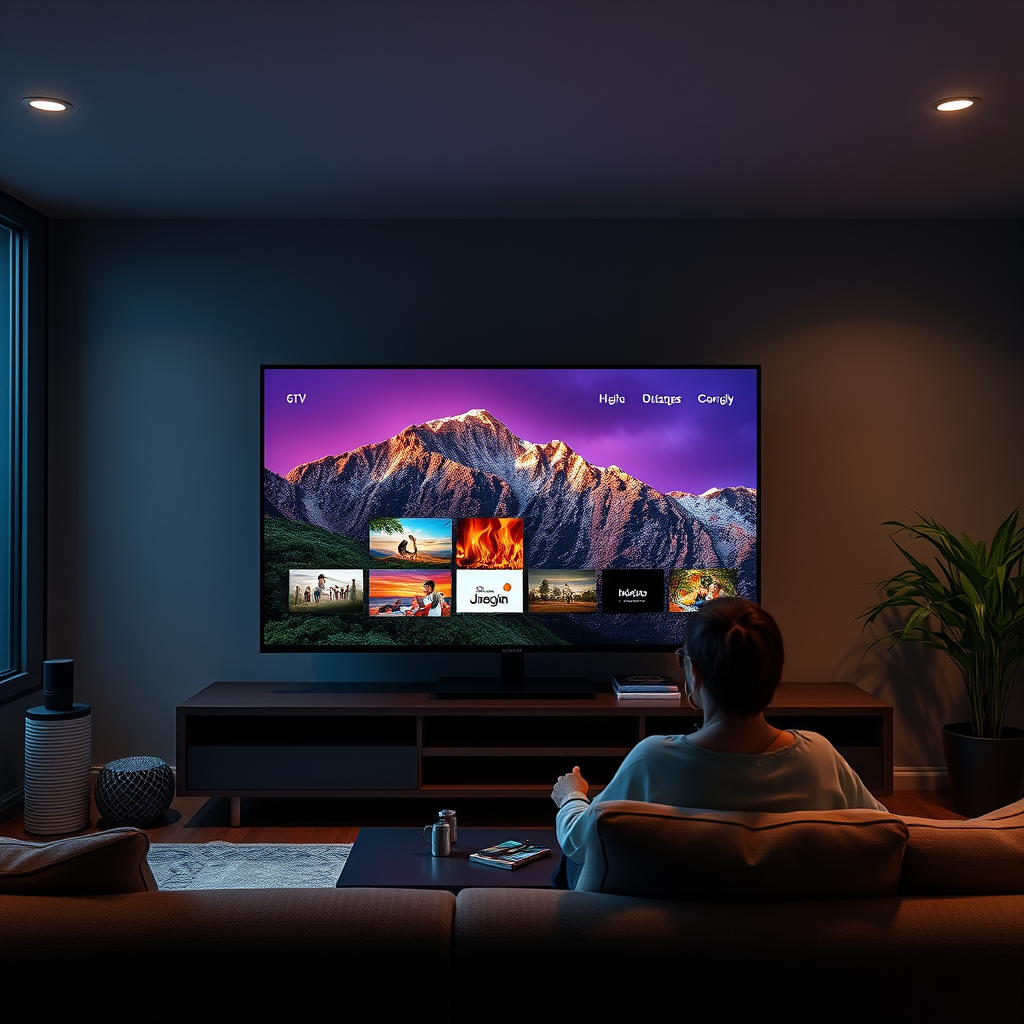
Smart TVs have revolutionized the way we consume media by integrating internet connectivity with traditional television functions. Equipped with built-in applications for popular streaming services such as Netflix, Hulu, and Amazon Prime Video, smart TVs allow users to stream their favorite shows and movies without needing a cable box.
In addition to streaming, smart TVs offer a range of features that enhance user experience. These features include voice control capabilities, personalized recommendations based on viewing habits, and the ability to download additional applications. This connectivity allows users to browse the internet, access social media, and even play games, effectively transforming the television into a multifunctional entertainment hub.
Popular Streaming Services
As an alternative to cable, numerous streaming platforms have emerged, providing a wealth of content that caters to diverse tastes. Services like Netflix and Amazon Prime Video offer extensive libraries of movies and original series, while platforms such as YouTube TV and Hulu + Live TV mimic traditional cable offerings by providing live television programming.
These services typically come with various subscription plans, allowing users to select options that best fit their viewing preferences and budgets. For example, YouTube TV provides access to a wide range of live channels, including sports, news, and entertainment, making it a viable substitute for conventional cable. Hulu + Live TV similarly offers a robust lineup of channels, along with on-demand content, providing a well-rounded viewing experience.
Additional Devices for Streaming
While many smart TVs come loaded with popular applications, users can enhance their streaming experience with additional devices such as Roku, Amazon Fire Stick, or Apple TV. These devices not only grant access to more channels and applications but also come equipped with features like voice control and universal search, simplifying the navigation process.
For instance, the Roku platform supports a vast array of channels, and its user-friendly interface allows for easy access to both free and premium content. Similarly, the Amazon Fire Stick integrates seamlessly with Alexa, allowing users to control their TV with voice commands, making it a convenient option for those who prefer hands-free operation.
The Role of Antennas
For those who wish to access local channels without a cable subscription, over-the-air antennas provide an effective solution. These antennas can capture local broadcast signals, allowing viewers to watch live programming, including major networks such as ABC, NBC, CBS, and FOX, free of charge.
This option is particularly advantageous for individuals interested in local news, sports broadcasts, or popular network shows. Many modern antennas are designed to be compact and aesthetically pleasing, making them easy to integrate into your home entertainment setup. Additionally, some antennas offer high-definition (HD) quality, ensuring that viewers receive crisp, clear images.
Comparison of Popular Streaming Services (2024)
| # | Service | Monthly Cost | Channels | Free Trial |
|---|---|---|---|---|
| 1 | Netflix | $15.49 | No Live TV | No |
| 2 | Hulu | $7.99 | No Live TV | Yes |
| 3 | YouTube TV | $72.99 | 85+ | Yes |
| 4 | Amazon Prime Video | $14.99 | No Live TV | Yes |
| 5 | Hulu + Live TV | $69.99 | 75+ | Yes |
| 6 | Disney+ | $7.99 | No Live TV | Yes |
| 7 | Paramount+ | $5.99 | No Live TV | Yes |
Cost Comparison: Cable vs. Streaming
When deliberating between cable and streaming services, a thorough cost analysis is essential. Traditional cable subscriptions often come with hefty monthly fees, which can easily exceed $100 per month, especially when bundling multiple services or premium channels. In contrast, many streaming platforms offer flexible pricing structures that can accommodate various budgets, with costs ranging from as low as $5.99 for basic plans to around $72.99 for comprehensive live TV options.
Additionally, streaming services typically do not require a long-term commitment, allowing consumers to subscribe and unsubscribe based on their viewing needs. This flexibility can lead to significant savings over time compared to the fixed contracts often associated with cable subscriptions, which can lock consumers into expensive monthly fees for extended periods.
Considerations for Choosing Your Setup
When evaluating whether a smart TV alone is sufficient for your entertainment needs, it is crucial to consider your viewing habits and preferences. For instance, if you primarily watch movies and series, a smart TV with built-in streaming capabilities may suffice. However, if you enjoy live sports or news broadcasts, incorporating a streaming service or an antenna may be necessary.
Moreover, consider your internet speed and device compatibility. Many streaming services recommend a minimum internet speed for optimal performance, typically around 25 Mbps for HD streaming. It is also essential to ensure that your chosen devices and applications are compatible with your smart TV to avoid connectivity issues.
Ultimately, assessing the types of content you enjoy most and how often you watch TV can help you create a customized viewing experience that aligns with your preferences and budget.
In today’s digital age, you don’t need to rely on cable to access a wealth of entertainment options. By exploring various streaming services, utilizing additional devices like streaming sticks or boxes, and potentially incorporating an antenna for local channels, you can tailor your viewing experience to meet your unique tastes and financial considerations. As technology continues to evolve, consumers have more freedom than ever to choose how they consume media, making it essential to assess your options carefully.
Frequently Asked Questions
Do I need a cable subscription to use my smart TV?
No, you do not need a cable subscription to use your smart TV. Smart TVs are designed to connect to the internet, allowing you to stream content from various online platforms like Netflix, Hulu, and YouTube. However, if you want to access live TV channels, you may need a streaming service that offers live television or a digital antenna.
How can I watch live TV on my smart TV without cable?
You can watch live TV on your smart TV without cable by subscribing to streaming services that offer live broadcasts, such as YouTube TV, Sling TV, or Hulu + Live TV. Additionally, you can connect an HD antenna to your smart TV, which will allow you to receive over-the-air broadcasts for free.
Why should I consider cutting the cord and using a smart TV?
Cutting the cord and using a smart TV can save you money on monthly cable bills while providing access to a wide range of content. With numerous streaming services available, you can choose subscriptions that align with your viewing preferences, and you can watch shows and movies on-demand without being tied to a cable provider’s schedule.
What are the best streaming services for smart TVs?
Some of the best streaming services for smart TVs include Netflix, Amazon Prime Video, Hulu, Disney+, and YouTube TV. Each service offers a unique library of content, so it’s essential to consider your viewing habits and preferences to choose the best combination of services for your entertainment needs.
Which devices can I use to enhance my smart TV experience without cable?
You can enhance your smart TV experience by using devices like Roku, Amazon Fire Stick, or Apple TV, which provide access to additional streaming services and apps. These devices can also improve user interface functionality and often come with their own remote controls, making navigation easier than using your smart TV’s built-in options.
References
- https://www.bbc.com/news/technology-56347918
https://www.bbc.com/news/technology-56347918 - https://www.nytimes.com/2020/12/30/technology/how-to-watch-tv-without-cable.html
https://www.nytimes.com/2020/12/30/technology/how-to-watch-tv-without-cable.html - https://www.theguardian.com/media/2021/jan/16/how-to-stream-tv-without-cable
https://www.theguardian.com/media/2021/jan/16/how-to-stream-tv-without-cable - https://www.pcmag.com/how-to/how-to-cut-the-cord-and-watch-tv-without-cable
https://www.pcmag.com/how-to/how-to-cut-the-cord-and-watch-tv-without-cable - https://www.sciencedirect.com/topics/computer-science/smart-tv
https://www.sciencedirect.com/topics/computer-science/smart-tv - https://www.britannica.com/topic/smart-TV
https://www.britannica.com/topic/smart-TV - Google Scholar Google Scholar
https://scholar.google.com/scholar?q=do+you+need+cable+with+smart+tv - Google Scholar Google Scholar
https://scholar.google.com/scholar?q=smart+tv+and+cable+subscription - Google Scholar Google Scholar
https://scholar.google.com/scholar?q=watching+tv+without+cable+on+smart+tv - do you need cable with smart tv – Search results
https://en.wikipedia.org/wiki/Special:Search?search=do+you+need+cable+with+smart+tv
