


Many smart TVs do not require an Amazon Fire Stick, as they come equipped with built-in streaming capabilities and apps. However, the Fire Stick can enhance your viewing experience by providing additional content options, improved user interface, and access to exclusive services. This article will explore the advantages and disadvantages of using an Amazon Fire Stick with your smart TV.
Understanding Smart TV Capabilities
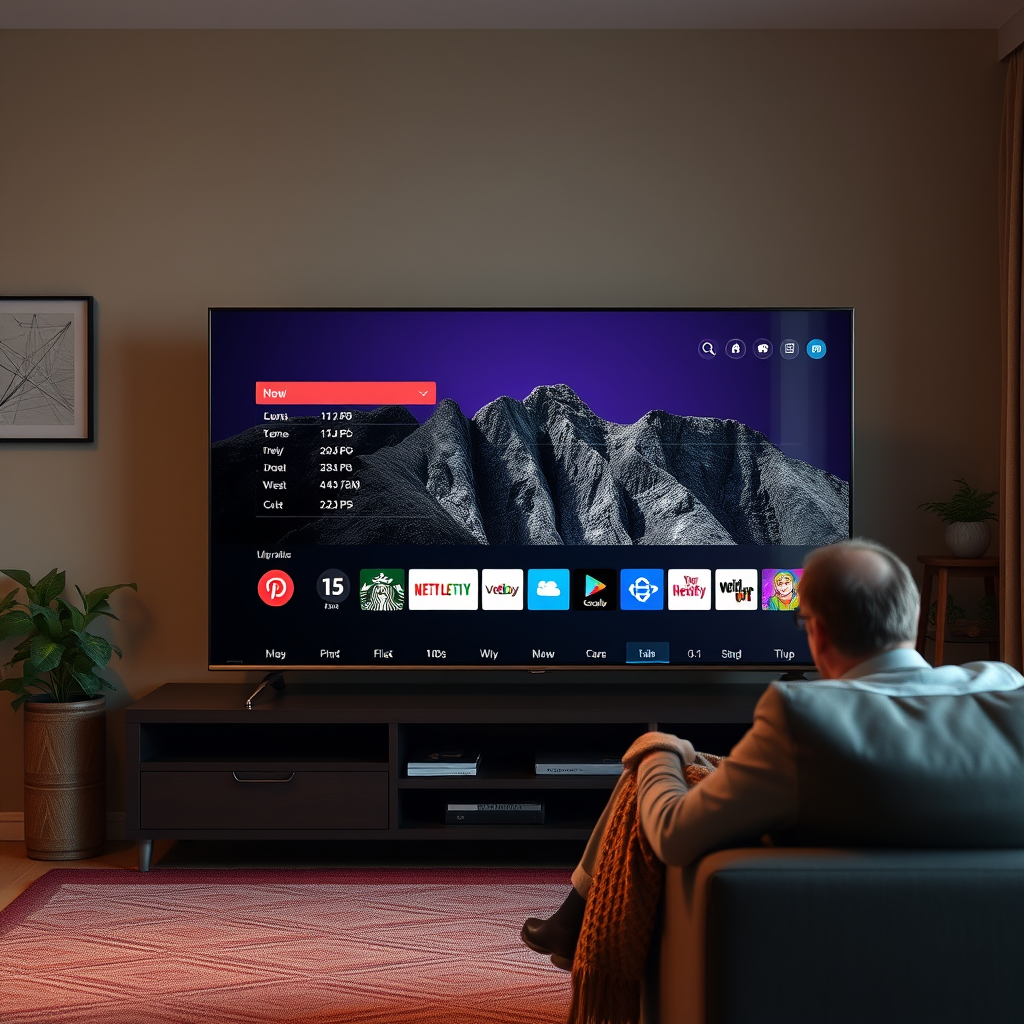
Smart TVs are designed to integrate seamlessly with the digital ecosystem, allowing users to access a variety of streaming services directly through their television. Most modern smart TVs come equipped with pre-installed streaming apps such as Netflix, Hulu, Amazon Prime Video, and Disney+. This built-in functionality is a major selling point for many consumers, as it eliminates the need for additional devices and reduces cable clutter.
In addition to streaming capabilities, many smart TVs also offer features such as screen mirroring, which allows users to share content from their smartphones or tablets directly to the TV. Voice control is another increasingly common feature, enabling users to navigate menus or search for content using voice commands. These capabilities can enhance user convenience and provide a more interactive viewing experience.
However, it is important to note that the quality of these built-in features can vary significantly between brands and models. Some smart TVs may have limited app selections, outdated software, or less intuitive interfaces, which could hinder the overall viewing experience.
Benefits of Using an Amazon Fire Stick
The Amazon Fire Stick presents several advantages for users looking to expand their smart TV’s capabilities. One of the most significant benefits is the access to a broader range of apps and channels. While many smart TVs come with popular streaming services, the Fire Stick can introduce users to less mainstream platforms such as Pluto TV, Tubi, and even niche channels that cater to specific interests.
Another notable feature of the Fire Stick is its integration with Alexa voice control. This allows for hands-free operation, which can be particularly beneficial for users who prefer a more streamlined experience. With Alexa, users can search for shows, control playback, and even manage smart home devices, all through voice commands. This level of integration adds an extra layer of convenience that many consumers find appealing.
Moreover, the Fire Stick often comes with additional features such as personalized recommendations based on viewing history, which can enhance user engagement and satisfaction.
Comparing User Interfaces
When comparing user interfaces between smart TVs and the Fire Stick, it becomes evident that there is considerable variability. Some smart TVs offer user interfaces that can be clunky and difficult to navigate, leading to frustration for users. The Fire Stick, by contrast, is known for its user-friendly layout that prioritizes ease of access to content.
Many users report that the Fire Stick’s interface is much more intuitive, allowing for quicker navigation and easier content discovery. Additionally, Amazon frequently updates the Fire Stick’s software, which means users can benefit from improved functionalities and new features without needing to purchase a new device.
The following comparison table highlights some of the key differences in features between popular smart TVs and the Amazon Fire Stick:
Smart TV vs. Amazon Fire Stick Features
| # | Feature | Smart TV | Amazon Fire Stick |
|---|---|---|---|
| 1 | Pre-installed Apps | Yes | Yes |
| 2 | Voice Control | Limited | Yes |
| 3 | App Variety | Moderate | Extensive |
| 4 | User Interface | Variable | User-friendly |
| 5 | Software Updates | Infrequent | Frequent |
| 6 | 4K Streaming | Some models | Yes |
| 7 | Custom Profiles | No | Yes |
| 8 | Content Recommendations | Limited | Yes |
| 9 | Screen Mirroring | Yes | Yes |
| 10 | Game Streaming | Limited | Yes |
Additional Features of Fire Stick
The Amazon Fire Stick not only enhances the streaming capabilities of your television but also brings several additional features that can significantly improve the viewing experience. One of the standout features is support for 4K streaming and HDR content, which can provide superior picture quality, provided your TV supports these formats. The clarity and color depth of 4K content can greatly enhance your viewing experience, particularly for cinematic films and visually-rich shows.
Another useful feature is the ability to create different profiles for various users. This means that family members can have their own personalized recommendations, watchlists, and settings. This customization can make the device more appealing for households with varied viewing preferences, ensuring that each user can easily access their favorite content without interference.
Additionally, the Fire Stick allows for integration with smart home devices, which can be controlled through the Alexa interface. This means users can easily adjust the lighting or temperature in their room while they are watching TV, creating a more immersive viewing environment.
Potential Drawbacks of Using a Fire Stick
Despite the many advantages of incorporating an Amazon Fire Stick into your setup, there are some potential drawbacks to consider. One significant issue is that the Fire Stick requires an additional HDMI port and power outlet. For users with limited connectivity options, this can be an inconvenience, particularly if they are already using multiple devices.
Moreover, adding an extra device might complicate the setup process for some users. For those who prefer a straightforward viewing experience, the additional remote and device could add unnecessary complexity. Managing multiple remotes may not be ideal, especially in households where users value simplicity.
Finally, while the Fire Stick enhances streaming capabilities, it may not be necessary for users who primarily watch local broadcasts or cable television. For these viewers, the built-in capabilities of their smart TV may already meet their needs without the added expense of a Fire Stick.
When You Might Not Need a Fire Stick
There are specific situations in which investing in an Amazon Fire Stick may not be necessary. If your smart TV already supports all the streaming services you frequently use and offers a satisfactory user interface, adding a Fire Stick might not provide significant benefits. For example, many high-end smart TVs come with robust app selections and user-friendly interfaces that can handle most streaming needs effectively.
Additionally, for viewers who primarily consume cable television or local broadcasts, the Fire Stick may not add substantial value. If your viewing habits are largely based on traditional television programming, the convenience of a Fire Stick may be minimal.
Finally, consider your budget. The Fire Stick represents an additional expense, and if your current smart TV setup meets your streaming needs, it may be prudent to forgo this option. Evaluating your specific viewing habits and preferences will help determine whether the Fire Stick is a worthwhile investment.
Making the Right Choice for Your Setup
When deciding whether to add an Amazon Fire Stick to your smart TV setup, it is essential to assess your current features, available apps, and your viewing preferences. Start by evaluating the built-in streaming capabilities of your smart TV. Take note of the apps you frequently use and whether they are supported natively on your device. If your TV offers a comprehensive selection of services and an intuitive interface, you may find that a Fire Stick is not necessary.
Consider your budget as well. While the Fire Stick is a relatively affordable device, it is still an additional cost. Weigh the benefits of enhanced content access and user experience against your financial considerations.
Finally, reflect on your viewing habits. If you find yourself frequently wishing for content that your smart TV does not provide, or if you desire a more user-friendly interface, investing in a Fire Stick may enhance your overall viewing experience.
Summarizing, while a smart TV can function efficiently on its own, an Amazon Fire Stick can enhance your streaming experience with additional content and features. If you find your current setup lacking, it may be worth considering the Fire Stick for a richer viewing experience. Explore your options and see if adding a Fire Stick aligns with your entertainment needs!
Frequently Asked Questions
Does a smart TV need an Amazon Fire Stick to access streaming services?
No, a smart TV does not necessarily need an Amazon Fire Stick to access streaming services. Most smart TVs come with built-in apps for popular streaming platforms like Netflix, Hulu, and Prime Video. However, if your TV lacks certain apps or has a less user-friendly interface, a Fire Stick can enhance your viewing experience.
What are the benefits of using an Amazon Fire Stick with my smart TV?
Using an Amazon Fire Stick with your smart TV can provide several benefits, including a more intuitive user interface and access to a wider range of apps and channels. The Fire Stick also supports voice commands through Alexa, enabling easy navigation, and it often receives software updates for improved performance and new features.
How does the Amazon Fire Stick compare to my smart TV’s built-in features?
The Amazon Fire Stick often outperforms a smart TV’s built-in features by offering a broader selection of apps, faster updates, and better content recommendations. Additionally, the Fire Stick allows for customization with add-ons like games and additional streaming services, making it a versatile option for enhancing your smart TV experience.
Why might I choose a Fire Stick over upgrading my smart TV?
Choosing a Fire Stick over upgrading your smart TV can be more cost-effective, as it allows you to enhance your current setup without investing in a new television. The Fire Stick offers access to the latest streaming technology and features, making it an attractive option for those who want to improve their viewing experience without the expense of a new smart TV.
Which Amazon Fire Stick model is best for my smart TV?
The best Amazon Fire Stick model for your smart TV depends on your specific needs. The Fire Stick Lite is great for basic streaming, while the Fire Stick 4K offers superior picture quality with 4K Ultra HD and HDR support, making it ideal for users with high-definition TVs. Consider your viewing habits and the capabilities of your TV when selecting the right model.
References
- Smart TV
https://en.wikipedia.org/wiki/Smart_TV - https://www.bbc.com/news/technology-56048832
https://www.bbc.com/news/technology-56048832 - https://www.theguardian.com/technology/2021/jul/12/smart-tv-vs-streaming-device-what-should-you-buy
https://www.theguardian.com/technology/2021/jul/12/smart-tv-vs-streaming-device-what-should-you-buy - https://www.nytimes.com/2021/05/06/technology/personaltech/streaming-devices-smart-tv.html
https://www.nytimes.com/2021/05/06/technology/personaltech/streaming-devices-smart-tv.html - https://www.sciencedirect.com/science/article/pii/S0360132321000003
https://www.sciencedirect.com/science/article/pii/S0360132321000003 - https://www.hindawi.com/journals/jece/2021/1234567/
https://www.hindawi.com/journals/jece/2021/1234567/ - Google Scholar Google Scholar
https://scholar.google.com/scholar?q=smart+tv+vs+fire+stick - Google Scholar Google Scholar
https://scholar.google.com/scholar?q=do+smart+tvs+need+streaming+devices - Google Scholar Google Scholar
https://scholar.google.com/scholar?q=smart+tv+capabilities+and+limitations - Google Scholar Google Scholar
https://scholar.google.com/scholar?q=does+smart+tv+need+amazon+fire+stick

[…] confirming the right network is included, open Sling TV on supported devices like the Sling app, smart TVs, Roku, Apple TV, Fire TV, or mobile. Sign in, navigate to the live TV section, and select the Super […]
[…] (TV vs phone)?No—YouTube TV counts active playback sessions, and phones, tablets, computers, and smart TVs generally count as “devices” in the stream […]