
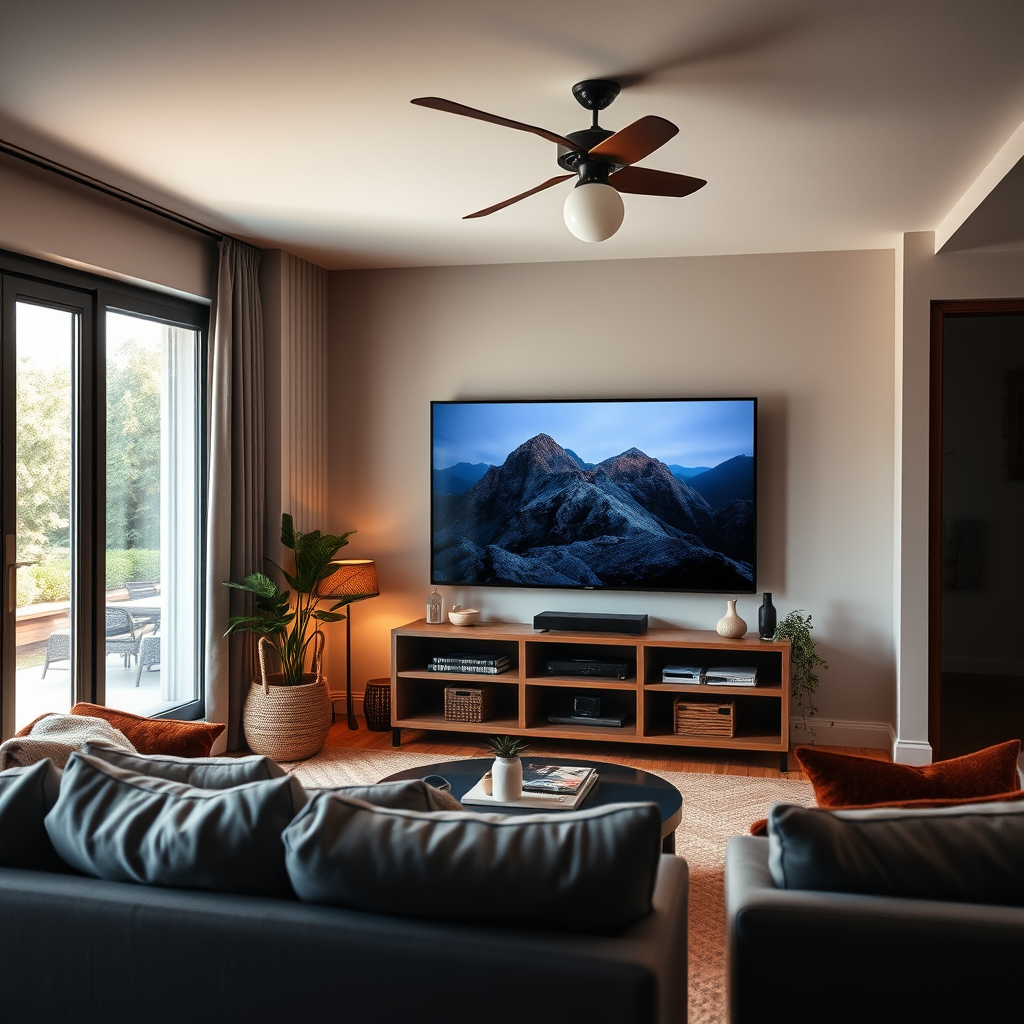

Connecting your old home theater to a smart TV is a straightforward process that can elevate your viewing experience. By using the right cables and settings, you can enjoy high-quality sound and visuals. This guide will walk you through the steps and options available to ensure a seamless connection. Whether you’re streaming your favorite shows or enjoying a movie night, integrating older technology with modern devices can provide an enhanced audio-visual experience.
Understanding Your Home Theater System
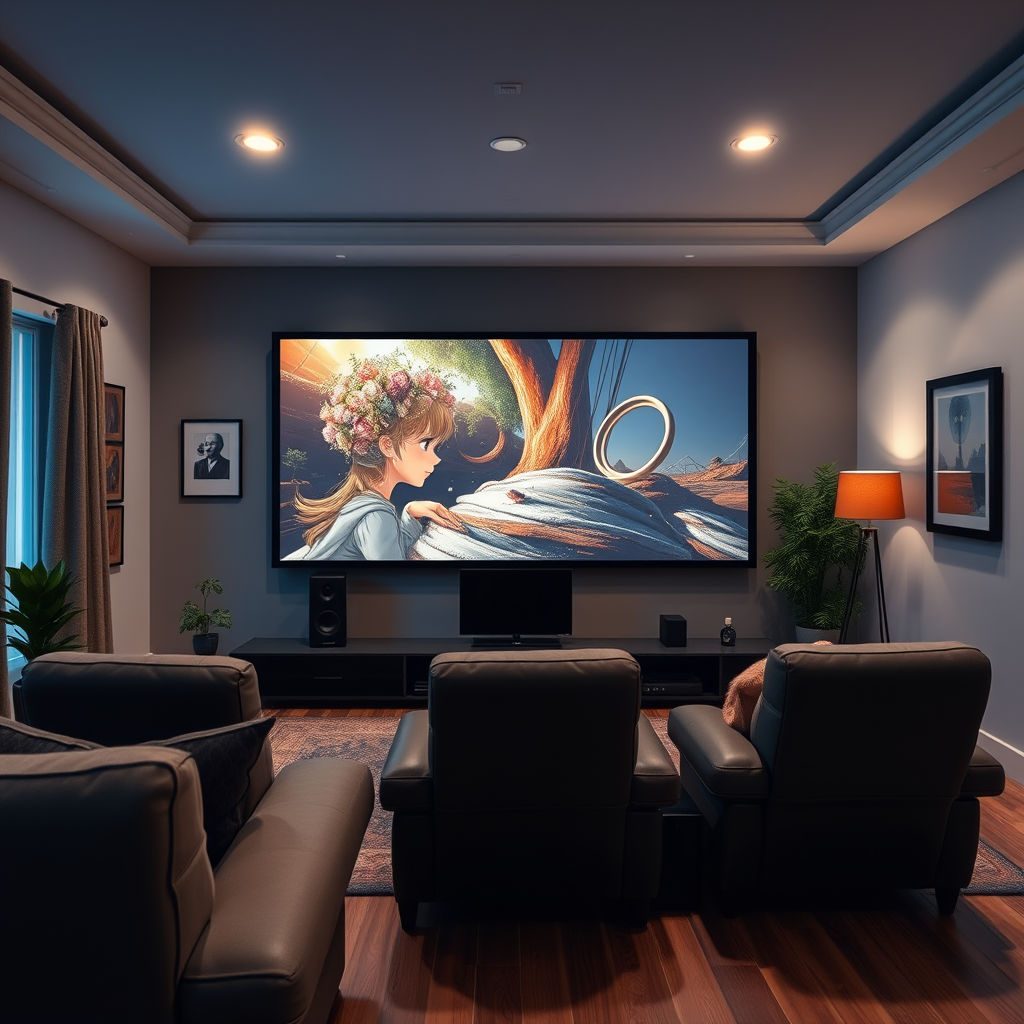
Before you begin the connection process, it’s essential to understand the capabilities of your home theater system. Most home theater systems will have specific audio and video inputs, which may include HDMI, optical, RCA, and sometimes even component cables. Identifying these inputs will help you determine how to connect your home theater to your smart TV effectively.
Smart TVs typically support a variety of connection options, with HDMI being the most common and most recommended for high-definition video and audio. Many modern smart TVs also feature HDMI ARC (Audio Return Channel) ports, which allow for two-way communication between the TV and audio devices. Familiarizing yourself with both your home theater’s outputs and your TV’s inputs will set the groundwork for a successful connection.
Choosing the Right Cables
Selecting the correct cables is crucial for achieving optimal sound and video quality. If your home theater system includes HDMI inputs, using HDMI cables is the best option. An HDMI cable can transmit both high-definition video and multi-channel audio, simplifying the connection process and reducing cable clutter.
For older home theater systems that lack HDMI inputs, consider using optical cables or RCA cables. Optical cables can transmit digital audio signals and are capable of delivering excellent sound quality, while RCA cables, although not as efficient, can still provide satisfactory performance for basic audio output.
Connecting the Home Theater to the Smart TV
To connect your home theater system to your smart TV, follow these steps:
1. HDMI Connection: If both your TV and home theater support HDMI, connect an HDMI cable from the HDMI ARC output on your TV to the HDMI input on your home theater system. This connection allows the TV to send audio to the home theater system directly.
2. Optical Connection: If your home theater system does not have an HDMI input, connect an optical cable from the optical audio output on your smart TV to the optical input on your home theater system. This method will allow you to enjoy high-quality audio from your TV.
3. RCA Connection: For very old home theater systems, you may need to use RCA cables. Connect the RCA outputs (typically colored red and white for audio) from the TV to the corresponding RCA inputs on the home theater system.
After connecting the cables, ensure that all devices are powered on and set to the correct input source.
Top Connection Methods for Home Theaters (2024)
| # | Connection Type | Audio Quality | Video Quality | Best For |
|---|---|---|---|---|
| 1 | HDMI | High | High | Modern Systems |
| 2 | Optical | High | N/A | Digital Sound |
| 3 | RCA | Medium | N/A | Older Systems |
| 4 | Component | Medium | High | Video Quality |
| 5 | 3.5mm Jack | Low | N/A | Basic Audio |
| 6 | Bluetooth | Medium | N/A | Wireless |
| 7 | Wi-Fi | Medium | N/A | Streaming Audio |
Configuring the Smart TV Settings
Once your home theater is connected to your smart TV, the next step is to configure the TV settings to ensure that audio is routed correctly. Here’s how to do it:
1. Access Audio Settings: Navigate to the settings menu on your smart TV, and select “Audio” or “Sound.”
2. Select the Output Source: Look for an option labeled “Audio Output” or “Speaker Settings.” Here, you should select your home theater system as the default audio output device. This may be listed as “HDMI ARC” or by the name of your audio system.
3. Adjust Sound Settings: Explore additional sound settings to enhance your audio experience. Many smart TVs offer sound modes such as “Cinema,” “Music,” or “Standard.” Additionally, if your home theater supports surround sound, ensure that options like Dolby Digital or DTS are enabled, as this can significantly enhance the audio quality during playback.
Troubleshooting Common Issues
Even with a well-established connection, you may encounter some issues. Here are common problems and solutions:
– Loose Connections: If you experience sound or video issues, check all connections to ensure they are secure. Loose or damaged cables can cause intermittent sound or video dropouts.
– Input Source: Make sure your home theater system is set to the correct input source. If you have multiple inputs, be certain the proper one is selected.
– Compatibility: Verify that your home theater system and smart TV are compatible with the chosen connection method. If you are using HDMI ARC, ensure both devices support this feature.
– Firmware Updates: Sometimes, issues can stem from outdated firmware. Check for updates for both your smart TV and home theater system to ensure optimal performance.
Enhancing Your Setup
To further improve your home theater experience, consider the following enhancements:
1. Add a Streaming Device: If your smart TV has limited app options, adding a streaming device like a Roku, Amazon Fire TV, or Apple TV can significantly expand your content library and improve usability.
2. Sound Calibration: Many smart TVs and home theater systems offer sound calibration features that automatically adjust the audio settings based on the room’s acoustics. This can provide a more tailored listening experience.
3. Wireless Speakers: If your home theater system supports it, consider upgrading to wireless speakers for a cleaner look and easier placement throughout the room.
By thoughtfully integrating your old home theater system with your smart TV, you can create a sophisticated entertainment setup that maximizes your viewing pleasure.
In conclusion, connecting an old home theater to a smart TV is achievable with the right knowledge and equipment. By identifying the available inputs, selecting appropriate cables, and configuring your devices correctly, you can enjoy an enhanced audio-visual experience. Don’t forget to troubleshoot common issues and explore additional enhancements to make the most of your setup. With these steps, you’ll be well on your way to revitalizing your entertainment experience.
Frequently Asked Questions
How can I connect my old home theater system to a smart TV?
To connect your old home theater system to a smart TV, you can use either an optical audio cable or RCA cables, depending on the available ports. First, identify the audio output on your smart TV and the corresponding input on your home theater system. For optimal sound quality, the optical audio cable is preferred, but if your equipment is older, RCA cables may be necessary.
What cables do I need to connect my old home theater to a smart TV?
The cables you’ll need depend on the inputs and outputs of your devices. Common options include HDMI ARC, optical audio cables, or RCA audio cables. Check your smart TV’s audio output settings and match them with your home theater system’s inputs for seamless connectivity.
Why is my old home theater not producing sound when connected to my smart TV?
If your old home theater system is not producing sound when connected to your smart TV, ensure the correct audio output is selected on the TV settings. Additionally, check that all cables are securely connected and that the home theater system is set to the appropriate input source. If using optical audio, make sure the audio format is compatible with your system.
Which connection method provides the best audio quality for old home theaters with smart TVs?
The best audio quality connection method for old home theaters with smart TVs is typically the optical audio connection. This method supports surround sound formats and minimizes signal loss. If your home theater system has HDMI ARC capabilities, that can also provide high-quality audio while simplifying the connection setup.
How can I improve the sound quality of my old home theater when connected to a smart TV?
To improve the sound quality of your old home theater when connected to a smart TV, consider using high-quality cables and ensuring a proper setup in the audio settings of your TV. Adjust the equalizer settings on your home theater system and position the speakers correctly for optimal sound distribution. Additionally, check for any firmware updates for your smart TV that may enhance audio performance.
References
- Home cinema
https://en.wikipedia.org/wiki/Home_theater - Google Scholar Google Scholar
https://scholar.google.com/scholar?q=connect+old+home+theater+to+smart+tv - https://www.sciencedirect.com/topics/engineering/home-theater
https://www.sciencedirect.com/topics/engineering/home-theater - https://www.bbc.com/news/technology-56415045
https://www.bbc.com/news/technology-56415045 - Google Scholar Google Scholar
https://scholar.google.com/scholar?q=home+theater+setup+guides - https://www.nytimes.com/2020/04/02/technology/personaltech/setting-up-home-theater.html
https://www.nytimes.com/2020/04/02/technology/personaltech/setting-up-home-theater.html - https://www.theguardian.com/technology/2021/jan/06/best-home-theater-systems
https://www.theguardian.com/technology/2021/jan/06/best-home-theater-systems - https://www.pcmag.com/how-to/how-to-set-up-a-home-theater
https://www.pcmag.com/how-to/how-to-set-up-a-home-theater - https://www.houstonchronicle.com/business/technology/article/Home-theater-setup-what-you-need-to-know-15734934.php
https://www.houstonchronicle.com/business/technology/article/Home-theater-setup-what-you-need-to-know-15734934.php - Google Scholar Google Scholar
https://scholar.google.com/scholar?q=how+to+connect+old+home+theater+to+smart+tv

[…] a signal negotiation problem or a wrong input selection. The fastest fix path is re-seat the HDMI connection, verify the HDMI port on the TV, then restart both […]
[…] Why does Pure Flix show video but there’s no sound on my TV?Check TV audio output settings and restart the streaming device; no-sound issues are often caused by a mismatched audio […]
[…] TV audio output (TV speakers vs. HDMI ARC/eARC vs. […]