

Connecting speakers to a receiver is straightforward if you follow the right steps. In this guide, you’ll learn how to make the connections securely and correctly, ensuring optimal sound quality for your audio setup. Whether you’re setting up a home theater system or enhancing your music listening experience, understanding the connection process is key to achieving the best audio performance.
Understanding Your Receiver and Speakers
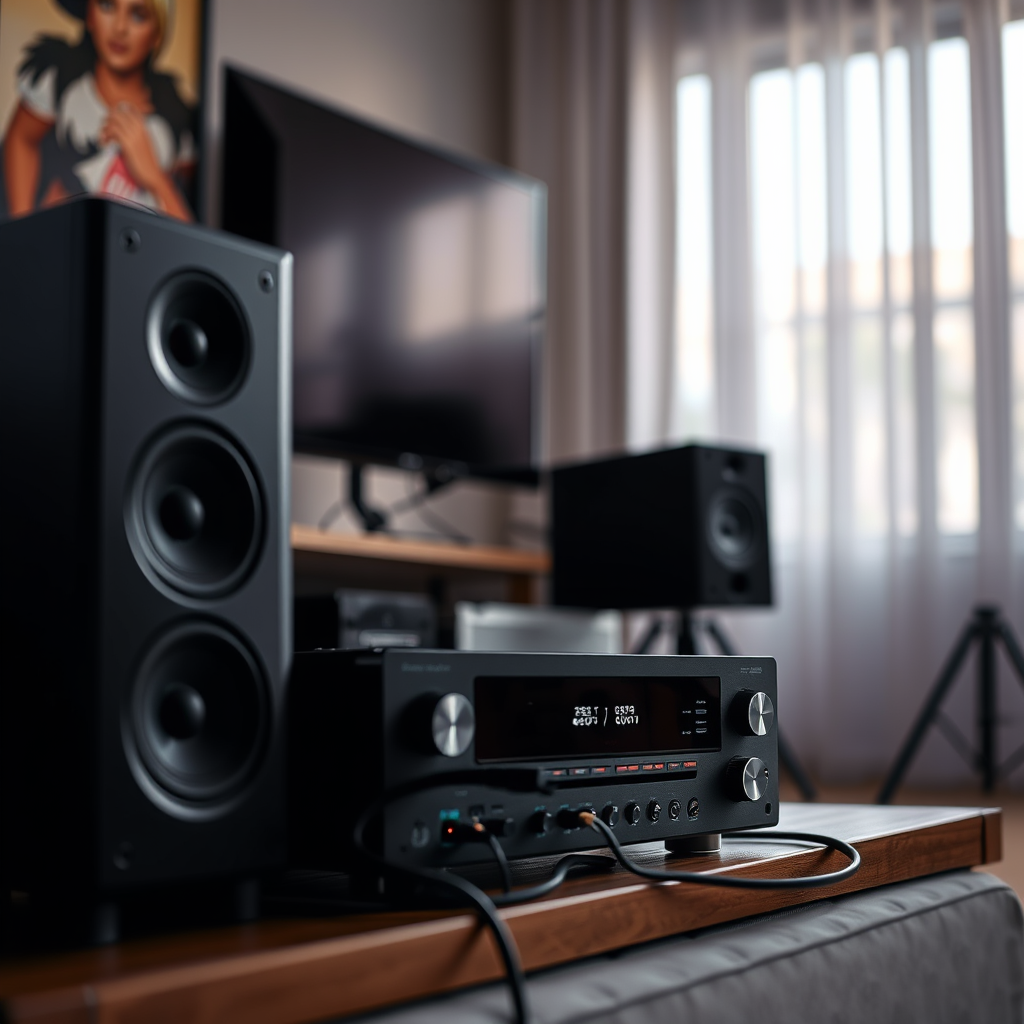
Before diving into the physical connection, it’s essential to comprehend the types of speakers and receivers available. Speakers generally fall into two categories: passive and active. Passive speakers require an external amplifier (like a receiver) to power them, while active speakers come with built-in amplifiers.
Another crucial aspect is the receiver’s channels and power ratings. Most home audio receivers offer multiple channels (typically 2, 5, or 7) that correspond to the number of speakers you can connect. The power rating of the receiver, measured in watts per channel, indicates how much power it can provide to each speaker. Knowing the compatibility between your speakers and receiver will ensure that you do not overload your equipment, potentially causing damage or subpar audio quality.
Required Tools and Materials
To effectively connect your speakers to your receiver, you will need a few essential tools and materials:
– Speaker Wire: This is the primary medium through which audio signals travel from the receiver to the speakers. The gauge of the wire can impact sound quality, with lower gauges (like 12 or 14) offering better performance over longer distances.
– Wire Strippers: These are necessary for stripping the ends of the speaker wire to expose the copper strands for connection.
– Connectors: Depending on your setup, you might use banana plugs or spade connectors to create secure connections.
Using high-quality materials and tools can significantly enhance the overall sound experience, making the investment worthwhile.
Preparing Your Speakers and Receiver
Proper positioning of your speakers is crucial for achieving optimal sound. Ideally, speakers should be placed at ear level when seated, and an equilateral triangle setup (where the speakers and listening position form an equal triangle) is often recommended. This arrangement allows for balanced sound distribution.
Next, prepare your speaker wires. Use wire strippers to remove about half an inch of insulation from the ends of the wires. This preparation is vital to ensure a solid connection with minimal resistance. Take care not to cut the copper strands, as this can affect the quality of the signal transmitted.
Top 7 Speaker Brands by Popularity (2024)
| # | Brand | Type | Price Range | Customer Rating |
|---|---|---|---|---|
| 1 | Bowers & Wilkins | Passive | $700 – $3,500 | ★★★★☆ |
| 2 | Klipsch | Passive | $400 – $1,800 | ★★★★☆ |
| 3 | Sonos | Active | $200 – $1,800 | ★★★★★ |
| 4 | Yamaha | Active | $300 – $2,000 | ★★★★☆ |
| 5 | Polk Audio | Passive | $150 – $1,200 | ★★★★☆ |
| 6 | JBL | Active | $100 – $1,000 | ★★★★★ |
| 7 | KEF | Passive | $600 – $4,000 | ★★★★☆ |
Connecting the Speakers to the Receiver
Once you have prepared your speakers and receiver, it’s time to make the actual connections. Follow these steps for a successful setup:
1. Identify the Speaker Terminals: Look for the corresponding terminals on your receiver and speakers. These are usually color-coded (red for positive and black for negative).
2. Connect the Wires to Speakers: Insert the stripped end of the speaker wire into the appropriate terminal on the speaker. If using connectors, attach them securely to the wire before inserting them into the terminals.
3. Connect the Wires to the Receiver: Repeat the process for the receiver’s terminals, ensuring that each wire corresponds to the correct channel.
4. Double-Check Connections: Verify that all connections are secure and that you have not accidentally swapped the positive and negative wires, as this can cause phase issues, leading to poor audio performance.
Color-coding your connections is not just a best practice; it helps prevent miswiring and maintains clarity in your setup.
Testing Your Setup
After connecting your speakers to the receiver, it’s crucial to test the setup to ensure everything is functioning correctly. Follow these steps:
1. Power On the Receiver: Switch on your receiver and speakers. Ensure that the volume is set to a low level to prevent sudden loud sounds.
2. Conduct a Sound Test: Play a familiar audio track and listen for clarity across all connected speakers. Verify that all channels are producing sound and check for any distortion.
3. Troubleshoot Common Issues: If you experience no sound or distorted audio, check the following:
– Ensure that the receiver is set to the correct input source.
– Verify all connections are secure.
– Check the speaker wires for damage or loose strands that could cause shorts.
By performing these tests, you can confirm that your audio setup is functioning as intended.
Adjusting Settings for Optimal Performance
Once your speakers are successfully connected and tested, you’ll want to configure your receiver settings for the best audio output. Here are some key adjustments to consider:
– Speaker Configuration: Within the receiver settings, specify the number of speakers, their size, and their placement in the room. This helps the receiver optimize sound distribution.
– Equalization Settings: Tweak the bass, midrange, and treble settings to suit your personal preferences and the acoustics of your room.
– Room Calibration: If your receiver offers automatic room calibration, utilize this feature to measure speaker distances and adjust levels accordingly. This can greatly enhance the listening experience by compensating for room acoustics.
Remember, the placement of your speakers and the characteristics of your room can significantly impact audio quality. Experiment with different setups to find what works best for you.
Maintaining Your Audio Setup
Maintaining your speaker connections is essential for long-term performance and reliability. Here are some tips for regular maintenance:
– Inspect Connections Regularly: Periodically check that all wires and connections are tight and free from corrosion. Loose connections can lead to poor audio quality.
– Clean Speaker Terminals: Dust and dirt can accumulate around speaker terminals, impairing the connection. Use a dry cloth to clean them as necessary.
– Monitor for Signs of Trouble: Be attentive to any signs that indicate it may be time to recheck your connections, such as crackling sounds, intermittent audio, or reduced volume. These may suggest a need for maintenance or adjustments.
By following these maintenance tips, you can ensure that your audio setup remains in optimal condition, providing you with the best sound experience possible.
Summarizing the steps to connect speakers to a receiver ensures that you can enjoy the best audio experience possible. By following the outlined steps and tips, you will be able to set up your system efficiently. If you have any further questions or need assistance, don’t hesitate to reach out for help or check additional resources. Properly connecting and maintaining your audio setup is not just about achieving great sound; it’s about enjoying your music and media the way it was meant to be experienced.
Frequently Asked Questions
How do I connect my speakers to a receiver?
To connect your speakers to a receiver, start by identifying the speaker terminals on both the receiver and the speakers. Use speaker wire to connect the positive (+) and negative (-) terminals on the receiver to the corresponding terminals on the speakers. Ensure a secure connection to avoid any sound issues, and check the receiver’s manual for specific wiring instructions.
What type of speaker wire should I use for my receiver?
The best speaker wire for your receiver depends on the distance between the receiver and the speakers. For most home setups, 16-gauge wire is sufficient for runs under 50 feet, while 14-gauge wire is recommended for longer distances. Consider using oxygen-free copper wire for better conductivity and sound quality.
Why is my receiver not recognizing the connected speakers?
If your receiver is not recognizing the connected speakers, check the connections to ensure they are secure and correctly wired. Additionally, verify that the receiver is set to the correct input source and that the speakers are powered on if they are active speakers. If issues persist, consult the receiver’s troubleshooting guide for further assistance.
Which speaker configuration is best for my home theater system?
The best speaker configuration for your home theater system typically depends on the room size and layout. A 5.1 surround sound system, which includes five speakers and a subwoofer, is ideal for most setups, providing a balanced sound experience. For larger spaces, consider a 7.1 or even a 9.1 system for enhanced audio depth and clarity.
How can I troubleshoot speaker connection issues with my receiver?
To troubleshoot speaker connection issues, start by confirming that all cables are securely connected and undamaged. Next, test the speakers with a different audio source to rule out speaker malfunction. Finally, consult the receiver’s settings to ensure the speaker configuration is correct, and perform a factory reset if necessary to resolve persistent issues.
References
- https://www.lifewire.com/how-to-connect-speakers-to-an-av-receiver-1846887
https://www.lifewire.com/how-to-connect-speakers-to-an-av-receiver-1846887 - https://www.crutchfield.com/S-8j6M7gL2zB/learn/how-to-connect-your-speakers-to-your-receiver.html
https://www.crutchfield.com/S-8j6M7gL2zB/learn/how-to-connect-your-speakers-to-your-receiver.html - https://www.audioholics.com/home-theater-connection/how-to-connect-speakers-to-receiver
https://www.audioholics.com/home-theater-connection/how-to-connect-speakers-to-receiver - Google Scholar Google Scholar
https://scholar.google.com/scholar?q=how+to+connect+speakers+to+a+receiver - Google Scholar Google Scholar
https://scholar.google.com/scholar?q=connecting+speakers+to+audio+receiver - Google Scholar Google Scholar
https://scholar.google.com/scholar?q=speaker+connection+to+receiver+guidelines - how to connect speakers to a receiver – Search results
https://en.wikipedia.org/wiki/Special:Search?search=how+to+connect+speakers+to+a+receiver - https://www.ncbi.nlm.nih.gov/search/research-articles/?term=how+to+connect+speakers+to+a+receiver
https://www.ncbi.nlm.nih.gov/search/research-articles/?term=how+to+connect+speakers+to+a+receiver
