


Connecting multiple speakers in a daisy chain configuration can significantly enhance your audio experience by allowing sound to fill larger spaces effectively. This guide will walk you through the process of daisy chaining speakers, ensuring you achieve optimal sound quality and performance from your audio setup.
Understanding Daisy Chaining
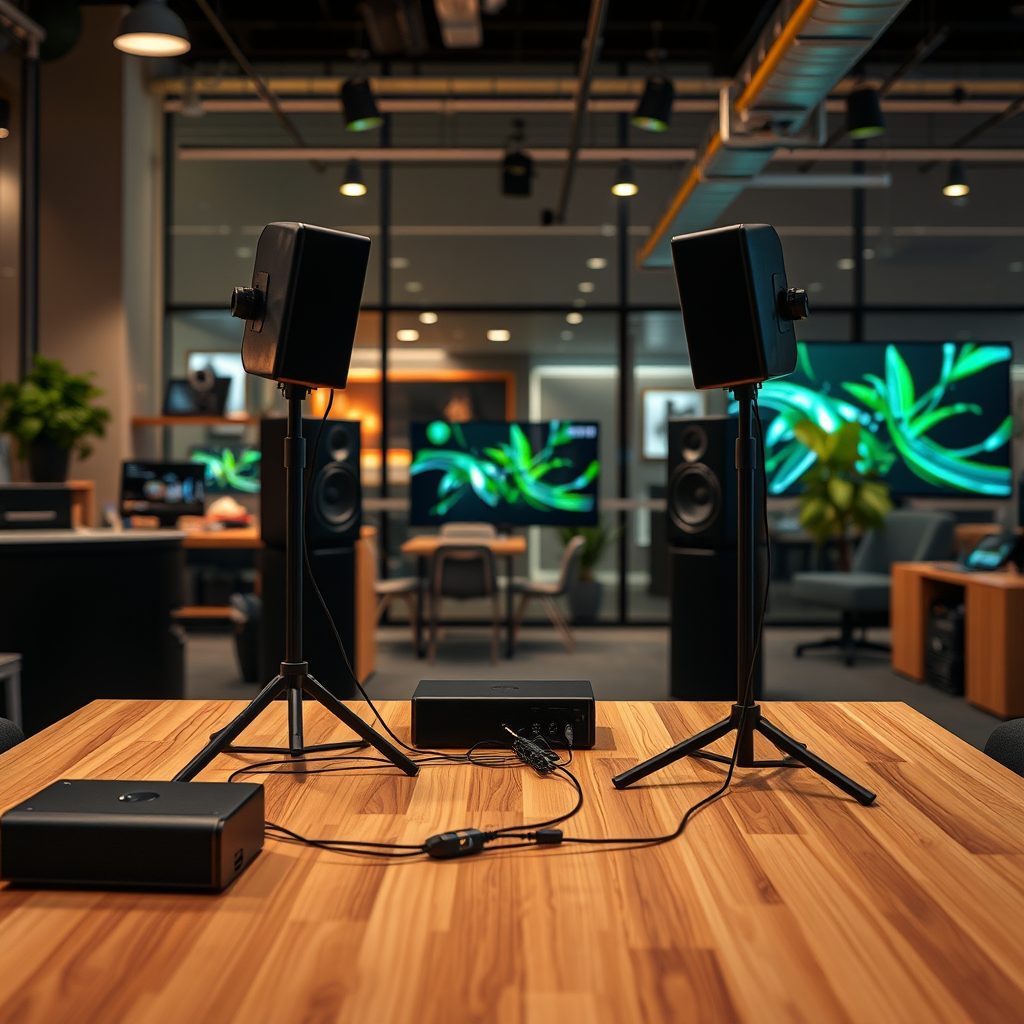
Daisy chaining refers to a method of connecting multiple speakers together in a series, allowing them to share the same audio source. This configuration is particularly useful in larger venues, such as auditoriums, outdoor events, or even home theater setups, where a single speaker may not be sufficient to deliver sound evenly throughout the space.
The primary purpose of daisy chaining is to improve sound distribution, ensuring that audio reaches every corner of the room without significant drop-offs in quality. By utilizing this method, you can achieve balanced sound levels, reduce the need for additional amplifiers, and simplify your wiring setup. Moreover, daisy chaining can also enable you to create layers of sound, enhancing the overall listening experience.
Equipment You’ll Need
To successfully daisy chain speakers, you’ll need the following essential equipment:
– Speakers: Choose compatible speakers with similar impedance ratings to avoid issues with sound quality and performance.
– Cables: High-quality speaker cables are vital. Look for cables with a gauge appropriate for your setup; typically, 16-gauge cables work well for most applications.
– Amplifiers: If you’re using passive speakers, ensure you have an amplifier that can handle the total impedance of the daisy chain.
Recommended Specifications
– Speaker Impedance: Match your speakers in pairs (e.g., both 8 ohms) for optimal performance.
– Cable Length: Keep cable runs as short as possible to reduce signal loss; ideally, no more than 50 feet for 16-gauge cables.
– Connectors: Use banana plugs or spade connectors for a secure connection; these provide better contact than bare wire.
Step-by-Step Connection Process
1. Determine the Order of Connection: Start with your first speaker connected to the amplifier. From there, connect the output of the first speaker to the input of the second speaker, and continue this pattern for any additional speakers.
2. Check Speaker Impedance: Before making connections, calculate the total impedance. If you connect two 8-ohm speakers in parallel, the total impedance will drop to 4 ohms. Ensure your amplifier can handle this load.
3. Connect the Speakers: Use quality speaker wire to connect the positive and negative terminals of each speaker. Ensure that the polarity is consistent throughout the chain.
4. Test the Setup: Once all speakers are connected, power on your amplifier and test each speaker individually to ensure proper functionality.
Tips on Checking Speaker Impedance
– Use a multimeter to measure the impedance of each speaker before connecting.
– Consult your amplifier’s manual to verify it can support the cumulative load from all daisy-chained speakers.
Troubleshooting Common Issues
While daisy chaining can simplify your audio setup, several common issues may arise:
– Sound Distortion: This can occur if the speakers are mismatched in impedance or if the amplifier is overloaded. Check the connections and ensure all speakers share the same impedance rating.
– Connection Failures: Poor or loose connections can lead to dropped sound. Regularly check all connections, tightening as necessary, and replace any frayed or damaged cables.
Solutions
– If distortion persists, consider using a higher-quality amplifier or reducing the number of speakers in the chain.
– For connection issues, ensure that all connectors are clean and securely fastened.
Best Practices for Optimal Sound Quality
Achieving the best sound quality in a daisy chain setup goes beyond mere connections. Here are some best practices:
– Speaker Placement: Position speakers strategically to create an even sound field. Avoid corner placements that can lead to acoustic issues.
– Adjust Amplifier Settings: Use your amplifier’s tone controls to fine-tune the frequency response. If available, utilize features like high-pass filters to optimize sound clarity.
Advanced Daisy Chaining Techniques
For those looking to enhance their audio setups further, consider the following advanced techniques:
– Powered vs. Passive Speakers: Powered speakers have built-in amplifiers, allowing for easier daisy chaining, while passive speakers require an external amplifier. Choose based on your specific needs and setup.
– Using a Mixing Console: For more complex audio setups, integrating a mixing console allows for greater control over individual speaker outputs, enabling you to adjust levels and effects per speaker.
Safety and Maintenance Tips
Ensuring the safety of your audio setup and maintaining your equipment is crucial for longevity:
– Safe Handling: Always handle cables with care, avoiding sharp bends or pinching that could damage the wire.
– Regular Maintenance: Periodically check connections for wear and tear, clean terminals to prevent oxidation, and ensure speakers are dust-free to maintain sound quality.
Top 7 Speaker Brands for Daisy Chaining (2023)
| # | Brand | Type | Impedance | Rating |
|---|---|---|---|---|
| 1 | JBL | Passive | 8 Ohm | ★★★★☆ |
| 2 | Bose | Powered | 4 Ohm | ★★★★★ |
| 3 | Yamaha | Passive | 8 Ohm | ★★★★☆ |
| 4 | Sony | Powered | 6 Ohm | ★★★★☆ |
| 5 | Klipsch | Passive | 8 Ohm | ★★★★☆ |
| 6 | Pioneer | Passive | 8 Ohm | ★★★★☆ |
| 7 | Mackie | Powered | 8 Ohm | ★★★☆☆ |
Summarizing the key steps and considerations for daisy chaining speakers will help you achieve a more immersive audio experience. Now that you’re equipped with the knowledge, it’s time to set up your speakers and enjoy enhanced sound quality. If you found this guide helpful, consider sharing it with others who may benefit!
Frequently Asked Questions
What is daisy chaining speakers and how does it work?
Daisy chaining speakers involves connecting multiple speakers in a series to a single audio source, allowing them to play the same audio simultaneously. This setup requires the speakers to be compatible with the same impedance and power ratings to ensure optimal sound quality and prevent damage to the equipment.
How do I connect multiple speakers in a daisy chain?
To connect multiple speakers in a daisy chain, start by connecting the output of your audio source to the input of the first speaker. Then, use speaker wire to connect the output of the first speaker to the input of the second speaker, and repeat this process for any additional speakers. Ensure that the total impedance does not exceed your amplifier’s specifications to avoid performance issues.
Why is it important to match speaker impedance when daisy chaining?
Matching speaker impedance is crucial when daisy chaining because it ensures that the amplifier can drive all connected speakers effectively without overloading. If the total impedance is too low, it can cause the amplifier to overheat or become damaged, leading to poor sound quality or failure.
What is the best way to daisy chain speakers for optimal sound quality?
The best way to daisy chain speakers for optimal sound quality involves using high-quality speaker wire and ensuring all speakers are of the same type and impedance. Additionally, it’s important to position the speakers properly in the space to create an even sound distribution and enhance the overall listening experience.
Which types of speakers can be daisy chained together?
Most passive speakers can be daisy chained together, provided they have compatible impedance and power ratings. However, active speakers typically should not be daisy chained, as they require their own power source and can introduce complications if connected in series. Always consult the manufacturer’s specifications before proceeding.
References
- https://en.wikipedia.org/wiki/Speaker_(audio
https://en.wikipedia.org/wiki/Speaker_(audio - https://www.audioholics.com/home-theater-connection/how-to-daisy-chain-speakers
https://www.audioholics.com/home-theater-connection/how-to-daisy-chain-speakers - Google Scholar Google Scholar
https://scholar.google.com/scholar?q=daisy+chain+speakers - Google Scholar Google Scholar
https://scholar.google.com/scholar?q=speaker+configuration+audio - Google Scholar Google Scholar
https://scholar.google.com/scholar?q=connecting+multiple+speakers - https://www.hificlassifieds.com/how-to-daisy-chain-speakers/
https://www.hificlassifieds.com/how-to-daisy-chain-speakers/ - Google Scholar Google Scholar
https://scholar.google.com/scholar?q=how+to+daisy+chain+speakers - how to daisy chain speakers – Search results
https://en.wikipedia.org/wiki/Special:Search?search=how+to+daisy+chain+speakers - https://www.ncbi.nlm.nih.gov/search/research-articles/?term=how+to+daisy+chain+speakers
https://www.ncbi.nlm.nih.gov/search/research-articles/?term=how+to+daisy+chain+speakers

[…] are underpowered or poorly matched to the amp, upgrading amplification or using the correct speaker impedance can significantly improve […]
[…] speakers into a laptop is usually a two-step process: connect the speakers using the correct interface (3.5mm, USB, or Bluetooth), then select that device as the active […]