


Eliminating static noise from your speakers is primarily about pinpointing the source of interference and taking actionable steps to resolve it. With the right approach, you can significantly enhance your audio experience, ensuring clear and enjoyable sound. This guide will take you through practical solutions, from identifying the source of static to implementing effective maintenance strategies.
Identifying the Source of Static Noise
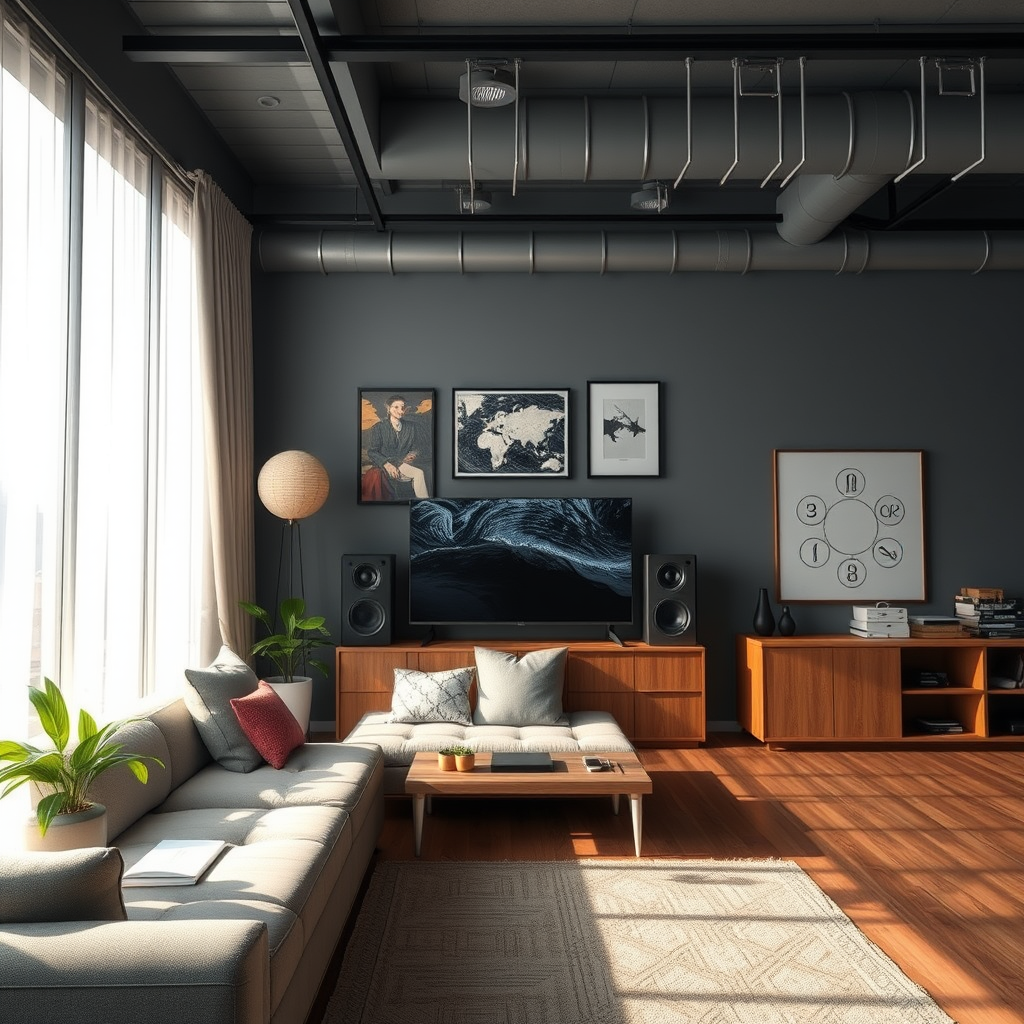
To effectively eliminate static noise, the first step is to identify its source. There are several potential culprits, and addressing them can lead to immediate improvements in sound quality.
– Check the audio source: Start by confirming that the device outputting the audio, whether it’s your smartphone, computer, or stereo system, is functioning properly. Test the audio on different devices to ensure the problem is not device-specific. Additionally, consider the audio format; some low-bitrate files can introduce unwanted noise.
– Inspect cables and connections: Loose or damaged cables can significantly contribute to static noise. Examine all connections for signs of wear or damage. Ensure that cables are securely plugged in and that there are no frayed wires. Using a cable tester can help identify faulty connections.
Ensuring Proper Speaker Placement
The placement of your speakers plays a crucial role in their performance. Poor positioning can lead to interference and unwanted noise.
– Distance from electronic devices: Electronic devices emit electromagnetic interference that can affect your speakers. Keep your speakers at least three feet away from devices such as routers, microwaves, and even televisions. This distance helps minimize any potential interference.
– Optimal positioning: Positioning your speakers on stable surfaces can prevent vibrations that may lead to static noise. Avoid placing them on soft surfaces like couches or beds. Instead, use speaker stands or shelves that can absorb vibrations and provide a solid foundation for your speakers.
Using Quality Cables and Connectors
Investing in high-quality cables can make a significant difference in reducing static noise.
– Upgrade to shielded cables: Shielded audio cables are designed to block electromagnetic interference. Such cables have an additional layer of protection that can significantly reduce static noise, especially in environments with multiple electronic devices.
– Replace damaged connectors: Inspect connectors for wear and tear. Corroded or damaged connectors can disrupt the audio signal and introduce static noise. Replacing these with high-quality connectors can ensure a cleaner signal path.
Adjusting Audio Settings
Sometimes, the solution to static noise lies in your audio settings.
– Lower volume settings: Excessive volume can sometimes amplify static noise. Start by decreasing the volume on your speakers or audio source and see if the static diminishes. This can often provide a clearer listening experience.
– Equalizer adjustments: Fine-tuning the equalizer settings on your device can help balance frequencies and minimize static. Experiment with different presets or manual adjustments to find a setting that reduces noise while maintaining audio quality.
Employing Noise Filters and Suppressors
In certain situations, additional equipment may be necessary to eliminate static.
– Utilize power conditioners: Power conditioners can filter out electrical noise from your power supply, providing cleaner power to your audio equipment. This is especially beneficial in homes with older wiring or multiple devices drawing power.
– Consider using ground loop isolators: Ground loops can cause hum and static noise in audio systems. Ground loop isolators can help eliminate these issues by breaking the ground loop and providing a clean signal.
Regular Maintenance and Troubleshooting
Regular maintenance is essential for ensuring your audio system performs at its best.
– Clean your equipment: Dust and debris can accumulate on connections and components, leading to degraded performance. Regularly clean your speakers, cables, and connectors to maintain optimal sound quality.
– Update drivers and firmware: Ensure that your audio drivers and firmware are up to date. Manufacturers often release updates that address bugs and compatibility issues, which can contribute to static noise.
Seeking Professional Help
If you’ve tried these solutions and static noise persists, it might be time to consult a professional.
– Consult an audio technician: A professional audio technician can conduct a thorough inspection of your system. They have the expertise to diagnose complex issues that may not be apparent to the average user.
– Explore warranties and support: Check if your speakers are still under warranty. If so, contact the manufacturer for support, as they may offer repairs or replacements for defective equipment.
Common Causes of Static Noise in Speakers and Solutions
| # | Cause | Solution | Effectiveness |
|---|---|---|---|
| 1 | Poor Connections | Secure connections | High |
| 2 | Interference from Electronics | Reposition speakers | Medium |
| 3 | Damaged Cables | Replace with shielded cables | High |
| 4 | Ground Loop Issues | Use ground loop isolators | High |
| 5 | Outdated Drivers | Update audio drivers | Medium |
| 6 | Electrical Noise | Use power conditioners | High |
| 7 | Low-Quality Equipment | Upgrade audio equipment | High |
Summarizing the steps to eliminate static noise from your speakers is crucial to enjoying high-quality sound. By identifying the source of the issue, ensuring proper placement, upgrading cables, adjusting audio settings, and considering noise filters, you can effectively reduce or eliminate static noise. If the problem persists, don’t hesitate to seek professional help. Start improving your audio experience today!
Frequently Asked Questions
What causes static noise in speakers?
Static noise in speakers can be caused by several factors, including electrical interference from nearby devices, poor connections, or damaged cables. Additionally, issues with the audio source or speaker components can contribute to this unwanted noise, making it important to identify the root cause for effective elimination.
How can I eliminate static noise from my speakers?
To eliminate static noise from your speakers, start by checking all connections and cables for damage or loose ends. Ensure that your audio source is functioning correctly and try moving your speakers away from potential sources of interference, such as routers or microwaves. Additionally, using a power conditioner can help reduce electrical noise.
Why do my speakers make static noise when connected to my computer?
Speakers may produce static noise when connected to a computer due to ground loop issues, inadequate sound drivers, or interference from other electronic devices. Updating your sound drivers, using shielded cables, and ensuring a proper ground connection can help resolve the problem and improve audio clarity.
What is the best way to reduce static noise in audio equipment?
The best way to reduce static noise in audio equipment includes using high-quality, shielded cables to prevent interference and ensuring that all connections are secure. Additionally, investing in a noise filter or power conditioner can significantly minimize static noise by regulating power supply and reducing electrical interference.
Which devices can help eliminate static noise in speakers?
Several devices can help eliminate static noise in speakers, including audio interfaces, ground loop isolators, and power conditioners. These devices work by filtering out electrical noise and ensuring a clean audio signal, which can greatly enhance your listening experience and reduce unwanted static.
References
- Electromagnetic interference
https://en.wikipedia.org/wiki/Electromagnetic_interference - https://www.sciencedirect.com/topics/engineering/static-noise
https://www.sciencedirect.com/topics/engineering/static-noise - https://www.ncbi.nlm.nih.gov/pmc/articles/PMC6976834/
https://www.ncbi.nlm.nih.gov/pmc/articles/PMC6976834/ - https://www.ncbi.nlm.nih.gov/pmc/articles/PMC2921336/
https://www.ncbi.nlm.nih.gov/pmc/articles/PMC2921336/ - https://www.nature.com/articles/s41598-019-45513-9
https://www.nature.com/articles/s41598-019-45513-9 - https://www.bbc.com/news/technology-57813145
https://www.bbc.com/news/technology-57813145 - https://www.theguardian.com/technology/2021/sep/01/how-to-fix-static-noise-on-your-speakers
https://www.theguardian.com/technology/2021/sep/01/how-to-fix-static-noise-on-your-speakers - Google Scholar Google Scholar
https://scholar.google.com/scholar?q=how+to+eliminate+static+noise+from+speakers - Google Scholar Google Scholar
https://scholar.google.com/scholar?q=speaker+static+noise+solutions - Google Scholar Google Scholar
https://scholar.google.com/scholar?q=eliminating+static+noise+electronic+devices

[…] “bad sound” in car speakers comes from poor wiring/power, weak audio settings, and missing basic tuning—so fix those first. You’ll hear immediate improvement by securing […]
[…] to Microsoft guidance on Windows audio settings, selecting the correct output endpoint is required because Windows uses separate audio devices per […]
[…] guesswork? This step-by-step setup guide walks you through the exact process—pairing, matching audio settings, and confirming sync—so you can stop lip-sync delays and phasey sound. Follow it and you’ll […]
[…] Premium audio doesn’t mean “maximum wattage.” It means the system controls distortion, extends clean bass, and keeps vocals intelligible across genres. A useful listening target is the full human hearing range (about 20 Hz to 20 kHz), but cars rarely deliver that evenly without careful DSP and proper speaker placement. […]