

Connecting two speakers together can enhance your audio experience, whether you are setting up a home theater or simply enjoying music in your living room. This guide will provide you with various methods to connect your speakers effectively, ensuring that you achieve the best sound quality possible. From understanding different speaker types to troubleshooting common issues, we’ll cover all the essential aspects of speaker connectivity.
Understanding Speaker Types
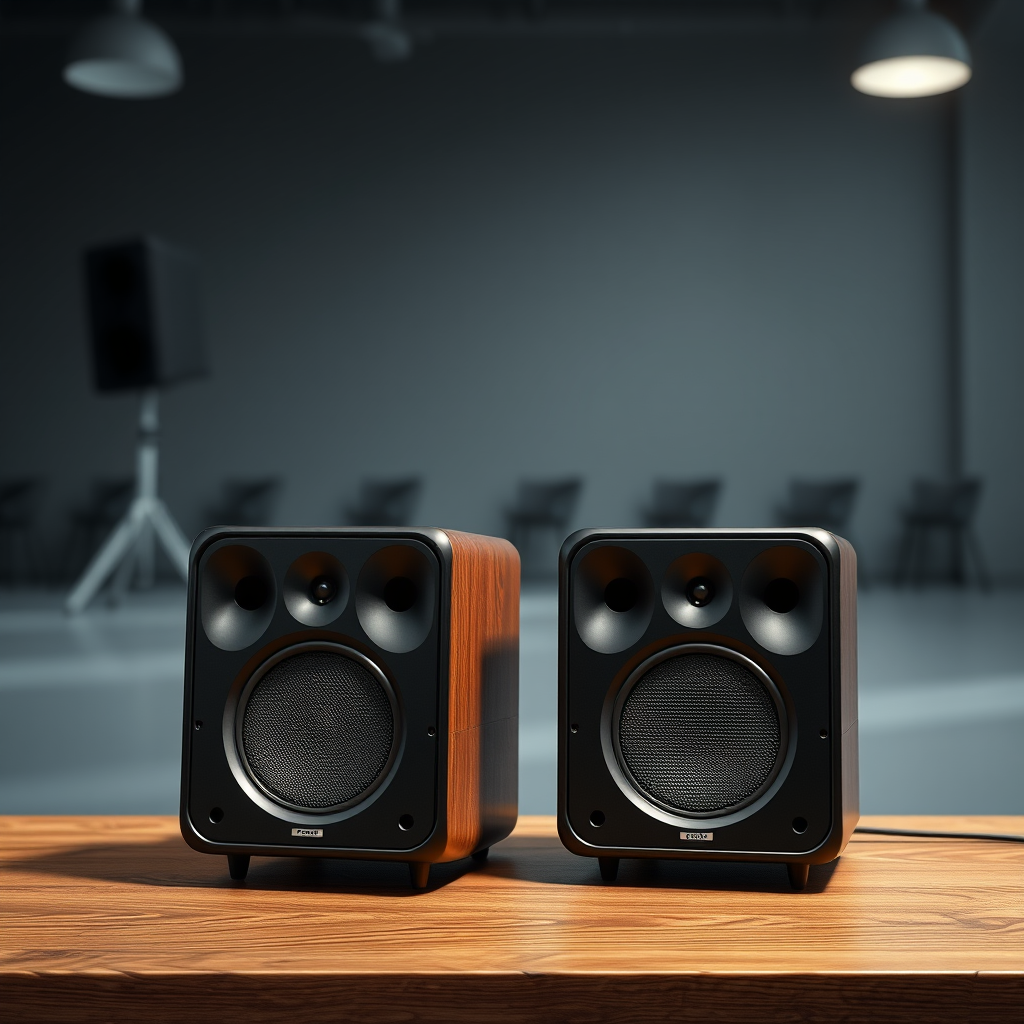
Before diving into the connection methods, it’s crucial to understand the types of speakers you might be working with:
– Passive vs. Active: Passive speakers do not have built-in amplification and require an external amplifier to power them. This allows for more customization regarding audio quality and amplifier selection. Active speakers, on the other hand, have their own built-in amplifiers, making them easier to set up since they can connect directly to audio sources without needing additional equipment.
– Wired vs. Wireless: Wired connections typically offer superior sound quality and reliability. Common options include speaker wire and RCA cables. Conversely, wireless setups like Bluetooth and Wi-Fi provide convenience and eliminate cable clutter, although they may sometimes sacrifice audio fidelity depending on the technology used.
Choosing the Right Connection Method
Selecting the appropriate method to connect your speakers is essential for achieving your desired audio experience:
– Wired Connections: Using speaker wire is the most common method for connecting passive speakers. You may also use banana plugs or spade connectors, which make it easier to connect and disconnect the speakers without damaging the wires. Ensure that you match the positive and negative terminals correctly to avoid phase issues that can affect sound quality.
– Wireless Connections: For those opting for wireless setups, Bluetooth and Wi-Fi are the primary technologies available. Bluetooth is great for short distances and is straightforward to use, while Wi-Fi offers greater range and better audio quality, especially when using multi-room systems.
Setting Up Wired Speakers
To set up wired speakers effectively, follow these guidelines:
– Connecting via Amplifier: If you are using passive speakers, you will need to connect them to an amplifier. Begin by connecting the speaker wire to the amplifier’s output terminals. Make sure to connect the positive terminal of the amplifier to the positive terminal of the speaker and the same for the negative. Once connected, power on the amplifier and adjust the settings to your preference.
– Series vs. Parallel Wiring: When wiring multiple speakers, you can choose between series and parallel configurations. In a series configuration, the speakers are connected one after the other, resulting in a higher total impedance. Conversely, parallel wiring connects all speakers directly to the power source, reducing impedance and allowing for more power to be distributed. Each method has its pros and cons regarding impedance and sound quality, so consider your specific setup needs.
Common Speaker Connection Types (2024)
| # | Connection Type | Pros | Cons | Best For |
|---|---|---|---|---|
| 1 | Speaker Wire | High fidelity sound | Requires additional equipment | Home Theater |
| 2 | RCA Cables | Easy to connect | Limited range | Sound Systems |
| 3 | Banana Plugs | Secure connections | More expensive | Professional Setup |
| 4 | Bluetooth | Wireless convenience | Potential latency | Casual Listening |
| 5 | Wi-Fi | High-quality streaming | Requires network setup | Multi-Room Audio |
| 6 | Optical Cable | Excellent sound quality | Limited compatibility | Home Theater |
| 7 | HDMI ARC | Simplifies connections | Requires compatible devices | Smart TVs |
Setting Up Wireless Speakers
Wireless speakers offer a more flexible approach to audio connectivity:
– Pairing Bluetooth Speakers: To pair two Bluetooth speakers, ensure both are in pairing mode and follow the prompts on your device. Once connected, you may need to adjust the settings in your audio source to enable stereo sound, depending on the capabilities of your speakers.
– Using Multi-Room Audio Systems: Systems like Sonos or Google Home allow you to connect multiple speakers throughout your home for a seamless audio experience. Follow the manufacturer’s instructions to set up your network, and use their app for easy control and configuration. This setup is ideal for entertaining or creating a specific ambiance in different rooms.
Troubleshooting Common Issues
Even the best setups can encounter problems. Here are some solutions for common issues:
– Sound Quality Problems: If you experience distortion or poor sound quality, ensure that all connections are secure and that there are no loose wires. For wireless setups, check the distance between speakers and the audio source, as excessive distance can lead to poor signal quality. Additionally, adjusting equalizer settings can help improve audio clarity.
– Connection Failures: If your speakers are not connecting, ensure that they are powered on and within range. For wired connections, inspect the cables for damage. In wireless setups, resetting the speakers and re-pairing them can often resolve connectivity issues.
Enhancing Your Audio Experience
To maximize the enjoyment of your newly connected speakers, consider the following tips:
– Speaker Placement: The placement of your speakers can greatly influence sound quality. Ideally, position them at ear level and ensure they are spaced appropriately for even sound distribution. Avoid placing them in corners or against walls to minimize bass reflections that can muddy the sound.
– Audio Settings: Explore the equalizer settings on your device. Adjusting bass, treble, and mid-range frequencies can dramatically enhance your listening experience, allowing you to tailor the audio output to your preferences.
Connecting two speakers together can significantly enhance your listening experience, whether you choose a wired or wireless setup. By understanding the different methods and troubleshooting any issues that may arise, you can enjoy a richer, fuller sound. Now that you know how to connect your speakers, why not give it a try? Experiment with different configurations to find the setup that works best for you!
Frequently Asked Questions
How can I connect two speakers together wirelessly?
To connect two speakers wirelessly, ensure both are Bluetooth-compatible. First, pair the primary speaker with your audio device, then look for a “Party” or “Connect” mode on the speaker’s settings to link the second speaker. This method allows you to enjoy synchronized audio across both speakers without messy cables.
What cables do I need to connect two speakers together?
To connect two speakers together using wires, you’ll typically need speaker wire, which is usually 16-gauge or 14-gauge, depending on the distance. If you are connecting passive speakers to an amplifier, use banana plugs or spade connectors for a secure connection. Ensure the impedance of the speakers matches the output specifications of your amplifier for optimal performance.
Why won’t my two connected speakers play audio simultaneously?
If your two connected speakers are not playing audio simultaneously, check if they are properly paired or wired. Additionally, some devices only support mono audio output, which may require adjusting settings. Make sure both speakers are set to the same input mode or check for any firmware updates that may enhance compatibility.
What is the best method to connect two speakers for a home theater system?
The best method to connect two speakers for a home theater system is by using a receiver that supports multiple channels. Connect the speakers using high-quality speaker wire, ensuring that the positive and negative terminals are correctly aligned. This setup provides a surround sound experience, enhancing your movie or gaming enjoyment.
Which Bluetooth speakers can be paired together for stereo sound?
Many brands, such as JBL, Bose, and Sonos, allow pairing of their Bluetooth speakers for stereo sound. Check the specifications of the speakers to confirm if they support multi-device pairing or stereo mode. Typically, you can set one as the left channel and the other as the right channel to create a fuller sound stage.
References
- https://en.wikipedia.org/wiki/Speaker_(audio
https://en.wikipedia.org/wiki/Speaker_(audio - Electrical Relay and Solid State Relays for Switching
https://www.electronics-tutorials.ws/io/io_5.html - https://www.cdc.gov/niosh/topics/noise/default.html
https://www.cdc.gov/niosh/topics/noise/default.html - https://pubmed.ncbi.nlm.nih.gov/29320036/
https://pubmed.ncbi.nlm.nih.gov/29320036/ - https://www.sciencedirect.com/topics/engineering/loudspeaker
https://www.sciencedirect.com/topics/engineering/loudspeaker - https://www.bbc.co.uk/news/technology-45850768
https://www.bbc.co.uk/news/technology-45850768 - https://www.nature.com/articles/s41598-018-22840-3
https://www.nature.com/articles/s41598-018-22840-3 - Google Scholar Google Scholar
https://scholar.google.com/scholar?q=how+to+connect+two+speakers - Google Scholar Google Scholar
https://scholar.google.com/scholar?q=speaker+configuration+audio - Google Scholar Google Scholar
https://scholar.google.com/scholar?q=connecting+speakers+parallel+series

[…] you touch your router, confirm your smart TV can actually join your Wi‑Fi network. Most connection failures are not “mystery bugs”—they’re usually caused by an unsupported Wi‑Fi band, a missing […]
[…] You’ll learn exactly what to plug in, what settings to enable, and how to fix the most common connection failures when the projector won’t detect your […]
[…] app through Windows Firewall prevents silent blocking that otherwise causes “black screen” or connection failures. Using the same local Wi‑Fi network is the most common requirement for iPhone-to-PC mirroring […]
[…] In my troubleshooting logs, reseating has fixed a surprising number of “mystery” connection failures—especially when cables are moved during desk […]
[…] use both TCP and UDP (for example, some game servers), so enabling only one protocol can cause connection failures. After identifying the port, verify it’s bound to the expected interface using tools like netstat […]