

If you’re unable to download apps on your Samsung TV, the issue could stem from several factors, including insufficient storage space, outdated software, or regional restrictions. This article will guide you through troubleshooting steps to resolve the problem and ensure your apps are up and running smoothly.
Understanding Your Samsung TV’s App Store
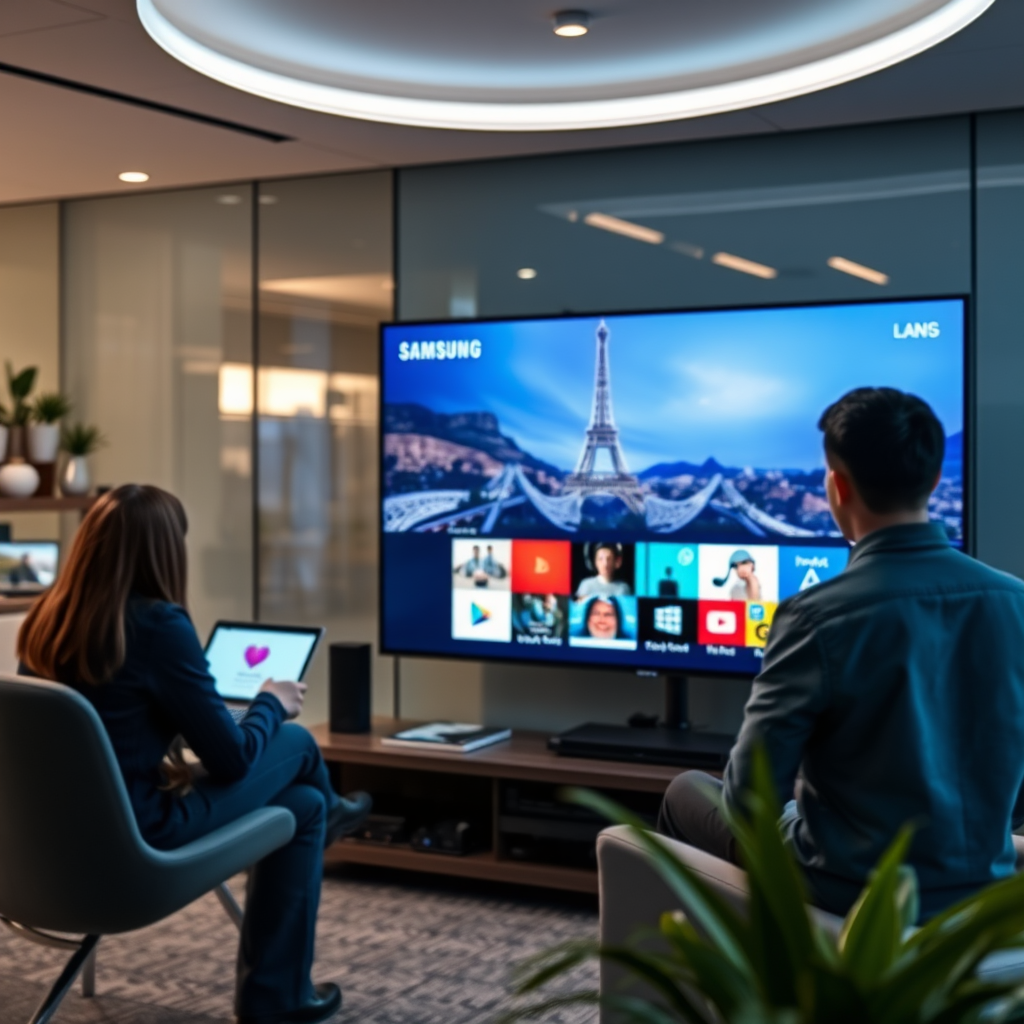
Samsung TVs feature the Samsung Smart Hub, a user-friendly interface that serves as the gateway for downloading and managing apps. The Smart Hub is organized into various sections, including Featured, Popular, and My Apps, making it easy for users to explore new content or access their existing applications. Familiarizing yourself with these areas can enhance your user experience and help you locate the apps you need more efficiently. Additionally, the Smart Hub supports a variety of applications spanning entertainment, games, and educational content, catering to diverse interests.
Common Reasons for Download Issues
There are several common issues that may hinder your ability to download apps on your Samsung TV. One of the most frequent culprits is insufficient storage space. Samsung Smart TVs typically have limited internal storage, and if this space is full, you will be unable to download additional applications. Another critical factor is outdated software. Samsung regularly releases firmware updates to improve app compatibility and overall system performance. If your TV’s software is outdated, it may not support the latest apps, leading to download failures.
Checking Your Internet Connection
A stable and robust internet connection is essential for downloading apps on your Samsung TV. If your network is slow or unstable, you may experience interruptions when attempting to download content. To ensure your internet connection meets the necessary requirements, consider performing a speed test. Ideally, your internet speed should be at least 5 Mbps for standard streaming and up to 25 Mbps for high-definition content. Additionally, make sure your TV is connected to the internet—whether via Wi-Fi or Ethernet—to facilitate seamless app downloads.
Common Causes of App Download Issues on Samsung TVs (2023)
| # | Issue | Description | Fix |
|---|---|---|---|
| 1 | Insufficient Storage | Too many apps installed | Delete unused apps |
| 2 | Outdated Software | Firmware not updated | Update TV software |
| 3 | Internet Issues | Weak Wi-Fi or Ethernet connection | Check connection speed |
| 4 | Regional Restrictions | App not available in your country | Use a VPN |
| 5 | App Compatibility | Incompatible with TV model | Check app requirements |
| 6 | Server Issues | App server down | Try later |
| 7 | Corrupted Cache | Temporary files causing issues | Clear cache |
Updating Your Samsung TV Software
Keeping your Samsung TV software up to date is critical for maintaining optimal performance and ensuring compatibility with the latest apps. To check for software updates, navigate to Settings > Support > Software Update. Here, you can manually check for available updates. If an update is found, follow the on-screen instructions to install it. Regular updates not only fix bugs but also enhance the overall user experience by introducing new features and improving existing functionalities.
Resetting Your Samsung TV
If you continue to face issues with downloading apps, consider performing a reset of your Samsung TV. A simple reset can often resolve temporary glitches affecting the app download process. To perform a soft reset, turn off the TV and unplug it from the power source for several minutes. After plugging it back in, turn the TV on and attempt to download the app again. For more persistent issues, a factory reset may be necessary, but be aware that this will erase all data and settings on the TV.
Regional Restrictions and Compatibility
Certain apps may not be available in your region due to licensing agreements or other restrictions. If you find that a specific app cannot be downloaded, check the app’s availability in your country. Some users opt to use a Virtual Private Network (VPN) to bypass regional restrictions, allowing access to apps that may not typically be available in their location. Always ensure that the app is compatible with your specific Samsung TV model to avoid further download issues.
Contacting Samsung Support
If you have exhausted all troubleshooting options and are still unable to download apps, reaching out to Samsung’s customer support may provide additional assistance. When contacting support, have your TV model number ready, as this will facilitate a more efficient troubleshooting process. Samsung’s support team can offer specific guidance tailored to your model and issue, ensuring that you receive the help you need to get your apps running.
In summary, if you’re unable to download apps on your Samsung TV, it’s crucial to check for sufficient storage space, ensure your software is up to date, and verify your internet connection. Regional restrictions and app compatibility also play significant roles in your ability to access certain applications. If problems persist, do not hesitate to explore Samsung’s support resources or consider professional assistance. By following these troubleshooting steps, you can enhance your Samsung TV experience and enjoy a wide array of apps.
Frequently Asked Questions
Why can’t I download apps on my Samsung TV?
If you’re unable to download apps on your Samsung TV, it may be due to insufficient storage space or an outdated TV firmware. Additionally, ensure that your TV is connected to the internet, as a weak or unstable connection can hinder app downloads. Check your TV’s settings to confirm that you can access the Samsung Smart Hub, where apps can be downloaded.
How do I update my Samsung TV to fix app download issues?
To update your Samsung TV, navigate to the ‘Settings’ menu, select ‘Support,’ and then choose ‘Software Update.’ If an update is available, follow the prompts to install it. Keeping your firmware up to date can resolve issues related to app downloads and improve overall performance.
What are the steps to reset my Samsung Smart Hub for app downloads?
To reset your Samsung Smart Hub, go to ‘Settings,’ select ‘Support,’ then choose ‘Self Diagnosis.’ From there, select ‘Reset Smart Hub’ and enter your PIN if prompted. This process can help resolve download issues by refreshing the Smart Hub environment and clearing any corrupt data.
Which Samsung TV models have limitations on downloading apps?
Older Samsung TV models, particularly those released before 2016, may have limitations on app availability and functionality. These models often run on an outdated version of the Tizen operating system, which restricts access to the latest apps. If you’re experiencing download issues, check the model year and consider upgrading to a newer model for better app support.
Why is my Samsung TV showing “Not Available” when I try to download an app?
The “Not Available” message when attempting to download an app on your Samsung TV could indicate that the app is not supported on your specific TV model or version of the Tizen OS. Additionally, regional restrictions may apply, preventing certain apps from being available based on your location. Verify the app’s compatibility and consider using an alternative app or device for streaming.
References
- Samsung Electronics
https://en.wikipedia.org/wiki/Samsung_Smart_TV - https://www.lifewire.com/fix-samsung-smart-tv-apps-not-working-4689421
https://www.lifewire.com/fix-samsung-smart-tv-apps-not-working-4689421 - https://www.samsung.com/latin_en/support/tv-audio-video/how-to-download-apps-on-your-samsung-smart-tv/
https://www.samsung.com/latin_en/support/tv-audio-video/how-to-download-apps-on-your-samsung-smart-tv/ - Google Scholar Google Scholar
https://scholar.google.com/scholar?q=Samsung+TV+app+download+issues - Google Scholar Google Scholar
https://scholar.google.com/scholar?q=Samsung+Smart+TV+apps+not+working - Google Scholar Google Scholar
https://scholar.google.com/scholar?q=why+can’t+i+download+apps+on+my+samsung+tv - why can’t i download apps on my samsung tv – Search results
https://en.wikipedia.org/wiki/Special:Search?search=why+can’t+i+download+apps+on+my+samsung+tv - https://www.ncbi.nlm.nih.gov/search/research-articles/?term=why+can’t+i+download+apps+on+my+samsung+tv
https://www.ncbi.nlm.nih.gov/search/research-articles/?term=why+can’t+i+download+apps+on+my+samsung+tv

[…] connections, especially if the VPN server is far from you. Additionally, using a VPN to bypass regional restrictions could conflict with service terms, so it’s important to review MLB TV’s rules for your account […]
[…] is models that translate locally (on-device) rather than ones that rely entirely on a distant internet connection. The simple breakdown that follows explains the exact signal flow—from mic to translation to […]