

Mounting a Vizio TV is not only possible, but it can also enhance your viewing experience by saving space and providing a better angle. This process allows you to optimize your living area while ensuring a clean and modern look. In this article, you will learn about the necessary tools, considerations, and steps involved in securely mounting your Vizio TV, allowing you to enjoy your favorite shows and movies from a comfortable vantage point.
Understanding Vizio TV Compatibility
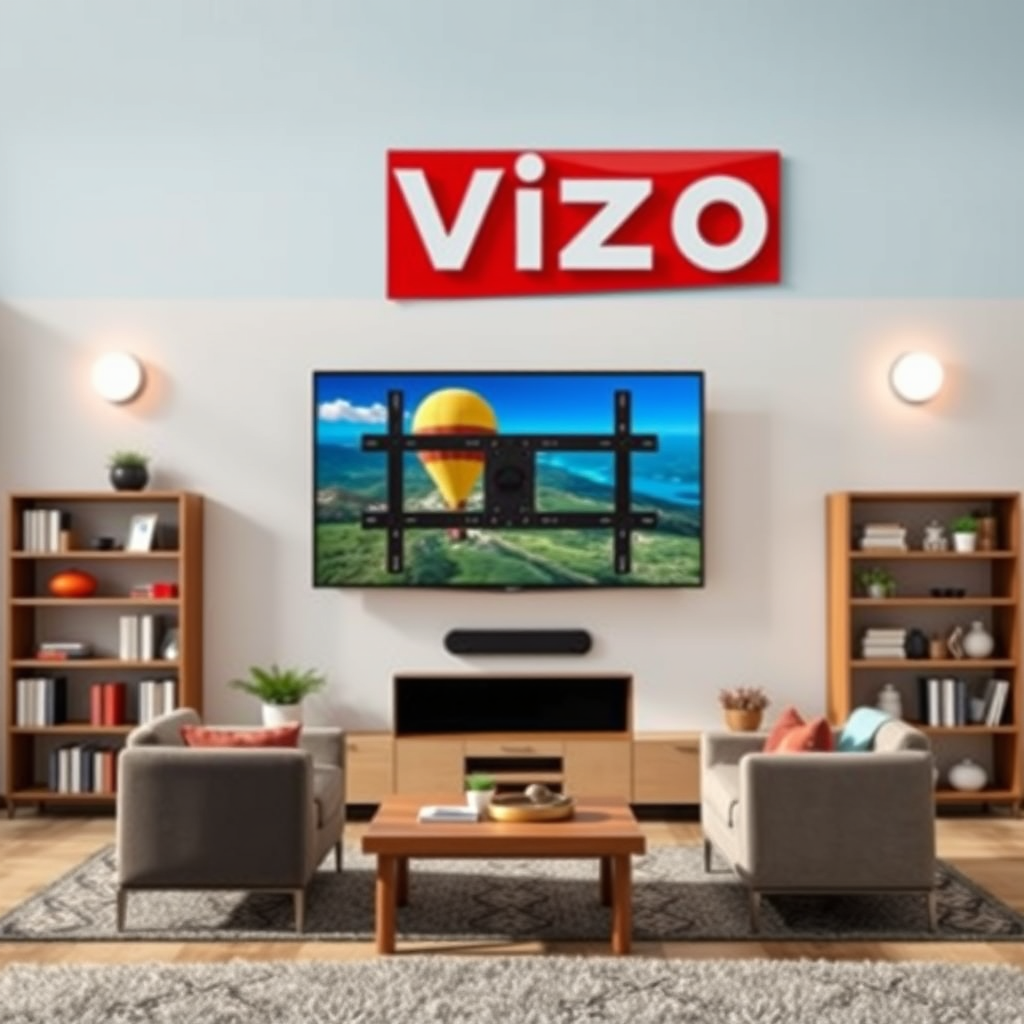
To successfully mount your Vizio TV, it is crucial to first understand its compatibility with wall mounts. Most Vizio TVs conform to the VESA (Video Electronics Standards Association) mounting interface, which standardizes the distance between mounting holes on the back of the TV.
1. Check VESA Mount Specifications: Locate your TV model’s VESA mounting pattern in the user manual or on Vizio’s official website. Common VESA sizes include 100x100mm, 200x200mm, and 400x400mm. This measurement will determine the type of mount you need.
2. Confirm Wall Mount Compatibility: Ensure that the wall mount you choose not only fits the VESA specifications of your TV but also supports its weight and size. Refer to the manufacturer’s guidelines for the maximum weight capacity of the wall mount, as exceeding this limit could lead to accidents or damage.
Tools and Materials Needed
Before beginning the mounting process, gather the necessary tools and materials to ensure a smooth installation.
Essential Tools:
– Drill: For making holes in the wall to secure the mount.
– Screwdriver: To tighten screws and secure the TV to the mount.
– Level: To ensure that the TV is mounted straight.
– Stud Finder: To locate wall studs for secure mounting.
Recommended Materials:
– Wall Mount Bracket: Select a bracket that matches the VESA specifications and weight capacity of your TV.
– Screws and Anchors: These will vary based on the type of wall mount and wall material. Heavy-duty screws are recommended for drywall, while concrete walls may require different anchors.
Choosing the Right Mounting Location
Selecting the ideal location for your Vizio TV is critical for an optimal viewing experience.
1. Assess Optimal Viewing Height: The center of the TV screen should be at eye level when seated. A common recommendation is to mount the TV 42 to 48 inches from the floor to the center of the screen, depending on your seating arrangement.
2. Ensure Proximity to Power Outlets: Check that the mounting location is near power outlets and cable connections. This will help avoid messy wiring and make it easier to connect devices like streaming boxes, game consoles, and sound systems.
Viewing Distance
Consider the size of your TV when determining the distance from your seating area. A general guideline is to sit 1.5 to 2.5 times the diagonal size of your TV away from the screen.
Step-by-Step Mounting Instructions
Once you have chosen the mounting location, follow these steps to securely mount your Vizio TV:
1. Mark the Wall: Use a pencil to mark the position where the wall mount bracket will be installed. Ensure you are using a level to keep your markings straight.
2. Locate Studs: Use a stud finder to locate the wooden studs in your wall. Mark these locations as they will provide the necessary support for your TV mount.
3. Install the Wall Bracket: Drill holes into the wall where you marked the studs and secure the wall bracket using the appropriate screws. Make sure the bracket is level before fully tightening the screws.
4. Attach the TV to the Mount: With help, lift the TV and align it with the wall mount. Secure the TV according to the mount’s instructions, ensuring all screws are tightly fastened.
5. Connect Cables: After mounting, connect any necessary cables—HDMI, power, etc.—to your TV before adjusting its position.
Troubleshooting Common Issues
Even with careful planning, issues can still arise during installation. Here are common problems and how to address them:
1. Uneven Mounting or Misalignment: If your TV appears crooked, check that the wall mount bracket is level and adjust as necessary. Re-tightening screws may help in achieving better alignment.
2. Loose Connections: If the TV feels unstable, double-check that all screws connecting the TV to the mount are secure. If using a tilting mount, ensure the locking mechanisms are engaged.
3. Cabling Issues: If cables are too short, consider using cable management solutions like raceways or covers to hide wires and ensure a clean appearance.
Safety and Maintenance Tips
Maintaining the integrity of your mounted TV is crucial for longevity and safety.
1. Regularly Check Mount Integrity: Periodically inspect the mount for any signs of wear or loosening. Tighten screws and connections as needed.
2. Cable Management: Keep cables organized to prevent tangling and accidental disconnections. Consider using zip ties or cable clips for a neater look.
3. Adjusting or Moving the TV: If adjustments are needed, such as tilting the TV for glare reduction, always ensure that the mount’s mechanisms are securely locked after adjustments.
Top 7 Vizio TV Models and Their Features (2024)
| # | Model | Screen Size | Resolution | Smart Features |
|---|---|---|---|---|
| 1 | Vizio 55″ 4K Smart TV | 55″ | 4K UHD | Yes |
| 2 | Vizio 65″ 4K Smart TV | 65″ | 4K UHD | Yes |
| 3 | Vizio 75″ 4K Smart TV | 75″ | 4K UHD | Yes |
| 4 | Vizio 50″ Smart TV | 50″ | Full HD | No |
| 5 | Vizio 32″ Smart TV | 32″ | HD | No |
| 6 | Vizio 40″ Smart TV | 40″ | HD | No |
| 7 | Vizio 24″ Smart TV | 24″ | HD | No |
In conclusion, mounting your Vizio TV is a straightforward process that can significantly enhance your viewing experience. By understanding compatibility, gathering the right tools, and following a systematic approach to installation, you can create an optimal setup in your home. Always prioritize safety by regularly checking the mount integrity and managing cables effectively. If you’re unsure at any point in the process, consider consulting a professional for assistance. Gather your tools, plan your installation, and enjoy your newly mounted Vizio TV!
Frequently Asked Questions
What tools do I need to mount a Vizio TV?
To mount a Vizio TV, you’ll typically need a stud finder, a level, a drill, a screwdriver, and a socket wrench. Additionally, ensure you have a compatible TV wall mount that supports your Vizio model’s weight and size. Having a tape measure on hand can also help you position the TV at the perfect height.
How do I choose the right wall mount for my Vizio TV?
To choose the right wall mount for your Vizio TV, first check the TV’s VESA pattern, which indicates the distance between mounting holes on the back of the TV. Ensure the wall mount is rated for your TV’s size and weight, and consider whether you want a fixed, tilting, or full-motion mount based on your viewing preferences and room layout.
Why is it important to mount a Vizio TV securely?
Mounting a Vizio TV securely is crucial for safety and to prevent damage. A poorly mounted TV can fall, posing a risk to children and pets while also damaging the TV and the wall. Additionally, a secure mount enhances your viewing experience by reducing vibrations and maintaining optimal screen positioning.
What is the best height to mount a Vizio TV?
The best height to mount a Vizio TV is generally at eye level when you are seated, which is typically around 42 to 48 inches from the floor to the center of the screen. If you’re mounting the TV above a fireplace or in a high location, consider angling it downwards for improved viewing comfort. Always take into account your room layout and seating arrangement for optimal results.
Which wall types are suitable for mounting a Vizio TV?
Vizio TVs can be mounted on various wall types, including drywall, plaster, and concrete. However, it’s essential to locate wall studs for maximum support, especially for heavier models. If mounting on drywall alone, use proper anchors to ensure stability, and avoid mounting on weak materials like hollow doors or thin paneling.
References
- https://www.vizio.com/en/support/faq/mounting-your-vizio-tv
https://www.vizio.com/en/support/faq/mounting-your-vizio-tv - https://www.bbc.com/news/technology-53830024
https://www.bbc.com/news/technology-53830024 - https://www.reuters.com/article/us-vizio-mounting-idUSKBN2A30S1
https://www.reuters.com/article/us-vizio-mounting-idUSKBN2A30S1 - Google Scholar Google Scholar
https://scholar.google.com/scholar?q=mount+a+vizio+tv - Google Scholar Google Scholar
https://scholar.google.com/scholar?q=TV+mounting+guide - https://www.nytimes.com/2020/06/25/technology/personaltech/how-to-mount-a-tv.html
https://www.nytimes.com/2020/06/25/technology/personaltech/how-to-mount-a-tv.html - https://www.sciencedirect.com/topics/engineering/tv-mounting
https://www.sciencedirect.com/topics/engineering/tv-mounting - https://www.cdc.gov/healthyweight/assessing/bmi/adult_bmi/english_bmi_calculator/bmi_calculator.html
https://www.cdc.gov/healthyweight/assessing/bmi/adult_bmi/english_bmi_calculator/bmi_calculator.html - https://www.britannica.com/technology/television
https://www.britannica.com/technology/television - Google Scholar Google Scholar
https://scholar.google.com/scholar?q=can+you+mount+a+vizio+tv

[…] dust is a best practice. Re-checking level and performing a controlled load test (before full cable management) reduces the chance of remounting after finishing. Tighten hardware to manufacturer guidance; […]
[…] Use cable management that does not trap heat against the TV […]
[…] published weight plus the mount’s weight and any accessories (soundbar mounts, tilt extensions, cable management brackets). A 75 lb TV paired with a 10 lb mount becomes a ~85 lb wall load; you also want to factor […]
[…] Mounting location […]