
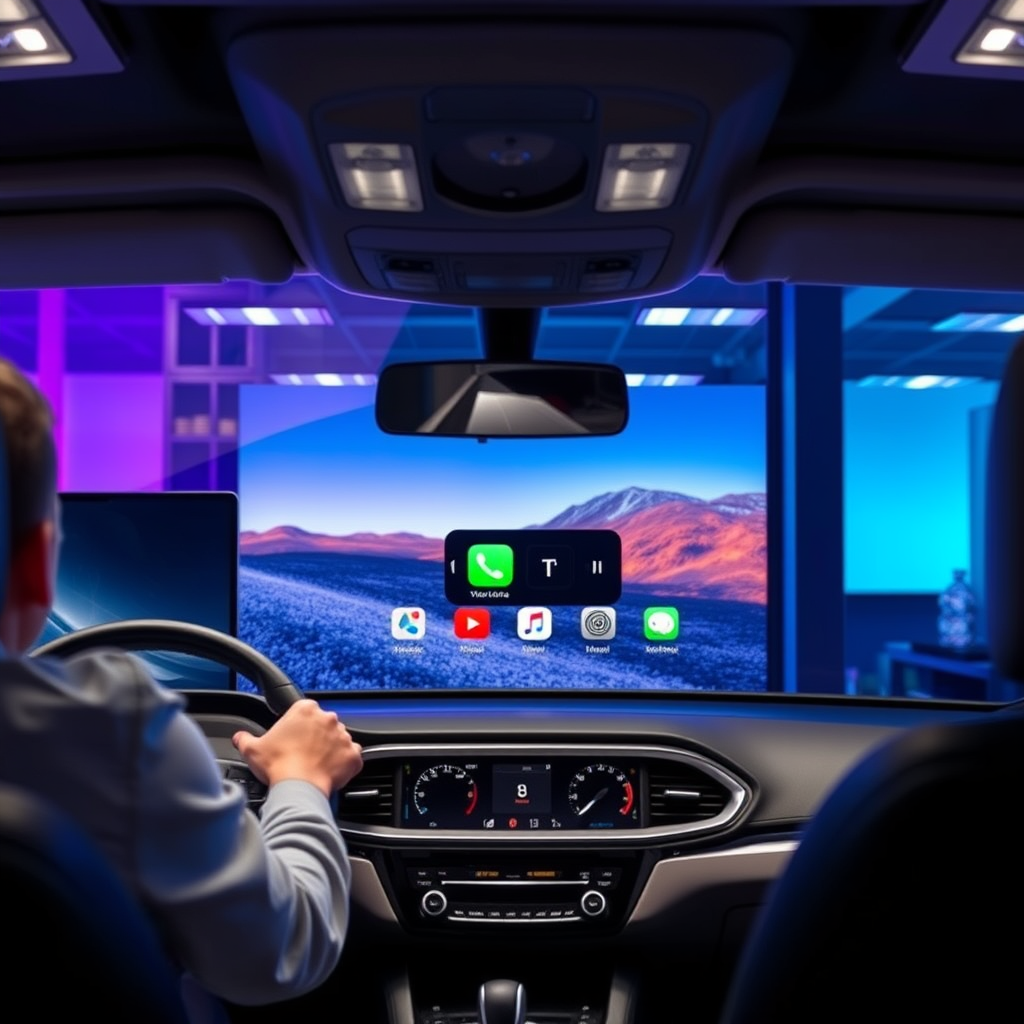

Watching TV on Apple CarPlay is not officially supported, primarily for safety reasons. While you can access certain video apps on your iPhone, these features are generally limited when connected to CarPlay. This design choice is rooted in ensuring safe driving practices, as video playback can create distractions that are detrimental to road safety. In this article, we’ll explore the limitations of Apple CarPlay, the supported apps and entertainment options, how to use your iPhone for video streaming, legal considerations, alternatives for in-car entertainment, and the future of entertainment in vehicles.
Understanding CarPlay Limitations
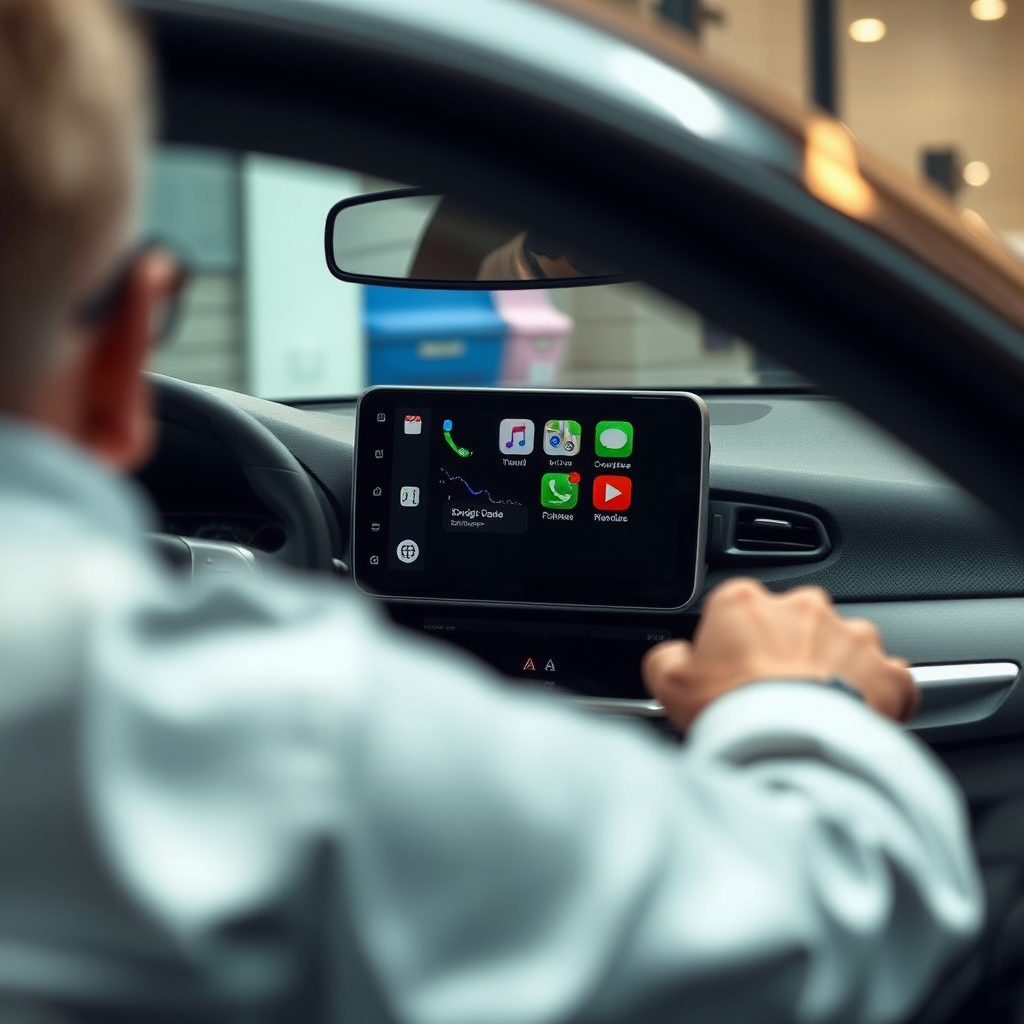
Apple CarPlay is engineered to minimize distractions while driving. The primary objective is to facilitate a safer driving experience by providing essential features like navigation and communication without overwhelming the driver. As such, video playback is heavily restricted. The software is designed to disable video functionalities while the vehicle is in motion, ensuring that drivers remain focused on the road ahead.
While this can be frustrating for passengers who might want to enjoy a movie or TV show during long trips, it is a necessary precaution. Drivers must avoid any form of distraction that could lead to accidents, and Apple has prioritized this aspect in its CarPlay design.
Moreover, Apple CarPlay only mirrors certain apps that conform to its strict guidelines, which are specifically tailored for safe usage. Thus, while the platform offers a rich array of features, video streaming is not among them when the vehicle is moving.
Supported Apps and Entertainment Options
Although watching TV is not feasible on Apple CarPlay, there are numerous audio streaming apps that are fully compatible and can enhance the driving experience. For instance, popular platforms such as Spotify, Apple Music, and Pandora allow users to play music, podcasts, and other audio content seamlessly through CarPlay.
Certain video apps, such as YouTube and Netflix, can be accessed on the iPhone; however, these applications will typically restrict video playback when connected to CarPlay. Users can still enjoy the audio functionalities of these apps, such as listening to podcasts or music from their favorite shows.
Additionally, Apple Maps provides navigation features with integrated audio cues for directions, making it a robust alternative for entertainment while driving. This focus on audio rather than video is intentional, aimed at ensuring that drivers can enjoy content without compromising their safety.
Using Your iPhone for Video Streaming
While direct video playback through CarPlay is not possible, users have options for streaming video content on their iPhones, provided they are parked safely. When the vehicle is stationary, users can open their preferred video streaming app and enjoy their favorite shows or movies. This option is perfect for taking a break during a long road trip or waiting for someone in the car.
Another potential solution is screen mirroring, which allows users to display their iPhone screens on compatible car displays. However, this typically requires specific setups and could expose users to legal risks if attempted while driving. Many regions have strict regulations against using handheld devices while operating a vehicle, and screen mirroring could fall into that category. Therefore, it is crucial to prioritize safety and only utilize such features when parked.
Top Video Streaming Options for In-Car Use (2023)
| # | App | Video Playback on CarPlay | Audio Playback | Best For |
|---|---|---|---|---|
| 1 | Netflix | No | Yes | Movies & Series |
| 2 | YouTube | No | Yes | User-Generated Content |
| 3 | Hulu | No | Yes | TV Shows |
| 4 | Disney+ | No | Yes | Family Movies |
| 5 | Amazon Prime Video | No | Yes | Movies & Series |
| 6 | Spotify | No | Yes | Music & Podcasts |
| 7 | Pandora | No | Yes | Music & Radio |
Legal Considerations for Watching TV in a Vehicle
When it comes to watching video content in a vehicle, it is imperative to be aware of the legal considerations involved. Many regions enforce laws that prohibit watching videos while driving, primarily to prevent distractions that could lead to accidents. These regulations vary by jurisdiction, so it’s crucial to familiarize yourself with local laws to avoid fines and ensure safety.
For example, in many U.S. states, it is illegal for drivers to use handheld devices while the vehicle is in motion, which extends to watching video content. Such laws are designed to promote responsible driving behaviors and minimize the risks associated with distracted driving.
Always prioritize safety over entertainment. While passengers can legally watch videos from the safety of a parked vehicle, drivers must remain focused on the road, adhering to all traffic laws.
Alternatives for In-Car Entertainment
Given the limitations of Apple CarPlay regarding video content, exploring alternatives for in-car entertainment is a practical approach. For instance, downloading shows or movies to your device before travel allows you to enjoy content without relying on streaming services, which may require a stable internet connection.
Additionally, using Bluetooth or auxiliary connections to play audio from your devices can enhance the in-car experience. Whether it’s music, audiobooks, or podcasts, these options allow for safe and engaging entertainment while driving.
Creating a playlist or selecting audio content ahead of time can significantly reduce distractions, allowing for a more enjoyable ride. Consider involving passengers in the selection process to tailor the entertainment experience to everyone’s preferences.
Future of Entertainment in Vehicles
The automotive industry is continuously evolving, and innovations in in-car technology may eventually allow safer video options for passengers. Car manufacturers are increasingly exploring features that cater to entertainment without compromising driver safety.
For example, some newer models are equipped with advanced infotainment systems that can offer rear-seat entertainment options, allowing passengers to watch videos while the vehicle is in motion, provided the driver maintains focus on the road.
Additionally, as autonomous driving technology advances, the need for strict regulations against video playback may lessen, enabling a more relaxed approach to in-car entertainment. However, any developments in this area will still prioritize safety, ensuring that drivers remain attentive and responsible.
In summary, while you cannot watch TV on Apple CarPlay, there are numerous alternatives and audio options available for entertainment while driving. By understanding the limitations and legal considerations, you can make informed choices about how to enjoy media in your vehicle. Prioritize safety and consider downloading content ahead of your journey to enhance your in-car experience responsibly.
Frequently Asked Questions
Can you watch TV shows on Apple CarPlay while driving?
No, watching TV shows on Apple CarPlay while driving is not possible due to safety regulations and the design of the system. Apple CarPlay is primarily designed for navigation, communication, and music playback to minimize distractions. It’s crucial to stay focused on the road for your safety and the safety of others.
How can I use streaming apps on Apple CarPlay?
While you cannot watch videos directly on Apple CarPlay, you can access certain audio streaming apps like Spotify, Apple Music, and Pandora. Simply connect your iPhone to your vehicle’s CarPlay system, and you can control these apps through your car’s interface. For video content, you’ll need to use your device outside of driving.
Why can’t you play videos on Apple CarPlay?
Apple CarPlay restricts video playback to prevent driver distraction and ensure safety on the road. The system is designed to keep drivers focused by limiting visual content, prioritizing navigation and communication features instead. This aligns with regulatory safety standards for in-vehicle technology.
What are the best apps to use with Apple CarPlay for entertainment?
Some of the best apps for entertainment on Apple CarPlay include Spotify, Apple Music, Audible, and Podcast apps. These applications allow you to enjoy music and audiobooks without visual distractions, making your driving experience more enjoyable and safe. Always ensure your apps are updated for the best performance.
Which vehicles support Apple CarPlay for entertainment features?
Most modern vehicles from major manufacturers like Ford, Chevrolet, Honda, and BMW support Apple CarPlay. To check if your vehicle is compatible, refer to the owner’s manual or the manufacturer’s website. Ensure your iPhone is updated to the latest iOS version to access the full range of entertainment features available through CarPlay.
References
- CarPlay
https://en.wikipedia.org/wiki/Apple_CarPlay - https://www.nytimes.com/2021/06/07/technology/apple-carplay.html
https://www.nytimes.com/2021/06/07/technology/apple-carplay.html - https://www.bbc.com/news/technology-57926218
https://www.bbc.com/news/technology-57926218 - https://www.theguardian.com/technology/2021/jun/07/apple-carplay-new-features
https://www.theguardian.com/technology/2021/jun/07/apple-carplay-new-features - https://www.reuters.com/technology/apple-carplay-adds-new-features-2021-06-07/
https://www.reuters.com/technology/apple-carplay-adds-new-features-2021-06-07/ - https://www.sciencedirect.com/topics/computer-science/apple-carplay
https://www.sciencedirect.com/topics/computer-science/apple-carplay - https://scholar.google.com/scholar?q=Apple+CarPlay+and+television+watching Google Scholar
https://scholar.google.com/scholar?q=Apple+CarPlay+and+television+watching - Google Scholar Google Scholar
https://scholar.google.com/scholar?q=Apple+CarPlay+media+streaming - Google Scholar Google Scholar
https://scholar.google.com/scholar?q=Apple+CarPlay+entertainment+options - Aortic calcification: An early sign of heart valve problems? – Mayo Clinic
https://www.mayoclinic.org/health-information/faq-20058525
