


Pairing your Bose Sport Earbuds is a quick and straightforward process that allows you to enjoy your favorite music and calls seamlessly. In just a few steps, you’ll be connected to your devices and ready to go. This guide will walk you through the pairing process, ensuring you can use your earbuds without any hassle. By understanding the features of your earbuds and preparing your devices properly, you can maximize your audio experience and enjoy high-quality sound wherever you are.
Understanding Your Bose Sport Earbuds
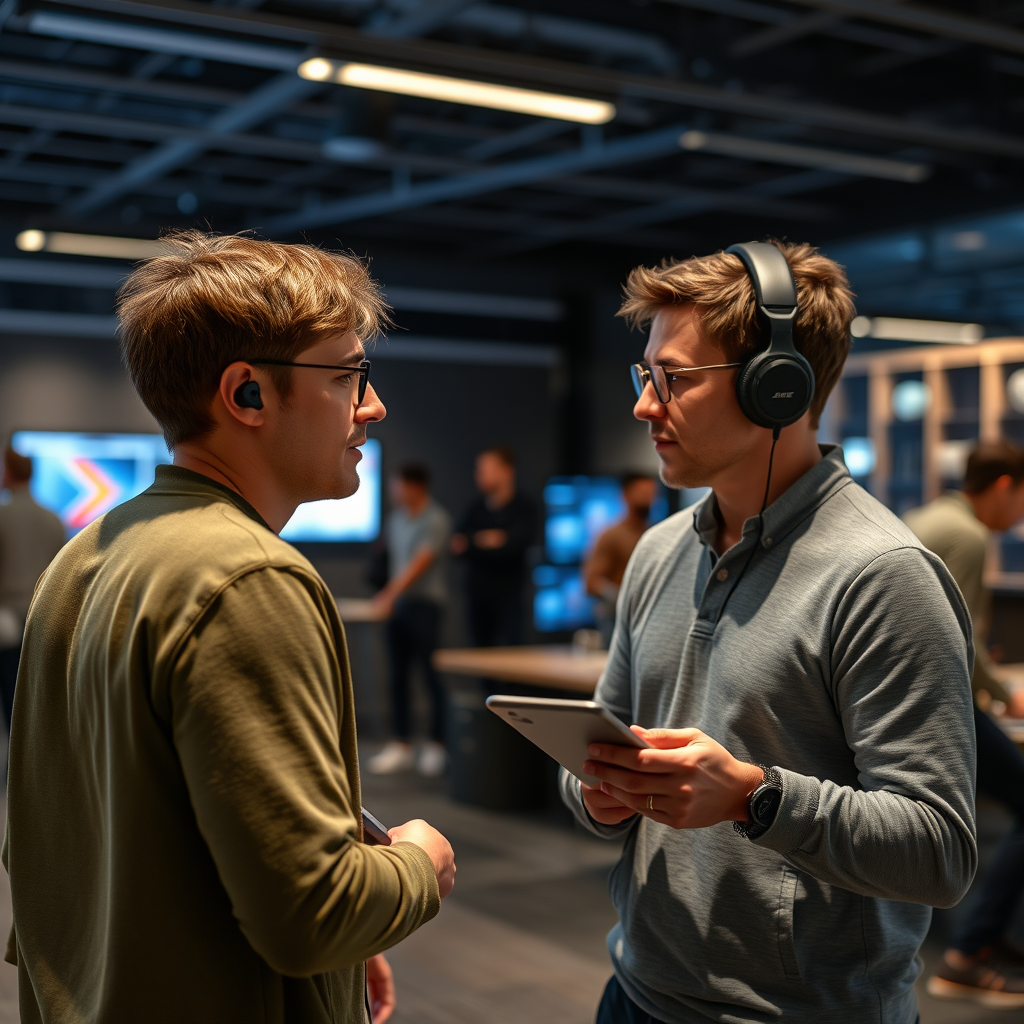
Bose Sport Earbuds are designed for active individuals who value both performance and comfort. With features such as noise cancellation, touch controls, and an impressive battery life of up to 5 hours on a single charge, these earbuds offer a truly immersive listening experience. They also come with an IP55 rating, providing resistance against sweat and moisture, making them ideal for workouts. Additionally, the earbuds feature Bose’s proprietary StayHear Max tips, ensuring a secure fit during any activity.
Bluetooth connectivity is vital for modern earbuds, as it allows you to connect wirelessly to a variety of devices, such as smartphones, tablets, and laptops. The Bose Sport Earbuds utilize Bluetooth 5.0 technology, which ensures a stable connection and a longer range. Understanding these features enhances your knowledge of the product and helps you appreciate its capabilities.Preparing Your Devices for Pairing
Before you start the pairing process, ensure that your Bose Sport Earbuds are fully charged. A full charge can provide up to 15 hours of total listening time when using the charging case. To check the charge level, simply place the earbuds in your ears, and they will announce the battery status when turned on.
Next, activate Bluetooth on the device you wish to pair with. This can typically be done through the settings menu. For most smartphones, navigate to “Settings,” then “Bluetooth,” and toggle the switch to “On.” Ensure that your device is set to search for new Bluetooth devices.
Pairing Your Bose Sport Earbuds
To pair your Bose Sport Earbuds, follow these step-by-step instructions:
1. Turn on the Earbuds: Remove the earbuds from the charging case. They will automatically power on.
2. Enter Pairing Mode: If this is your first time pairing, the earbuds will automatically enter pairing mode. If not, press and hold the button on the earbuds until you hear “Ready to connect.”
3. Connect from Your Device: On your smartphone or device, find “Bose Sport Earbuds” in the list of available devices and select it.
4. Confirmation: Once connected, you will hear a voice prompt confirming the successful pairing.
Troubleshooting Common Pairing Issues
If you encounter problems during the pairing process, try the following troubleshooting steps:
– Reset the Earbuds: To reset the earbuds, place them in the charging case, close the lid, and wait for 30 seconds. Then, open the lid and try pairing again.
– Forget Device: If the earbuds were previously paired with your device, go to your Bluetooth settings, select “Bose Sport Earbuds,” and choose “Forget Device.” Then, attempt to pair again.
– Check Compatibility: Ensure that your device’s Bluetooth version is compatible with Bluetooth 5.0.
Top Features of Bose Sport Earbuds
| # | Feature | Specification | Battery Life | Water Resistance |
|---|---|---|---|---|
| 1 | Sound Quality | High-Fidelity | 5 hours | IP55 |
| 2 | Bluetooth Version | 5.0 | 15 hours (with case) | Yes |
| 3 | Touch Controls | Yes | N/A | N/A |
| 4 | Noise Isolation | Yes | N/A | N/A |
| 5 | Voice Assistant Integration | Yes | N/A | N/A |
| 6 | Weight | 8.5 grams | N/A | N/A |
| 7 | Charging Case | Yes | N/A | N/A |
Using the Bose Connect App
The Bose Connect app enhances your experience with the Bose Sport Earbuds by providing additional functionalities and customization options. Downloading the app allows you to manage settings, such as adjusting the equalizer for personalized sound, checking battery levels, and updating firmware for optimal performance. Additionally, the app enables you to manage multiple devices and switch between them seamlessly, which is particularly useful for users who frequently switch between a phone and a laptop or tablet.
The app also allows you to access features like “Find My Buds,” which helps locate your earbuds if they are misplaced. Furthermore, it provides access to product tutorials and customer support, ensuring you have all the resources needed for a seamless experience.
Maintaining Your Earbuds
To ensure your Bose Sport Earbuds maintain optimal performance and longevity, consider the following tips:
– Regular Cleaning: Wipe down the earbuds with a soft, dry cloth after each use to remove sweat and dirt. Use a soft brush to clean the ear tips and speaker mesh carefully.
– Proper Storage: Always store your earbuds in the charging case when not in use to protect them from damage and ensure they are charged.
– Charging Practices: Avoid overcharging your earbuds. When the earbuds are fully charged, unplug them from the charger to preserve battery health.
– Update Firmware: Regularly check for firmware updates through the Bose Connect app to benefit from the latest features and improvements.
Common Questions About Pairing
Here are some frequently asked questions regarding the pairing process for Bose Sport Earbuds:
– Q: Can I connect my Bose Sport Earbuds to multiple devices simultaneously?
A: No, the earbuds can only connect to one device at a time, but you can switch between previously paired devices easily.
– Q: How do I know if my earbuds are in pairing mode?
A: You will hear a voice prompt saying “Ready to connect” when the earbuds enter pairing mode.
– Q: What should I do if my earbuds won’t connect?
A: Ensure that Bluetooth is enabled on your device, and try resetting the earbuds as described in the troubleshooting section.
For additional resources, you can visit the Bose support website for comprehensive guides and contact options.
Your Bose Sport Earbuds will enhance your audio experience once they are paired correctly. By following these steps, you can enjoy a seamless connection and take full advantage of your earbuds’ features. If you encounter any issues, refer to the troubleshooting section or consider using the Bose Connect app for additional support. With proper maintenance and the right pairing techniques, your Bose Sport Earbuds can provide exceptional sound quality for years to come.
Frequently Asked Questions
How do I pair my Bose Sport Earbuds with my smartphone?
To pair your Bose Sport Earbuds with your smartphone, first ensure that the earbuds are charged. Then, open the charging case and press and hold the Bluetooth button on the earbuds until you hear a voice prompt indicating they are in pairing mode. Go to your smartphone’s Bluetooth settings, find “Bose Sport Earbuds” in the list of available devices, and select it to complete the pairing process.
Why won’t my Bose Sport Earbuds connect to my device?
If your Bose Sport Earbuds won’t connect to your device, first ensure that the earbuds are charged and in pairing mode. Check that Bluetooth is enabled on your device and that it is within range. If the connection still fails, try resetting the earbuds by holding the power button for 10 seconds until you see the Bluetooth light flash, then attempt the pairing process again.
What should I do if my Bose Sport Earbuds are not showing up in Bluetooth settings?
If your Bose Sport Earbuds are not appearing in your Bluetooth settings, ensure they are powered on and in pairing mode. Try turning off Bluetooth on your device, then turn it back on. If the issue persists, consider resetting the earbuds by holding the power button for 10 seconds and then reinitiating the pairing process.
Which devices are compatible with Bose Sport Earbuds?
Bose Sport Earbuds are compatible with any Bluetooth-enabled devices, including smartphones, tablets, and laptops. They work seamlessly with both iOS and Android operating systems, and can also connect to smartwatches and other Bluetooth audio sources. For the best experience, ensure your device’s Bluetooth is updated to the latest version.
How can I troubleshoot connectivity issues with my Bose Sport Earbuds?
To troubleshoot connectivity issues with your Bose Sport Earbuds, start by making sure they are charged and within range of your device. Delete the earbuds from your device’s Bluetooth settings, then attempt to reconnect them. If issues continue, try resetting the earbuds and updating your device’s firmware, as outdated software can sometimes cause connectivity problems.
References
- Customer Support
https://www.bose.com/en_us/support/article/how-to-pair-bose-sport-earbuds.html - Customer Support
https://www.bose.com/en_us/support/article/bose-sport-earbuds.html - Google Scholar Google Scholar
https://scholar.google.com/scholar?q=how+to+pair+Bose+Sport+Earbuds - https://www.britannica.com/technology/earbud
https://www.britannica.com/technology/earbud - https://www.ncbi.nlm.nih.gov/pmc/articles/PMC7635726/
https://www.ncbi.nlm.nih.gov/pmc/articles/PMC7635726/ - Google Scholar Google Scholar
https://scholar.google.com/scholar?q=Bose+Sport+Earbuds+pairing+guide - https://www.bbc.com/news/technology-55031139
https://www.bbc.com/news/technology-55031139 - https://www.nytimes.com/2020/12/15/technology/bose-sport-earbuds-review.html
https://www.nytimes.com/2020/12/15/technology/bose-sport-earbuds-review.html - https://www.sciencedirect.com/topics/engineering/earbuds
https://www.sciencedirect.com/topics/engineering/earbuds - Google Scholar Google Scholar
https://scholar.google.com/scholar?q=how+to+pair+bose+sport+earbuds

[…] to log out of Netflix on a smart TV? Follow the exact step-by-step instructions to sign out from your account in seconds and stop the next person from streaming on your profile. […]
[…] the password of your WiFi router doesn’t have to be guesswork—follow these step-by-step instructions to update it securely in minutes. You’ll learn exactly where to log in, what settings to change, […]
[…] to connect a WiFi extender to your router and want it working fast? Follow these step-by-step instructions to pair the extender correctly and extend your signal without the frustrating trial-and-error. This […]