


To pair your Bose Sports Earbuds, start by ensuring they are charged and in pairing mode. This straightforward process will allow you to connect them to your smartphone or other Bluetooth devices effortlessly. In this guide, you’ll learn the step-by-step method to pair your earbuds, troubleshoot common issues, and optimize your listening experience. With the right steps, you can enjoy high-quality audio without the hassle.
Understanding Bluetooth Pairing
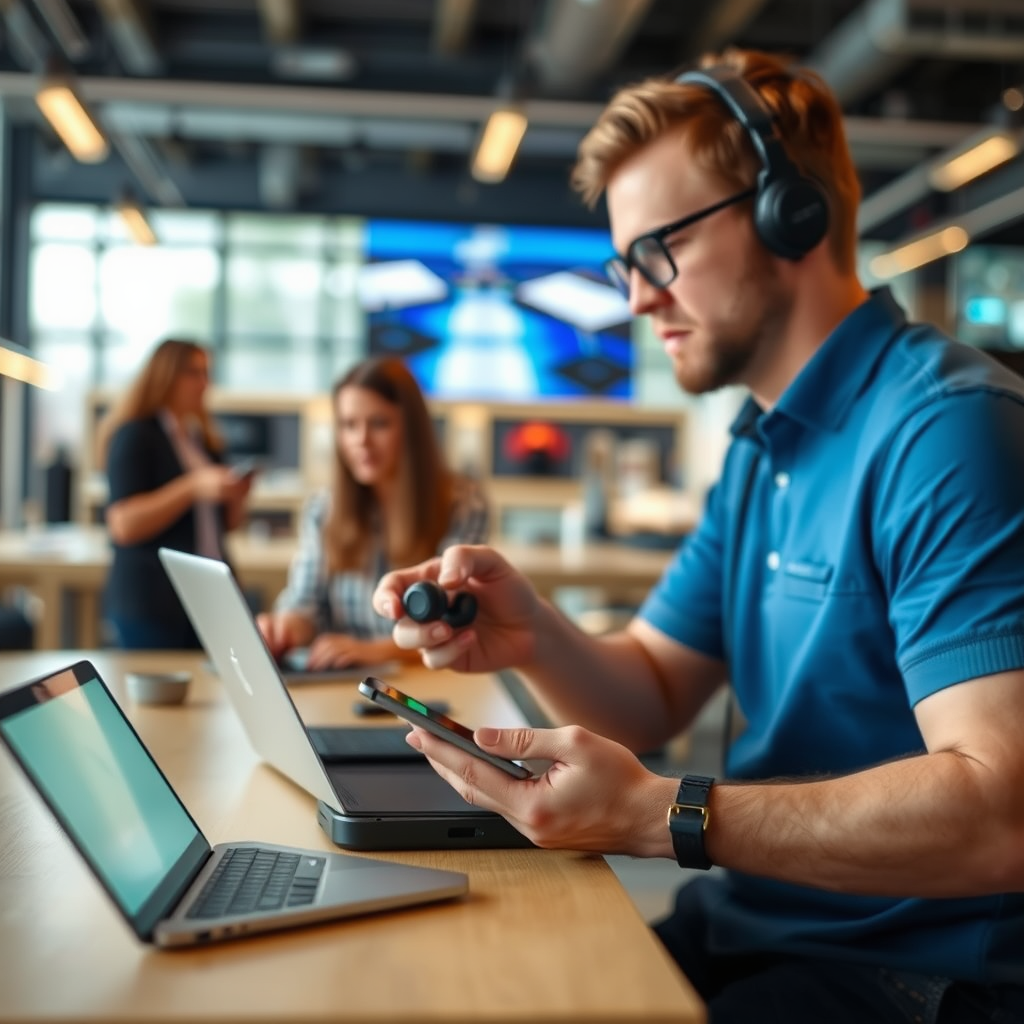
Bluetooth technology allows wireless connection between devices, enabling them to communicate and share data without physical cables. This technology operates on short-range radio waves, making it ideal for connecting devices like earbuds to smartphones, tablets, and laptops. Before initiating the pairing process, it’s crucial to ensure that the Bluetooth feature on your device is turned on. Most smartphones and tablets have this option easily accessible in the settings menu.
When Bluetooth is activated, your device will search for nearby compatible devices, allowing you to select the Bose Sports Earbuds from the list. The pairing process is typically straightforward, but understanding the technology can help alleviate potential issues, ensuring a smooth connection experience.
Preparing Your Bose Sports Earbuds
To get started with pairing your Bose Sports Earbuds, it’s essential to ensure they are fully charged. A complete charge not only guarantees that you won’t experience interruptions during pairing but also enhances the overall performance of the earbuds. Here’s how to prepare them:
1. Charge Your Earbuds Fully: Use the provided charging case to ensure the earbuds are charged. A full charge takes approximately two hours and provides up to five hours of continuous playback.
2. Turn On Your Earbuds: Place the earbuds in your ears. They will turn on automatically when removed from the charging case. If they do not turn on, press and hold the power button until you see the Bluetooth indicator light.
How to Activate Pairing Mode
Activating the pairing mode on your Bose Sports Earbuds is a critical step in connecting them to your device. Here’s how to do it:
1. Power On the Earbuds: As mentioned, remove the earbuds from the charging case, and they will turn on automatically.
2. Enter Pairing Mode: Press and hold the power button for about five seconds. You will hear a voice prompt indicating that the earbuds are in pairing mode.
3. Check the Bluetooth Light: The Bluetooth light on the earbuds will blink blue, signaling that they are ready to connect to your device.
3. Visual Elements: Below is a chart showing some key specifications and features of the Bose Sports Earbuds.
Key Features of Bose Sports Earbuds
| # | Feature | Details | Battery Life | Water Resistance |
|---|---|---|---|---|
| 1 | Audio Quality | Premium sound with deep bass | Up to 5 hours | IPX4 |
| 2 | Comfort Fit | Secure and comfortable for all-day use | N/A | N/A |
| 3 | Noise Cancellation | Active noise cancellation technology | N/A | N/A |
| 4 | Touch Controls | Easy touch controls for playback | N/A | N/A |
| 5 | Voice Assistant | Compatible with voice assistants | N/A | N/A |
| 6 | Charging Case | Portable charging case for extended use | N/A | N/A |
| 7 | Quick Charge | Quick charge feature for fast battery boost | N/A | N/A |
Connecting to Your Device
Once your Bose Sports Earbuds are in pairing mode, you can connect them to your device. Here’s how to do it:
1. Access Bluetooth Settings: On your smartphone or tablet, navigate to the Bluetooth settings. This is typically found under “Settings” and then “Bluetooth.”
2. Select Your Earbuds: In the list of available devices, look for “Bose Sport Earbuds.” When you see them, tap on the name to initiate the connection.
3. Confirmation: After a few seconds, you will receive a confirmation notification that the earbuds are connected. You may also hear a voice prompt in the earbuds confirming the successful connection.
Troubleshooting Connection Issues
While the Bluetooth pairing process is generally seamless, you may encounter some issues. Here are common troubleshooting steps:
1. Earbuds Not Appearing: If your earbuds do not show up on your device, ensure they are in pairing mode and within range (typically within 30 feet).
2. Bluetooth Toggle: Sometimes, the Bluetooth feature on your device may need to be toggled off and back on to refresh the connection.
3. Resetting Earbuds: If connection problems persist, you can reset your Bose Sports Earbuds. To do this, place the earbuds in the charging case, unplug the charging case from power, and wait for 30 seconds before reconnecting it.
4. Device Compatibility: Ensure that your device is compatible with Bluetooth 5.0, as this is the standard that Bose Sports Earbuds utilize for optimal performance.
Optimizing Your Listening Experience
To maximize your enjoyment of the Bose Sports Earbuds, consider the following tips:
1. Customize Sound Settings: Use the Bose Music app to adjust sound settings according to your preferences. You can create custom EQ settings to enhance bass, treble, or mid-range frequencies.
2. Firmware Updates: Keep your earbuds updated with the latest firmware. Firmware updates can enhance performance and introduce new features. Regularly check the Bose Music app for notifications regarding updates.
3. Ambient Sound Control: If you prefer to stay aware of your surroundings while listening, explore the ambient sound control feature. This allows you to blend your music with external sounds, which is particularly useful during outdoor activities.
Maintaining Your Bose Sports Earbuds
Proper care and maintenance will prolong the lifespan of your Bose Sports Earbuds. Here are some essential tips:
1. Storage: Always store your earbuds in the charging case when not in use. This protects them from physical damage and ensures they remain charged.
2. Cleaning: Regularly clean both the earbuds and the charging case to maintain hygiene. Use a soft, dry cloth for the outer surfaces and a slightly damp cloth for the ear tips. Avoid using any harsh chemicals.
3. Avoid Extreme Conditions: Protect your earbuds from extreme temperatures and moisture. While they are water-resistant, it’s advisable not to expose them to heavy rain or submersion in water.
By following these steps, you can easily pair your Bose Sports Earbuds and enhance your audio experience. Remember to troubleshoot if you encounter any issues, and don’t hesitate to explore the Bose Music app for additional features. Enjoy your music and workouts with your new earbuds!
Frequently Asked Questions
How do I pair my Bose Sports Earbuds with my smartphone?
To pair your Bose Sports Earbuds with your smartphone, first ensure that the earbuds are charged. Then, press and hold the Bluetooth button on the earbuds until you see the Bluetooth indicator light blinking blue. On your smartphone, go to the Bluetooth settings, find “Bose Sport Earbuds” in the list of available devices, and select it to complete the pairing process.
What should I do if my Bose Sports Earbuds won’t connect to my device?
If your Bose Sports Earbuds won’t connect, start by ensuring that Bluetooth is enabled on your device and that the earbuds are in pairing mode. You can also try resetting the earbuds by placing them in the charging case, removing them after a few seconds, and attempting to pair again. Additionally, make sure your earbuds are not already connected to another device.
Why do my Bose Sports Earbuds keep disconnecting during use?
If your Bose Sports Earbuds keep disconnecting, it may be due to interference from other wireless devices or a low battery. Ensure your earbuds are charged and try moving away from potential sources of interference, such as Wi-Fi routers or microwaves. Also, check if your device is updated to the latest software version, as compatibility issues can cause connectivity problems.
What is the best way to manage multiple devices with my Bose Sports Earbuds?
To manage multiple devices with your Bose Sports Earbuds, use the “Bose Connect” app, which allows you to easily switch between devices. Simply connect your earbuds to the first device, and then pair them with subsequent devices by following the standard pairing steps. The earbuds will remember the last two connected devices, making it convenient to switch back and forth.
Which devices are compatible with Bose Sports Earbuds?
Bose Sports Earbuds are compatible with a wide range of devices, including smartphones, tablets, and computers that support Bluetooth technology. They work seamlessly with both iOS and Android devices, as well as laptops equipped with Bluetooth. For the best experience, make sure your devices are updated to the latest software version.
References
- Customer Support
https://www.bose.com/en_us/support/article/how-to-pair-bose-earbuds.html - https://www.wikiwand.com/en/Bose_Sport_Earbuds
https://www.wikiwand.com/en/Bose_Sport_Earbuds - https://www.lifewire.com/how-to-pair-bose-earbuds-4771355
https://www.lifewire.com/how-to-pair-bose-earbuds-4771355 - Google Scholar Google Scholar
https://scholar.google.com/scholar?q=how+to+pair+bose+sports+earbuds - Google Scholar Google Scholar
https://scholar.google.com/scholar?q=Bose+earbuds+pairing+instructions - Google Scholar Google Scholar
https://scholar.google.com/scholar?q=Bose+Sport+Earbuds+guide - https://www.britannica.com/technology/Bose-Company
https://www.britannica.com/technology/Bose-Company - Customer Support
https://www.bose.com/en_us/support/article/pairing-bose-sport-earbuds.html - how to pair bose sports earbuds – Search results
https://en.wikipedia.org/wiki/Special:Search?search=how+to+pair+bose+sports+earbuds - https://www.ncbi.nlm.nih.gov/search/research-articles/?term=how+to+pair+bose+sports+earbuds
https://www.ncbi.nlm.nih.gov/search/research-articles/?term=how+to+pair+bose+sports+earbuds
