

Pausing your Raycon earbuds is easy and can be done with just a few simple actions. To pause playback, you can either use the touch controls or the physical buttons on your earbuds, depending on the model you have. This guide will walk you through the different methods to pause your Raycon earbuds effectively, ensuring you can enjoy your audio without interruption.
Understanding Raycon Earbud Controls
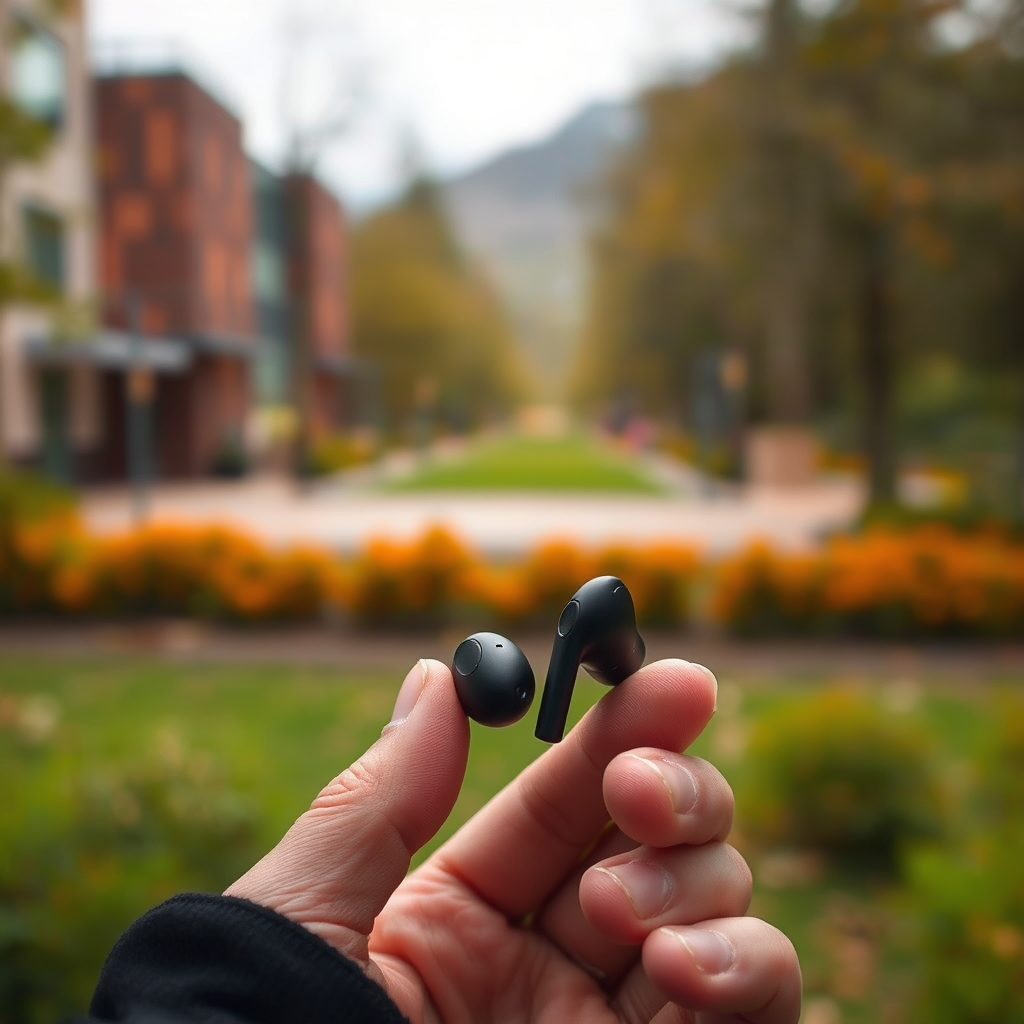
Raycon earbuds are designed with user-friendliness in mind, but different models come with varying control features that can enhance or complicate your listening experience. For instance, some models may rely heavily on touch controls, while others incorporate physical buttons for playback. Familiarizing yourself with the specific controls of your Raycon model is crucial for optimal use. Whether you own the Everyday Earbuds, the Fitness Earbuds, or the Gaming Earbuds, understanding their distinct functionalities will significantly improve your interaction with the device.
Different Raycon models also feature unique designs and button placements, which means that what works for one model might not apply to another. So, take a moment to consult the user manual or visit Raycon’s official website for a detailed breakdown of your specific model’s controls.
How to Use Touch Controls
The touch controls on Raycon earbuds are intuitive and designed for effortless operation. For most models, pausing your music is as simple as a gentle tap. Here’s how to do it:
– Pause Playback: Gently tap the right earbud once. This action will immediately pause your music or video playback.
– Resume Playback: Tap the same earbud again to resume playback seamlessly.
This feature is particularly useful for those who prefer a hands-free experience, allowing you to control your audio without fumbling for your device. Keep in mind that excessive tapping or forceful touches may not register, so aim for a light tap for optimal performance.
Using Physical Buttons (if applicable)
For models that incorporate physical buttons, you will find that these offer a tactile alternative to the touch controls. Here’s how to use them:
– Locate the Multi-Function Button: This button is usually situated on the right earbud. It may serve multiple functions, including play, pause, and answering calls.
– Pause Playback: Press the multi-function button once to pause your current audio.
– Resume Playback: Press it again to continue listening.
Physical buttons can be advantageous in situations where touch controls may not respond well, such as during exercise or in outdoor environments. They can also provide a more satisfying user experience for those who prefer a traditional control method.
Troubleshooting Pausing Issues
Sometimes, despite your best efforts, you may encounter issues when trying to pause your Raycon earbuds. Here are some common troubleshooting tips:
– Ensure Proper Connection: Make sure that your earbuds are properly connected to your device. A weak Bluetooth connection can lead to unresponsive controls. Disconnect and reconnect the Bluetooth pairing if necessary.
– Reset Your Earbuds: If your earbuds are unresponsive to touch or button controls, a reset may be required. Typically, this involves holding down the power button for a set duration until you see an indicator light flash. Refer to your user manual for specific reset instructions tailored to your model.
Addressing these issues promptly will enhance your listening experience and prevent future frustrations.
Raycon Earbud Features Comparison
| # | Model | Battery Life | Water Resistance | Noise Cancellation | Touch Controls | Physical Buttons |
|---|---|---|---|---|---|---|
| 1 | Everyday Earbuds | 8 hours | IPX4 | Yes | Yes | No |
| 2 | Fitness Earbuds | 6 hours | IPX7 | Yes | Yes | Yes |
| 3 | Gaming Earbuds | 5 hours | IPX4 | Yes | Yes | Yes |
| 4 | Performance Earbuds | 7 hours | IPX5 | Yes | Yes | No |
| 5 | Pro Earbuds | 9 hours | IPX4 | Yes | Yes | No |
| 6 | Elite Earbuds | 10 hours | IPX7 | Yes | Yes | Yes |
Additional Features to Enhance Your Experience
Raycon earbuds are not just about pausing and playing; they come equipped with various features that can enhance your overall listening experience. One notable feature is the integration of voice assistants like Siri, Google Assistant, or Alexa. By simply saying the activation phrase, you can control playback, adjust volume, or even make calls without using your hands. This feature is particularly useful when you’re on the go or when multitasking.
Furthermore, many Raycon models offer sound customization settings that allow you to adjust the equalizer to your liking. Whether you prefer bass-heavy tunes or crisp highs, these settings can help tailor your sound experience to suit your preferences.
Caring for Your Raycon Earbuds
Proper care and maintenance of your Raycon earbuds can prolong their lifespan and ensure optimal performance. Here are some essential tips:
– Regular Cleaning: Dust, earwax, and moisture can accumulate on your earbuds, affecting sound quality and comfort. Use a soft, dry cloth to wipe down the exterior and a gentle brush or a cloth to clean the ear tips and grills.
– Proper Storage: Always store your earbuds in their charging case when not in use. This practice not only protects them from damage but also ensures they remain charged for your next listening session.
By following these care instructions, you can maintain the functionality and aesthetic appeal of your Raycon earbuds.
Pausing your Raycon earbuds is straightforward with touch controls or physical buttons. For any issues, check connections and consider resetting the device. With these tips, you’ll maximize your listening experience. Ready to enjoy your audio? Try pausing and resuming your music with confidence!
Frequently Asked Questions
How do I pause my Raycon earbuds while listening to music?
To pause your Raycon earbuds, simply double-tap the multifunction button located on either earbud. This action will instantly pause the music or audio you’re currently listening to, allowing you to take a break or engage in conversation without needing to reach for your device.
What should I do if my Raycon earbuds won’t pause?
If your Raycon earbuds won’t pause, first ensure they are charged and properly connected to your device. If the issue persists, try resetting the earbuds by placing them back in the charging case for a few seconds and then reconnecting them to your device. This often resolves minor connectivity issues.
Why do my Raycon earbuds pause unexpectedly?
Unexpected pausing of Raycon earbuds can occur due to a faulty connection, low battery, or accidental touches on the earbuds. Ensure your earbuds are fully charged and check for any debris that might be interfering with the touch sensors. Keeping your earbuds clean and regularly charging them can help prevent this issue.
Which Raycon earbuds have the best touch controls for pausing music?
The Raycon Everyday Earbuds are known for their user-friendly touch controls, making it easy to pause music with a simple double-tap. Their intuitive design allows for seamless interaction, ensuring you can manage your audio playback without hassle, whether you’re exercising or commuting.
How do I customize the touch controls on my Raycon earbuds to pause music?
To customize the touch controls on your Raycon earbuds, you will need to download the Raycon app available on iOS and Android. Within the app, you can adjust settings for the touch controls, including programming the pause feature to your preference, ensuring you have complete control over your listening experience.
References
- https://www.rayconglobal.com/pages/support
https://www.rayconglobal.com/pages/support - Google Scholar Google Scholar
https://scholar.google.com/scholar?q=Raycon+earbuds+pause+function - Google Scholar Google Scholar
https://scholar.google.com/scholar?q=wireless+earbuds+controls - Google Scholar Google Scholar
https://scholar.google.com/scholar?q=Bluetooth+earbuds+user+guide - https://www.lifewire.com/raycon-earbud-review-5191834
https://www.lifewire.com/raycon-earbud-review-5191834 - Google Scholar Google Scholar
https://scholar.google.com/scholar?q=how+to+pause+raycon+earbuds - how to pause raycon earbuds – Search results
https://en.wikipedia.org/wiki/Special:Search?search=how+to+pause+raycon+earbuds - https://www.ncbi.nlm.nih.gov/search/research-articles/?term=how+to+pause+raycon+earbuds
https://www.ncbi.nlm.nih.gov/search/research-articles/?term=how+to+pause+raycon+earbuds

[…] How do I know I restarted Netflix correctly on Samsung TV?If Netflix does not resume playback and instead behaves like a fresh app launch (showing the home screen/login flow), you likely […]
[…] to compensate for a leaky seal by turning up the sound. Ear detection (when available) can pause playback if the seal breaks, so stable fit reduces unwanted […]