
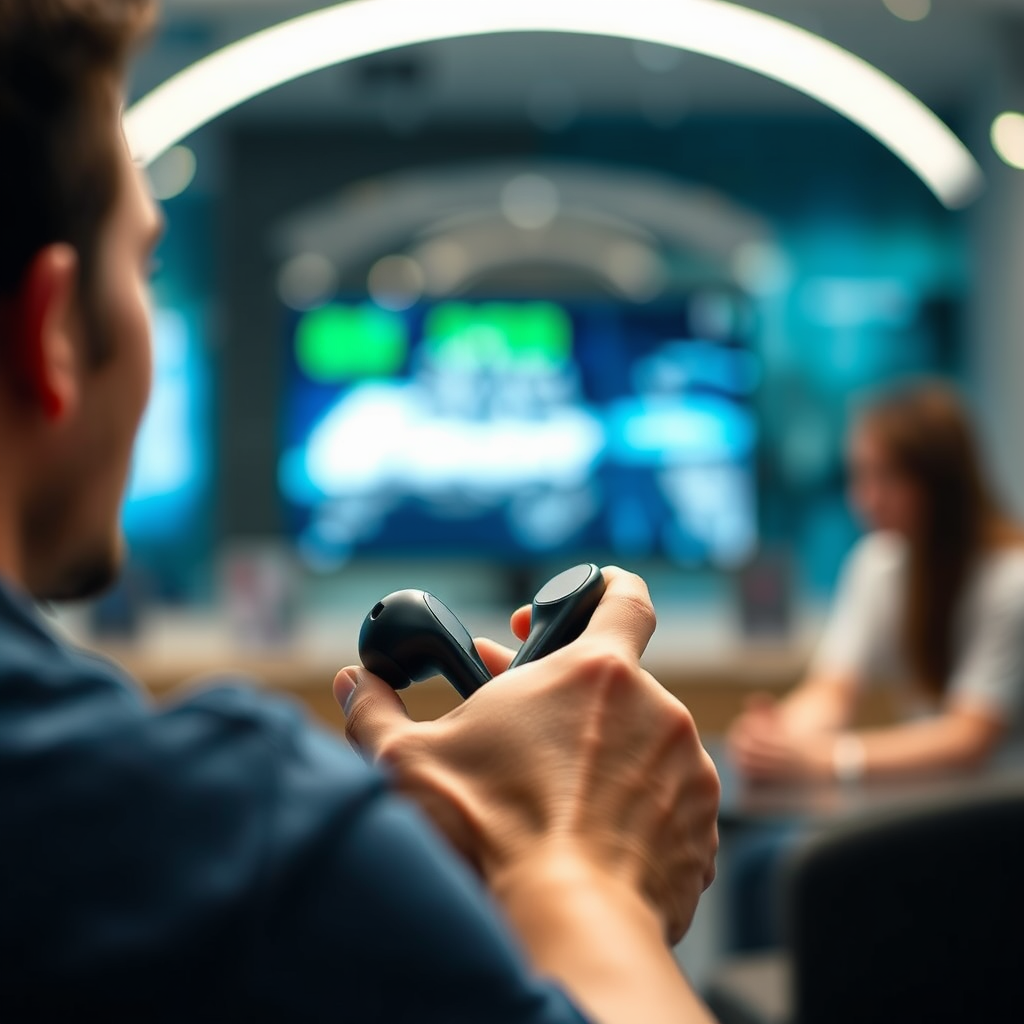

To turn on your Bose earbuds, simply press and hold the power button until you hear a voice prompt or see a blinking light. This straightforward action ensures your earbuds are powered up and ready to connect to your devices. In this guide, we’ll explore the steps to power on your earbuds, troubleshooting tips, and more, ensuring you have a seamless audio experience.
Understanding the Power Button
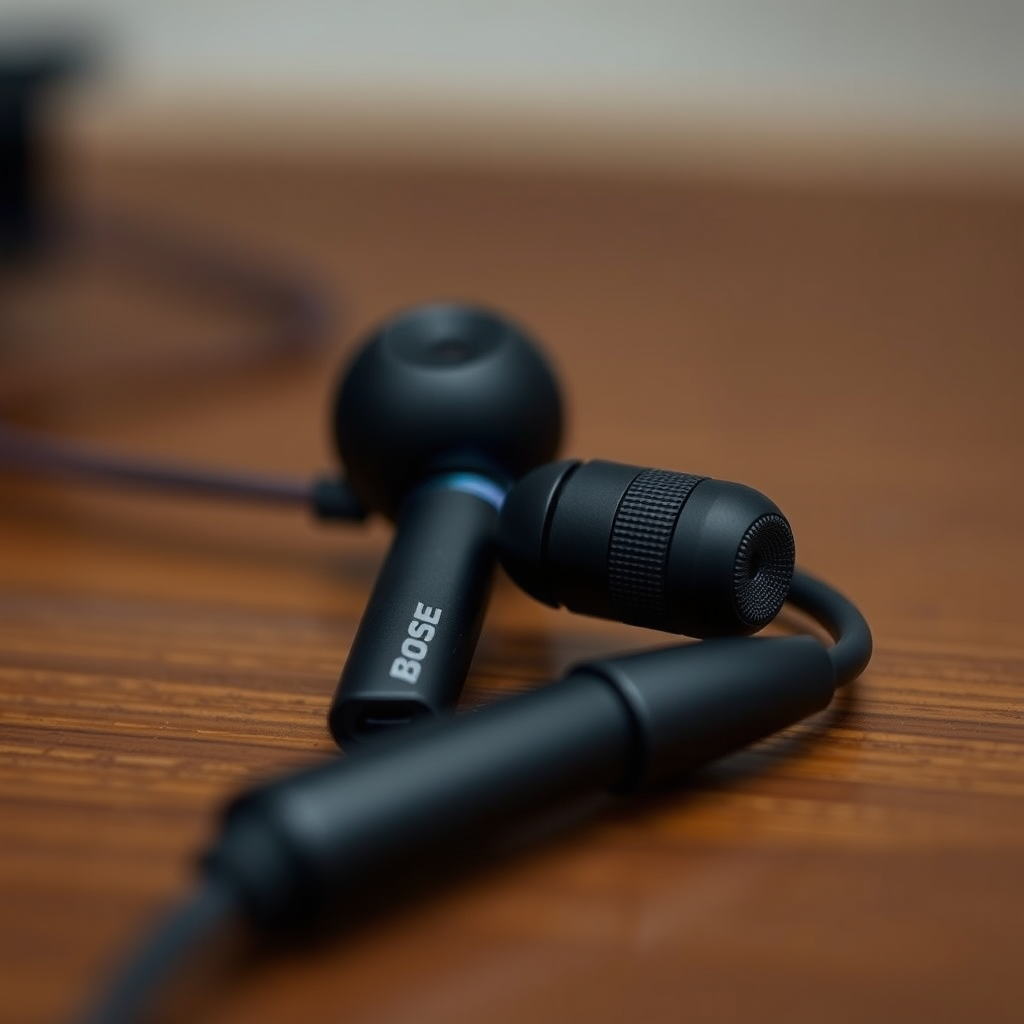
The power button on Bose earbuds is a key feature that facilitates the ease of use. Typically, you can find the power button on the right earbud or within the charging case. This button often includes an icon that represents power or Bluetooth, making it easy to identify. For many models, like the Bose QuietComfort Earbuds and the Bose Sport Earbuds, the power button is designed for quick access, allowing users to power on and off without hassle.
When turning on your earbuds, it’s essential to press and hold the button for a few seconds. A voice prompt will usually confirm that your earbuds are on, or you may notice a light indicator that blinks, signaling that the device is ready to pair with other devices. Understanding this feature is crucial for ensuring you can enjoy your audio experience without interruptions.
Charging Your Bose Earbuds
Before using your Bose earbuds, ensuring they are adequately charged is vital for optimal performance. Place the earbuds in the charging case, and connect the case to a power source using the provided USB cable. It’s recommended to charge your earbuds for at least 15 minutes before the first use, although a full charge typically takes about 2 hours.
When charging, the LED indicator on the charging case will show a solid light, indicating that the earbuds are charging. Once fully charged, the light will turn off or change color, depending on the model. A blinking light signifies that the earbuds are ready to be powered on, ensuring you can jump right into your favorite playlist or podcast without delay.
Connecting to Devices
After successfully powering on your Bose earbuds, the next step is to connect them to your preferred device, whether it’s a smartphone, tablet, or laptop. First, ensure that Bluetooth is enabled on your device. On most smartphones, this can be done by accessing the settings menu or using the quick settings panel.
Once Bluetooth is active, open the Bluetooth settings and search for available devices. Your Bose earbuds should appear in the list, labeled with the model name—such as “Bose QuietComfort” or “Bose Sport.” Select your earbuds, and if prompted, confirm the pairing. Once connected, you’ll hear a voice prompt confirming the successful connection, allowing you to enjoy high-quality audio without any interruptions.
Comparison of Bose Earbud Models (2024)
| # | Model | Battery Life | Noise Cancellation | Water Resistance |
|---|---|---|---|---|
| 1 | Bose QuietComfort Earbuds | 6 hours | Yes | IPX4 |
| 2 | Bose Sport Earbuds | 5 hours | No | IPX4 |
| 3 | Bose Noise Cancelling Headphones 700 | 20 hours | Yes | No |
| 4 | Bose SoundLink Around-Ear | 15 hours | No | No |
| 5 | Bose SoundSport Free | 5 hours | No | IPX4 |
| 6 | Bose QuietComfort 35 II | 20 hours | Yes | No |
| 7 | Bose Frames | 12 hours | No | No |
Troubleshooting Power Issues
Sometimes, even the most reliable technology can present challenges. If your Bose earbuds do not turn on after pressing the power button, the first step is to check if they are charged. If the battery is depleted, you will need to place the earbuds back in the charging case to recharge them.
If your earbuds still do not respond, consider resetting them. To reset, press and hold the power button for approximately 10 seconds. This action can resolve software glitches that may prevent the earbuds from powering on. Once reset, try turning them on again. If issues persist, consulting the user manual or Bose customer support may provide additional troubleshooting steps specific to your model.
Additional Features of Bose Earbuds
Bose earbuds are not just about sound quality; they come packed with a variety of features designed to enhance your listening experience. One of the standout features is voice assistant integration. Whether you use Siri, Google Assistant, or Alexa, you can easily access your voice assistant for hands-free control. This functionality allows you to manage calls, play music, or get information without needing to reach for your device.
Moreover, the Bose Connect app offers extensive customization options. Users can adjust sound settings, manage connections, and update firmware through the app. The ability to tailor your audio experience means you can adjust equalizer settings to suit your preferences, providing a more personalized listening experience.
Maintenance Tips
To ensure the longevity and optimal performance of your Bose earbuds, proper maintenance is crucial. Regularly cleaning your earbuds is essential, particularly the ear tips and the mesh speaker covers. Use a soft, dry cloth to wipe down the surfaces and avoid using liquids that may damage the components.
Additionally, storing your earbuds in the charging case when not in use protects them from damage and ensures they remain charged and ready for your next use. Keeping the charging case clean and free of debris will also support efficient charging and connectivity.
In summary, turning on your Bose earbuds is as simple as pressing and holding the power button. Ensure they are charged, connect them to your devices, and troubleshoot any issues if they don’t respond. For the best experience, take advantage of the additional features and maintain your earbuds properly. Ready to enjoy your music? Power on your Bose earbuds and dive into your favorite tunes!
Frequently Asked Questions
How do I turn on my Bose earbuds for the first time?
To turn on your Bose earbuds for the first time, locate the power button, usually found on the right earbud. Press and hold the button until you hear a voice prompt indicating that the earbuds are powered on, or see a light indicator activating. Make sure your earbuds are charged before attempting to turn them on.
Why won’t my Bose earbuds turn on even when charged?
If your Bose earbuds won’t turn on despite being charged, try resetting them by pressing and holding the power button for 10 seconds until you see the indicator light. Additionally, check the charging case or cable for any issues, as a faulty connection can prevent proper charging. If the problem persists, consult Bose support for troubleshooting.
What should I do if my Bose earbuds won’t connect after turning them on?
If your Bose earbuds turn on but won’t connect to your device, ensure Bluetooth is enabled on your phone or computer. Try forgetting the earbuds in your device’s Bluetooth settings and then re-pairing them by pressing and holding the power button until you hear “ready to connect.” This often resolves connection issues.
Which button do I press to turn on my Bose earbuds?
To turn on your Bose earbuds, press and hold the power button, typically located on the right earbud. You should hear a voice prompt or see a light flash to confirm they are powered on. If you have Bose QuietComfort earbuds, the button may be integrated with the volume controls, so refer to your user manual for specifics.
How can I tell if my Bose earbuds are on or off?
You can tell if your Bose earbuds are on by looking for the indicator light, which should illuminate when powered on. Additionally, listen for a voice prompt that confirms they are active. If the earbuds are off, the light will not be present, and you won’t hear any prompts, indicating it’s time to turn them on.
References
- Customer Support
https://www.bose.com/en_us/support/article/how-to-turn-on-bose-earbuds.html - Bose Corporation
https://en.wikipedia.org/wiki/Bose_Corporation - Customer Support
https://www.bose.com/en_us/support/article/how-to-connect-bose-earbuds.html - https://www.bose.com/en_us/support/article/troubleshoot-bose-earbuds.html
https://www.bose.com/en_us/support/article/troubleshoot-bose-earbuds.html - https://www.bose.com/en_us/support/article/bose-earbuds-faq.html
https://www.bose.com/en_us/support/article/bose-earbuds-faq.html - Google Scholar Google Scholar
https://scholar.google.com/scholar?q=how+to+turn+on+bose+earbuds - Google Scholar Google Scholar
https://scholar.google.com/scholar?q=Bose+earbuds+setup - Google Scholar Google Scholar
https://scholar.google.com/scholar?q=Bose+earbuds+user+guide - https://www.britannica.com/topic/Bose-Corporation
https://www.britannica.com/topic/Bose-Corporation - https://www.sciencedirect.com/topics/engineering/bose-earbuds
https://www.sciencedirect.com/topics/engineering/bose-earbuds
