

Charging earbuds typically takes between 1 to 3 hours, depending on the model and battery size. This variance is influenced by several factors, including the specific brand, battery capacity, and the charging technology employed. In this article, we’ll delve into these factors, providing insights on how to maximize your charging efficiency and ensure optimal performance from your earbuds. Whether you own Apple AirPods, Samsung Galaxy Buds, or other brands, understanding these details will significantly enhance your earbud experience.
Charging Times by Brand
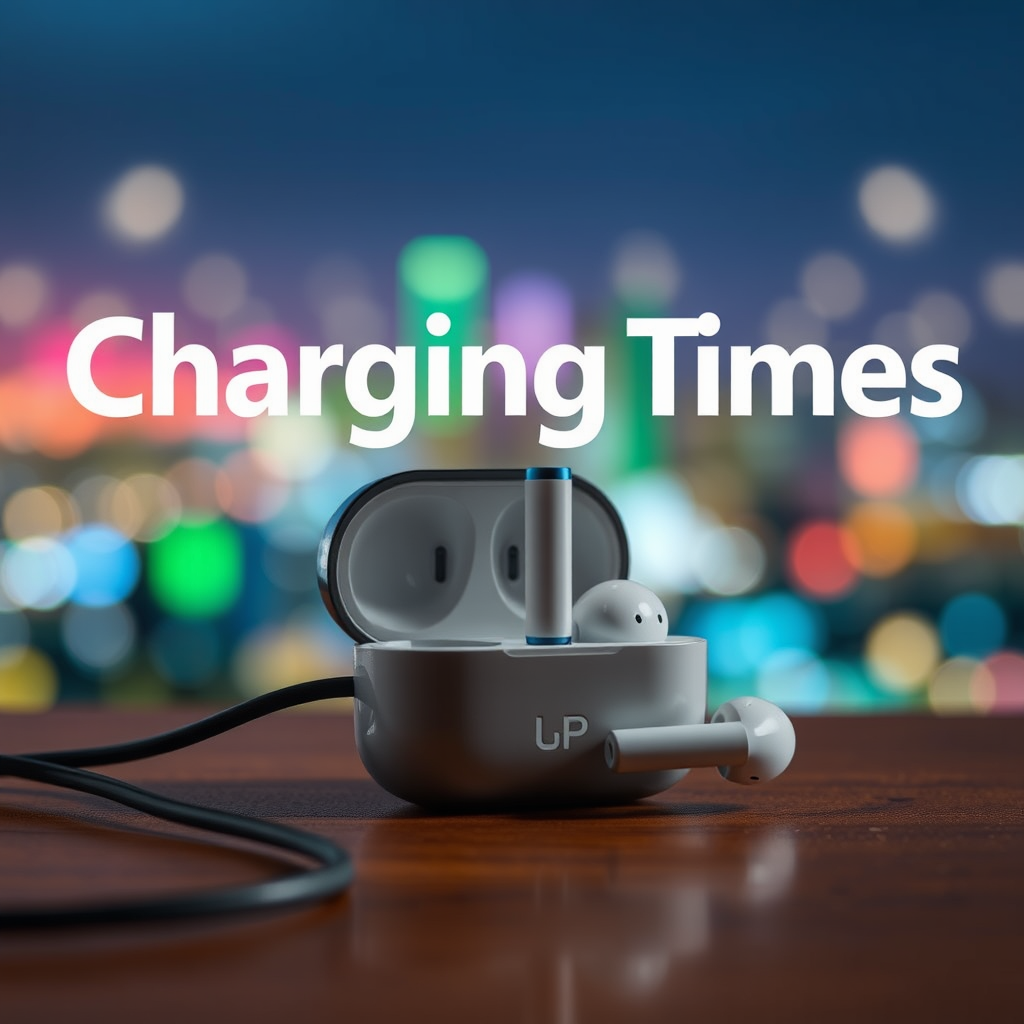
Charging times can vary considerably among different brands and models of earbuds. For instance, Apple AirPods are renowned for their quick charging capabilities, typically reaching a full charge in about 1 hour. On the other hand, budget models, which may utilize less advanced technology, can take 2 to 3 hours or even longer to fully charge.
Fast-charging features have become increasingly common among higher-end models. Certain earbuds are equipped with capabilities that allow them to gain a significant charge in just 15 to 30 minutes—perfect for users in a hurry. For instance:
– Apple AirPods Pro: Approximately 1 hour for a full charge, with about 30 minutes providing sufficient power for several hours of use.
– Samsung Galaxy Buds: Full charge in about 1.5 hours, and a quick 10-minute charge can offer around 1 hour of playback time.
– Jabra Elite 75t: Takes about 2.5 hours for a full charge, but a quick charge feature can provide 1 hour of use after only 15 minutes of charging.
The charging time can significantly impact the user experience, particularly for those who rely on their earbuds throughout the day.
Factors Affecting Charging Duration
Several factors play a crucial role in determining how long it takes to charge your earbuds:
1. Battery Capacity: Earbuds equipped with larger batteries naturally take longer to charge. For example, models designed for extended playback time may have a larger battery capacity and thus require additional charging time.
2. Charger Type: The type of charger used significantly affects charging speed. Wired chargers generally provide faster charging compared to wireless chargers. If you’re using a wireless charging pad, it’s essential to note that this method usually results in longer charging times due to the nature of wireless technology.
3. Charging Case: Many earbuds come with a charging case designed to hold additional power. The capacity and efficiency of this case can influence how quickly your earbuds charge when placed inside.
4. Temperature Conditions: Charging efficiency can also decrease in extreme temperatures. Both high heat and cold can slow down the charging process and potentially damage the battery over time.
Understanding these factors will not only help you anticipate charging times but also guide you in choosing the right earbuds for your lifestyle.
Understanding Charging Technologies
The technological advancements in charging methods have revolutionized the way we power our devices.
– Quick Charge Technology: Many premium brands incorporate quick charge technology, which allows earbuds to charge faster than conventional methods. This technology can dramatically decrease charging times, making it convenient for users who are often on the go.
– Wireless Charging: While convenient, wireless charging typically takes longer than traditional wired methods. This is due to the inherent inefficiencies of energy transfer in wireless systems. Brands like Apple and Samsung offer wireless charging options, but users should be aware of the trade-off between convenience and speed.
– USB-C Charging: Many modern earbuds now use USB-C ports, which allow for faster data transfer and charging compared to older USB standards. If you’re upgrading your earbuds, consider models that utilize USB-C for quicker charging times.
The evolution of these technologies means that consumers have more options than ever before, catering to a variety of needs and preferences.
Top 7 Earbuds Charging Times (2024)
| # | Brand & Model | Full Charge Time | Quick Charge (15 mins) | Battery Capacity (mAh) |
|---|---|---|---|---|
| 1 | Apple AirPods Pro | 1 hour | 1 hour | 500 |
| 2 | Samsung Galaxy Buds | 1.5 hours | 1 hour | 600 |
| 3 | Jabra Elite 75t | 2.5 hours | 1 hour | 500 |
| 4 | Sony WF-1000XM4 | 2 hours | 5 hours | 500 |
| 5 | Anker Soundcore Liberty Air 2 Pro | 2 hours | 2 hours | 500 |
| 6 | Bose QuietComfort Earbuds | 2 hours | 1 hour | 500 |
| 7 | Beats Fit Pro | 1.5 hours | 1 hour | 500 |
Tips for Faster Charging
To ensure that your earbuds charge as quickly and efficiently as possible, consider the following tips:
1. Use the Manufacturer’s Recommended Charger: Third-party chargers may not deliver the necessary power output required for optimal charging. Always opt for the charger designed for your specific earbud model.
2. Clean Connections: Dust and debris can accumulate in the charging port of both the earbuds and the charging case. Regularly cleaning these areas will maintain a strong connection and facilitate faster charging.
3. Avoid Extreme Temperatures: Charge your earbuds in a temperature-controlled environment. High heat or extreme cold can slow down the charging process and potentially harm the battery.
4. Charge Regularly: Instead of waiting for your earbuds to discharge fully, charge them regularly. This practice keeps the battery in good health and can sometimes shorten the charging time for subsequent charges.
5. Enable Airplane Mode: If your earbuds have a Bluetooth feature, consider enabling airplane mode while charging. This can help speed up the charging process by minimizing power consumption during that time.
Practicing these tips can significantly enhance your charging experience, allowing you to enjoy your earbuds without frequent interruptions.
Maintaining Battery Health
Proper care and maintenance of your earbuds can extend their battery life significantly. Here are some practices to consider:
1. Charge Between 20% and 80%: Try to maintain your earbuds’ battery charge between these percentages. Regularly allowing the battery to drop to 0% can lead to faster degradation over time.
2. Avoid Overcharging: Once your earbuds reach a full charge, disconnect them from the charger. Most modern earbuds have built-in systems to prevent overcharging, but it’s still a good practice to avoid extended periods of being plugged in.
3. Store in a Suitable Environment: When not in use, keep your earbuds in a cool, dry place to prevent overheating or moisture damage, which can affect battery performance.
4. Monitor Usage Patterns: Keep track of how often you charge your earbuds and adjust your charging habits based on their usage. This awareness can help you optimize their lifespan.
By following these guidelines, you can ensure that your earbuds maintain their performance over time and provide you with a reliable listening experience.
Troubleshooting Charging Issues
If you find that your earbuds are not charging correctly, there are a few steps you can take to troubleshoot the issue:
1. Inspect Charging Ports: Examine the charging ports on both the earbuds and the case for any debris or damage. A gentle cleaning with a soft brush or cloth can often resolve connectivity issues.
2. Restart or Reset Your Earbuds: Sometimes, a simple restart can fix minor glitches. If problems persist, consider resetting your earbuds to their factory settings, following the manufacturer’s instructions.
3. Check Cables and Adapters: Ensure that the charging cable and any adapters are functioning correctly. Testing with another compatible charger can help determine if the issue is with the charger or the earbuds themselves.
4. Firmware Updates: Occasionally, manufacturers release firmware updates that can improve charging performance. Check the manufacturer’s website or app for any available updates for your earbuds.
By being proactive in troubleshooting, you can quickly resolve charging issues and continue enjoying your earbuds without unnecessary delays.
Maintaining the right charging habits and understanding the factors involved can enhance your earbud experience. By following the tips outlined, you can ensure your earbuds charge efficiently and last longer. If you’re looking for more tips on optimizing your tech, be sure to explore our other articles!
Frequently Asked Questions
How long does it typically take to fully charge wireless earbuds?
Generally, it takes about 1 to 2 hours to fully charge wireless earbuds, depending on the brand and model. Most earbuds come with a charging case that also requires charging, which can influence the overall time it takes to reach a full charge.
Why do some earbuds take longer to charge than others?
The charging time for earbuds can vary due to differences in battery capacity, charging technology, and design. High-end models often use fast-charging technology that can significantly reduce charging time, while budget options may take longer due to standard charging methods.
What factors affect the charging time of my earbuds?
Several factors can influence the charging time of your earbuds, including the battery size, the type of charging case, and the power output of the charger used. Additionally, environmental conditions like temperature can also play a role in how quickly the earbuds charge.
How can I extend the battery life of my earbuds between charges?
To extend the battery life of your earbuds, make sure to store them in their charging case when not in use, keep the firmware updated, and avoid exposing them to extreme temperatures. Additionally, using features like ambient sound mode can help conserve battery during listening sessions.
Which charging method is best for my earbuds?
The best charging method for your earbuds largely depends on the model you own. For most wireless earbuds, using their dedicated charging case is recommended, as it is designed to optimize the charging process, while some models may also support USB-C or wireless charging for added convenience.
References
- Earbuds
https://en.wikipedia.org/wiki/Earbuds - https://www.mayoclinic.org/healthy-lifestyle/consumer-health/in-depth/headphones/art-20461260
https://www.mayoclinic.org/healthy-lifestyle/consumer-health/in-depth/headphones/art-20461260 - https://pubmed.ncbi.nlm.nih.gov/29915182/
https://pubmed.ncbi.nlm.nih.gov/29915182/ - Google Scholar Google Scholar
https://scholar.google.com/scholar?q=how+long+does+it+take+to+charge+earbuds - https://www.sciencedirect.com/topics/engineering/earbuds
https://www.sciencedirect.com/topics/engineering/earbuds - https://www.bbc.com/news/technology-61196324
https://www.bbc.com/news/technology-61196324 - https://www.theguardian.com/technology/2021/jun/01/best-wireless-earbuds-2021
https://www.theguardian.com/technology/2021/jun/01/best-wireless-earbuds-2021 - Google Scholar Google Scholar
https://scholar.google.com/scholar?q=charging+time+of+earbuds - https://www.nature.com/articles/s41598-019-47032-7
https://www.nature.com/articles/s41598-019-47032-7 - https://www.reuters.com/article/us-tech-earbuds-idUSKBN2A10P7
https://www.reuters.com/article/us-tech-earbuds-idUSKBN2A10P7
