
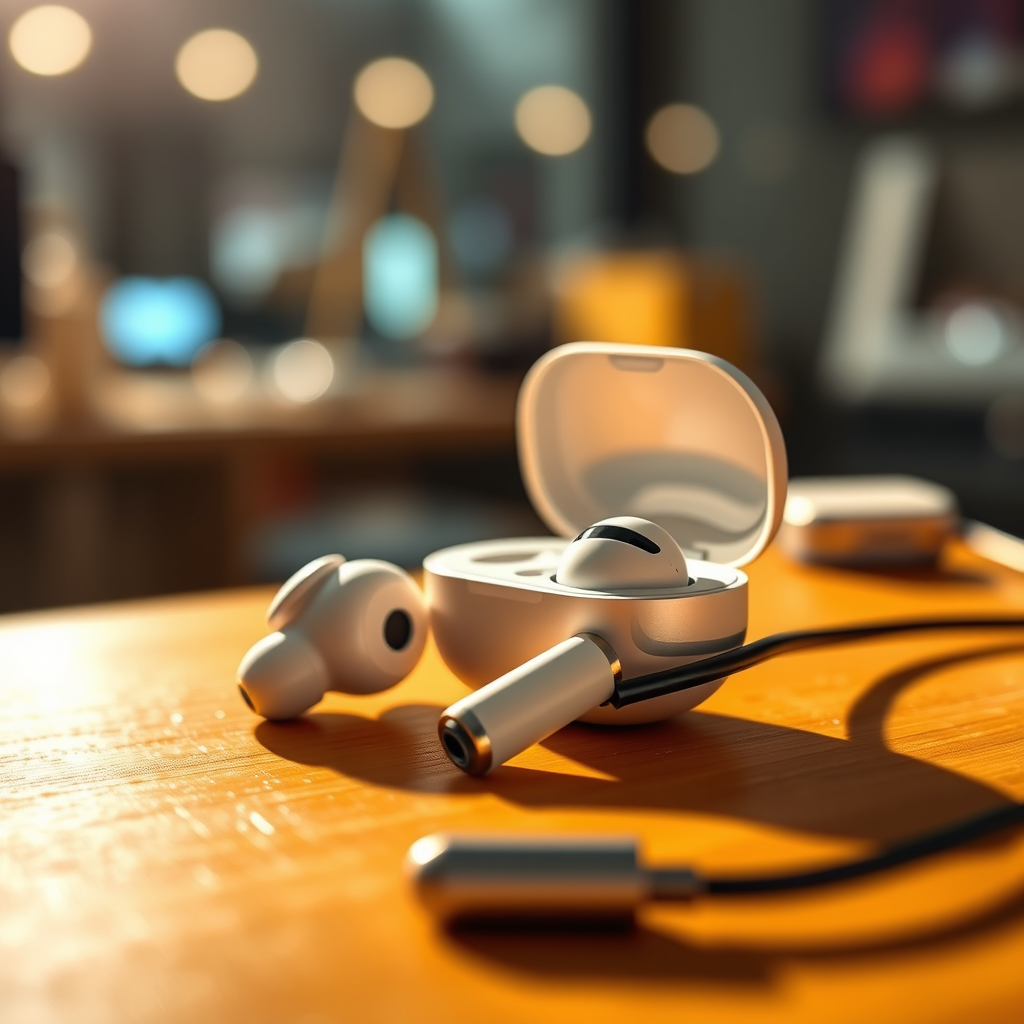

Most earbuds take about 1-2 hours to fully charge, depending on the brand and model. Factors such as battery capacity, charging technology, and whether they are wired or wireless can significantly influence charging times. In this article, we will explore various elements that affect charging durations, compare wired and wireless earbuds, provide average charging times for popular brands, share tips for faster charging, and discuss ways to maintain battery health. Understanding these aspects will help you manage your earbuds’ charging effectively.
Factors Influencing Charging Time
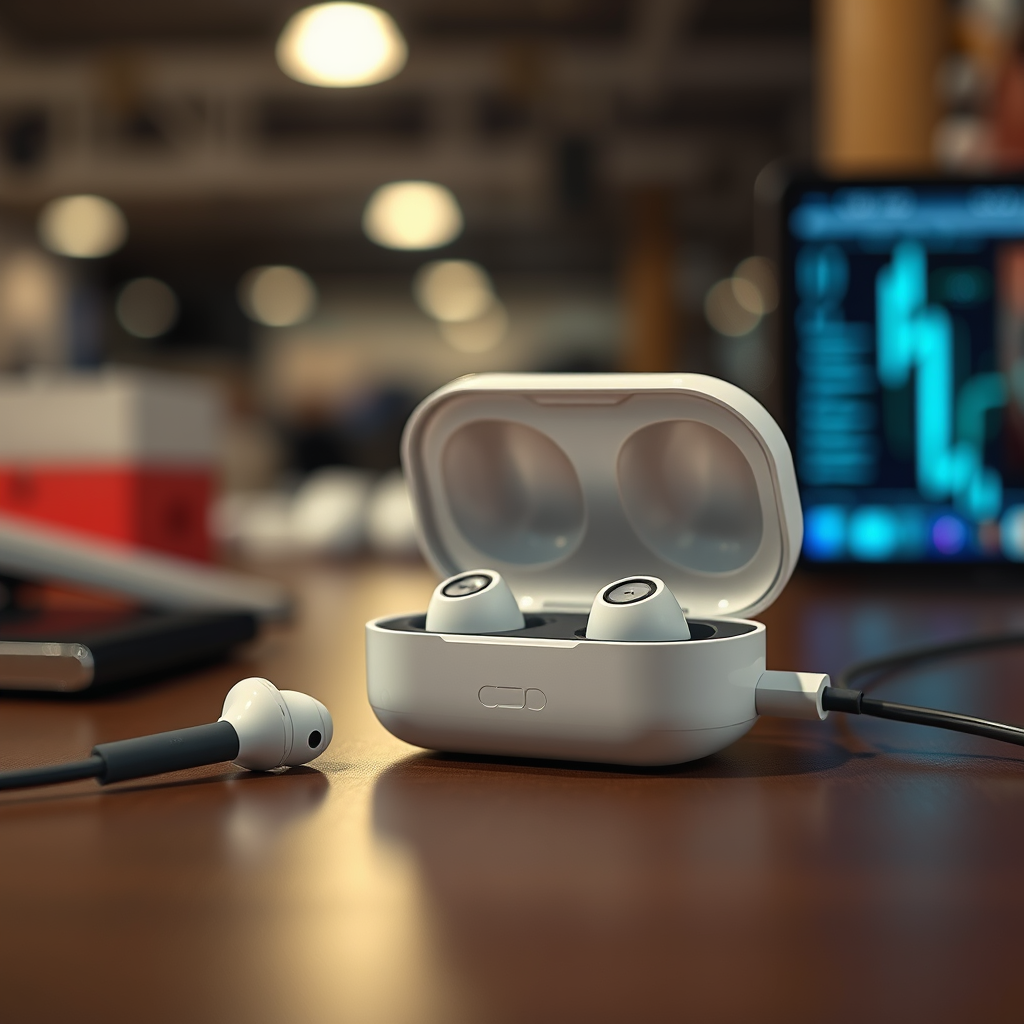
Charging time for earbuds can vary widely based on several factors. One of the most significant influences is the battery capacity. Earbuds with larger batteries typically require more time to reach a full charge. For example, earbuds designed for extended use may have batteries ranging from 30mAh to 50mAh, while more compact models may only require 20mAh. Consequently, those with larger batteries can take longer to charge fully.
Another crucial factor is the charging technology employed by the earbuds. Many modern earbuds come with fast charging capabilities. This technology can drastically reduce charging time, allowing users to enjoy several hours of playback after just a short charging session. For instance, some brands offer a quick charge feature that provides one hour of playback after only 15 minutes of charging. Understanding these factors can help users choose earbuds that align with their needs, especially if they frequently use them for long periods.
Wired vs. Wireless Earbuds
The charging method is a primary difference between wired and wireless earbuds, impacting their overall charging time. Wired earbuds generally charge faster than wireless models because they do not rely on batteries and can draw power directly from a connected source. In many cases, wired earbuds can be used almost immediately after plugging them in, making them a convenient option for users in a hurry.
Wireless earbuds, on the other hand, typically require a charging case to recharge. The charging process for wireless earbuds can take longer due to the technology involved, including Bluetooth connectivity and the need for battery management systems. However, many wireless models now include quick charge features that allow users to get hours of playback after only a few minutes of charging. For example, some high-end wireless earbuds can provide up to three hours of use after just a 10-minute charge, offering a practical solution for users on the go.
Average Charging Times by Brand
Charging times can also vary significantly depending on the brand and specific model of earbuds. Here’s a comparative look at the charging times for some popular brands:
Average Earbud Charging Times by Brand (2024)
| # | Brand | Model | Charging Time | Fast Charge |
|---|---|---|---|---|
| 1 | Apple | AirPods Pro | 1 hour | Yes (1 hour in 5 min) |
| 2 | Samsung | Galaxy Buds Pro | 1.5 hours | Yes (1 hour in 10 min) |
| 3 | Sony | WF-1000XM4 | 2 hours | No |
| 4 | Bose | QuietComfort Earbuds | 2 hours | No |
| 5 | JBL | Tune 225TWS | 2 hours | Yes (1 hour in 15 min) |
| 6 | Anker | Soundcore Liberty Air 2 | 1.5 hours | Yes (1 hour in 10 min) |
| 7 | Pixel Buds A-Series | 2 hours | Yes (1 hour in 20 min) |
Tips for Faster Charging
To maximize the efficiency of charging your earbuds, consider the following strategies:
1. Use the Original Charger: Always use the charger that comes packaged with your earbuds. Most manufacturers design their chargers to provide optimal charging speeds tailored for their specific devices. Using third-party chargers may lead to slower charging or even damage your earbuds.
2. Avoid Using During Charging: If possible, refrain from using your earbuds while they are charging. Engaging with them during this time can slow down the charging process, as the device consumes power even while plugged in. For the best results, allow your earbuds to charge undisturbed.
3. Charge in a Cool Environment: Heat can negatively impact battery performance and longevity. Ensure that your earbuds are charging in a cool, dry place to facilitate efficient charging and maintain battery health. Avoid placing them on heat-emitting devices or in direct sunlight.
4. Keep Charging Ports Clean: Regularly check and clean the charging ports of your earbuds. Dust and debris can impede the connection and slow down charging speed. Use a soft, dry cloth or a small brush to gently clean the charging contacts.
Maintaining Battery Health
Maintaining the health of your earbuds’ battery is essential for longevity and performance. Here are some best practices:
1. Regular Charging: Avoid allowing your earbuds to deplete their battery completely before recharging. Lithium-ion batteries, commonly used in earbuds, can develop memory effects, diminishing their capacity over time. Aim to recharge your earbuds when they drop to about 20-30% battery life.
2. Storage Conditions: Store your earbuds in a cool, dry place when not in use. High temperatures and humidity can accelerate battery degradation. If you plan to store them for an extended period, consider keeping them at around 50% charge to help preserve battery health.
3. Utilize Battery Saver Modes: If your earbuds come with a battery saver feature, make sure to enable it. This can help extend the overall life of your battery by reducing power consumption during inactive periods.
4. Update Firmware Regularly: Keeping your earbuds’ firmware up to date can improve battery management and performance. Manufacturers often release updates that enhance longevity and efficiency, so regularly check for available updates through the manufacturer’s app.
Common Charging Issues
Users may encounter several common charging issues with their earbuds, which can affect performance and usability:
1. Connection Problems: One of the most frequent issues is a poor connection between the charging port and the charging cable. Dirty or damaged ports can hinder charging efficiency. Ensure that both the charging port on the earbuds and the connector on the charging cable are clean and free from debris.
2. Software Updates: Many earbuds receive periodic firmware updates to fix bugs and improve functionality. If you notice slow charging or other performance issues, check if there are any available updates. Keeping your earbuds updated can ensure optimal charging performance.
3. Faulty Charging Cable: A defective charging cable can lead to slow or inconsistent charging. If you suspect that your charging cable may be the issue, try using a different cable compatible with your earbuds to see if the problem persists.
4. Battery Wear: Over time, the batteries in earbuds can wear out, leading to diminished performance and longer charging times. If you find that your earbuds take an unusually long time to charge or do not hold a charge well, it may be time to consider replacing them.
The key takeaway is that most earbuds will charge in approximately 1-2 hours, influenced by various factors like brand, model, and usage habits. By understanding the factors that influence charging time and implementing effective maintenance practices, users can ensure they get the most out of their earbuds while maximizing their battery life. For more tips on maintaining your tech devices, explore our other articles!
Frequently Asked Questions
How long does it take for wireless earbuds to fully charge?
Most wireless earbuds take approximately 1 to 2 hours to fully charge. The exact charging time can vary depending on the brand and model, with some high-end models featuring rapid charging capabilities that can provide a full charge in as little as 30 minutes.
Why do some earbuds take longer to charge than others?
The charging time of earbuds can differ due to several factors, including battery capacity, charging technology, and design. For instance, earbuds with larger batteries or those that use older charging technologies may take longer to reach a full charge compared to newer models equipped with fast-charging features.
How can I tell when my earbuds are fully charged?
Most wireless earbuds come with LED indicators that signal their charging status. A steady green or white light typically indicates that the earbuds are fully charged, while a blinking light may mean they are still charging. Additionally, some models provide audio cues or notifications through a connected app.
What is the best way to charge my earbuds for optimal battery health?
To maintain the battery health of your earbuds, avoid letting them discharge completely before recharging. It’s best to charge them when they reach around 20-30% battery. Using the original charging case and cable recommended by the manufacturer also helps optimize charging efficiency.
Which factors affect the charging speed of earbuds?
The charging speed of earbuds can be influenced by several factors, including the power output of the charging source, the condition of the charging cable, and the earbuds’ battery technology. Using a higher wattage charger that is compatible with the earbuds can help speed up the charging process.
References
- Headphones
https://en.wikipedia.org/wiki/Earphone - https://www.bbc.com/news/technology-51767876
https://www.bbc.com/news/technology-51767876 - https://www.nytimes.com/2020/11/18/technology/personaltech/wireless-earbuds.html
https://www.nytimes.com/2020/11/18/technology/personaltech/wireless-earbuds.html - https://www.mayoclinic.org/healthy-lifestyle/consumer-health/in-depth/earbuds/art-20446761
https://www.mayoclinic.org/healthy-lifestyle/consumer-health/in-depth/earbuds/art-20446761 - https://www.sciencedirect.com/topics/engineering/earbuds
https://www.sciencedirect.com/topics/engineering/earbuds - https://www.nature.com/articles/s41598-020-75562-2
https://www.nature.com/articles/s41598-020-75562-2 - https://pubmed.ncbi.nlm.nih.gov/32148653/
https://pubmed.ncbi.nlm.nih.gov/32148653/ - Google Scholar Google Scholar
https://scholar.google.com/scholar?q=how+long+does+earbuds+take+to+charge - Google Scholar Google Scholar
https://scholar.google.com/scholar?q=charging+time+for+wireless+earbuds - Google Scholar Google Scholar
https://scholar.google.com/scholar?q=earbud+charging+duration+research

[…] – ANC mode impacts battery capacity. […]
[…] evaluate battery life by checking real-world screen-on time and standby drain rather than just battery capacity. If you’re deciding between LG G5 vs Panasonic Z95A for long days away from a charger, look for […]