
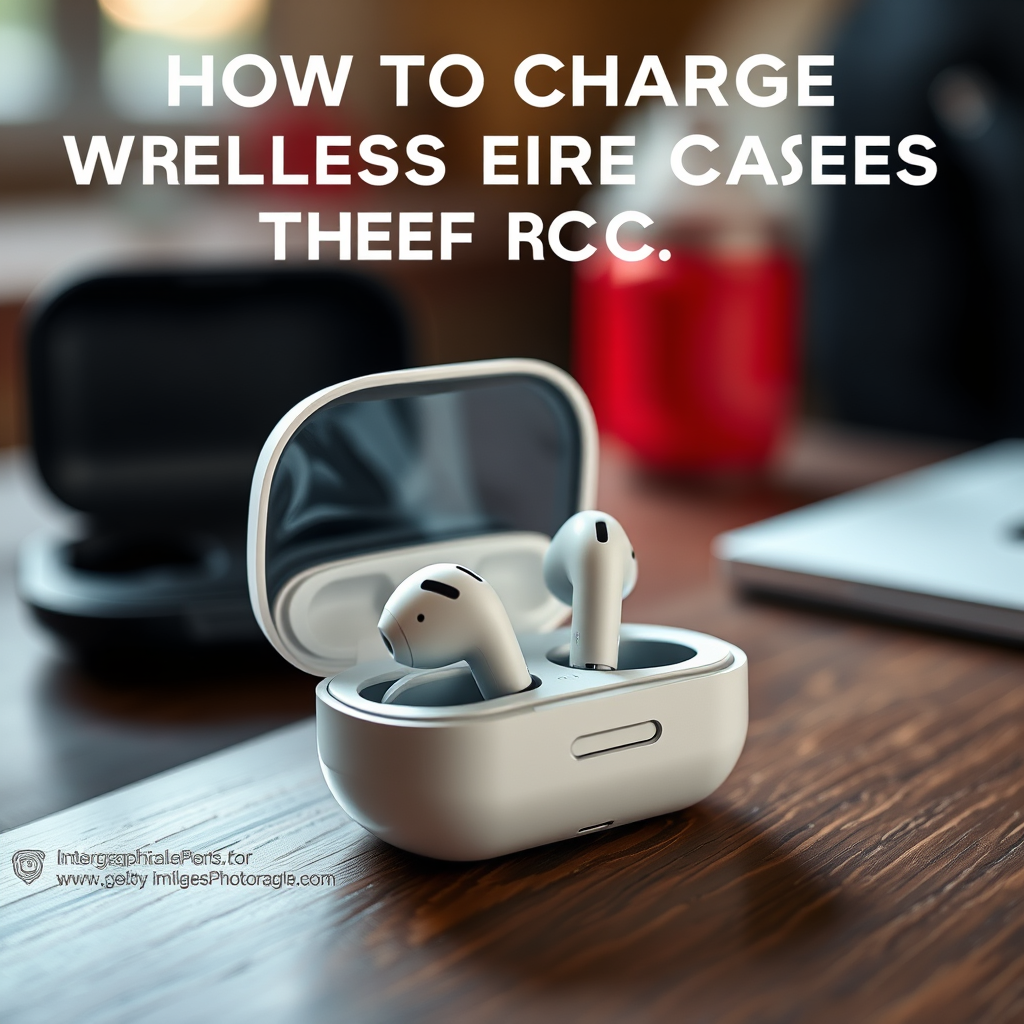

When it comes to charging wireless earbuds, simply placing them in their charging case will initiate the charging process automatically. This seamless design ensures that your earbuds remain ready for use at all times. However, understanding the nuances of charging your earbuds properly can enhance their lifespan and performance. This article will guide you through the steps to ensure your earbuds are charged correctly, along with tips on maintaining their battery life and understanding the indicators for charging status.
Understanding Your Charging Case
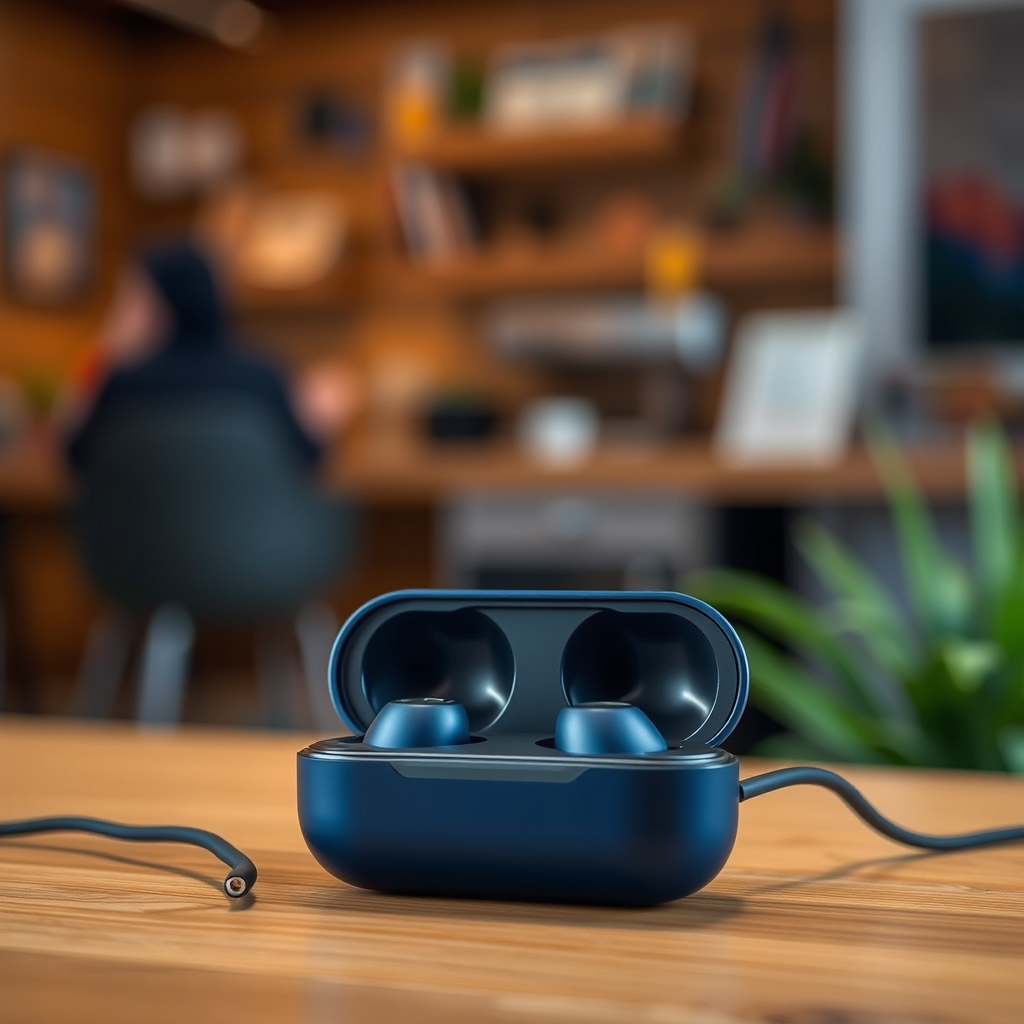
The charging case is an essential component of wireless earbud functionality. Not only does it serve as a protective storage solution, but it also acts as a portable power source, allowing you to charge your earbuds on the go. Most charging cases come equipped with various features that can enhance your user experience.
One of the most useful features is the LED indicator lights, which provide real-time feedback on the charging status of both the case and the earbuds within it. Typically, a solid light indicates that the earbuds are charging, while a blinking light may signify that they are not properly seated or that the case itself needs charging. Familiarizing yourself with these indicators can help you avoid common charging pitfalls.
Properly Placing Earbuds in the Case
For your earbuds to charge effectively, it is crucial to ensure they are placed correctly in the charging case. Each earbud has specific alignment points that connect with corresponding charging pins in the case.
– Aligning the Earbuds: Position the earbuds so that they align with the charging pins. This alignment is often indicated by a groove or shape that complements the earbud.
– Confirmation of Placement: After placing the earbuds in the case, listen for a click or check for an LED light that confirms they are securely seated. If the earbuds are not sitting properly, they may not charge, leading to frustration when you attempt to use them later.
Charging Your Case
To keep your earbuds charged, you also need to ensure that the charging case itself has power.
– Connecting to Power: Use the appropriate charging cable—usually a USB-C or Micro USB—to connect the charging case to a power source. Make sure the connection is secure to avoid interruptions.
– Monitoring Charge Levels: Many charging cases are equipped with a built-in battery indicator. This feature allows you to monitor the charge level of the case, ensuring that you don’t find yourself with dead earbuds and an uncharged case when you need them most.
Top Wireless Earbud Charging Cases (2024)
| # | Brand | Earbud Model | Charging Time | Battery Life |
|---|---|---|---|---|
| 1 | Apple | AirPods Pro | 1 hour | 4.5 hours |
| 2 | Samsung | Galaxy Buds Pro | 2 hours | 5 hours |
| 3 | Sony | WF-1000XM4 | 1.5 hours | 8 hours |
| 4 | Bose | QuietComfort Earbuds | 2 hours | 6 hours |
| 5 | Jabra | Elite 75t | 2 hours | 7.5 hours |
| 6 | Sennheiser | Momentum True Wireless 2 | 1.5 hours | 7 hours |
| 7 | Anker | Soundcore Liberty 3 Pro | 1 hour | 6 hours |
Battery Life Tips for Earbuds
To prolong the lifespan of your wireless earbuds, consider these tips for maintaining their battery health:
– Avoid Full Depletion: Regularly letting your earbuds fully deplete their battery can significantly reduce their lifespan. Instead, aim to recharge them when they reach around 20% battery life.
– Storage in the Case: Always store your earbuds in their case when not in use. This not only keeps them charged but also protects them from external damage and dust accumulation.
– Temperature Control: Avoid exposing your earbuds to extreme temperatures, as this can adversely affect their battery health. Store them in a cool, dry place whenever possible.
Troubleshooting Charging Issues
Sometimes, you may encounter issues where your earbuds do not charge as expected. Here are some common troubleshooting steps to resolve these problems:
– Check for Debris: Inspect both the charging pins on the earbuds and the case for any debris or dirt that may interfere with the charging connection. Cleaning the pins gently with a soft, dry cloth can often resolve the issue.
– Inspect the Charging Cable: Ensure that the charging cable and power source are functioning correctly. Testing with a different cable or power outlet can help determine if the issue lies with the cable or the case itself.
– Reset the Earbuds: If all else fails, consider resetting your earbuds according to the manufacturer’s instructions. This may resolve any software glitches that are preventing proper charging.
Maintaining Your Earbuds and Case
Long-term maintenance is key to ensuring your wireless earbuds and their charging case remain in optimal condition. Follow these guidelines for proper care:
– Regular Cleaning: Make it a habit to clean both the earbuds and the case regularly. Use a microfiber cloth for the exterior and a soft brush or cotton swab for the charging pins to avoid dirt buildup.
– Manufacturer Guidelines: Always follow the manufacturer’s guidelines for charging and maintenance, as each brand may have specific recommendations that can extend the life of your earbuds.
– Avoid Water Damage: Most wireless earbuds are water-resistant to a degree, but it’s essential to avoid exposing them to water unnecessarily. If they do get wet, dry them thoroughly before placing them back in the case.
By understanding how to charge your wireless earbuds properly and take care of them, you can ensure they deliver high-quality audio performance whenever you need them.
To summarize, always place your earbuds in their case after use to keep them charged, monitor the charging status through LED indicators, and follow best practices for battery life maintenance. For more tips on maintaining your wireless earbuds, check out our other articles on earbud care and battery management.
Frequently Asked Questions
How do I charge my wireless earbuds in their case?
To charge your wireless earbuds in their case, simply place the earbuds into the designated slots in the charging case. Ensure that the earbuds are properly seated to establish a connection. The charging case should have a battery indicator light that shows when the earbuds are charging, typically turning on when they are correctly placed inside.
Why won’t my wireless earbuds charge in the case?
If your wireless earbuds are not charging in the case, check to make sure that the earbuds are properly seated and that the charging contacts are clean and free of debris. Additionally, ensure that the charging case itself has enough battery power. If the case is empty, it may need to be charged using a USB cable before it can recharge the earbuds.
What is the best way to maintain the battery life of my wireless earbuds while charging?
To maintain the battery life of your wireless earbuds while charging, avoid letting them fully discharge frequently and store them in a cool, dry place. Additionally, try to charge them in intervals rather than leaving them plugged in for extended periods, as this can help prolong their lifespan and performance. Regularly cleaning the charging contacts can also ensure efficient charging.
Which charging method is better for my wireless earbuds, USB-C or wireless charging?
The choice between USB-C and wireless charging for your wireless earbuds depends on your preferences and convenience. USB-C typically offers faster charging speeds and may be more reliable, while wireless charging provides the ease of simply placing the case on a charging pad without dealing with cables. Consider your lifestyle and how often you need to charge your earbuds when choosing the best method.
What should I do if my wireless earbuds case won’t charge?
If your wireless earbuds case won’t charge, first check the charging cable and port for any damage or debris. Try using a different cable or power source to see if that resolves the issue. If the case still doesn’t charge, it may need a reset or potentially require professional repair, especially if it’s still under warranty.
References
- Headphones
https://en.wikipedia.org/wiki/Wireless_earbuds - https://www.mayoclinic.org/healthy-lifestyle/consumer-health/in-depth/headphones/art-20046674
https://www.mayoclinic.org/healthy-lifestyle/consumer-health/in-depth/headphones/art-20046674 - https://www.sciencedirect.com/topics/engineering/wireless-earbuds
https://www.sciencedirect.com/topics/engineering/wireless-earbuds - https://www.bbc.com/news/technology-57907599
https://www.bbc.com/news/technology-57907599 - https://www.theguardian.com/technology/2021/sep/01/apple-airpods-pro-review
https://www.theguardian.com/technology/2021/sep/01/apple-airpods-pro-review - https://www.nytimes.com/2020/12/15/technology/personaltech/wireless-earbuds-review.html
https://www.nytimes.com/2020/12/15/technology/personaltech/wireless-earbuds-review.html - Google Scholar Google Scholar
https://scholar.google.com/scholar?q=how+to+charge+wireless+earbuds+in+case - Google Scholar Google Scholar
https://scholar.google.com/scholar?q=wireless+earbuds+charging+case - https://scholar.google.com/scholar?q=wireless+earbuds+charging+instructions Google Scholar
https://scholar.google.com/scholar?q=wireless+earbuds+charging+instructions - https://pubmed.ncbi.nlm.nih.gov/30096045
https://pubmed.ncbi.nlm.nih.gov/30096045

[…] section improves charging reliability and contact stability. Wipe the case exterior, and clean charging pins with a barely damp swab only—keeping moisture away from case openings and charging […]
[…] Use a track with clear stereo separation (podcast with left/right mic panning, or a song with distinct stereo effects). In my experience, this is also the quickest way to detect when only one side is properly seated/connected. […]
[…] guide, I compare both options across image performance, setup complexity, total cost, sound, and long-term maintenance so you can choose what fits your space and viewing habits in […]
[…] market laser light sources and higher native contrast, which affects upfront cost but can reduce long-term maintenance—another reason cinema projector pricing doesn’t follow a simple one-number […]
[…] Compare lamp vs. LED/laser longevity and long-term maintenance […]
[…] screen size, the lens type affects installation flexibility, and the light source dictates long-term maintenance costs. And as of 2025, buyer expectations are higher than they were a few years ago: HDR tone […]
[…] long-term maintenance cost and predictable […]
[…] Can a low-quality HDMI cable cause projection problems?Yes—use a reliable HDMI cable and a properly seated adapter to avoid handshake or bandwidth […]
[…] native resolution rather than a scaled custom setting. Finally, ensure the projector is focused and properly seated at the right distance for the image […]
[…] laser light sources tend to last longer and can maintain consistent brightness, which may reduce long-term maintenance. The “best” choice depends on your priorities: brightest performance for the price (often UHP), […]