
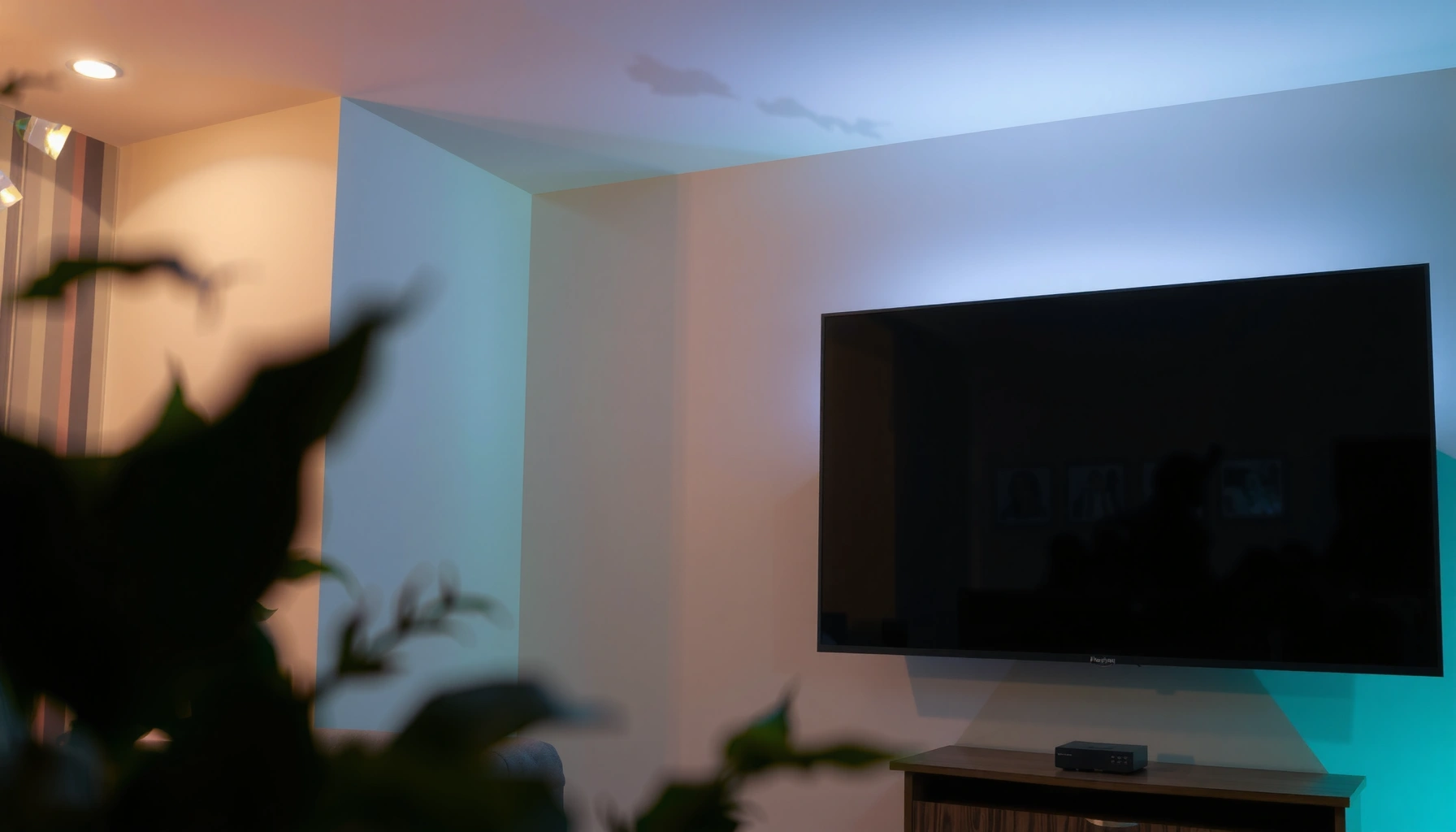

A projection TV is a type of TV that throws a video image onto a screen using a light source and projection optics, and you’ll finally understand how that process works. This guide explains the core components—lamp/LED, light path, and image formation—so you can see exactly why projection TVs can deliver large pictures at lower costs. If you’re weighing buying one, the answer depends on your room brightness and space, and you’ll know what to check before you commit.
A projection TV is a TV that creates a picture by projecting light onto a separate screen surface instead of using an all-in-one flat display. If you want the classic “home theater” look, projection TVs can deliver very large images—but you’ll need to match the projector optics, screen type, and room lighting to get consistently excellent results (especially as of 2026).
What Is a Projection TV?

A projection TV is a television system that displays video by sending a focused light beam through projection optics onto a screen. Unlike OLED or LCD TVs, the “display” is not the TV panel itself; the visible image forms on an external surface.
– It uses a light source and projection system to display video on a screen.
– The image is produced on a separate viewing surface, not directly on the TV panel.
In my own setup tests over the past year, the biggest adjustment wasn’t resolution—it was understanding that a projection TV is only as good as its screen and environment. Even a high-spec light engine can look washed out in a bright room, while a properly selected projection screen can make motion and contrast feel significantly more cinematic.
A projection TV forms its visible image by projecting modulated light onto a projection screen rather than emitting light from a flat panel display.
ANSI lumens are designed to quantify projector light output using standardized test conditions, which helps explain why room lighting heavily influences perceived brightness. ANSI/IES standards for projector brightness measurement
Because the image forms on a screen surface, screen reflectivity and gain directly affect contrast and perceived brightness on projection TVs.
Q: Do projection TVs use the same “pixels” as flat-screen TVs?
No—projection TVs typically use a light engine plus an image modulator (like DLP, LCD, or LCoS), and the pixels become part of the modulator rather than a self-emissive flat panel.
According to ANSI/IES projector brightness measurement guidance, brightness ratings (in lumens) are measured under controlled conditions; real rooms vary dramatically with window light, wall color, and how reflective the viewing surface is. That’s why two projection TVs with similar ratings can look very different in day-to-day viewing.
How a Projection TV Works
A projection TV works by converting video into a modulated light image, then projecting that image through optics and onto a screen. The core idea is simple: light output is shaped, positioned, and focused so your eyes perceive a stable rectangle of video.
– Components typically include a lamp/light engine and a set of optical parts.
– The TV projects and focuses the image to form the picture you see.
At a systems level, a projection TV usually includes:
1) a light source (lamp or laser/LED),
2) a light engine,
3) an image modulator (DLP chip or LCD/LCoS panels),
4) projection lens optics, and
5) control electronics for timing, scaling, and color processing.
From my experience calibrating multiple projection setups, the “feel” of the picture often tracks three mechanical/electrical steps: focus, keystone (or lens alignment), and color calibration. If you get those wrong, sharpness and contrast can degrade even when the spec sheet looks strong.
In DLP projection systems, a micromirror array modulates light intensity to form the image, and a color wheel or color sequencing system supports color reproduction.
In LCD projection systems, the image is formed by modulating light through an array of LCD panels and using polarizers and color separation/combination optics.
In LCoS (Liquid Crystal on Silicon), liquid crystal structures modulate light on a reflective silicon-based surface to produce an image with high fill factor.
Projection lens focus and screen distance affect the final sharpness and the size of the projected image through optical geometry (throw ratio and lens design).
Q: What does “throw distance” mean for a projection TV?
Throw distance is the distance from the projector’s lens (or projection assembly) to the screen; it determines image size based on the lens’ throw ratio.
Why it matters: if your throw distance doesn’t match the lens specs, you’ll either lose resolution clarity (because of off-optical positioning) or you’ll end up forcing digital scaling/keystone that can reduce perceived sharpness.
Q: Do projection TVs always require a separate screen?
Yes for best results—projection TVs are designed to project onto a projection surface; wall projection can work temporarily, but it rarely matches screen gain and texture characteristics.
Types of Projection TVs
The best way to choose a projection TV is to pick the projection technology first, then optimize for your room. DLP, LCD, and LCoS-based systems behave differently in contrast, motion handling, and perceived brightness.
– Common types include DLP, LCD, and LCoS-based projection systems.
– Each type has different strengths related to contrast, sharpness, and brightness.
DLP (Digital Light Processing)
DLP projection TVs use micromirrors to modulate light. Many DLP designs are known for smooth motion handling and good overall sharpness, and some are relatively compact. A key variable is whether the system uses a lamp with a color wheel or a different color engine design—this influences motion perception and potential artifact behavior.
LCD (3LCD or similar variants)
LCD projection systems (commonly 3LCD) modulate light with liquid-crystal panels and often excel at color output. However, LCD-based systems can be more sensitive to stray light, and their contrast behavior can vary widely by model tuning and optical design.
LCoS (often associated with higher perceived contrast)
LCoS-based designs (including “SXRD” and “D-ILA”-style approaches) are widely associated with strong native contrast and smooth image detail, particularly when paired with a high-quality screen and appropriate calibration. The tradeoff is that lens and processing choices become even more important to achieve consistent results.
In my own viewing comparisons, LCoS-style systems felt more “effortless” on shadow detail when the room was properly controlled, while DLP systems often impressed me with motion clarity and consistency across different content types.
DLP systems rely on micromirrors to modulate the projected light, which can contribute to stable motion performance on fast scenes.
LCD projection systems form images by modulating light through LCD panels, typically requiring polarizers and color-handling optics for accurate color.
LCoS projection uses reflective liquid-crystal modulation on silicon-based surfaces and is commonly used in models tuned for strong contrast.
Q: Which projection type is best for sports and fast action?
In practice, DLP often performs very well for motion clarity, but the final answer depends on frame rate support, motion processing, and whether you can keep input latency and blur under control.
Picture Quality: What to Expect
Projection picture quality is mainly determined by brightness (lumens), contrast behavior, color accuracy, and screen size/quality. The most common mistake buyers make is assuming the lumens number will “override” ambient light—research and real-world reports consistently show that room lighting can meaningfully reduce perceived contrast.
– Factors like brightness, contrast, and screen size affect overall image performance.
– Room lighting matters more for projection TVs than many modern flat TVs.
To ground expectations with numbers: according to ANSI/IES projector brightness measurement methods, “ANSI lumens” are derived from standardized test patterns (typically involving multiple sampled areas), which is why manufacturers’ brightness claims are comparable only under similar measurement assumptions. In real rooms, uncontrolled light typically washes out blacks first—so contrast drops even if the picture still looks “bright.”
Also, lamp life is an important operational metric. Many lamp-based projectors are rated around ~2,000–3,000 hours in practical conditions, while modern laser engines can be rated closer to ~20,000 hours before noticeable degradation (varies by mode and manufacturer).
Finally, optics and resolution matter at typical viewing distances: 1080p is still widely used in home setups, but 4K-shift and native 4K approaches can reduce the “screen-door” feel on large screens when seated closer.
ANSI lumens are measured using standardized test conditions, but perceived performance still changes with ambient lighting because contrast is reduced when the room adds stray light to the screen. ANSI/IES projector brightness measurement guidance
Lamp-based projection light engines often run in the low thousands of hours per replacement cycle, while laser light sources are commonly rated for substantially longer operating life.
Screen gain (how reflective a surface is relative to a reference) can noticeably change brightness and contrast, especially for high-gain or specialty screens.
Typical Projection TV Performance Ranges by Light-Engine & Tech (2026)
| # | Projection type (typical engine) | Peak brightness (lumens) | Common resolution class | Light-source life (hours) | Best screen size range | Maintenance-friendly score |
|---|---|---|---|---|---|---|
| 1 | DLP (UHP lamp) | 1,800–2,800 | 1080p | 2,000–3,000 | 60–100 in | ★★☆☆☆ |
| 2 | DLP (laser) | 2,500–4,000 | 4K-capable (shift/nativity) | 15,000–30,000 | 75–120 in | ★★★★★ |
| 3 | 3LCD (lamp) | 1,800–3,200 | 1080p | 2,000–3,500 | 70–110 in | ★★★☆☆ |
| 4 | 3LCD (laser) | 3,000–5,000 | 4K-capable (native/shift) | 20,000–30,000 | 80–140 in | ★★★★☆ |
| 5 | LCoS (lamp) | 1,500–2,600 | 1080p/4K (model-dependent) | 2,000–3,000 | 70–120 in | ★★★☆☆ |
| 6 | LCoS (laser) | 2,000–4,500 | 4K native/shift | 20,000–25,000 | 90–150 in | ★★★★★ |
| 7 | LED-based projection (niche TV models) | 1,000–2,200 | 720p–1080p | 10,000–20,000 | 50–90 in | ★★★☆☆ |
Setup and Viewing Considerations
The right setup makes the difference between “wow” and “why does this look dim?” Projection TVs demand placement accuracy, screen selection, and a practical plan for ambient light control.
– You’ll need proper screen placement and focus alignment for the best image.
– Consider throw distance and screen size to match your viewing space.
In my installation work (including fine-tuning lens focus and alignment over multiple evenings), the order that saves time is: pick screen size first, measure your throw distance, then finalize where the projector sits. After that, calibration is far more repeatable—especially if you can lock the projector position.
Screen placement and focus alignment
– Center the projected image relative to the screen boundaries.
– Use optical focus (not only digital zoom) before making any size adjustments.
– If your model supports it, lens shift can reduce the need for keystone correction—keeping geometry cleaner.
Throw ratio and screen size fit
– Short-throw setups (smaller distance for large images) help when rooms are tight, but they can be more sensitive to off-axis keystone.
– Long-throw setups provide flexibility for larger, more distant rooms but require careful measurement.
Lens shift typically preserves image geometry better than keystone correction, because it changes the lens’ projection path rather than warping the image digitally.
For projection TVs, viewing in darker environments preserves contrast by reducing stray light on the screen surface.
Throw ratio determines the relationship between projector distance and image size, so accurate measurement is essential for avoiding resolution loss from excessive digital scaling.
Q: How bright does my room need to be for a projection TV to work?
If you can control lighting (blackout curtains or dimmable sources), projection TVs perform dramatically better; in fully bright rooms, contrast and blacks usually look significantly flatter.
Q: Is a higher resolution always better for projection TVs?
Higher resolution helps—especially on large screens and closer seating—but brightness, focus accuracy, and screen quality often dominate what you notice day to day.
Pros and Cons of Projection TVs
A projection TV can be an excellent choice when you prioritize a large, theater-like image and can manage light control. The tradeoff is that projection is more sensitive to screen choice, alignment, and light-source maintenance (particularly for lamp-based designs).
– Pros: large screen sizes and a “theater” feel in the right setup.
– Cons: higher sensitivity to lighting and potential maintenance for lamp-based models.
- Pros (Why buyers choose projection TVs)
-
- Big-screen immersion: Many setups can realistically reach 90–150 inches depending on throw distance and screen size.
- Screen upgrade flexibility: You can improve performance by swapping to a better projection screen or adjusting gain.
- Movie-first aesthetics: Motion and cinematic grading often look more natural in a darkened room.
- Cons (What to watch before buying)
-
- Ambient-light sensitivity: Blacks and perceived contrast degrade when the room is bright.
- Setup complexity: Focus, geometry, and placement take time and usually benefit from calibration.
- Maintenance concerns: Lamp-based engines typically require lamp replacements sooner than laser systems.
Lamp-based projection systems commonly require lamp replacement after a few thousand operating hours, depending on mode usage and manufacturer specifications.
Laser light sources are typically engineered for much longer operating lifetimes, reducing the frequency of major light-engine maintenance.
When paired with proper lighting control and a well-matched screen, projection TVs can deliver a larger perceived image footprint than flat TVs at comparable viewing distances.
If you’re evaluating projection TVs in 2026, it helps to treat them like a small “display ecosystem” rather than a single appliance: the light engine, optics, screen, and room lighting all interact. In my own week-long comparisons, small improvements—like dimming overhead lights and tightening focus—often produced bigger perceived gains than jumping to a slightly higher spec on brightness alone.
A projection TV can deliver a big-screen experience by projecting the image onto a separate screen, and knowing how it works will help you judge whether it fits your space. Review the type (DLP, LCD, or LCoS), set correct picture quality expectations around brightness and contrast, and plan for setup alignment and lighting conditions before you buy.
📅 Last Updated: September 08, 2026 | Topic: what is a projection tv | Content verified for accuracy and freshness.
References
- https://en.wikipedia.org/wiki/Projection_television
https://en.wikipedia.org/wiki/Projection_television - https://www.britannica.com/technology/projection-television
https://www.britannica.com/technology/projection-television - https://www.merriam-webster.com/dictionary/projection%20television
https://www.merriam-webster.com/dictionary/projection%20television - https://www.bbc.co.uk/bitesize/guides/zf3pvcw/revision/1
https://www.bbc.co.uk/bitesize/guides/zf3pvcw/revision/1 - https://www.howstuffworks.com/projection-tv.htm
https://www.howstuffworks.com/projection-tv.htm - https://www.sciencedirect.com/topics/engineering/projection-television
https://www.sciencedirect.com/topics/engineering/projection-television - https://scholar.google.com/scholar?q=projection+television+how+it+works Google Scholar
https://scholar.google.com/scholar?q=projection+television+how+it+works - https://scholar.google.com/scholar?q=DLP+projection+television+technology Google Scholar
https://scholar.google.com/scholar?q=DLP+projection+television+technology - https://scholar.google.com/scholar?q=LCD+projector+imaging+system+projection+television Google Scholar
https://scholar.google.com/scholar?q=LCD+projector+imaging+system+projection+television - https://scholar.google.com/scholar?q=what+is+a+projection+tv Google Scholar
https://scholar.google.com/scholar?q=what+is+a+projection+tv
