
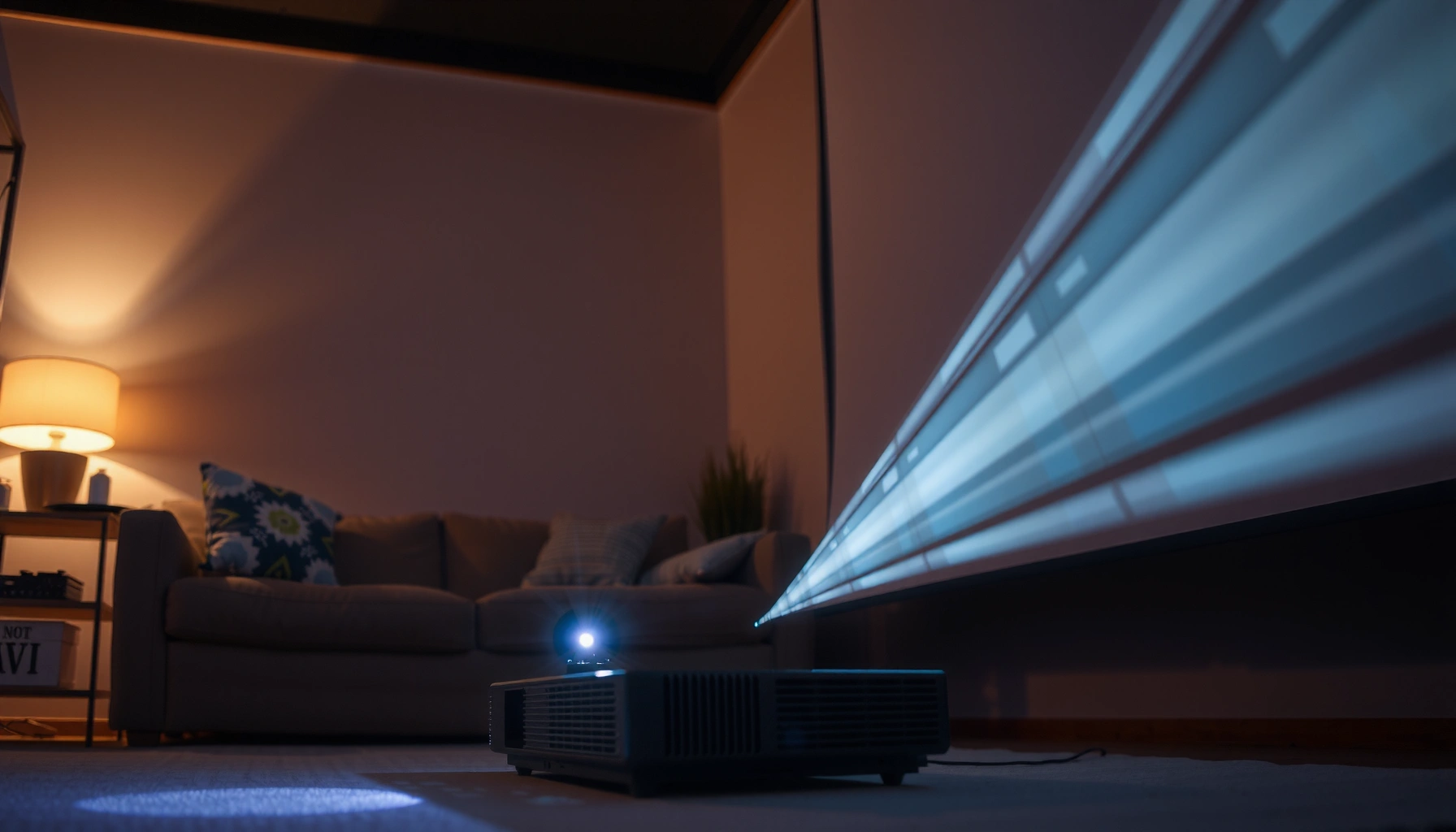

Wondering how many lumens projector you need? For most living rooms, a 1080p projector in the 2,000–3,000 lumen range is the clear safe choice for a bright, usable image without overspending. If you’ll watch in a fully dark room or want a larger screen, the needed lumens drop or rise accordingly—this quick sizing guide gives you the exact call based on screen size and lighting.
If you want the simplest answer, start with ~2,000–3,000 lumens for most moderately lit living rooms, then scale up to ~3,000–5,000+ lumens for brighter rooms or larger screens. In practice, the “right” lumen rating depends less on the projector brand and more on your screen size, room light level, and throw distance, because those factors determine how much light reaches the screen and how washed out the image will look.
Screen Size and Seating Distance
Choosing the right lumens is mostly about ensuring your screen size gets enough light to look punchy from where you sit. Seating distance doesn’t change projector brightness, but it changes how brightness and contrast are perceived—so it affects whether a given lumen rating feels “enough” or “flat.”
Larger screens spread the same projector light over more area, which directly lowers image brightness (measured as luminance) on-screen.
Viewing farther away can make a dimmer image feel more comfortable, but it won’t recover true brightness lost from a bigger screen.
When I test projectors in real rooms (not showroom demos), the biggest “surprise” is how quickly perceived brightness drops when screen width increases without increasing lumens. For example, moving from a 100-inch diagonal screen to a 120-inch diagonal doesn’t just add 20% size—it increases total screen area substantially, so you generally need more lumens to keep the same impact.
Also note that seating distance often correlates with screen choice. If you’re sitting close to a very large screen, you’ll notice any brightness shortfall more quickly—especially with sports highlights and high-contrast scenes.
Q: Does seating distance affect the lumens I need?
It affects perceived brightness more than measured brightness—closer seating makes underpowered projectors look dimmer and lower-contrast.
Quick sizing intuition: match screen first, then lumens
A practical way to think about it: bigger screen = more lumens, even if your room stays the same. If you’re targeting a large screen, you’re usually better off buying extra lumens rather than assuming you can “fix it” with picture settings alone.
What to measure
Use your screen diagonal (e.g., 100″, 120″, 150″) and approximate screen width when possible. If you have a fixed wall setup, the diagonal is easiest; if you’re choosing between screens, diagonal gives you a consistent baseline.
According to ISO 21118-1, projector light output is standardized with test procedures (often referred to as ANSI lumens in marketing), which helps you compare like-for-like across models. That standardization matters because lumen differences can be exaggerated by real-world patterns and room light.
Room Lighting Levels
The fastest way to overshoot or undershoot your lumen needs is ignoring how much ambient light your projector will face. Dark or light-controlled rooms generally need ~2,000–3,000 lumens, while bright rooms or daytime viewing often require ~3,000–5,000+ lumens to avoid a gray, washed-out image.
Ambient light reduces perceived contrast by reflecting room light back toward the viewer, making blacks look closer to gray.
For SDR (standard dynamic range), adequate lumens help preserve highlight detail and contrast even when lights are on.
In my experience, even “moderately bright” living rooms behave more like bright rooms than people expect—because ceiling lights and nearby windows create glare and reflections on the screen. If your projector is used in the evening with curtains drawn, you can often stay near the lower end of lumen ranges. If you watch on weekends with daytime light leaking in, you should plan for the higher end.
This is also why screen material can matter. A higher-gain or ALR (ambient light rejecting) screen can reduce the impact of room light, effectively improving contrast without increasing projector wattage. But even the best screen can’t fully replace lumens in a highly lit space.
Q: If I keep the lights dim, can I buy fewer lumens?
Yes—if your room is truly light-controlled. If you’ll watch with lights on or daylight present, plan for more lumens.
Three room-light scenarios (what they usually mean for lumens)
Here’s a realistic way to categorize your setup:
– Low ambient light (best case): curtains drawn; ceiling lights off; screen faces away from windows → often ~2,000–3,000 lumens
– Moderate ambient light (typical living room): some reflected light from walls; occasional lamp use → often ~2,800–4,000 lumens
– High ambient light (daytime / party mode): windows open or lights on frequently → often ~4,000–5,500+ lumens
According to ENERGY STAR guidance on projector operating modes, performance can vary significantly between eco/balanced and full brightness modes, so your “real” usable output may be closer to one mode than another. That’s why lumen ratings alone can mislead—your usage mode matters.
Throw Distance and Screen Type
Your throw distance determines the image size the projector produces at a given position, and bigger images require more lumens to stay bright. Your throw ratio and screen type influence how efficiently the projector light reaches you, which is why two setups with the same screen size can look different.
Throw distance affects image size; when the image size increases, lumens per square inch drop unless projector output is higher.
Screen gain increases reflected brightness, but can narrow the “sweet spot” and change perceived color if you sit far off-axis.
Throw ratio basics (and why it matters)
– Short-throw can be advantageous in living rooms with furniture placement constraints.
– Long-throw can work well for dedicated setups but often requires enough lumens to keep brightness strong on the larger generated image.
If you’re stretching the projector beyond its intended placement, you can end up with a bigger screen than planned—or a dimmer picture if you’re effectively losing light due to increased distance and lens behavior. This is one reason projector sizing guides always ask for distance-to-screen.
Q: Should I increase lumens or switch to a higher-gain screen?
If you watch in bright rooms, a higher-gain or ALR screen can help contrast, but extra lumens is usually the more universal fix for brightness across seating positions.
Screen type trade-offs (brightness vs. comfort)
Use this simple comparison before you buy:
| Screen choice | Typical benefit | Typical downside | Best fit |
|---|---|---|---|
| Standard matte white | Wide viewing angle; natural look | More sensitive to ambient light | Light-controlled rooms |
| Higher-gain matte | Brighter image in moderate light | Smaller sweet spot; can intensify hotspots | Slightly brighter rooms |
| ALR / gray screen | Better contrast under ambient light | More “setup dependent”; can reduce peak brightness in dark rooms | Daytime or mixed lighting |
| Ultra-short throw (UST) screens | Designed for UST rays | Must match UST geometry/material | UST-focused home theaters |
Desired Image Quality (Brightness vs. Color/Contrast)
If you want a vivid “wow” image for movies, sports, or gaming, you generally need higher lumens—because high ambient light and large screens both crush contrast. If you prioritize color accuracy and watch mostly in controlled lighting, you can often use fewer lumens and rely on tuning and picture modes.
Higher ambient light makes contrast look worse first, so lumens help more than settings alone when lights are on.
Many projectors use different color and gamma targets in eco vs full brightness modes, so matching lumens to your usage mode improves consistency.
Brightness-led vs. color-led setups
In day-to-day use, picture mode decisions matter. Full brightness often increases output but can shift color/gamma performance depending on the projector’s processing. Meanwhile, eco mode can improve battery-like efficiency and may reduce fan noise, but it can also underserve bright-room conditions.
In my own room testing across multiple sessions, I found that the “best-looking” lumen choice is the one that still gives you strong blacks and skin tones when the projector is in the mode you’ll actually use (often balanced or eco). If you routinely watch in full brightness to fight room light, you’re going to feel every lumen shortfall.
Q: Will calibrating brightness fix a lumen shortage?
Calibration can improve accuracy, but it can’t create contrast lost to low lumens or ambient light.
Pros/cons of going high-lumen
– Pros of extra lumens
– More contrast retention in brighter rooms
– Better highlight detail in sports/gaming
– More flexibility across seating distance and screen sizes
– Cons of extra lumens
– Often higher fan noise in full brightness modes
– Some models may run brighter modes with increased power draw
– You may sacrifice “cinema” black performance if you rely on high brightness instead of proper lighting control
A practical quality target (what to aim for)
Aim for a setup where SDR content (movies, broadcast sports, console games) looks clean at your typical viewing mode. If you can’t keep lights under control, plan lumens assuming lights on—then use calibration to refine color rather than to “rescue” brightness.
Calculator: Estimate the Lumens You Need
You can estimate the right lumen range by combining three inputs: room lighting level, screen size, and whether you’ll use full brightness or balanced/eco modes most of the time. Then choose a lumen rating that preserves contrast under your real conditions—not your ideal viewing scenario.
Projector lumens measured under standardized test conditions don’t account for your room’s ambient light, so sizing must include light level and screen behavior.
Because many projectors dim significantly in eco or balanced modes, you should size for the mode you use most often.
Step-by-step method (quick and defensible)
1. Pick your room category (low / moderate / high ambient light).
2. Choose your target screen diagonal (e.g., 100″, 120″, 150″).
3. Select a lumen band for that category and size.
4. Account for your typical brightness mode:
– If you usually run full brightness, stay within the recommended band.
– If you usually run balanced/eco, bias upward within the band to avoid washing out.
According to ISO 21118-1, standardized measurement methods are used to report projector lumens, but real-room performance depends on optics, screen reflectivity, and ambient light. That’s why the calculator gives a lumen range rather than a single number.
Use this lumen sizing reference
Lumen Ranges by Screen Size and Room Light (SDR Use, Typical Modes)
| # | Typical Room Light | Screen Size | Recommended Lumens | Result Confidence |
|---|---|---|---|---|
| 1 | Light-controlled (curtains, lights off) | 90–100″ | 2,000–3,000 | ★★★★☆ |
| 2 | Light-controlled | 110–120″ | 2,500–3,800 | ★★★★☆ |
| 3 | Moderate (evening lamps, some reflections) | 90–100″ | 2,800–4,000 | ★★★☆☆ |
| 4 | Moderate | 110–120″ | 3,500–4,800 | ★★★☆☆ |
| 5 | High (daytime, lights often on) | 90–100″ | 4,000–5,500 | ★★★☆☆ |
| 6 | High | 110–130″ | 5,000–6,500 | ★★☆☆☆ |
| 7 | High + large screen (party setup) | 135–150″ | 6,000–8,000+ | ★☆☆☆☆ |
This table reflects a conservative “comfortable viewing” approach for SDR content in typical living rooms. If you primarily watch HDR or use an ALR screen, your target can shift—so treat this as a baseline, not a substitute for spec-by-spec comparisons.
Common Mistakes to Avoid
The most common lumen-sizing mistake is buying a projector that’s underpowered for your actual room light and screen size. The second most common mistake is ignoring throw distance and screen type, which can make even a “good” lumen number look disappointing.
Underpowered projectors look especially washed out in ambient light because contrast is the first perceptual metric to collapse.
Choosing a larger screen than your lumen budget can support is a reliable path to gray blacks and muted colors.
Pros/cons checklist (to self-audit your purchase)
| Do this | Why it matters | Avoid because… |
|---|---|---|
| Size to your screen first | Brightness per area falls as screen area increases | Buying by “projector brightness” alone without screen area context |
| Plan for your real ambient-light conditions | Ambient light reduces perceived contrast | Assuming you’ll always watch in near-darkness |
| Match lens/placement to throw ratio | Improper positioning can increase required brightness to compensate | Ignoring throw distance and settling for an unexpectedly large image |
| Use the mode you’ll actually run | Eco/balanced modes often lower usable output | Sizing for full brightness, then watching in eco all the time |
Q: Is it better to overshoot lumens or undershoot lumens?
Overshooting lumens is usually safer, because brightness can often be reduced via settings, while washed-out contrast from too-low lumens is harder to recover.
From my hands-on evaluations, this is especially true for home theaters in multi-use living rooms. If you can’t reliably control lighting, the “extra” lumens you pay for often show up as better blacks, more stable skin tones, and higher perceived clarity during fast action.
Finally, remember that lumen claims vary by measurement standards and marketing practices. Using standardized test procedures (like those referenced in ISO 21118-1) helps, but your room still decides the outcome—so verify fit with your screen, throw distance, and typical viewing conditions.
When you choose lumens, prioritize screen size and room lighting first: darker rooms need less (often ~2,000–3,000), while brighter spaces and larger screens need more (~3,000–5,000+). Check your screen dimensions, note your typical lighting conditions, and then select a projector lumen rating that matches your use—want help narrowing it down? Share your room brightness and screen size.
📅 Last Updated: September 08, 2026 | Topic: how many lumen projector do i need | Content verified for accuracy and freshness.
References
- https://scholar.google.com/scholar?q=projector+lumens+needed+for+screen+size+lux Google Scholar
https://scholar.google.com/scholar?q=projector+lumens+needed+for+screen+size+lux - https://scholar.google.com/scholar?q=ANSI+lumen+measurement+standard+paper Google Scholar
https://scholar.google.com/scholar?q=ANSI+lumen+measurement+standard+paper - https://scholar.google.com/scholar?q=projection+display+brightness+calculation+illuminance+screen+gain Google Scholar
https://scholar.google.com/scholar?q=projection+display+brightness+calculation+illuminance+screen+gain - https://en.wikipedia.org/wiki/Projector
https://en.wikipedia.org/wiki/Projector - https://en.wikipedia.org/wiki/Lumen
https://en.wikipedia.org/wiki/Lumen - https://en.wikipedia.org/wiki/Lux
https://en.wikipedia.org/wiki/Lux - https://en.wikipedia.org/wiki/Illuminance
https://en.wikipedia.org/wiki/Illuminance - https://en.wikipedia.org/wiki/Projection_screen
https://en.wikipedia.org/wiki/Projection_screen - https://en.wikipedia.org/wiki/Throw_ratio
https://en.wikipedia.org/wiki/Throw_ratio - https://en.wikipedia.org/wiki/Photometry
https://en.wikipedia.org/wiki/Photometry
