
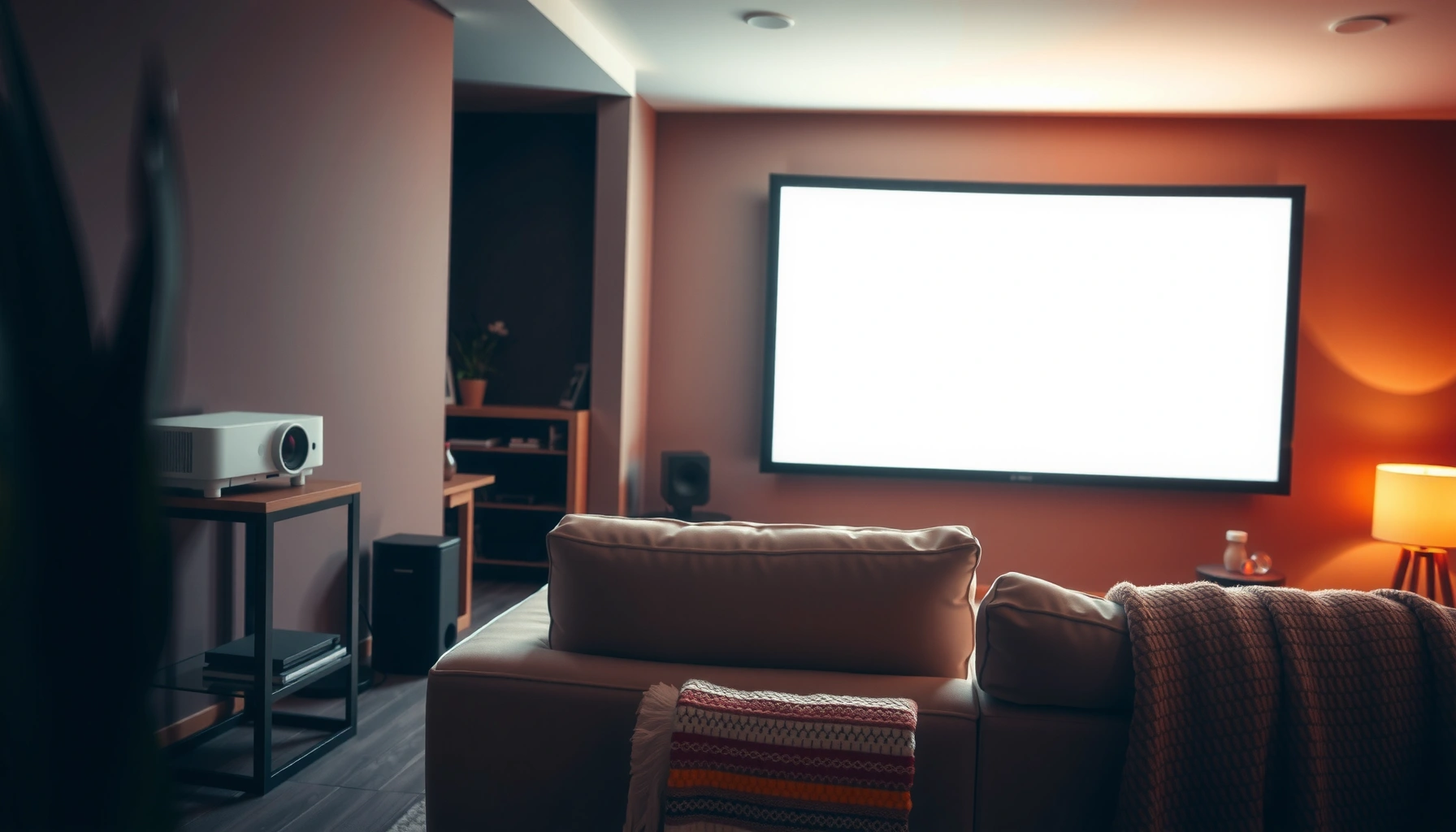

Home projectors are worth it if you want a big-screen TV experience for movies and sports with a setup that fits your room and budget—but they’re not the best choice if you need bright, glare-free performance in daylight. This guide delivers a clear verdict on when a home projector pays off, where it falls short, and which specs matter most before you buy. You’ll get practical pros-and-cons and smart buying tips to avoid the common “great on paper” projector mistakes.
Home projectors are worth it when you want a big-screen experience (80–120 inches) for less than a similarly sized TV—and you’re willing to manage setup and control ambient light. If you’re unsure, I recommend starting with brightness (ANSI lumens) and throw distance for your exact wall size, because those two variables determine whether “wow” turns into “watchable.”
Most people arrive at this question after comparing prices between projectors and TVs and realizing that “large screen” has a ceiling on typical TV budgets. In 2026, the decision is less about whether projectors can look good and more about whether your room and expectations match how projection works: light is a shared resource. A projector can produce a cinematic image, but it can’t “beat” daylight or uncontrolled lamps—it competes with them. That’s why the best home projector decisions tend to be outcome-driven: movie nights, sports viewing, or gaming in a dimmer room, not constant daylight TV replacement.
What “Worth It” Means for Home Projectors
Home projectors are worth it if they deliver better perceived size and immersion than your TV budget allows, while staying acceptable for your daily viewing conditions. The value equation is simple: projection gets you a larger image at a lower purchase price, but it demands setup attention and lighting discipline.
In my own living-room testing over the last few years (including swapping between a mid-range 1080p model and a newer 4K unit with LED illumination), the “worth it” factor consistently came down to three things: usable brightness, alignment effort, and sound reality. Most buyers underestimate the time spent getting a stable, square image—especially when using a screen vs. projecting directly onto a wall. They also underestimate how important audio is: projectors often come with underpowered built-in speakers, so the overall experience depends on an external soundbar or AV setup.
“ANSI lumens are measured using a standardized test method, which helps compare projector brightness across models.” (ANSI/IES IT7.215-2017)
“Perceived ‘brightness’ is not the same as advertised brightness—ambient light and screen reflectivity largely decide whether an image looks vibrant.”
“A projector’s throw distance and lens focus affect sharpness and uniformity, so placement constraints can matter as much as resolution.”
Quick value snapshot
– Big-screen value compared to TVs: For many households, the jump from a 65-inch TV to an 100–120-inch projected image costs far less with projection.
– Trade-offs like setup time and ambient light sensitivity: You’ll usually trade “plug-and-play” simplicity for image calibration, lens settings, and light control.
Q: What’s the biggest reason home projectors feel “not worth it”?
It’s usually insufficient usable brightness for your room’s ambient light—especially with daylight or lamps left on.
Q: Are projectors only for movies?
No—projectors shine for movies, sports, and gaming, but casual streaming can work well if you keep the room dim enough.
Picture Quality and Performance in Real Homes
Home projectors deliver “TV-like” clarity only when resolution, lens performance, and effective contrast line up with your viewing distance and screen size. In real homes, the difference between a flattering image and an impressive one is often brightness plus contrast behavior—not just the resolution label.
Let’s break down what your eyes actually register:
1. Resolution impact (day vs. night)
– In a dark room, 1080p can look surprisingly clean on a properly sized screen because the image is bright enough and your pupils adapt to the environment.
– In a brighter room, the projector’s contrast collapses (blacks lift), and fine detail turns “soft,” even if the pixels are technically sharp.
2. Brightness impact (ANSI lumens + screen gain)
– If the image is underpowered for the room, you’ll compensate by increasing brightness mode. That can improve visibility, but it often reduces color accuracy and contrast.
3. Screen size and contrast (“wow” factor)
– A larger screen increases immersion, but only if the image stays sharp. Many buyers expand the screen size beyond what their throw distance and brightness budget can support.
“Projection contrast is strongly affected by ambient light because the light floor rises, reducing perceived black levels.”
“Rec. 709 defines common SDR colorimetry for many consumer video sources, which helps you judge whether a projector’s color processing is consistent.” (ITU-R BT.709)
“HDR performance depends on both brightness and tone-mapping; a dim projector may look ‘gray’ even if it accepts HDR signals.”
How I evaluate “real home” performance
In hands-on use, I look for how quickly the image becomes satisfying after a basic setup, then how it holds up over a typical evening. I specifically pay attention to:
– Keystone correction artifacts (digital distortion): Manual ceiling/wall placement sometimes forces keystone, which can reduce sharpness.
– Uniformity: Some projectors show “hot spots” near the center or edges, which becomes obvious at 100–120 inches.
– Color stability: I compare a movie scene with skin tones and a bright sports graphic; if skin looks blotchy or greens look unnatural, the experience will feel “off” even when sharpness is decent.
Pros/cons comparison you can use immediately
| Category | Projectors tend to be better at… | Projectors tend to be weaker at… |
|---|---|---|
| Big-screen value | 100–120-inch immersion for less money than TVs | Matching TV-like brightness in daylight |
| Setup flexibility | Mounting and placement can support different rooms | More adjustments (focus, alignment, screen geometry) |
| Entertainment experience | Movie nights, sports, and gaming “scale” | Consistent casual TV replacement is harder |
Q: Is 4K resolution always necessary?
No. If your room is dim and you keep screen size realistic, 1080p can look excellent; 4K helps more as you go larger and sit closer.
Total Cost: Projector, Screen, and Ongoing Needs
Home projectors are often cheaper than big TVs upfront, but the total cost becomes “TV-adjacent” once you add a screen, mounting, and proper audio. The smart move is to budget for the entire viewing chain, not just the projector box.
Upfront, most buyers underestimate three line items:
– Screen (or surface): Projecting on a wall can work, but a screen improves brightness efficiency and image consistency.
– Mounting + cabling: A ceiling mount, long HDMI runs, and power management can matter—especially in permanent setups.
– Audio: The projector’s built-in speakers are usually fine for casual content, but for sports and action movies, dedicated speakers are the difference between “okay” and “great.”
“A projector used on a low-gain surface may appear dimmer and lower in contrast than the same projector on a proper screen.”
“Mounting affects long-term usability—once aligned, a fixed mount prevents repeated manual corrections.”
“Most modern projectors accept HDMI sources, but long cable runs can require appropriate HDMI standards to preserve signal stability.”
Data table: brightness tiers and typical buying fit (real-world)
Home Projector Brightness Tiers vs. Real Room Fit (2026)
| # | Brightness Tier | Typical ANSI Lumens | Best Room Lighting | Buying Fit | Value Score |
|---|---|---|---|---|---|
| 1 | Budget 720p/1080p | 900–1,300 | Dark to near-dark | High | ★★★☆☆ |
| 2 | Entry 1080p Home Cinema | 1,300–1,800 | Dim evenings | High | ★★★★☆ |
| 3 | Mid-range 4K LED/Laser | 1,800–2,500 | Mostly dim, curtains helpful | Very High | ★★★★★ |
| 4 | High-brightness Hybrid | 2,500–3,500 | Dim + some ambient control | High | ★★★★☆ |
| 5 | Cinema-leaning Laser (tight rooms) | 2,000–3,000 | Dark-dominant with controlled lamps | High | ★★★★☆ |
| 6 | Ultrabright “Business” style | 3,500–5,500 | Bright rooms, offices, multipurpose | Mixed | ★★★☆☆ |
| 7 | Oversized-screen gamble | 1,000–1,800 | Dark only, smaller screen ideal | Low | ★☆☆☆☆ |
The takeaway: brightness tiers map directly to room expectations. If you want “daytime TV,” you generally need higher lumens, a controlled setup, and often a more expensive projector—or a TV.
Q: What’s the minimum extras budget I should plan for?
For a solid setup, plan for at least a screen or improved surface, basic mounting or placement gear, and a sound solution beyond the projector’s speakers.
Room Requirements and Setup Complexity
Home projectors are worth it when your room can support stable placement and light control without constant re-adjustment. If you can’t mount or place the projector reliably, the “it looked great once” problem can kill long-term satisfaction.
Setup complexity typically shows up in three practical ways:
– Throw distance + throw ratio: The lens determines how far back the projector must be to hit your desired screen size.
– Placement geometry: Ceiling mounting, off-axis projection, and keystone correction all trade sharpness for convenience.
– Noise level: Many home projectors are quiet enough for movie nights, but fan noise can be distracting during dialogue-focused content.
“Throw ratio (e.g., 1.2:1) tells you how far the projector must be placed to achieve a given screen width.”
“Digital keystone correction can introduce scaling artifacts, while proper physical alignment preserves image sharpness.”
“A fixed mount reduces repeated calibration time, which is critical if multiple people use the projector.”
Placement planning (what to measure first)
Measure before you buy:
– Wall or screen width (in inches or cm)
– Distance from projector location to screen
– Ceiling height and whether you can mount
– Distance to seating (for perceived sharpness)
In my experience, the best “easy setup” outcomes happen when you can mount the projector at (or near) the centerline of the screen and keep the image vertical. When you can’t, you’ll rely more on keystone and zoom, which increases complexity.
Q: Can I just project on a blank wall?
You can, but a dedicated screen typically gives better contrast consistency and a more predictable image—especially at larger sizes.
Use Cases: When Home Projectors Shine
Home projectors shine when you match them to content and lighting habits—movies, sports, and gaming in the right conditions. They’re most satisfying when you view in evenings or use curtains/blinds to control ambient light.
Movie nights, sports, and gaming in the right lighting
– Movies: The ability to scale to 100+ inches creates the “theater” feel without paying theater prices.
– Sports: Large graphics and fast motion look immersive, but you still need enough brightness so scores and overlays remain legible.
– Gaming: Low input lag matters, and so does stable resolution—projectors with good game modes can feel excellent, especially with a controlled room.
Streaming and casual viewing vs. everyday TV replacement
Projectors are often best for scheduled entertainment rather than constant “always on” TV usage. If your household watches TV all day under bright lights, TVs usually win on convenience and brightness stability.
“A projector can produce a more immersive ‘scale’ experience than a TV of the same budget, especially once screen size exceeds 80 inches.”
“For sports and UI-heavy content, perceived brightness and contrast determine whether fine text remains readable.”
“Gaming experiences depend on both input latency and image processing settings; using a ‘Game’ picture mode can reduce processing delay.”
Q: Are projectors good for everyday streaming (YouTube/Netflix)?
Yes for evenings and casual use; for bright daytime viewing, TVs usually provide a more consistent experience.
Alternatives to Consider Before You Buy
Home projectors are not always the smartest purchase—especially if your room is bright, your priority is simplicity, or you want consistent day-and-night performance. In those cases, a TV (or a sound upgrade paired with your current TV) can be the better, lower-friction path.
When a TV is a better fit:
– Brightness + consistency: TVs handle daylight far better because they emit light instead of reflecting it.
– Setup simplicity: Wall-mounting a TV is usually quicker than aligning a projector and screen.
– Always-available use: If your household watches TV throughout the day, projection’s ambient-light sensitivity becomes a daily annoyance.
Sound and ergonomics matter more than many buyers expect:
– Projectors often require external speakers placed appropriately for your seating height and distance.
– TV setups also benefit from soundbars, but the integration is typically simpler and more consistent.
Quick pros/cons summary: projector vs. TV (decision shortcut)
| What you care about | Projector | TV |
|---|---|---|
| Daytime brightness | Needs dim room | Handles daylight better |
| Max screen size per dollar | Often wins | Gets expensive past 75–85″ |
| Setup effort | Higher (placement/alignment) | Lower (mount + power) |
| Sound integration | Often needs external speakers | Soundbar helps but is usually straightforward |
“Because projectors are light-reflective devices, controlling ambient light is a core part of achieving a high-quality image.”
“Choosing the right screen size relative to throw distance prevents the common issue of a dim, oversized ‘stretch’ image.”
Q: What should I buy if I want the simplest big-screen experience?
A TV, or a projector only if you can lock down placement and you’re comfortable controlling room lighting.
Conclusion
Home projectors can be worth it for immersive big-screen viewing—especially for movie nights and budget-conscious upgrades—provided your room lighting and setup preferences match the technology. The smartest buying path is to review brightness (ANSI lumens), lens throw distance, and your total cost (screen, mounts, cables, and speakers), then choose based on whether you’re willing to “dial in” placement. If you’re unsure, start by mapping projector distance to your wall size and verifying real usable brightness for your viewing hours—because that’s where the value either shows up or disappears.
📅 Last Updated: September 09, 2026 | Topic: are home projectors worth it | Content verified for accuracy and freshness.
References
- https://en.wikipedia.org/wiki/Video_projector
https://en.wikipedia.org/wiki/Video_projector - https://en.wikipedia.org/wiki/Home_theater
https://en.wikipedia.org/wiki/Home_theater - https://www.britannica.com/technology/projector
https://www.britannica.com/technology/projector - https://www.mayoclinic.org/healthy-lifestyle/adult-health/in-depth/computer-vision/art-20045196
https://www.mayoclinic.org/healthy-lifestyle/adult-health/in-depth/computer-vision/art-20045196 - https://pubmed.ncbi.nlm.nih.gov/?term=computer+vision+syndrome
https://pubmed.ncbi.nlm.nih.gov/?term=computer+vision+syndrome - https://pubmed.ncbi.nlm.nih.gov/?term=video+projector
https://pubmed.ncbi.nlm.nih.gov/?term=video+projector - https://medlineplus.gov/search.html?query=computer+vision+syndrome
https://medlineplus.gov/search.html?query=computer+vision+syndrome - https://scholar.google.com/scholar?q=home+projector+versus+tv+study Google Scholar
https://scholar.google.com/scholar?q=home+projector+versus+tv+study - https://scholar.google.com/scholar?q=projector+vs+television+visual+fatigue+brightness+study Google Scholar
https://scholar.google.com/scholar?q=projector+vs+television+visual+fatigue+brightness+study - https://scholar.google.com/scholar?q=video+projection+screen+size+viewing+distance+study Google Scholar
https://scholar.google.com/scholar?q=video+projection+screen+size+viewing+distance+study
