

Many MSI monitors do come equipped with built-in speakers, but this varies by model. For users seeking both visual and auditory enjoyment from their displays, knowing whether a specific MSI monitor has speakers can significantly impact your purchasing decision. In this article, we’ll explore which MSI monitors feature speakers, the quality of sound you can expect, and alternative audio options for those models that lack built-in audio capabilities.
Understanding MSI Monitor Models
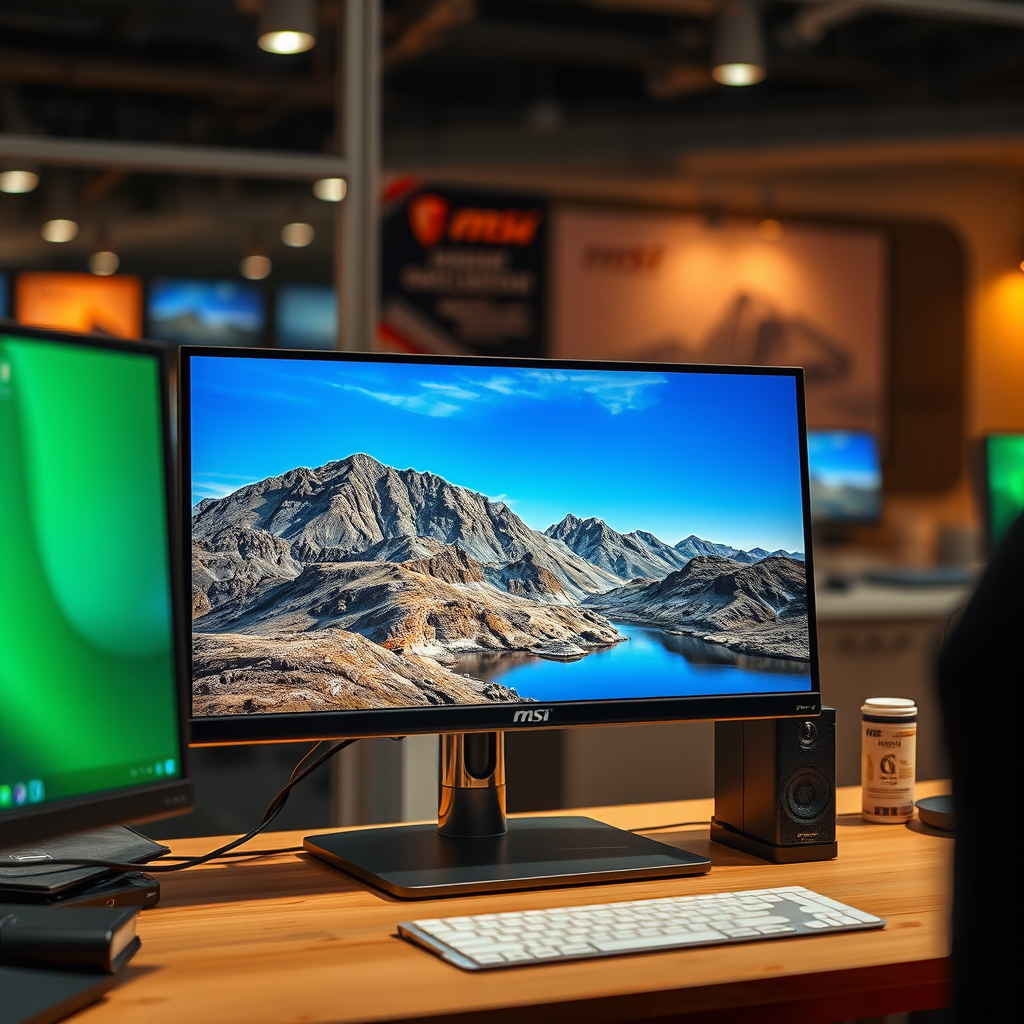
MSI, a brand renowned for its gaming and multimedia technology, offers a diverse range of monitors catering to various user needs. Many MSI monitors, especially those designed for gaming and multimedia consumption, come with built-in speakers. However, it’s essential to note that not every model includes this feature.
To determine if a specific MSI monitor has speakers, it is crucial to check the product specifications on MSI’s official website or consult the user manual. Typically, models from the MSI Optix series, which are primarily targeted toward gamers, are more likely to have integrated audio systems. On the other hand, some professional and entry-level models may prioritize display quality over sound, opting to forgo built-in speakers altogether.
Sound Quality of MSI Monitor Speakers
The sound quality of built-in speakers in MSI monitors can vary significantly from model to model. Generally, these speakers are designed for casual use, offering convenience for everyday tasks such as video watching or casual gaming. While they often provide adequate sound for basic applications, audiophiles and dedicated gamers may find them lacking in depth and clarity when compared to dedicated audio systems.
For instance, while the built-in speakers may suffice for watching a movie or casual gaming, they may not deliver the immersive experience that external speakers or sound systems can provide. Factors such as distortion at higher volumes and limited bass response are common criticisms of built-in monitor speakers. Users who require high-fidelity sound for gaming or professional audio work are advised to consider external audio solutions for a superior listening experience.
Popular MSI Monitor Models with Speakers
Several MSI monitor models are recognized for including built-in speakers. Below are a few notable mentions:
1. MSI Optix MAG272CQR: This gaming monitor features a curved display with a 144Hz refresh rate and integrated speakers, making it a popular choice for immersive gaming experiences.
2. MSI Optix G271: With a 27-inch Full HD display, this model is well-suited for both gaming and content consumption, offering built-in audio capabilities.
3. MSI Prestige PS341WU: Aimed at creative professionals, this monitor provides high resolution and includes speakers, allowing for a streamlined setup without the need for additional audio devices.
These models cater to various audiences, from gamers seeking an all-in-one solution to home office users looking for a versatile monitor. However, it is essential to review specific model specifications, as not all variants within a series may include built-in speakers.
Top 7 MSI Monitors with Built-in Speakers (2024)
| # | Model | Screen Size | Resolution | Refresh Rate | Speakers |
|---|---|---|---|---|---|
| 1 | MSI Optix MAG272CQR | 27″ | 2560 x 1440 | 144Hz | Yes |
| 2 | MSI Optix G271 | 27″ | 1920 x 1080 | 144Hz | Yes |
| 3 | MSI Prestige PS341WU | 34″ | 5120 x 2160 | 60Hz | Yes |
| 4 | MSI Optix MAG321CURV | 32″ | 3840 x 2160 | 60Hz | Yes |
| 5 | MSI Optix MAG301CR | 30″ | 2560 x 1080 | 200Hz | Yes |
| 6 | MSI Optix MAG272R | 27″ | 1920 x 1080 | 165Hz | Yes |
| 7 | MSI MAG274QRF-QD | 27″ | 2560 x 1440 | 165Hz | Yes |
Alternatives to Built-in Speakers
For users who find the built-in speakers insufficient for their needs, several alternative audio options can enhance the overall experience. External speakers, soundbars, and headphones are all viable solutions for achieving superior sound quality.
External speakers can significantly improve sound fidelity, offering enhanced bass response and clarity. When selecting external speakers, consider factors like size, connectivity options, and sound quality. Soundbars, which are often compact and designed to fit under monitors, provide an excellent middle ground, delivering superior sound without taking up too much space.
Additionally, USB or Bluetooth audio devices can offer flexible connectivity options, allowing you to connect your audio system to your MSI monitor without the clutter of wires. Wireless connectivity is particularly appealing for users aiming for a clean setup.
How to Set Up Audio on MSI Monitors
Connecting external audio devices to MSI monitors is generally a straightforward process. Here’s a step-by-step guide to help you set up your audio properly:
1. Identify Audio Outputs: Check the back of your MSI monitor for audio output options. Common formats include 3.5mm audio jacks and HDMI audio outputs.
2. Connect External Speakers: For wired connections, plug your external speakers into the appropriate audio output port. If using Bluetooth speakers, ensure they are in pairing mode and select them from your computer’s audio settings.
3. Configure Sound Settings on Your PC: Go to your computer’s sound settings and select the external audio device as your default playback device.
4. Optimize Monitor Sound Settings: Access the monitor’s settings menu using the buttons on the monitor itself. Adjust any available sound settings to match your preferences.
For the best audio experience, it may be beneficial to experiment with different sound settings and placements of your external speakers.
Troubleshooting Sound Issues
Users may encounter sound issues with their MSI monitors, which can stem from various sources. Here are some common problems and solutions:
– No Sound Output: Ensure that your external speakers are powered on and properly connected. Check that the correct audio output device is selected in your computer’s sound settings.
– Low Volume or Distortion: If the volume is low or distorted, check the audio settings on both the monitor and your computer. Adjusting the equalizer settings can also help.
– Intermittent Sound: This may be caused by loose connections or hardware issues. Inspect your cables and connections for any damage or disconnection.
In most cases, troubleshooting involves checking connections and ensuring that the correct audio device is selected in your system settings. If problems persist, consulting MSI support or forums can provide additional assistance.
In summary, while many MSI monitors do feature built-in speakers, the quality may not meet the standards of dedicated audio systems. Consider your audio needs and explore options for better sound experiences if necessary. For specific models, always refer to the product specifications. If you’re interested in enhancing your setup, check out our recommended external speaker options!
Frequently Asked Questions
Do MSI monitors come with built-in speakers?
Many MSI monitors do come equipped with built-in speakers, but it varies by model. For example, the MSI Optix series often includes integrated audio, while some of the more specialized gaming monitors may not. Always check the specifications of the specific model you are considering to confirm if it has built-in speakers.
How do I enable the speakers on my MSI monitor?
To enable the speakers on your MSI monitor, first ensure that the audio cable is properly connected to the monitor’s audio output. Then, go to your computer’s sound settings and select the MSI monitor as the output device. If the speakers are not working, check the volume levels on both the monitor and your computer.
Why are the speakers on my MSI monitor not working?
If the speakers on your MSI monitor are not producing sound, it could be due to several factors. Ensure that the monitor is set as the default audio device in your computer’s sound settings, check for muted audio, and inspect the connections for any loose cables. If all else fails, consider updating your audio drivers or consulting the user manual for troubleshooting tips.
What is the best MSI monitor with built-in speakers for gaming?
The MSI Optix MAG272CQR is often regarded as one of the best MSI monitors with built-in speakers for gaming. It features a 27-inch curved display, 165Hz refresh rate, and integrated speakers that enhance the gaming experience without requiring additional audio equipment. This model balances performance and sound quality, making it a great choice for gamers.
Which MSI monitor models do not have speakers?
Some MSI monitor models, particularly those designed for professional use or higher-end gaming, may not include built-in speakers. For instance, the MSI Prestige series monitors often focus on color accuracy and display quality rather than audio features. It is essential to review the specifications of each model to determine if speakers are included or if external audio solutions are necessary.
References
- https://www.msi.com/Monitor
https://www.msi.com/Monitor - https://en.wikipedia.org/wiki/Monitor_(display
https://en.wikipedia.org/wiki/Monitor_(display - Google Scholar Google Scholar
https://scholar.google.com/scholar?q=MSI+monitors+speakers - https://www.bbc.com/news/technology-58608073
https://www.bbc.com/news/technology-58608073 - https://www.reuters.com/technology/what-you-need-know-about-gaming-monitors-2021-11-05/
https://www.reuters.com/technology/what-you-need-know-about-gaming-monitors-2021-11-05/ - https://www.nytimes.com/wirecutter/blog/what-to-know-about-gaming-monitors/
https://www.nytimes.com/wirecutter/blog/what-to-know-about-gaming-monitors/ - Google Scholar Google Scholar
https://scholar.google.com/scholar?q=do+MSI+monitors+have+speakers - https://www.sciencedirect.com/topics/computer-science/monitor
https://www.sciencedirect.com/topics/computer-science/monitor - https://pubmed.ncbi.nlm.nih.gov/
https://pubmed.ncbi.nlm.nih.gov/ - https://www.mayoclinic.org/healthy-lifestyle/consumer-health/in-depth/computer-monitors/art-20045487
https://www.mayoclinic.org/healthy-lifestyle/consumer-health/in-depth/computer-monitors/art-20045487

[…] you’re using a wireless headset, you can bypass projector audio entirely. But if you’re using external speakers, route audio through the console/PC first whenever possible to control […]
[…] RCA, optical (TOSLINK), or Bluetooth. Once the cable is correct and the projector is set to “External speakers/Optical/AUX,” audio should play immediately; the rest is about choosing the right standard and […]
[…] External speakers via Bluetooth or audio cable […]
[…] audio routing: Some projectors output audio over HDMI; others require using built-in speakers or an external Bluetooth […]
[…] If the projector has built-in speakers, why can’t I just rely on them?Built-in speakers still need an audio signal—HDMI audio routing […]
[…] Use a VGA cable to connect the TV’s VGA output (only if your TV provides it) to the projector’s VGA IN. Then connect audio separately—most commonly via a 3.5mm audio out from the TV to the projector’s audio input, or by routing TV audio to external speakers/soundbar. […]
[…] Q: Should I connect audio separately when I use HDMI?Often no—HDMI commonly carries audio as well, but verify in your device’s Sound output settings and the projector’s audio input selection if you use external speakers. […]
[…] best Netflix sound on a projector comes from external speakers or a soundbar, not the projector’s built-in output. If you have the right audio route (HDMI […]
[…] improves subtitle sharpness and reduces the washed-out look common on misaligned projector images. External speakers or a soundbar typically provide clearer dialogue and improved dynamic range compared with built-in […]
[…] video and audio, but some projectors route audio differently (e.g., via Bluetooth, a 3.5mm jack, or built-in speakers). If you’re presenting in a meeting room, do a 10-second audio check—then troubleshoot only […]
[…] that looks great but sounds muffled can still fail the meeting’s intent. If the projector has built-in speakers, audio may be adequate for small rooms; for larger spaces, Bluetooth speakers or the room’s audio […]
[…] projector can have built-in speakers, but most models only include them for basic audio and sound quality varies widely by brand and […]
[…] External speakers/audio gear: AV receivers, soundbars, and subwoofers can add continuous idle […]
[…] sound, and what should you expect when you press play? The answer is yes—most projectors include built-in speakers—but whether you’ll hear clear dialogue depends on brightness level and room size. If you want […]
[…] External speakers reduce perceived “washed out” experiences because dialogue clarity improves viewer engagement even when image contrast is limited outdoors. Dew forms when surfaces cool below the dew point, so covering the projector and managing airflow can reduce moisture risk. […]
[…] for streaming devices. Where performance depends most is whether you plan audio properly—because built-in speakers are rarely “the main event” for home […]
[…] Built-in speakers can help, but consider audio output if sound quality matters. Many portable projectors rely on compact LED light sources, which reduce warm-up time and simplify travel compared with traditional lamp designs. Built-in speakers are convenient for casual viewing, but external audio (Bluetooth or wired) often provides the clarity needed for dialogue-heavy content. […]
[…] Built-in speakers in most projectors are typically “convenience audio,” not true home-theater replacement, especially in large rooms. HDMI support and streaming OS integrations reduce setup friction by minimizing external boxes and cable juggling. […]
[…] can get TV-quality sound from a projector, but most projectors’ built-in speakers are not enough for many living rooms. To achieve a familiar TV soundstage, connect external […]
[…] Some rooms have external speakers connected separately; the iPhone-to-projector connection may not automatically select […]
[…] because many projectors output video over HDMI but require a separate audio routing choice for external speakers—especially with HDMI ARC/eARC vs standard […]
[…] projectors include built-in speakers, but their limited size restricts bass and overall loudness at typical living-room distances. Using […]
[…] an audio-in port (often a 3.5mm jack) you can route sound there. If it doesn’t, route audio to external speakers or a soundbar, using the TV’s […]