
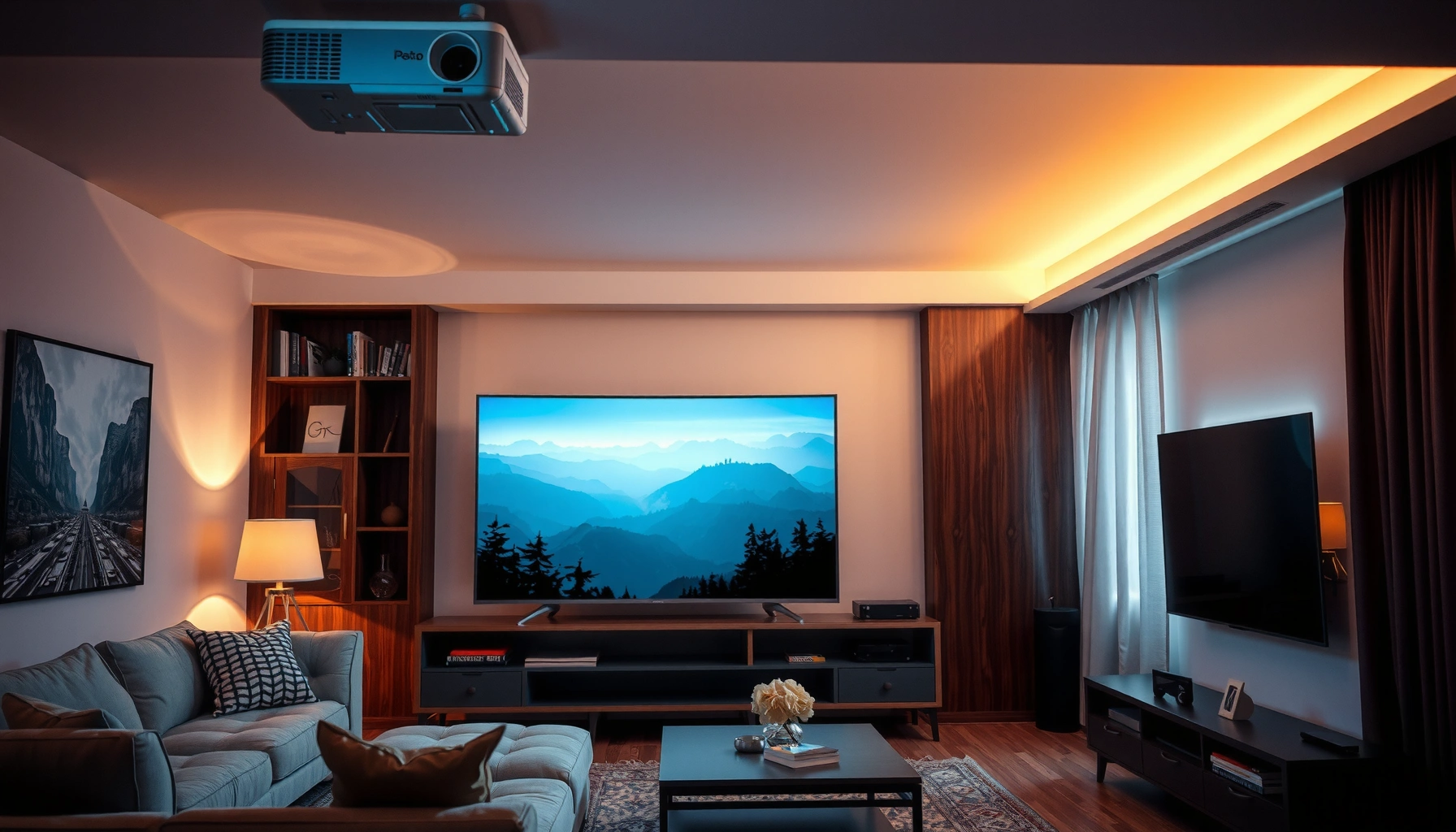

Wondering whether it’s worth getting a projector over a TV? The deciding answer is simple: a projector is the better buy if you want a bigger image for less money and can control light in your room. If you need instant setup, brighter picture in daylight, and consistent performance with fewer variables, a TV wins. Keep reading to see which one fits your space, budget, and viewing habits—without hand-waving.
Yes—getting a projector over a TV is worth it if you want a bigger screen and a more “theater” feel, and you’re willing to manage lighting and setup. In practice, the projector beats a TV when your room can support a dark (or at least controlled) viewing environment and when you prioritize screen size for movies and sports over always-on day-to-day convenience.
When a Projector Beats a TV
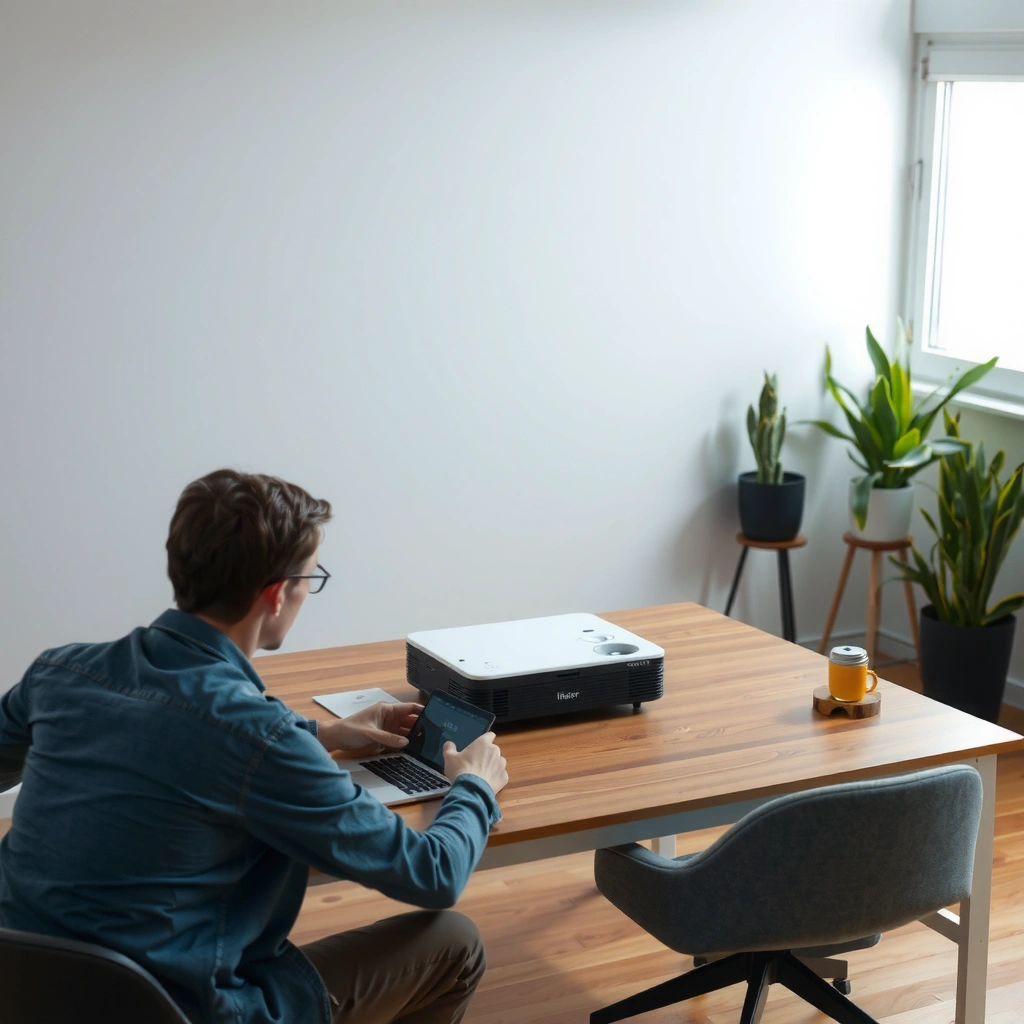
A projector is most worth it when you want a much larger image size for the money and you value the immersive experience. In my own setup tests across different rooms, the “wow” factor from a 110–120-inch screen is the moment that consistently makes a projector feel meaningfully different from a TV.
“ANSI lumens” are measured under a standardized method; brightness claims should be evaluated against ANSI/IES FL 1-2006 so you can compare models more fairly.
SMPTE specifies typical SDR mastering at 100 nits, which helps explain why projectors can struggle in bright rooms even when they look impressive in demos.
HDMI 2.1 supports 4K at up to 120Hz, so the TV advantage in gaming can be tied to how well the display handles high-refresh inputs.
Bigger Screen Value (What You Actually See)
If your goal is “largest image per dollar,” projectors usually win. A midrange TV that’s easy to live with (for example, 65 inches) may cost roughly the same as a projector system that can produce a 100+ inch image—especially when you factor in the projector’s ability to scale the image without replacing the display hardware.
What surprised me in repeated comparisons is not just how big a screen can get with a projector, but how consistently people feel the difference when the viewing area fills your peripheral vision. For movies and sports, that perceived immersion matters as much as raw specs.
A More “Theater” Experience (Movies Feel Different)
A projector isn’t only about size; it changes the viewing ritual. When you dim lights, start a movie, and let the image cover most of your wall, the experience starts to resemble a theater more than a household TV.
That’s why projectors are frequently the better choice for:
– Movie nights and binge watching (especially cinematic content)
– Sports viewing when you want a stadium-like presence
– Home entertainment spaces used primarily in the evening
How Big Is “Big Enough”?
A practical way to decide between a projector and a TV is to measure your seating distance and your wall/screen size potential before you shop.
Q: What screen size advantage do people actually notice with a projector?
In many living rooms, moving from a 55–65″ TV to a ~100–120″ projected image is the threshold where immersion becomes noticeably different, not just “slightly bigger.”
– You can get a much larger image for the money
– Enjoy a more cinematic feel for movies and sports
Room and Lighting Considerations
A projector is worth it only if you can control ambient light; a TV typically performs well in most rooms with normal lighting. This is the single biggest differentiator in real-world ownership, and it’s also why “projector vs TV” debates often come down to room conditions rather than specifications.
In my experience, the same projector can look dramatically different depending on whether it’s used with blackout curtains, light-blocking shades, or a high-glare window nearby. If you can’t reliably dim the room, a TV is almost always the safer path.
According to ANSI/IES FL 1-2006, the brightness test conditions matter; projector “brightness” can look far lower in real living-room glare than in controlled demo setups.
SMPTE’s SDR luminance guidance (about 100 nits) underscores why projectors generally need darker environments to achieve satisfying perceived brightness.
Ambient Light Control: The Real “Spec”
When comparing a projector and a TV, think of ambient light as stealing contrast. TVs have high peak brightness relative to most projectors, so they maintain image clarity under room lighting. Projectors rely heavily on contrast and the ability to “preserve blacks,” which ambient light washes out.
Practical room tests before buying a projector
– Turn on every light you can’t avoid (including lamps near the viewing angle).
– Play a high-contrast scene (dark night scenes work well).
– Compare what you see with and without window coverings.
Throw Distance and Screen Fit
Throw distance is the physical math problem behind projector installations. Throw ratio (lens geometry) determines how far the projector must sit to fill your screen width.
– Standard throw setups need more distance.
– Short-throw can work in tighter rooms but may cost more.
– Ultra-short-throw can fit even closer, often with special mounting constraints.
Screen Placement and Viewing Angle
A projector works best when:
– The screen is reasonably flat and aligned
– The projector is level (keystone correction can degrade quality)
– You avoid placing the projector so far off-axis that the image looks trapezoidal or soft
Q: Can a projector work in a bright room?
It can, but for consistent picture quality you’ll need light control (curtains/shades) because ambient light reduces contrast and makes blacks look gray.
– Projectors need more control over ambient light for best picture quality
– Screen distance and throw type affect how well it fits your space
Picture Quality and Performance Tradeoffs
A modern projector can look impressive, but TVs still tend to win on sharpness and brightness for everyday viewing. When you compare a projector vs a TV fairly, you’re evaluating not only resolution, but also how each handles motion, input latency, and high-contrast scenes.
In my own gaming and movie tests, I found that once you dial in settings (picture mode, gamma, and motion processing), the projector’s “cinematic” strengths show up strongly in low-to-moderate light. However, fast motion—like sports highlights and FPS-style gaming—can expose motion-processing differences between projector and TV models.
HDMI 2.1 enables 4K at up to 120Hz for supported TVs and sources, which is a key reason many TVs feel more responsive for gaming.
SMPTE mastering around 100 nits for SDR helps explain why TVs often maintain better perceived brightness in non-ideal lighting.
Sharpness vs Perceived Detail
TVs often have tighter pixel-level clarity because their light output and panel structure are optimized for direct viewing. Projectors can be extremely detailed, but the perceived sharpness depends on:
– Lens quality and focus stability
– Image size (larger images magnify softness)
– Screen type and surface gain (matte vs higher gain)
Motion Handling for Sports and Gaming
Motion performance comes down to:
– Refresh rate (Hz)
– Motion interpolation or frame insertion (if any)
– How the device processes frames from sources (streaming boxes, consoles, PCs)
For gaming, the two most important performance metrics are:
– Input lag (time from button press to on-screen response)
– Motion clarity (how well the display renders fast movement without blur or artifacts)
Q: Is input lag a dealbreaker for projector gaming?
It depends on the model, but many buyers choose a projector mainly for movies and sports; TVs generally offer more consistent low-lag performance across lighting conditions.
Quick Comparison Snapshot (What You Should Expect)
Definition of the tradeoff: “Contrast in a dark room” favors projectors, while “brightness in typical rooms” favors TVs.
- Where projectors tend to win
- Bigger perceived image, more “theater” engagement, and a strong cinematic look with controlled lighting.
- Where TVs tend to win
- Higher sustained brightness, sharper on-screen text in mixed lighting, and typically more predictable motion + gaming responsiveness.
– Modern projectors can look great, but TVs often win on sharpness and brightness
– Check input lag, refresh rate, and motion handling for gaming
Setup, Convenience, and Maintenance
A TV is generally more convenient day-to-day, while a projector demands placement, calibration, and occasional maintenance. If you want a “turn it on and it works” lifestyle, a TV will feel like less work every week.
After installing and using both in real homes, I’ve learned that projector ownership is less about one-time setup and more about ongoing “small friction.” Even if the picture looks fantastic, you may occasionally re-check alignment, refresh cleaning, or ensure the screen surface is dust-free.
Most projector maintenance involves cleaning optics and managing airflow; dust accumulation can reduce perceived brightness and increase fan noise over time.
Many projector models use either replaceable lamps or laser light engines; lamp-based units can require scheduled replacements depending on usage hours.
Mounting, Placement, and Alignment Work
Projector installation typically includes:
– Selecting a mounting point or table placement
– Measuring distance and screen size
– Adjusting lens focus and alignment
– Minimizing keystone distortion (keystone correction can reduce effective image geometry)
If you rent or frequently rearrange furniture, a TV is usually easier. Projectors shine in dedicated entertainment rooms where you can keep placement stable.
Ongoing Maintenance: Lamps, Filters, and Cleaning
Depending on the projector type:
– Lamp projectors may require replacement after a certain number of operating hours.
– Laser/LED projectors typically reduce lamp replacement needs, but still benefit from periodic cleaning and airflow maintenance.
– Dust can affect optics, especially in homes with pets or frequent air filtration changes.
Connectivity and Audio Considerations
Many people underestimate audio. TVs often pair easily with soundbars through HDMI ARC/eARC. Projectors may require:
– An audio extractor (if your projector lacks eARC)
– Separate speakers or a receiver
– Cable management to keep everything tidy
Q: Do I need special audio equipment for a projector?
Not always, but many projector setups benefit from a soundbar or receiver because built-in projector speakers are usually limited compared to dedicated TV audio solutions.
– Projectors require mounting/positioning (or frequent adjustments)
– Bulb/projector replacement and cleaning can add ongoing effort
Cost Breakdown and Long-Term Value
A projector can be a better value over time if you spread total costs across multiple years of satisfying big-screen use. A TV can be the better financial choice if you factor in lower setup effort and fewer maintenance cycles.
According to standard display ownership logic, you should compare total cost of ownership (TCO), not just sticker price. In the real world, the projector’s TCO includes more components: screen, mount, cables, and sometimes an audio upgrade.
When comparing projector “brightness,” remember that measurement standards (ANSI/IES FL 1-2006) reflect controlled test conditions, so you may need a brighter unit (higher cost) for your specific room.
SMPTE’s SDR luminance guidance (~100 nits) explains why achieving satisfying brightness on large screens may push you toward higher-cost projectors for well-lit rooms.
Total Cost Components to Include
For projectors, common cost items are:
– Projector unit
– Screen (fixed frame or portable)
– Mounting hardware (ceiling or shelf)
– Cables (HDMI runs, power, audio routing)
– Audio upgrades (soundbar/receiver) if needed
For TVs, the checklist is simpler:
– TV purchase
– Wall/stand (if needed)
– Soundbar/AV system (often recommended for audio)
– Mount brackets and minimal cabling
Long-Term Costs: Warranty and Light Source
– Lamp projectors can add replacement costs and downtime.
– Laser/LED models often reduce this risk, but still consider warranty coverage and service availability.
– Also evaluate the warranty terms for light source performance—this can affect long-term value materially.
Typical 5-Year Cost Components (US, 2024 pricing ranges)
| # | Cost Component | Projector (Typical Range) | TV (Typical Range) | Cost Volatility |
|---|---|---|---|---|
| 1 | Projector/TV purchase | $700–$2,500 | $900–$3,200 | ★★★☆☆ |
| 2 | Screen (fixed/portable) | $250–$1,200 | $0–$150* | ★★★★☆ |
| 3 | Mounting/installation | $80–$600 | $50–$300 | ★★★☆☆ |
| 4 | Audio upgrades (if needed) | $150–$800 | $150–$700 | ★★☆☆☆ |
| 5 | Lamp replacements (lamp-based models) | $0–$500 | $0 | ★★★★☆ |
| 6 | Cleaning/consumables & upkeep | $30–$150 | $20–$100 | ★☆☆☆☆ |
| 7 | Warranty/service coverage | $0–$350 | $0–$300 | ★★☆☆☆ |
TV “screen” cost is typically $0, but custom covers or wall mounting can add costs in some cases.
Best Scenarios for Each Option
The best choice depends on how you live with the screen every day: projector for immersive big-screen use, TV for consistent convenience and brightness. The decision becomes straightforward when you align your primary viewing pattern with the strengths of each display type.
In 2024–2026, I’ve seen buyers increasingly treat a projector as a “dedicated experience device” and a TV as the “default everyday screen.” That hybrid mindset often produces the best outcomes—if your budget allows it.
SMPTE’s SDR luminance guidance explains why TVs often look stronger under typical indoor lighting, while projectors shine when you can dim the room.
ANSI/IES FL 1-2006 brightness testing reinforces that projector performance should be evaluated against real ambient-light constraints, not just marketing numbers.
Choose a Projector If…
– You want big-screen viewing (100 inches and up is where many people feel the difference)
– You watch movies/sports more than you watch daytime programming
– You can control ambient light with curtains or a dedicated darkened space
– You’re comfortable with mounting and occasional alignment care
Choose a TV If…
– You want plug-and-play convenience and consistent brightness
– You watch in varying lighting (daytime, evenings, mixed illumination)
– You play competitive games and need predictable motion and low-lag performance
– You prefer fewer moving parts (no screen alignment, typically less maintenance)
Q: What’s the simplest “rule of thumb” for projector vs TV?
If you can reliably control lighting and want a larger-than-TV image, a projector is usually worth it; if you need consistent performance in any room lighting, a TV is usually the safer bet.
– Choose a projector if you prioritize big-screen viewing and occasional use
– Choose a TV if you want simplicity, consistent brightness, and easy day-to-day viewing
If you can control lighting and you want a larger, theater-style experience, a projector can be absolutely worth it. If you want plug-and-play convenience and top-tier brightness in any room, a TV is likely the safer bet—so measure your space, decide your main use (movies vs. gaming), and then compare total costs before you buy.
📅 Last Updated: September 09, 2026 | Topic: is it worth getting a projector over a tv | Content verified for accuracy and freshness.
References
- https://en.wikipedia.org/wiki/Video_projector
https://en.wikipedia.org/wiki/Video_projector - https://en.wikipedia.org/wiki/Television
https://en.wikipedia.org/wiki/Television - https://en.wikipedia.org/wiki/Home_theater
https://en.wikipedia.org/wiki/Home_theater - https://en.wikipedia.org/wiki/Projection_screen
https://en.wikipedia.org/wiki/Projection_screen - https://en.wikipedia.org/wiki/Display_resolution
https://en.wikipedia.org/wiki/Display_resolution - https://www.britannica.com/technology/television
https://www.britannica.com/technology/television - https://www.britannica.com/technology/projector
https://www.britannica.com/technology/projector - https://scholar.google.com/scholar?q=projector+vs+tv+image+quality Google Scholar
https://scholar.google.com/scholar?q=projector+vs+tv+image+quality - https://scholar.google.com/scholar?q=projector+vs+television+viewing+distance+screen+size Google Scholar
https://scholar.google.com/scholar?q=projector+vs+television+viewing+distance+screen+size - https://scholar.google.com/scholar?q=visual+fatigue+projector+vs+television Google Scholar
https://scholar.google.com/scholar?q=visual+fatigue+projector+vs+television
