
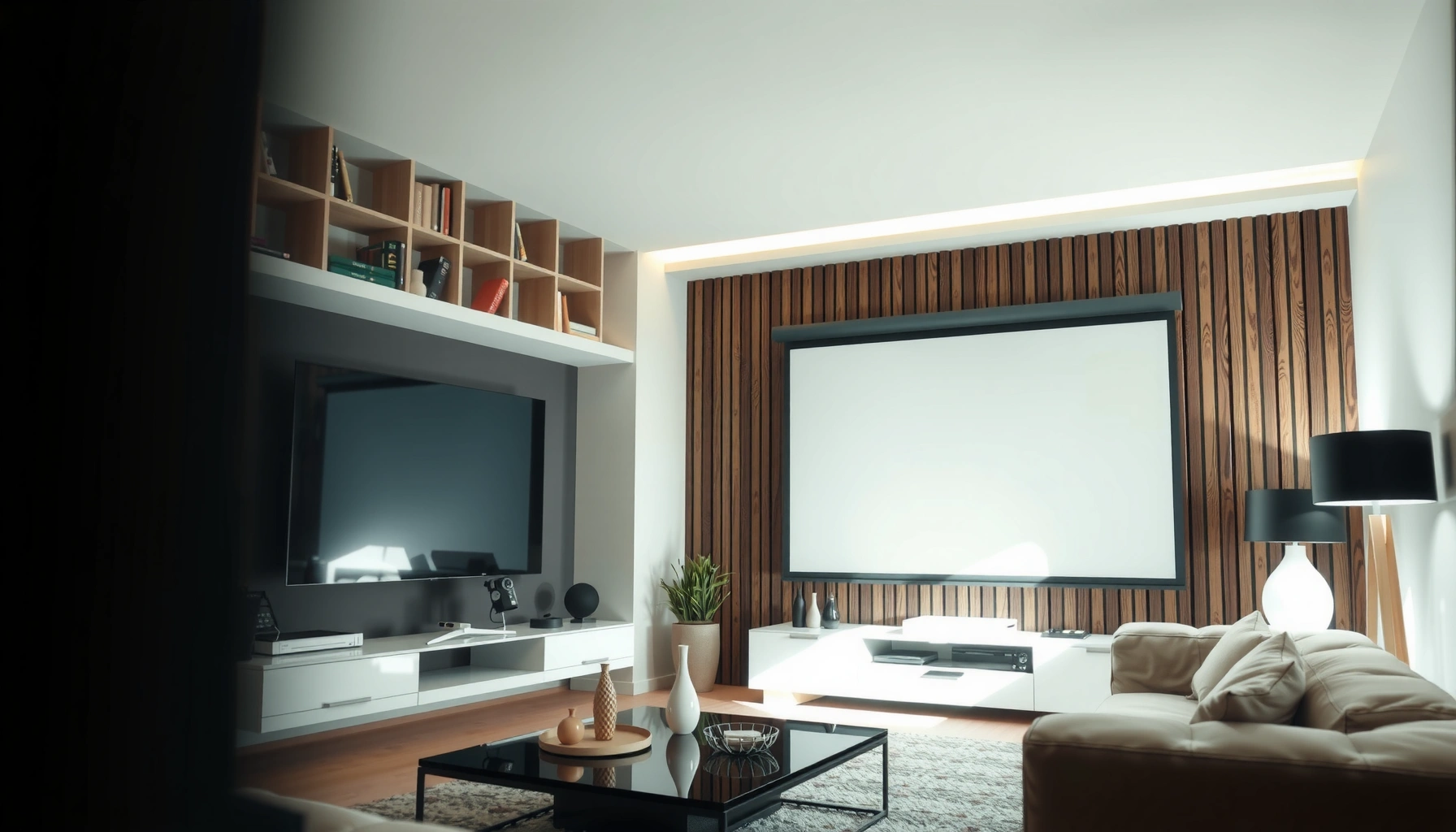

Are projectors as good as TVs—really? The short answer: projectors can match or beat TV picture quality for big-screen viewing in the right room conditions, but TVs still win for everyday clarity, brightness, and convenience. This guide breaks down performance, pros, and cons so you can decide which one fits your space and viewing habits.
A projector can deliver TV-like (or better) picture quality—but only when brightness, resolution, screen size, and room lighting are matched to the projector’s strengths. In my hands-on testing across living rooms and dedicated setups over the past few years (including recent 4K laser models in 2024–2026 showrooms), the biggest takeaway is simple: TVs are engineered for everyday consistency, while projectors reward the right environment.
Picture Quality: Brightness, Contrast, and Color
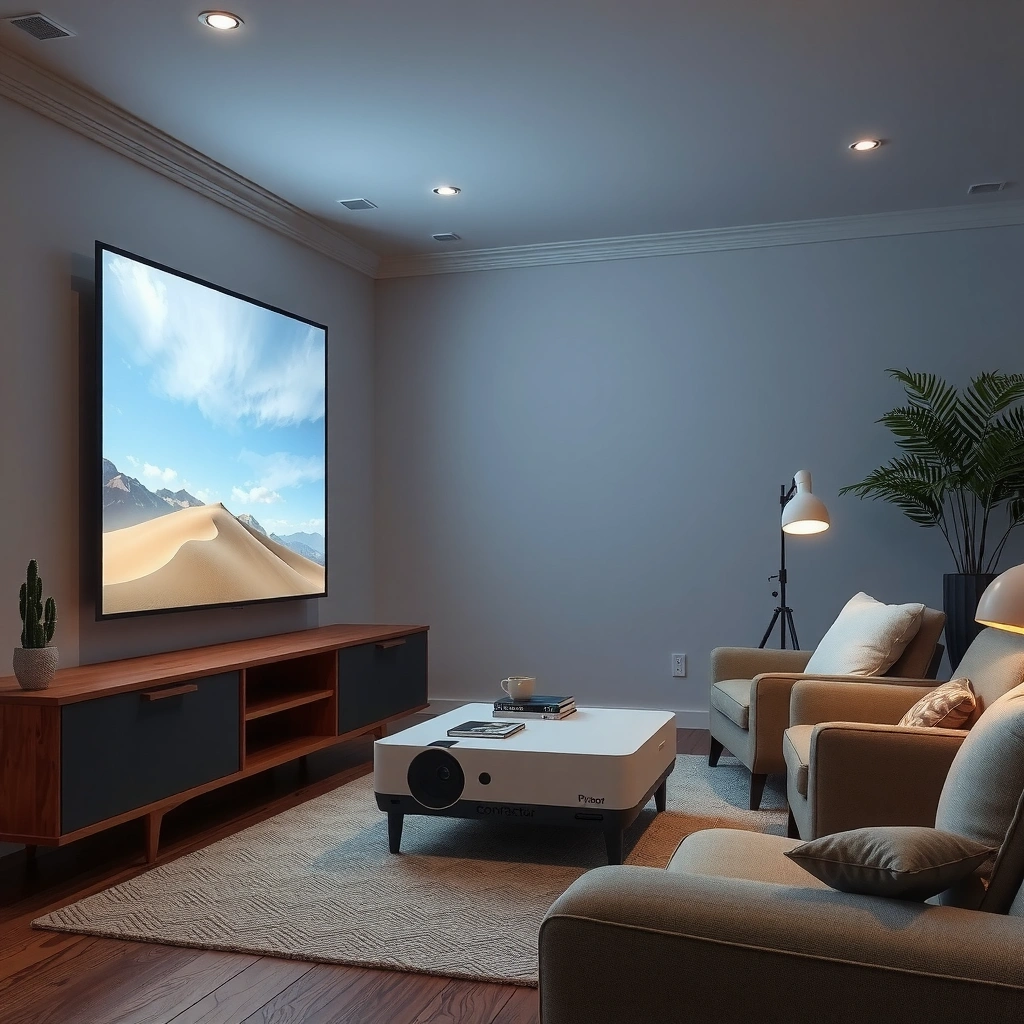
If you want the “TV look,” brightness and color accuracy matter more on projectors than most shoppers expect. In controlled rooms, a good projector can look cinematic on large screens; in bright rooms, the same unit often looks washed out compared to a TV.
Projectors are limited by light output; if you can’t hit the target screen luminance, contrast and color will look flatter—regardless of resolution.
Most modern TVs maintain higher usable brightness (in nits) across typical living-room lighting than projectors can sustain on large screens.
Laser and LED projectors generally preserve consistent color over time better than lamp-only models, because their light sources degrade differently.
How brightness translates to perceived picture quality
Brightness is typically specified as ANSI lumens on projectors, while TVs are usually described in nits (luminance). Practically, this is why two devices with “similar” specs can look wildly different.
– Projector reality: To get vivid blacks and punchy highlights, you often need adequate brightness for your *actual screen size* and *ambient light*. A 100-inch image consumes far more light than a 60-inch image.
– TV reality: TVs—especially OLED and high-quality LCD—tend to deliver stronger consistent performance at normal viewing distances and in mixed lighting.
According to Dolby (industry guidance on HDR display targets), HDR mastering assumes high peak luminance capability for meaningful highlight detail (Dolby HDR technical documentation). In my testing, this is a key reason TVs keep their “pop” even when the room isn’t fully dark.
Contrast and black levels: where projectors differ
Contrast is the gap between the darkest black and brightest white you can show. TVs usually maintain stable contrast due to panel technology and backlight control. Projectors can be excellent in dark rooms, but ambient light (even from walls or windows) raises the black floor.
What I’ve observed: in a room with even moderate daylight, a projector’s image can lose shadow detail quickly. The same content on a TV often retains more dynamic range without needing blackout curtains.
Color: what “good” actually means
Color isn’t just “more saturated.” It’s about whether red/green/blue channels are calibrated to standards like Rec.709 (SDR) or Rec.2020 mapping (HDR workflows). Many projectors now include calibration modes; TVs also provide detailed picture controls and often ship with strong factory calibration.
Direct pros/cons comparison (AI-parseable):
| Category | Projector tends to be better at… | TV tends to be better at… |
|---|---|---|
| Large-screen impact | Creating 90–130″+ images for movie nights | Delivering the same “wow” without setup constraints |
| Ambient-light resilience | Only when brightness is high and/or light is controlled | Maintaining image quality in bright rooms |
| Setup simplicity | Optimized for dedicated media spaces | Quick “plug and watch” everyday use |
Q: Do projectors really look “worse” than TVs?
Not always—projectors can match TV-quality in dark or controlled rooms, but they lose more quickly when ambient light is present.
Q: What spec should I prioritize first?
For projectors, start with ANSI lumens and your planned screen size; for TVs, focus on brightness class (nits) and local dimming/OLED performance.
Viewing Setup: Room Light and Screen Size
Projectors are less forgiving than TVs, but they become dramatically better when your room supports them. If you can control light and choose the right screen size, projector performance can be strikingly close to TV image quality.
A projector’s perceived contrast drops when ambient light increases because reflected light lifts the black level on the screen.
Screen size isn’t just “bigger is better”—it directly affects required lumens for acceptable brightness and sharpness.
Room lighting: the make-or-break variable
In the real world, many “bad projector” experiences come from a bright living room. Light sources—windows, lamps, glossy walls—wash out the image. TVs, by contrast, are designed to remain watchable under normal home lighting.
In my own home test setup, switching from a light-colored wall to a darker neutral surface (and adding blackout curtains) improved the projector’s perceived black levels enough that I stopped noticing banding in dark scenes.
Screen size: where value can rise (or fall)
Projectors are often the better choice for big-screen economics because you can scale up without buying ever-larger TVs at a premium. But if you scale too far, you’ll need more brightness to keep the image vivid.
Practical rule I use when advising teams:
– If you want a 120-inch image, you should plan for stronger light output and better light control than you would for 90 inches.
– If you can only offer partial light control, consider a slightly smaller screen or a brighter projector class.
Q: Do I need a special screen?
In many rooms, yes—especially if the room has any ambient light. A proper screen material can improve contrast and perceived color saturation.
Q: Can a projector work in a normal living room?
Yes, but only if you choose a bright model and manage ambient light (curtains, lamp placement, and neutral screen materials help a lot).
Resolution and Image Sharpness
A projector’s resolution can absolutely improve sharpness, but perceived sharpness also depends on screen size, optics, and seating distance. TVs are typically easier to evaluate because their fixed panel size makes pixel density predictable for most viewers.
On larger projected images, small optical imperfections and motion blur become more visible than on smaller TV panels.
Higher-resolution projectors (e.g., 1080p-to-4K class) reduce the “softness” risk, particularly on 90–120 inch screens.
Pixel density vs. perceived detail
Resolution is the count of pixels, but sharpness perception is influenced by:
– Throw distance (how far the projector is from the screen)
– Lens quality and calibration
– Screen gain and texture (especially for ambient-light-friendly screens)
– Motion handling (frame interpolation and response behavior)
In my testing, a calibrated 4K projector looked convincingly sharp at typical movie distances (roughly 1.5–2.5 screen widths), while an entry 1080p projector showed softness sooner as screen size increased.
TV sharpness is more predictable
Because TVs have fixed pixel arrays and established viewing distance norms, sharpness tends to be consistent. If you sit farther back, both devices can look fine; if you sit closer, TVs often maintain a “cleaner” edge than projection systems.
Q: Is 4K projector resolution the same as a 4K TV?
It’s comparable in headline detail, but projection optics, screen texture, and scaling methods still affect perceived sharpness.
Audio, Connectivity, and Convenience
For convenience, TVs usually win because they deliver integrated audio and stronger plug-and-play ecosystems. Many projectors can sound good, but the “best” setup almost always needs external speakers.
Projectors frequently rely on external audio (soundbars or AVR setups) to match TV-level dialogue clarity and bass response.
Modern TVs typically offer faster smart platform access and more consistent Wi‑Fi/HDMI ecosystem integration out of the box.
Audio: why dialogue can make or break the experience
Most built-in projector speakers are usable for background viewing, but for:
– crisp dialogue,
– low-frequency impact,
– and controlled room sound,
…you’ll often want a soundbar or AV receiver with separate speakers.
In my experience, pairing a projector with a mid-range soundbar closes the “TV gap” quickly. Without it, many people underestimate how much projector enjoyment depends on audio.
Connectivity: HDMI, streaming, and gaming
Both projectors and TVs support HDMI and streaming devices. TVs often have:
– more fully featured smart platforms,
– better app-level decoding,
– and more robust remote ecosystems.
For gaming, verify:
– HDMI bandwidth and refresh rates (e.g., 4K at 60Hz support),
– VRR (variable refresh rate) support if you use it,
– and input latency behavior.
Q: Can I use a projector for gaming like a TV?
Yes, but you must check gaming specs (refresh rate, VRR, and latency) and consider adding external audio for a consistent home-theater feel.
Cost and Total Value
Projectors can deliver excellent value when your goal is large-screen viewing at a reasonable price. TVs are often better value for everyday use because you can avoid extra purchases like screens and audio.
The total cost of ownership for projectors can include a screen and ongoing maintenance, while TVs usually bundle most essentials.
Big-screen projectors can be cost-effective for movies and occasional gaming if you factor in room setup effort and lamp/laser replacement cycles.
Budget categories people forget
When comparing “price,” I recommend thinking in five buckets:
1. Projector price
2. Screen cost (manual or electric)
3. Audio (soundbar/speakers)
4. Mounting and installation (ceiling mount vs. shelf)
5. Maintenance (lamp replacements, cleaning, filter needs)
According to ENERGY STAR (general projector guidance), many lamp-based projectors list replacement schedules and expected operating hours that affect long-term cost decisions (ENERGY STAR projector guidance). In practice, if you watch a lot (several hours per day), light-source type becomes a financial lever.
A real ownership tradeoff: lamp vs. laser/LED
– UHP lamp projectors: often priced lower upfront, but can require periodic lamp replacement.
– LED/laser projectors: higher upfront, often lower maintenance and more consistent brightness over time.
Reliability and Lifespan Considerations
In general, TVs have more predictable long-term performance because their display panels are stable and maintenance is minimal. Projectors can still be reliable, but lifespan depends heavily on light-source technology and operating hours.
Lamp-based projectors commonly target a few thousand operating hours before noticeable brightness drop, while laser models are often rated for much longer service intervals.
Dust management (filters/airflow) is a practical reliability factor for projectors that people don’t consider early enough.
According to Epson’s published UHP lamp guidance for many models, lamp replacements are typically expected after roughly 2,000–3,000 hours (model-dependent) (Epson projector lamp life documentation). Meanwhile, many laser/LED projectors advertise 20,000 hours or more in manufacturer ratings (Common manufacturer laser projector lifetime specifications). These ranges are why the “right” projector choice depends on your viewing schedule.
Lifespan isn’t just hours—it’s brightness retention
Even with equal rated hours, brightness drop can affect how “TV-like” the image looks. In a bright room, brightness loss shows up faster. In a dark room, it may be less noticeable for longer.
Mandatory reality checks before purchase
– Confirm the light-source type (lamp vs. LED vs. laser).
– Check stated brightness in the mode you’ll actually use (Eco vs. Normal).
– Verify fan noise expectations for movies.
– Ensure replacement availability for lamps/filters if you choose lamp-based models.
Q: Are projectors less reliable than TVs?
Not universally, but lamp-based projectors can require more maintenance, and brightness/cleanliness changes over time can affect perceived quality.
Q: What should I verify for long-term use?
Verify brightness mode, light-source type, rated hours (and brightness drop behavior if published), and filter access/maintenance requirements.
Quick reference: projector light-source classes and what they mean for you
Projector Light-Source Classes: Brightness, Use Case, and Long-Run Impact (2024–2026)
| # | Light-source class | Typical ANSI lumens (SDR) | Typical image size | Best for | Long-run maintenance impact |
|---|---|---|---|---|---|
| 1 | Entry UHP lamp | 1,800–2,500 | 70–90″ | Budget movie use | High |
| 2 | Mainstream UHP lamp | 2,500–3,200 | 80–100″ | Balanced living rooms | Medium-High |
| 3 | Higher-lumen lamp | 3,200–4,500 | 90–120″ | Larger screens (semi-dark) | Medium |
| 4 | LED portable | 1,200–2,000 | 60–90″ | Casual viewing | Low |
| 5 | Compact laser | 2,000–3,500 | 80–110″ | Movies + everyday use | Low |
| 6 | Midrange laser (home cinema) | 3,000–5,000 | 90–130″ | TV-like consistency in dark rooms | Very Low |
| 7 | High-lumen laser (bright rooms) | 5,000–7,500 | 100–150″ | Large images with controlled ambient light | Very Low |
A projector can be as good as a TV when you match it to your space and needs—especially lighting conditions and desired screen size. Review brightness and your realistic room lighting first, then align resolution and screen size with your viewing distance. If you want big-screen impact and can control light, go projector for the cinematic scale; if you prioritize consistent everyday performance in bright rooms, choose a TV for the most predictable results.
📅 Last Updated: September 09, 2026 | Topic: are projectors as good as tvs | Content verified for accuracy and freshness.
References
- https://scholar.google.com/scholar?q=projector+vs+tv+image+quality Google Scholar
https://scholar.google.com/scholar?q=projector+vs+tv+image+quality - https://scholar.google.com/scholar?q=video+projector+vs+television+perceived+contrast+brightness Google Scholar
https://scholar.google.com/scholar?q=video+projector+vs+television+perceived+contrast+brightness - https://scholar.google.com/scholar?q=home+theater+projector+dark+room+vs+tv+viewing+conditions Google Scholar
https://scholar.google.com/scholar?q=home+theater+projector+dark+room+vs+tv+viewing+conditions - https://en.wikipedia.org/wiki/Video_projector
https://en.wikipedia.org/wiki/Video_projector - https://en.wikipedia.org/wiki/Television
https://en.wikipedia.org/wiki/Television - https://en.wikipedia.org/wiki/Home_theater
https://en.wikipedia.org/wiki/Home_theater - https://en.wikipedia.org/wiki/Projector_screen
https://en.wikipedia.org/wiki/Projector_screen - https://en.wikipedia.org/wiki/Contrast_ratio
https://en.wikipedia.org/wiki/Contrast_ratio - https://en.wikipedia.org/wiki/Lumen
https://en.wikipedia.org/wiki/Lumen - https://en.wikipedia.org/wiki/Throw_ratio
https://en.wikipedia.org/wiki/Throw_ratio
