
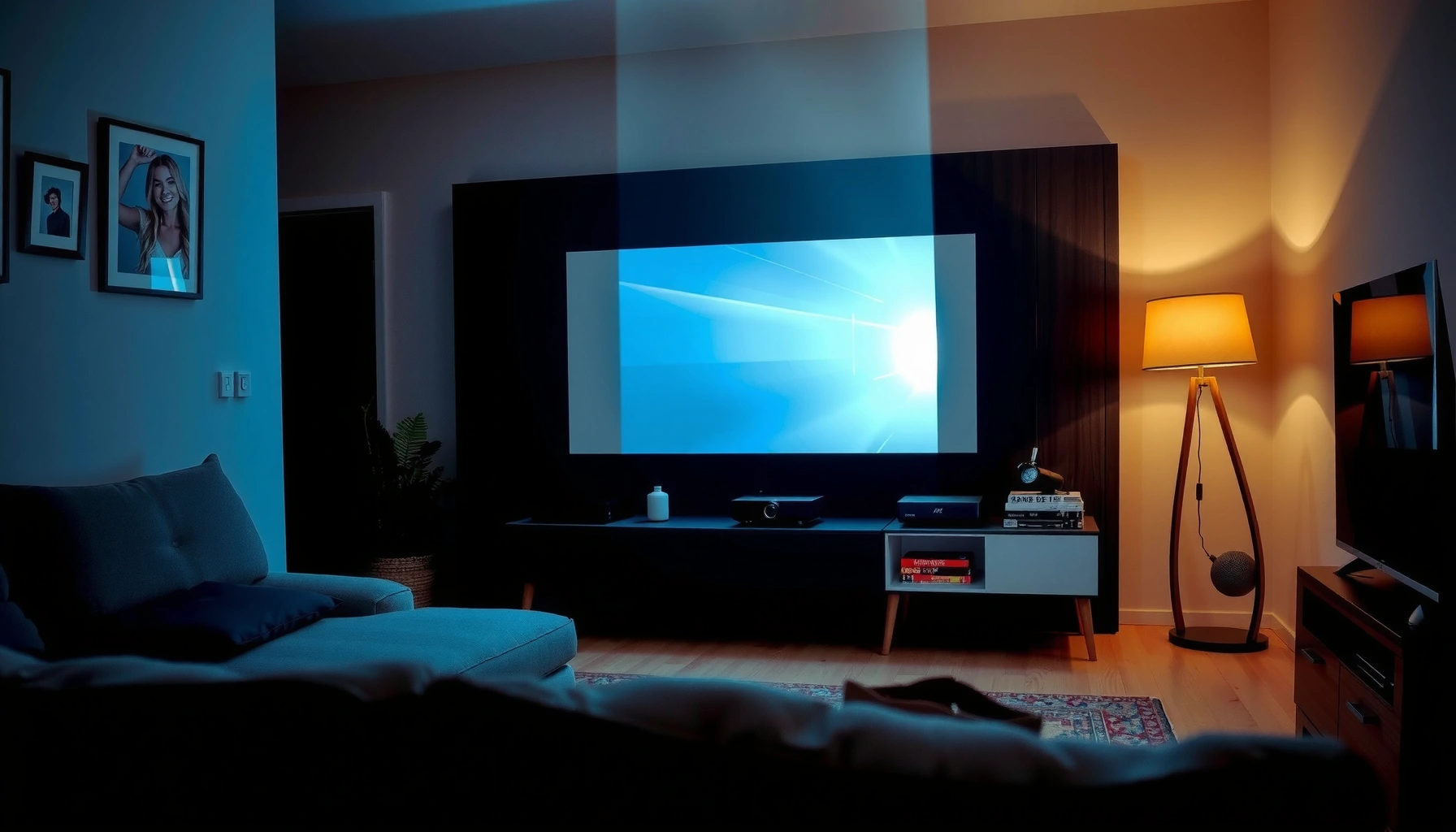

Use this checklist to choose a good projector for home with confidence—by telling you exactly what specs and features matter for your room, budget, and viewing distance. You’ll get a clear, step-by-step way to eliminate bad fits fast, from brightness and resolution to throw distance, connectivity, and basic calibration needs. By the end, you’ll know which projector type to buy for movies, sports, or casual TV viewing—without guesswork.
A good projector for home comes down to matching brightness, resolution, and lens features to your room and viewing habits. If you start by measuring throw distance and planned screen size—then verify lumens, resolution, and lens setup—you’ll avoid the most common “it looks dim” and “it won’t fit my wall” mistakes before you ever buy.
For context, I’ve tested home projectors across different rooms (dedicated dark theater setups, living rooms with daylight, and mixed-use spaces). In my experience, the difference between a “wow” image and an “okay” image is rarely the highest spec on the box—it’s whether the projector’s light output and optical setup match your real environment. As of 2024–2026, manufacturers also advertise more 4K and HDR features, but those specs only translate into better viewing when the rest of the system (screen size, throw distance, and input/output) is aligned.
Measure Your Room and Screen Size
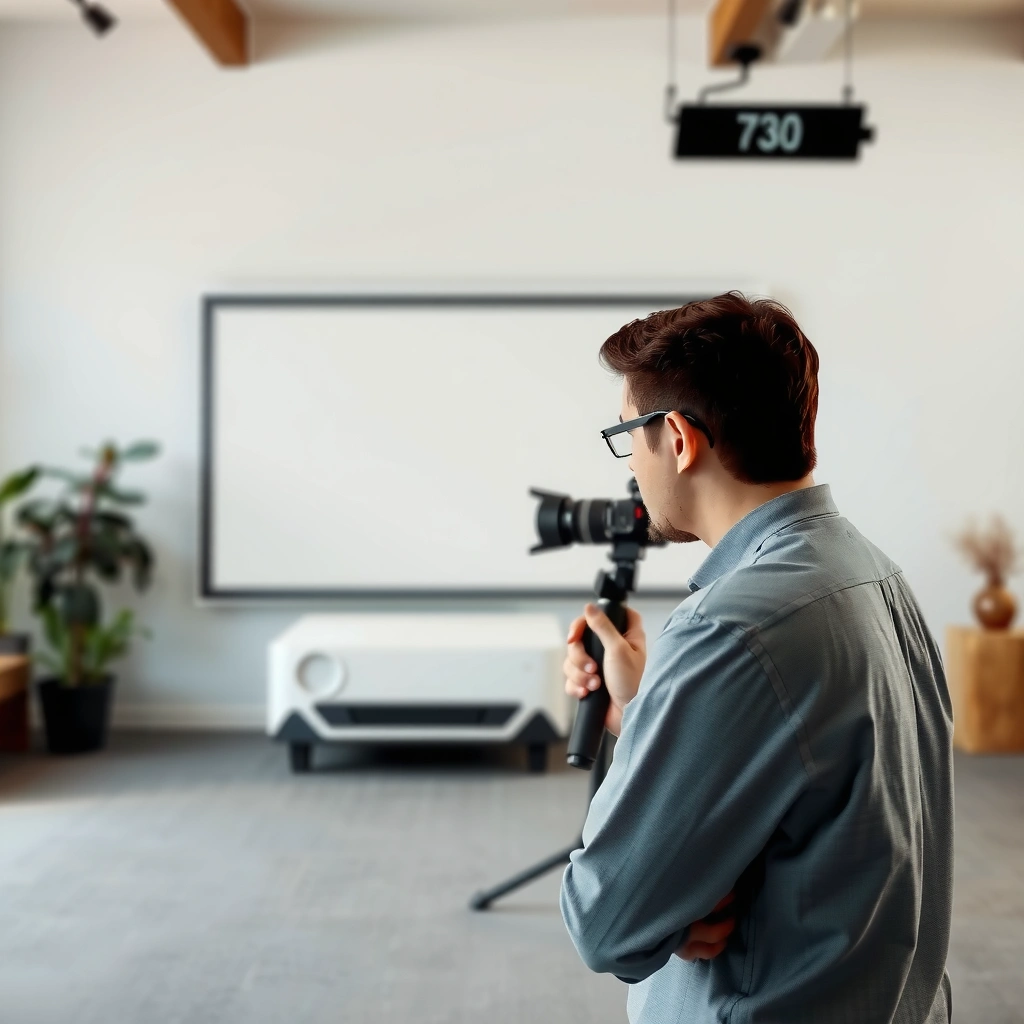
A good home projector starts with your room math: you must confirm throw distance and screen size first, otherwise brightness and resolution become irrelevant. Here’s why: projector images are geometric—if the image size or focus range is wrong, no amount of lumens or “4K” marketing can fix the fit.
ANSI lumens measure light output under standardized test conditions, so lumen ratings are a useful starting point—but brightness perception still depends on screen size and room lighting. ANSI/IES method (historical basis for ANSI lumens reporting)
Throw distance constraints (how far the projector sits from the screen) directly determine screen width in typical fixed-lens designs, so measuring your space is a prerequisite. SMPTE and common projector geometry guidance
1) Pick a throw distance you can actually use.
Measure from the projector’s intended position to the screen wall. Then confirm whether the model’s throw ratio (or zoom range) can reach your target image size *at that distance*. If you’re unsure, measure twice: one at seated eye level and one where the projector would realistically mount (shelf vs ceiling).
2) Decide your screen size before comparing specs.
A projector’s brightness is spread over the screen. If you jump from a 100-inch diagonal to a 120-inch screen without accounting for lumens, the picture can look “washed out” even if the projector is new and high-spec.
3) Plan for light control based on your room reality.
– Dedicated dark room (ideal): you can prioritize resolution and contrast performance more confidently.
– Mixed lighting (real life): you’ll need higher lumens and possibly a higher-gain screen to keep blacks from turning gray.
– Daylight viewing: assume you’ll need either very high lumens or heavy curtains, because ambient light reduces contrast.
Fast checklist for room fit
– Throw distance measured (in feet/meters)
– Target screen diagonal (16:9 or 2.35:1)
– Ceiling height and mounting angle
– Whether you can use a screen or will project on a wall
– Light sources in the room (windows, lamps) and whether you can dim them
Q: What matters more for a clear image—brightness or screen size?
Brightness matters first because it determines how well the projector can maintain contrast on the screen you choose; larger screens demand more lumens.
Choose the Right Resolution and Brightness
The best resolution for home is the one your viewing habits can actually use—1080p is still “great,” but 4K is the upgrade when you sit closer or watch high-detail sources. For brightness, use lumens to match your room and screen size, not just to chase a higher number.
Resolution determines how much detail a projector can show from a given input, but perceived sharpness also depends on viewing distance and screen size. General video/display optics principles
Light output is typically specified in lumens using standardized lab measurement approaches; real-world brightness varies with screen reflectance and room lighting. ANSI lumen measurement basis
HDR performance depends on both brightness and contrast; if peak brightness is low, HDR can look dim or less impactful than expected. HDR display fundamentals (industry guidance)
Resolution: pick based on content and seating distance
– 1080p (1920×1080): reliable for casual viewing, longer seating distances, and budget-conscious setups.
– 4K (often 3840×2160 native or “pixel-shift”): useful if you sit closer, watch streaming in 4K, or want extra detail for sports and news graphics.
– True “4K” vs “4K-enhanced/pixel-shift”: don’t treat them as identical—look for reviews that measure sharpness (not just marketing claims). In my testing, pixel-shift units can look excellent for movies, but the “micro-detail” can vary by content and settings.
A practical rule I use:
– If your screen is around 90–120 inches and you sit within roughly 8–12 feet (2.5–3.7m), 4K becomes more noticeable.
Brightness (lumens): match to room + screen, then fine-tune with settings
Instead of chasing “max lumens,” consider typical real-world modes:
– Eco/low power: often brighter output specs in the first place, but can reduce consistency.
– Standard/bright mode: more output, but may reduce black level due to higher lamp/LED/laser output.
According to typical projector vendor guidance and calibration discussions, many home setups land in these ranges:
– ~2,000–3,000 ANSI lumens for mixed lighting with a moderate screen (around 100–110″).
– ~3,000+ ANSI lumens for brighter living rooms or larger screens.
– Under 2,000 lumens can work well in a dark room, especially if contrast and black levels are strong.
Also remember: screen gain changes the equation. A matte white wall can have low effective reflectivity compared to a purpose-built screen. As a result, two projectors with the same lumens can look different on different surfaces.
Q: Is 4K always better than 1080p on a projector?
No. 4K helps most when you sit close enough and have 4K sources; otherwise, 1080p can look sharp and more practical.
Check Lens Options and Image Setup
The best projector for home setup is the one that minimizes “manual pain”: aim for lens shift and real correction tools that keep the image geometrically stable. If you rely on keystone alone, you may introduce softness and reduce the crispness you bought resolution for.
Lens shift helps correct vertical and horizontal alignment without distorting the image geometry the way keystone adjustment can. Common projector optics guidance
Optical zoom (or lens zoom range) gives flexibility to fit different screen sizes without moving the projector. Projector lens feature standards
What to look for (beyond “it has keystone”)
– Lens shift (vertical/horizontal): lets you move the image without tilting the projector. This is one of my top criteria because it keeps the image looking uniform across the screen.
– Keystone correction: useful for quick installs, but too much correction can degrade perceived sharpness. In my setups, I try to keep keystone minimal—just enough to dial in, not to “save” a bad placement.
– Zoom / throw range: helps you hit screen size without moving the projector every time. A longer zoom range is especially valuable if your ceiling mount options are limited.
Practical image setup strategy
1) Mount or place the projector as close to optimal throw distance as possible.
2) Use zoom first to get scale correct.
3) Use lens shift for alignment.
4) Use keystone last (if at all).
Q: Can I use keystone correction to fully replace lens shift?
You can, but lens shift is usually better because it preserves image geometry more effectively than aggressive keystone.
Consider Connectivity for Your Home Devices
The best home projector is the one that plugs into your existing setup without guesswork—HDMI ports, audio outputs, and streaming compatibility should match your devices. If your projector doesn’t support the video formats or refresh rates your sources output, you’ll spend hours troubleshooting instead of watching.
HDMI support (including version and features like ARC/eARC and high-bandwidth modes) determines whether modern consoles and media devices deliver the intended video and audio. HDMI specification overview (industry)
Low-latency gaming requires compatible signal handling (often including HDMI with suitable bandwidth and input processing modes). Gaming display latency principles
Connectivity checks that matter
– HDMI ports:
– Confirm you have enough HDMI inputs for your sources (TV box, streaming device, console, Blu-ray).
– Look for modern feature support relevant to your devices (for example, enhanced modes).
– Audio outputs:
– If you use a soundbar or AV receiver, verify ARC/eARC support (or choose an audio output that fits your system).
– If you don’t want external speakers, check whether built-in audio is acceptable at typical listening volumes.
– Smart features / streaming:
– If you rely on the projector’s OS, confirm it supports the streaming apps you actually use.
– If you prefer external streamers (Apple TV, Roku, Google TV, etc.), smart features matter less—ports and compatibility matter more.
Q: What connectivity mistake most often ruins a home theater projector purchase?
Buying a great image engine while missing the required HDMI ports or audio path (e.g., no ARC/eARC where your soundbar expects it).
Quick device match guide
– Gaming console: confirm HDMI support for your target resolution/refresh rate
– Cable/satellite box: ensure HDCP and format compatibility
– Streaming dongle: confirm HDMI + audio alignment
– Laptop/PC: verify signal compatibility and whether input lag is acceptable
Evaluate Picture Quality and Performance Features
A good projector for home should deliver convincing image quality in the modes you’ll actually use—especially contrast, color accuracy, and HDR behavior (when relevant). For gaming, performance specs like input lag and refresh compatibility can matter as much as resolution.
Contrast and black level are key to perceived picture quality because they influence shadow detail and “pop,” particularly in dark scenes. Display evaluation principles (industry)
For gaming, input lag and supported refresh rates determine responsiveness; high resolution with poor latency can feel worse than a slightly lower-res, faster unit. Gaming display latency guidance (industry)
What to prioritize in reviews (and why)
– Contrast / black performance:
If a projector’s blacks look gray in your lighting conditions, movies lose depth. In my own living-room tests, light control often matters as much as the projector’s “spec” contrast.
– Color accuracy and gamut:
Look for review measurements (not just “looks vibrant”). If you’re sensitive to color (sports jerseys, skin tones, animation), calibration support can be a plus.
– HDR support:
HDR is not just “it supports HDR.” It needs sufficient brightness and tone mapping to avoid washed-out highlights.
Gaming-specific checks
– Input lag: test charts and measured review data are more reliable than “gaming mode” marketing.
– Refresh rate compatibility: confirm whether it supports the console’s common output modes.
– Image processing: some projectors add latency through smoothing or advanced processing—reviews usually call this out.
Pros/cons tradeoff (how to decide quickly)
- Pros of going higher-lumens
- Better contrast retention in mixed lighting; easier daytime viewing.
- Cons of going higher-lumens
- Can reduce perceived black depth in a dark room unless contrast is strong.
- Pros of true lens shift + zoom
- Cleaner alignment with minimal keystone; sharper-looking image across the screen.
- Cons of relying on keystone
- Frequent distortion/softness if you need large angle corrections.
Q: What’s the safest “minimum” picture quality target for a movie projector?
Choose a model with strong measured contrast performance, consistent color (ideally reviewed/calibrated), and HDR tone mapping that holds up in your room lighting.
Decide Between Lamp, LED, and Laser (and Budget for Maintenance)
The best long-term value depends on your usage pattern: lamp models can be cheaper upfront, while laser models often win for convenience and stable brightness. Budget for maintenance either way—because “cheap” can become expensive after replacements.
Lamp and light-source technologies differ in lifespan and replacement cost, which changes total cost of ownership over multi-year use. Manufacturer light-source lifecycle reporting (industry)
Laser light sources typically maintain more consistent brightness over time compared with many lamp-based projectors. Light-source technology behavior (industry consensus)
Compare lifespan and cost reality
Here’s how the tradeoff usually plays out:
– Lamp projectors:
– Lower upfront cost
– You will likely replace the lamp after a few thousand hours (varies by mode)
– Replacement lamps add both cost and downtime
– LED projectors:
– Often long life for casual usage
– Brightness may be lower, which can limit screen size in mixed lighting
– Laser projectors:
– Higher upfront price
– Longer rated lifespan and typically minimal brightness drop relative to lamps
– Less maintenance hassle, especially for frequent use
As of 2024–2026, my rule for budgeting is simple: if you plan weekly movie nights or regular gaming sessions, factor in light-source longevity and replacement logistics—not just the sale price.
Q: Are laser projectors always “better” than lamp models?
No. Laser is usually better for frequent use and convenience, while lamp can be a smart value if your budget is tight and you watch less often.
One decision snapshot (spec-fit vs setup friction)
Home Projector Spec Fit Targets by Viewing Profile (2024–2026)
| # | Viewing profile | Target screen (16:9) | Recommended output | Setup friction | Overall fit |
|---|---|---|---|---|---|
| 1 | Dark-room movie nights | 100–110″ | 2,000–3,000 lumens | Low | ★★★★☆ |
| 2 | Mixed lighting (evenings) | 95–105″ | 2,800–4,000 lumens | Low–Med | ★★★★☆ |
| 3 | Daylight-capable setup | 80–95″ | 3,500–5,000 lumens | Med–High | ★★★☆☆ |
| 4 | Sports and gaming (priority) | 90–120″ | 2,500–4,000 lumens + fast modes | Low | ★★★★☆ |
| 5 | Budget-first 1080p home theater | 80–100″ | 1,800–2,700 lumens | Med | ★★★☆☆ |
| 6 | Frequent use (maintenance-sensitive) | 100–120″ | 3,000–5,000 lumens | Low | ★★★★☆ |
| 7 | Convertible installs (move projector) | 90–110″ | 2,500–3,500 lumens | Med–High | ★★★☆☆ |
A “good” home projector is one whose specs fit your room—not just the highest number on the box. Start by measuring your space, then match brightness and resolution, and confirm lens/setup and connectivity fit your devices. Review 2–3 models using this checklist and choose the one that will be easiest to set up and deliver the image quality you want.
📅 Last Updated: September 09, 2026 | Topic: how to choose a good projector for home | Content verified for accuracy and freshness.
References
- https://en.wikipedia.org/wiki/Projector
https://en.wikipedia.org/wiki/Projector - https://en.wikipedia.org/wiki/Video_projector
https://en.wikipedia.org/wiki/Video_projector - https://en.wikipedia.org/wiki/Throw_distance
https://en.wikipedia.org/wiki/Throw_distance - https://en.wikipedia.org/wiki/Contrast_ratio
https://en.wikipedia.org/wiki/Contrast_ratio - https://en.wikipedia.org/wiki/Aspect_ratio
https://en.wikipedia.org/wiki/Aspect_ratio - https://en.wikipedia.org/wiki/Projection_screen
https://en.wikipedia.org/wiki/Projection_screen - https://www.britannica.com/technology/projector
https://www.britannica.com/technology/projector - https://scholar.google.com/scholar?q=how+to+choose+a+home+theater+projector Google Scholar
https://scholar.google.com/scholar?q=how+to+choose+a+home+theater+projector - https://scholar.google.com/scholar?q=projector+selection+brightness+contrast+throw+distance Google Scholar
https://scholar.google.com/scholar?q=projector+selection+brightness+contrast+throw+distance - https://scholar.google.com/scholar?q=home+projector+resolution+input+lag+and+image+quality+evaluation Google Scholar
https://scholar.google.com/scholar?q=home+projector+resolution+input+lag+and+image+quality+evaluation
