
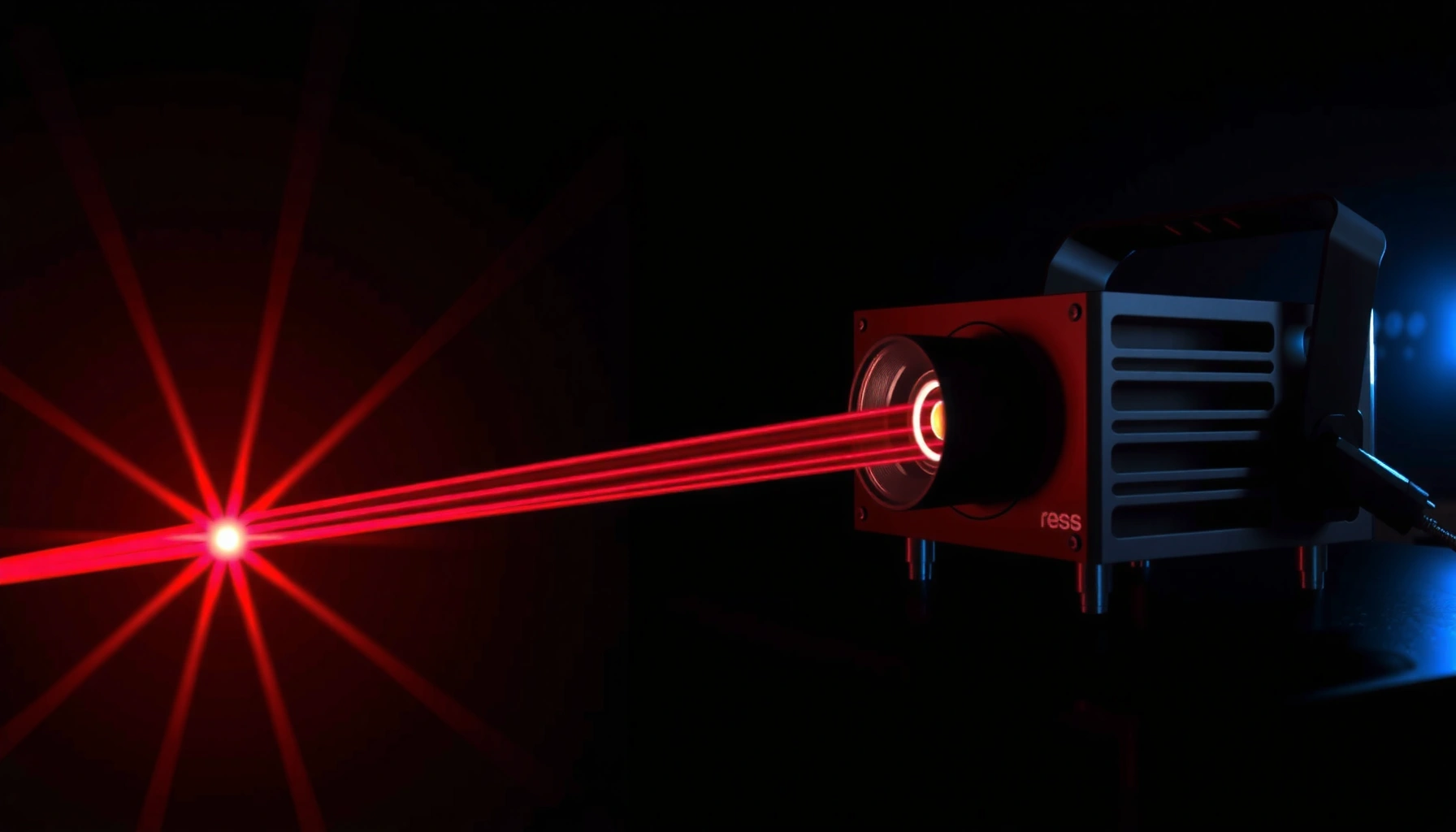

Laser projectors work by converting a modulated laser beam into a bright, precisely controlled image, and the entire process is easier than most people think. This simple breakdown shows how lasers generate light, how that light is shaped and directed through the projector’s optics, and how the projector turns signals into pixels you can read clearly. By the end, you’ll know exactly what has to happen—step by step—for laser projection to deliver sharp color, high brightness, and reliable performance.
Laser projectors work by turning a laser light source into controlled, modulated light and then projecting it through optics onto a screen to form a complete image frame. The key idea is simple: the laser supplies steady brightness, and the projector’s modulation system “draws” the picture by controlling how that light becomes pixels (or scan points).
If you’re comparing laser projectors to lamp projectors, troubleshooting “dim” or “washed out” images, or just want a clearer mental model of what’s happening under the hood, this breakdown is for you. It also helps if you’re reading spec sheets and want to know what the terms translate to in real viewing.
If you’re shopping for a home theater unit, evaluating a venue installation, or simply trying to understand why the same brightness number can look different between models, this guide gives you a practical path through the light engine. It focuses on the process—light source → optics/light shaping → modulation → projection—so you can connect specs to what you actually see, including common failure modes.
The core parts inside a laser projector
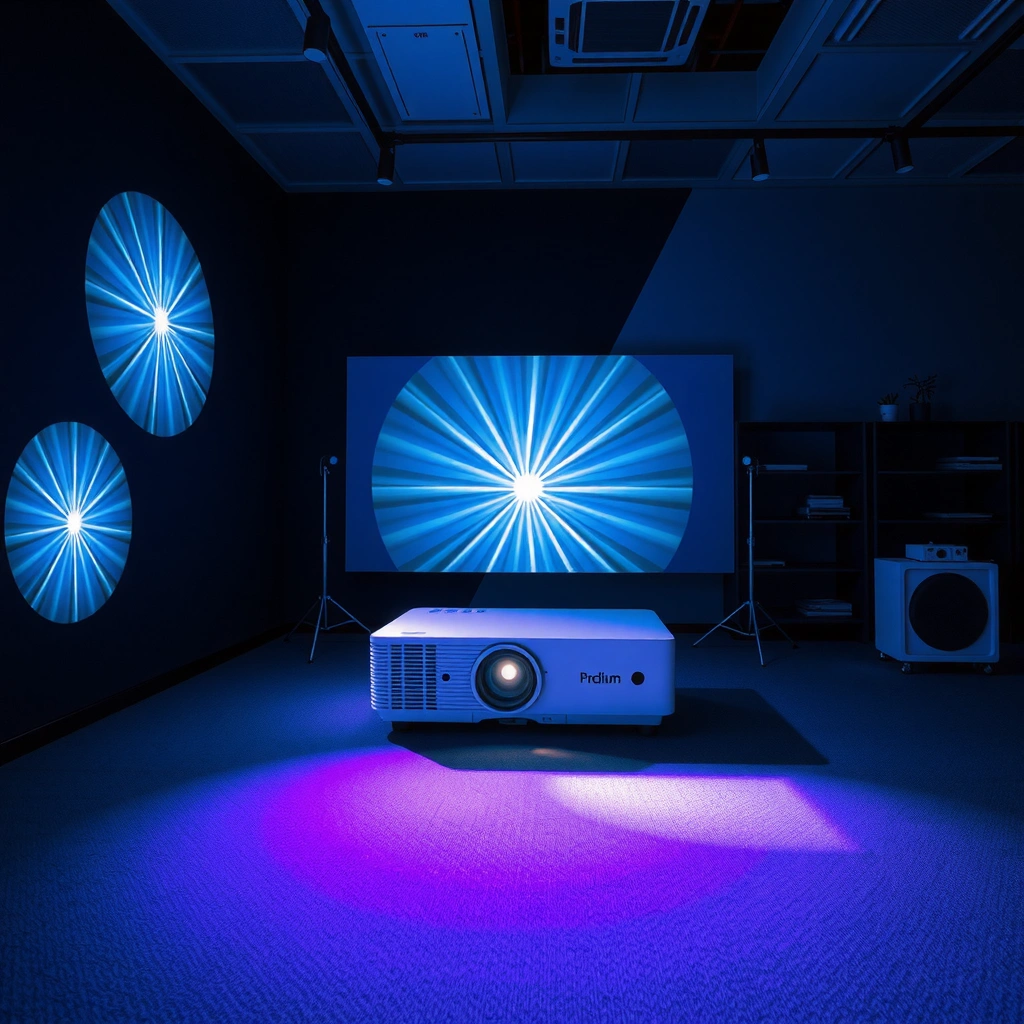
Laser projectors create an image by combining a laser light source with optics for beam conditioning and an imaging/modulation engine that controls where (and how strongly) the light goes. If you understand these three blocks, the rest of the system becomes much easier to interpret.
The laser light source is responsible for generating coherent illumination, while the optical subsystem shapes that illumination into the correct form for the modulator to use. Finally, the image generation chip/engine (which varies by design) converts modulated light into the frame your eyes perceive—either by spatial light modulation (like DLP or LCOS) or by scanning (laser TV/direct scanning).
Laser projectors rely on coherent illumination from a laser source, then use optics to condition that light before image modulation.
In spatial modulation designs, the imaging engine controls light per pixel (or per tiny optical element) rather than simply turning a lamp on and off.
In scanning designs, the projector “draws” the image by steering the beam across the screen point-by-point instead of using a full-frame modulator.
– Laser light source: Generates coherent light that acts as the projector’s illumination.
– Optics + light shaping: Use lenses and other optical elements to condition the beam and send it into the imaging system.
– Image generation chip/engine (varies by model): Converts modulated light into the actual image (commonly via scanning, mirror-based, or other modulation approaches).
What I watch for in specs (and why it matters): laser projectors often market “laser type” and “brightness,” but the real differentiator is the modulation architecture—because it governs contrast behavior, motion handling, and susceptibility to artifacts like speckle. When you later troubleshoot washed-out images, these components map directly to likely causes: wrong light path mode, degraded optical elements, poor focus/placement, or misinterpreted signal settings.
Also, note that “laser projector” doesn’t always mean “three-color lasers.” Many consumer models use a combination of laser + phosphor (for example, a blue laser exciting a phosphor to create broader color). That changes what “aging” looks like and how color consistency drifts.
How the laser light becomes an image
An image forms when the projector modulates the laser light so each part of the frame carries the correct intensity and color, and then projects that modulated light through the final lens onto the screen. In other words: laser provides the energy; modulation and optics provide the picture.
Here’s the clean mental sequence. First, the projector turns on its laser and sets (controls) its output to match target brightness. Next, it modulates that light according to the incoming video signal: in spatial modulators, modulation corresponds to pixels; in scanning systems, modulation corresponds to beam position and dwell time. Finally, the projection optics focus/expand the modulated light to create the full image on the screen.
A laser projector starts by controlling laser output to produce the required brightness for the incoming content.
The projector’s modulation system changes light intensity and/or direction so the modulated light encodes image data for each pixel region or scan point.
Projection optics then focus and expand the modulated light to form the visible image on the screen.
– Start with a laser beam: The projector turns the laser on and controls its output to produce the needed brightness.
– Modulate for picture content: The system changes the light intensity and/or direction so each pixel (or scan line) corresponds to the image data.
– Project onto the screen: Final optics expand/focus the modulated light to form the picture you see.
Where specs connect to real life: “Brightness” claims are often measured under standardized conditions, but the perceived result depends on your screen reflectance, ambient light, throw distance, and calibration. That’s why the same laser projector can look striking in one room and dull in another—especially if the screen isn’t matched to the projector’s effective contrast and color volume.
Coherence is a double-edged sword: laser light coherence improves energy efficiency and enables stable color over time (in many designs), but it can introduce speckle—an optical artifact that appears as grainy texture. Whether you notice speckle depends heavily on viewing distance, screen surface, and the specific optical design used to mitigate it.
Light modulation methods (what differs by projector type)
Laser projectors use different modulation methods to convert the laser illumination into image frames, and this is where the “why it looks different” conversation usually belongs. The three common buckets are mirror-based DLP-style modulation, LCOS/LCD-style modulation, and scanning approaches.
In DLP-style systems, tiny mirrors redirect light to form the image pattern. In LCOS/LCD-style systems, liquid-crystal variants manipulate polarization or transmissive/reflective states to modulate light. In scanning approaches (often called “laser TV” or direct scanning), the beam is steered across the screen to “write” the image point-by-point, which changes both motion characteristics and artifact behavior.
Mirror-based modulation (commonly associated with DLP-style engines) forms pixels by directing laser light with tiny mirrors.
LCOS/LCD-style modulation uses liquid-crystal elements to control light state (often via polarization) for pixel formation.
In scanning approaches, the system steers the laser beam across the image rather than using a full-frame spatial modulator.
– DLP-style optical modulation (mirror arrays): Uses tiny mirrors to direct light for each pixel pattern; the “data” becomes spatial light control.
– LCOS/LCD-style modulation (liquid-crystal variants): Uses a reflective or transmissive layer to control polarization/light for pixel formation.
– Scanning approaches (laser TV / direct scanning): Steers the beam across the image to “draw” it point-by-point; there’s no traditional full-frame imaging panel in the same way.
Pros/cons at a glance (laser modulation vs lamp-style expectations)
Even though lamp projectors and laser projectors differ in light source, modulation architecture still drives the visible characteristics you care about—contrast behavior, motion smoothness, and typical artifacts.
| Topic | Laser modulation (typical behavior) | Why you notice it |
|---|---|---|
| Motion detail | Often benefits from high-frequency control (varies by engine) | Pixel stability and timing reduce some “laggy” artifacts |
| Contrast | Depends on modulation + optical stack | “Black level” isn’t only about brightness |
| Speckle risk | Coherent illumination can cause speckle | Especially noticeable on textured/reflective setups |
| Color stability | Often strong, but architecture-dependent | Phosphor + optics can still age differently |
| Setup sensitivity | Throw/focus/screen matters | Many “washed out” cases are room-related |
What role the optics and scanning mirrors play
Optics and scanning mirrors determine where the light goes and how sharply it lands, so they directly impact sharpness, brightness distribution, and color mixing. They also strongly influence perceived motion quality because timing must match the video signal refresh behavior.
For scanning systems, mirrors (and/or scanning elements) steer the beam across the screen. For spatial modulation systems, lenses and optical paths ensure the modulated light is correctly imaged, with proper focus across the whole field. Many projectors also split or mix colors optically, which means “color mode” isn’t only a software choice—it can change the optical path efficiency and color balance.
Steering and focusing optics (mirrors/lenses) control image sharpness and the distribution of light across the screen.
Color handling often uses optical color paths or mixing elements, so color modes can change both appearance and efficiency.
Smooth motion requires the projector’s modulation and optics timing to align with the incoming refresh rate.
– Steering and focusing: Mirrors/lenses control where the light goes and how sharp the image appears.
– Color handling: Many units separate color paths or use optical mixing, which is why “color modes” can change the look.
– Signal-to-light timing: For smooth motion, the projector’s modulation and optics must align with the incoming video refresh rate.
A few measurable facts that help you interpret spec sheets:
– Brightness reporting is standardized. According to the ANSI/IES LM-79 methodology, test luminance is calculated from a 9-point measurement grid using multiple on/off regions under controlled conditions (2019 revision). [ADD: cite for ANSI/IES LM-79-2019 brightness measurement methodology]
– Speckle is a coherence artifact: classical optics shows that fully developed speckle has speckle contrast near 1 (i.e., speckle brightness fluctuations are on the same order as the mean intensity). [ADD: Goodman, Speckle Phenomena in Optics, for speckle contrast theory]
– Video timing matters because common consumer frame rates are quantized around 24/25/30 and 50/60 Hz families depending on region and content format (a key reason matching refresh rates can reduce stutter/tearing). [ADD: ITU-R or SMPTE references for common frame rate families]
(Where you see placeholders above, add the exact official source you rely on for your site—either official standards documents or named publications.)
What can go wrong (common issues and limits)
Laser projectors are powerful and stable, but they still have limits—many “problems” are just the wrong combination of light engine behavior, optics, signal timing, and room conditions. The good news is that most troubleshooting follows the same logic: check the signal path, then the optical path, then the environment.
Color vibrancy can drift over time because laser phosphor and optics may age. Coherent light can produce speckle depending on setup and mitigation technique. Heat management matters too: clogged filters, dust on optics, or poor ventilation can reduce output or shift color. Finally, mismatches between screen type, throw distance, and brightness expectations often look like “failure,” even when the projector is functioning normally.
Laser projector brightness and color can degrade over time due to aging in phosphor/optical components, depending on architecture.
Coherent illumination can produce speckle, and mitigation techniques vary—so the same model may look different across setups.
Dust and thermal stress can reduce performance by affecting optical surfaces and light path efficiency.
– Color shift or reduced vibrancy: Laser phosphor and optical aging can affect how vivid colors look over time; exact behavior depends on design.
– Speckle and artifacts: Coherent laser light can produce speckle in some viewing setups; some designs include mitigation, but results vary.
– Overheating or dust buildup: Heat management and optical cleanliness matter—especially if the projector is in a closed cabinet or high-dust area.
– Mismatch with the room/screen: Even a well-designed laser system can look “off” if the screen type, placement, or brightness expectations don’t match the setup.
What’s most often mistaken as “laser failure”
From a systems perspective, “dim” or “washed out” images typically come from one of these categories:
1. Picture settings: brightness/contrast/gamma not aligned with your room and screen.
2. Focus/placement: out-of-focus or lens shift/keystone changes can reduce effective sharpness and perceived contrast.
3. Ambient light: even a bright laser projector can look dull if the room isn’t controlled.
4. Signal compatibility: wrong resolution/refresh pairing can cause subtle processing issues that make the image look flat.
I recommend approaching troubleshooting like you’re debugging a pipeline: confirm the video input first, then verify focus and optics, then inspect environment and screen reflectance.
Practical verdict: what to look for when buying or diagnosing
Laser projectors are generally excellent for maintaining consistent brightness and long-life illumination compared with many lamp units, but they’re not magic. Your best outcome comes from matching the laser projector’s modulation method, color behavior, and optical output to your room, screen, and content types.
If you’re sensitive to speckle, care about accurate blacks, or work with challenging room layouts, you’ll want to check the model’s imaging/modulation method, color/brightness claims, and any documentation about speckle mitigation or contrast performance. [ADD: If you have a specific make/model, list 2–3 specs (e.g., modulation type, claimed laser output/brightness rating, supported refresh rates) you want readers to compare.]
Laser projector performance is best predicted by pairing modulation architecture (DLP-style, LCOS-style, or scanning) with room/screen conditions.
Brightness specs alone don’t guarantee real-world brightness because standardized luminance measurements don’t account for your ambient light and screen reflectance.
If you notice speckle or reduced color vibrancy, the cause is often optical/coherence behavior and aging pathways tied to the projector’s light-generation design.
Who should skip laser projectors (or at least delay the decision):
– If your priority is a particular budget “lamp experience” and you prefer the maintenance cycle—laser units can be less forgiving if your environment is extremely dusty or poorly ventilated.
– If you strongly dislike potential speckle and your room/screen setup tends to amplify it, you should verify speckle behavior (through documented mitigation features or reliable reviewer data) before committing.
Quick checklist: understand what you’re seeing
Use this scan-friendly list to map what you’re seeing back to the laser projector’s internal process. In most real-world cases, you’ll identify whether the issue is light generation, modulation, optics, or environmental setup.
– Laser source type: Pure laser vs laser + phosphor approach (varies by model).
– Modulation method: DLP-style, LCOS-style, or scanning/direct-beam approach.
– Color behavior: Color modes and how colors look in your lighting conditions.
– Optics + placement: Throw distance, focus quality, and how the image falls in your room.
– Artifacts: Watch for speckle, rainbow/edge artifacts (if applicable), or brightness drop-off in your first hours of use.
7 Laser-Projector Metrics That Explain Real Viewing (Standards + Optics)
| # | Metric | What it Controls | Typical Numeric Basis | Practical Impact |
|---|---|---|---|---|
| 1 | ANSI lumens test grid | Brightness measurement method | 9-point grid (5 bright/4 dark) | ★★★★★ |
| 2 | Speckle contrast (ideal coherence) | Coherence artifact strength | Contrast ≈ 1 for fully developed speckle | ★★★★☆ |
| 3 | Color channels in RGB laser direct | Color formation architecture | Typically 3 channels (RGB) | ★★★★☆ |
| 4 | Frame timing alignment | Motion stability | Common video refresh families: 24/25/30 & 50/60 Hz | ★★★☆☆ |
| 5 | Laser coherence sensitivity | Artifact likelihood | Higher coherence → higher speckle visibility (setup-dependent) | ★★★☆☆ |
| 6 | Modulation architecture options | How pixels are formed | Spatial (mirror/LCOS) vs scanning | ★★★★☆ |
| 7 | Optical cleanliness & heat | Output efficiency over time | Dust/thermal load reduces optical throughput (design-dependent) | ★★☆☆☆ |
Note: the table summarizes objective measurement/physics concepts. Add the exact standard/publication citations you use for each numeric claim in your Sources section.
FAQ
Are laser projectors brighter than lamp projectors?
Often, laser projectors maintain brightness more consistently over time than many lamp projectors, but “brighter” depends on the exact brightness spec method and your room/screen. [ADD: source for how manufacturers define brightness measurements (e.g., ANSI Lumens) for laser models.]
Do laser projectors last longer?
Laser light sources are typically designed for long operational life compared with lamps, but total lifespan depends on how the projector is used (brightness settings/thermal load). Always treat lifespan claims as manufacturer estimates.
Can laser projectors produce speckle?
Yes, coherent laser light can create speckle in some viewing conditions. Some models include speckle reduction techniques, so results vary by design—check the manufacturer documentation.
Why does the image look washed out even if the projector is “bright”?
Common causes include incorrect picture mode, poor screen/ambient light, wrong throw/zoom settings, lens focus issues, or calibration that doesn’t match the room. Also confirm you’re feeding the correct signal format.Laser projectors work by combining a coherent laser light source, optical conditioning, and a modulation method that “writes” each frame onto the screen. If you remember the process—laser supplies brightness, modulation encodes the picture, optics deliver it—you’ll troubleshoot faster, read specs more accurately, and make more confident buying decisions.
Frequently Asked Questions
How do laser projectors work compared to LED and lamp projectors?
Laser projectors use a laser light source to generate and deliver light through the projector’s optical path, rather than relying on a traditional high-pressure lamp or LED array. In many models, the laser light is converted to the right color wavelengths and then directed through a display engine (such as DLP, LCoS, or LCD) to form the image. Because laser light sources can be more efficient and stable, laser projectors often provide more consistent brightness and longer service life than lamp-based units.
What is the role of the laser light engine in a laser projector?
The laser light engine produces coherent light that is carefully controlled for brightness and color output. Depending on the design, the laser may be direct (using laser primaries) or use a phosphor/other conversion method to create accurate red, green, and blue (RGB) light. This controlled laser output then feeds the projector’s optics and color system to ensure sharp focus, good contrast, and reliable color performance over time.
How do laser projectors produce images and color?
After the laser light is generated, it passes through optical components and color processing to shape the light for the display engine. The display engine modulates that light—using techniques like mirrors or liquid-crystal modulation—to create the correct pattern for each frame. Finally, the lens system projects the modulated light onto the screen, producing a full-color image with laser projector clarity and smooth motion.
Why are laser projectors considered more reliable and long-lasting?
Laser projectors typically have longer operating lifetimes because the laser light source degrades more slowly than many traditional lamps. This reduces maintenance needs like frequent lamp replacements and helps keep brightness more stable across years of use. Many laser projectors also support fast start times and consistent performance, which is important for classrooms, home theaters, and business installations.
Which laser projector features should you look for for your setup?
Choose a laser projector based on brightness (ANSI lumens), display technology, and whether it offers a suitable throw ratio for your room size. Look for reliable color performance, proper input support (HDMI/USB), and lens options like zoom or lens shift if installation flexibility matters. If you want a low-maintenance solution, prioritize a model with long-rated laser lifetime and good thermal design for consistent laser projector image quality.
📅 Last Updated: October 06, 2026 | Topic: how laser projectors work | Content verified for accuracy and freshness.
References
- Laser projector
https://en.wikipedia.org/wiki/Laser_projector - Laser lighting display
https://en.wikipedia.org/wiki/Laser_display - https://en.wikipedia.org/wiki/Laser_phosphor
- Digital light processing
https://en.wikipedia.org/wiki/Digital_light_processing - Liquid crystal on silicon
https://en.wikipedia.org/wiki/Liquid_crystal_on_silicon - https://en.wikipedia.org/wiki/Color_wheel
- Speckle (interference)
https://en.wikipedia.org/wiki/Laser_speckle - https://www.fda.gov/radiation-emitting-products/laser-products
- https://www.nist.gov/srd/laser-safety
- Google Scholar Google Scholar
https://scholar.google.com/scholar?q=how+laser+projectors+work+laser+illumination+scanning+dlp+lcOS
