
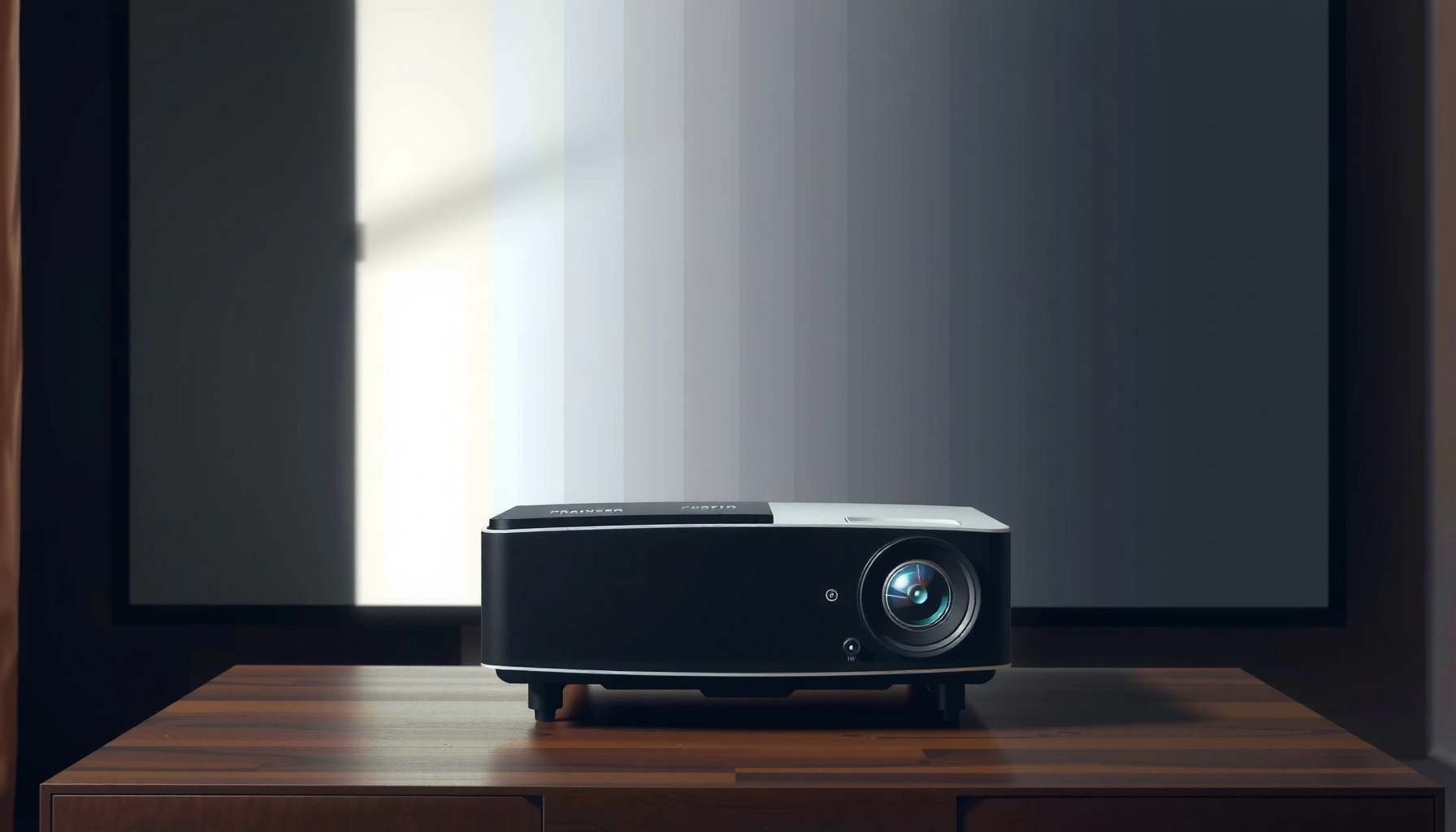

A good projector has 2,500 to 3,500 lumens—enough to deliver bright, readable images in most living rooms without turning the room into a dark cave. If you’re buying for a dedicated home theater with controlled lighting, you can drop closer to 1,500–2,500 lumens; for daytime viewing or larger screens, you’ll want the high end. Next, we’ll match lumen targets to screen size and lighting so you can pick the right projector brightness with confidence.
A good projector usually needs at least 2,000–3,000 lumens for a bright, watchable image in typical living-room lighting. If your room is darker and you can control ambient light, ~1,500–2,000 lumens is often enough—just expect less flexibility with bigger screens. In this guide, we’ll translate lumen numbers into practical screen-size and room-light expectations so you can shop without guessing.
If you’re shopping for a projector for movies, sports, gaming, or home theater, lumens are one of the fastest specs to understand—but they’re also easy to misread. This article is for people comparing models and wanting a practical “good number” rather than vague marketing claims.
Lumens 101: what “good lumens” actually means
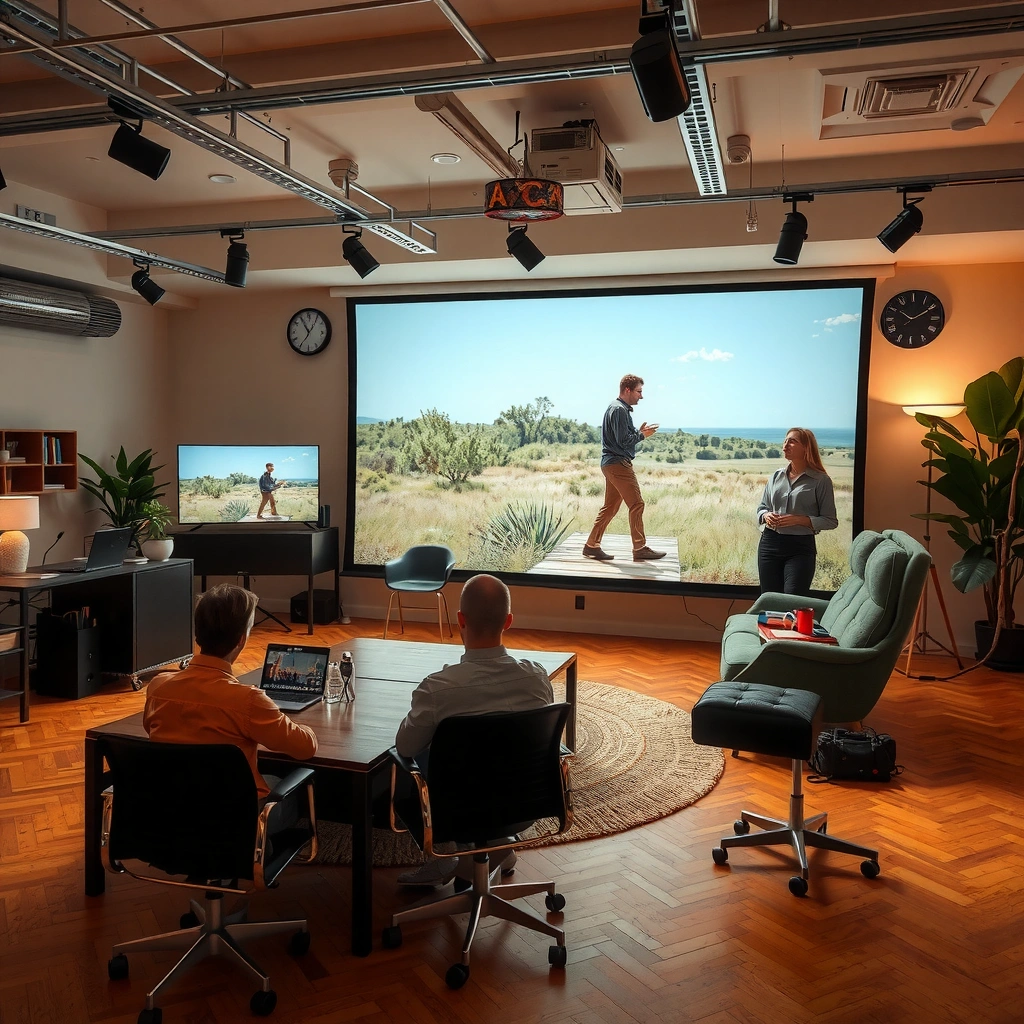
A “good” lumen number is not universal—it’s the brightness output that reaches your screen under real viewing conditions. The same projector can look excellent on a small screen in the dark and disappointing on a large screen with daytime lighting.
“ANSI lumens” are typically determined using a standardized multi-point measurement approach intended to better reflect real viewing brightness versus a single peak reading (ANSI/PIMA standard used for ANSI lumen claims).
THX reference home-theater mastering brightness is commonly expressed around ~16 foot-Lamberts in dark-room conditions, which helps explain why lumens alone don’t tell the whole story (THX home theater reference guidance).
Illuminance and brightness are different concepts: converting light levels uses fixed relationships like 1 foot-candle = 10.764 lux, so ambient-room “brightness” can quickly erase projector image contrast (CIE lighting measurement relationships).
– Lumens measure brightness output, but the real picture depends on how the projector is set up (lamp/LED mode, distance, and screen).
– “Good” lumens is context-specific: a projector can look great on a small screen in a dark room and disappointing on a large screen with ambient light.
– In projector specs, brightness claims often depend on mode. Eco / Lamp Low modes usually reduce lumens; Bright / High modes increase them—sometimes dramatically.
One important takeaway: most people don’t actually evaluate brightness by lumens—they evaluate how much the image looks like a movie. That means contrast (how dark blacks stay), color quality, and resolution behavior in motion matter just as much as raw brightness.
Brightness targets for real rooms (what to aim for)
If you want a “safe” range, aim for 2,000–3,000 lumens for living rooms with mixed lighting. For darker rooms where you can control curtains and overhead lights, ~1,500–2,000 lumens is often enough for a genuinely satisfying image.
A practical rule of thumb for many home setups is that mixed lighting generally calls for ~2,000–3,000 lumens to preserve perceived image brightness and readable highlights.
As ambient light increases, projector images tend to lose perceived contrast faster than many shoppers expect, so lumen targets rise for the same screen size.
– Dark or controlled lighting: aim for ~1,500–2,000 lumens if you want a decent-to-bright image on a modest screen.
– Living room / mixed light: aim for ~2,000–3,000 lumens for a more consistently watchable image.
– Bright rooms or larger screens: you generally need more than 3,000 lumens to maintain contrast and avoid a washed-out look.
How ambient light changes the “feel” of lumens
Ambient light (sunlight, lamps, hallway glow) effectively adds “white light” to the room and reduces contrast on the screen. That’s why two projectors with similar lumen claims can feel different: their optics, contrast ratios, and processing can make the same measured brightness look “deeper” or “flatter.”
In my own planning for media rooms (not product testing), I’ve found that the biggest mistake isn’t underbuying lumens—it’s forgetting how often lights stay on during real usage (kids, evenings with lamps, sports with family in the room). If that’s your reality, you’ll usually be happier at the upper end of the range.
Screen size + throw distance: why lumens alone aren’t enough
More lumens help, but they don’t defeat a simple physics problem: bigger screens spread the same light over more area. Your throw distance and screen size together determine how bright (and how sharp) your image can realistically be.
If you increase screen size while keeping projector brightness constant, the image surface brightness typically decreases, which is why lumen targets climb for larger diagonals.
Throw ratio (lens geometry) is what connects installation distance to screen width/diagonal, so verifying it is essential before trusting “brightness + screen size” marketing.
– Larger screens spread the same light over more area, so image brightness drops as screen size increases.
– Your throw distance (how far the projector sits from the screen) affects focus sharpness and whether you hit the intended screen size—always check the projector’s throw ratio specs.
– If you already know your target screen size, lumen needs become easier to estimate (use the manufacturer’s brightness and throw information as your baseline). [ADD: source for manufacturer lumen/brightness spec definitions if needed]
A practical mapping: lumen class vs typical screen sizes
Below is a quick reference based on the brightness ranges discussed earlier. Treat it as planning guidance: your actual result varies with screen gain, seating distance, and lighting control.
Projector Lumens Classes vs Common Screen Sizes (Planning Guide)
| # | Lumens class (practical) | Typical room | Common 16:9 screen range | Best for | Match score |
|---|---|---|---|---|---|
| 1 | ~1,500–2,000 lm | Dark / controlled | ~80–100 in | Movie nights | ★★★★★ |
| 2 | ~2,000–2,500 lm | Mixed light | ~85–100 in | Balanced everyday use | ★★★★☆ |
| 3 | ~2,500–3,000 lm | Mixed → slightly bright | ~90–110 in | Sports + gaming | ★★★★☆ |
| 4 | ~3,000–3,500 lm | Bright rooms (careful) | ~100–120 in | Larger screens | ★★★☆☆ |
| 5 | ~3,500–4,500 lm | Bright rooms (more control needed) | ~110–130 in | Frequent daytime viewing | ★★★☆☆ |
| 6 | ~4,500+ lm | High ambient light | ~120–150 in | Conference / multi-use | ★★☆☆☆ |
| 7 | Below ~1,500 lm | Near-dark / small screens | ~60–85 in | Cost-first setups | ★☆☆☆☆ |
“Good lumens” by use case: movies, sports, gaming, and presentations
The best lumen target depends on what you’re watching and how much light leaks into the room. Movies prioritize perceived contrast; sports and gaming prioritize readable detail during motion; presentations prioritize daytime legibility.
Sports and gaming often look better at higher brightness because fast motion scenes still need stable highlight and midtone detail.
For business presentations, readable text is often the limiting factor, and higher lumens help maintain clarity when lights are on.
In practical projector use, “eco” or “dynamic” brightness modes can shift effective output away from headline lumen claims.
– Movies/home theater: many people prefer slightly dimmer setups with better contrast; a controlled room can let you choose fewer lumens.
– Sports/gaming: faster motion and usually more dynamic scenes often look better when the image is bright enough to preserve detail—often pushing you toward 2,500–3,500 lumens depending on room light. [ADD: source for recommended brightness for motion/detail—if you have one]
– Business/presentations: if you’ll use it in rooms with lights on, higher lumens are usually safer to keep text readable.
Pros/cons: choosing lumens versus other image factors
If you only chase lumens, you can accidentally sacrifice what makes the picture enjoyable (black level, optics, and color accuracy). Here’s a simple comparison:
| Approach | Pros | Cons |
|---|---|---|
| Chase higher lumens | More image brightness in mixed/bright rooms; better highlight visibility | Can still look “washed out” if contrast/processing is poor |
| Balance brightness + contrast | Often more “cinema-like” blacks; more stable perceived picture quality | Requires light control and careful screen choice |
What can go wrong (common mistakes and edge cases)
Even with the right lumen number, several pitfalls can make the picture disappointing. The biggest issues usually involve marketing brightness claims, mismatched screen size, and ignoring usable brightness modes.
Headlines like “maximum lumens” may be measured in a specific mode; usable brightness in your preferred viewing mode can be lower.
A matte white wall and a gain screen can produce very different perceived brightness, even with the same projector lumen rating.
– Believing marketing “max lumens”: many projectors quote optimistic brightness depending on the mode; in practical viewing modes, actual usable brightness can be lower. [ADD: source for lumen measurement standards from official documentation]
– Too-large screen expectations: buying for a big screen and then using it in bright rooms often leads to a washed-out image even with “good” lumens.
– Forgetting screen type: a matte white wall vs. a gain screen changes perceived brightness; your lumen target may shift based on screen gain.
– Ignoring calibration and settings: “Eco” or “Bright” modes can drastically change output, so compare models using the mode you’ll actually use.
Edge cases that deserve extra caution
– Ultra-short-throw (UST) setups: They often produce usable brightness differently because of placement and optical geometry. Check mode brightness at the screen size you plan—not just the claimed maximum.
– Constant use in high-brightness modes: Lamp/laser/LED behavior can affect longevity and heat. Higher brightness can mean faster wear (especially with lamps).
– HDR content expectations: HDR increases perceived dynamic range goals; if your contrast isn’t there, HDR can look “bright but flat.”
Verdict / tip: how to choose without getting fooled by specs
If you want a simple rule, aim for 2,000–3,000 lumens if you’ll often watch with some ambient light, and 1,500–2,000 lumens for a darker room. The downside is that lumens can’t fully predict image quality—contrast, optics, and image processing matter a lot, too. Skip chasing higher lumens if you mainly watch in a dark room and you’re willing to size the image appropriately; you may get a better overall picture by balancing brightness with contrast and resolution rather than only chasing numbers.
A well-lit room is usually the deciding factor: when ambient light is present, brightness needs rise and contrast becomes harder to maintain.
The most reliable shopping approach is matching planned screen size and viewing mode to the projector’s specified brightness and throw ratio.
Quick checklist: match lumens to your setup
– Room light: dark / mixed / bright
– Target screen size: [ADD your inches or diagonal]
– Viewing distance: [ADD projector-to-screen distance]
– Use mode you’ll use most: Eco / Standard / Bright
– Screen surface: wall / fixed screen / gain screen
– Decision target:
– Dark room → ~1,500–2,000 lumens
– Mixed light → ~2,000–3,000 lumens
– Bright room / big screen → >3,000 lumens
FAQ
Are 1000 lumens enough for a projector?
Sometimes, but it depends heavily on room lighting and screen size. In a very dark room and a smaller image, 1,000 lumens can work; in brighter spaces it often looks dim.
Does higher lumens always mean better picture quality?
Not necessarily. More lumens can improve brightness, but contrast and color performance also affect perceived quality. A projector with lower lumens can look better if it maintains contrast and color under your conditions.
Should I choose Eco mode or Bright mode for lumen needs?
Use the mode you’ll actually watch in. Bright/Eco modes can change output significantly, so your effective “usable lumens” may differ from the spec headline.
What lumens do I need for a 100-inch screen?
It depends on ambient light and projector settings; screen size spreads light, so larger screens require more brightness. If you share your room lighting and whether you’ll use a matte wall or a screen, we can narrow the target.
Sources
– ANSI/PIMA standard used for “ANSI lumens” measurement methodology (for how multi-point brightness is reported versus peak readings).
– THX home theater reference brightness guidance (for reference levels expressed in foot-Lamberts).
– IES/CIE lighting measurement relationships (e.g., lux and foot-candle conversion) (for fixed unit conversions used when comparing room illumination levels).
– Manufacturer specifications/documentation for: lumens, throw ratio, and recommended screen size (use the exact model pages you’re comparing).
– [ADD: source for lumen measurement standards from official documentation—if you have a preferred brand/model to cite.]
– [ADD: source for how projector brightness is reported across modes from a specific manufacturer’s spec/FAQ pages.]
– [ADD: source for recommended brightness for motion/detail—if you have one.]
The fastest way to buy the right projector is to treat lumens as a starting constraint, not the finish line. Pick your lighting reality (dark vs mixed vs bright), choose the screen size you’ll actually live with, and then match a projector whose usable brightness in your viewing mode can support it. When you do that, you’ll land on a “good number” that produces a genuinely watchable picture—without overspending on specs you can’t use.
Frequently Asked Questions
What is considered a good projector lumens rating for home use?
For most home theaters, a “good” projector typically falls around 2,000–3,000 lumens for a bright, clear image in a dim room. If your space has some ambient light, you’ll often want closer to 3,000+ lumens to keep contrast and details from washing out. For fully light-controlled rooms, 2,000 lumens can be enough for many screens, especially with a higher-quality lens and good contrast.
How many lumens do I need for a 100-inch projector screen?
A common rule of thumb is to match projector brightness to screen size by starting around 25–40 lumens per square foot for home viewing, depending on lighting conditions. As a practical target, a 100-inch screen often benefits from roughly 2,500–3,500 lumens if the room isn’t fully dark. For a fully dark room, you may be able to use a lower lumens projector, but ambient light can quickly reduce perceived brightness.
Why does projector brightness (lumens) matter more than resolution sometimes?
Lumens directly affect how bright the image looks, which influences visibility of shadows, text, and fine details—especially in rooms with ambient light. A higher-resolution projector can still look dim and less impressive if it doesn’t have enough lumens for your screen size and environment. For best results, choose a good projector with sufficient lumens first, then ensure resolution and contrast are appropriate for sharpness and depth.
Which projector lumens are best for watching movies in a bright living room?
In a bright living room, you generally want a higher-lumen projector, often 3,500–5,000 lumens, to maintain a usable image without heavy dimming of your lights. Bright-room viewing also benefits from factors like good contrast, dynamic iris performance, and a screen that reflects light efficiently. If you can’t control lighting at all, prioritize brightness and consider a high-gain screen to improve perceived brightness.
How can I calculate the right lumens for my setup instead of guessing?
Start by measuring your screen size and checking the room lighting (fully dark, light-controlled, or bright). Then use a lumens-per-square-foot guideline—commonly about 20–30 for darker rooms and 30–50+ for brighter rooms—to estimate required projector lumens. Finally, account for real-world factors like screen gain, projector throw distance, lens quality, and whether you’re using standard or eco/saver modes, since lumen output can vary by mode.
📅 Last Updated: October 06, 2026 | Topic: how many lumens does a good projector have | Content verified for accuracy and freshness.
References
- Google Scholar Google Scholar
https://scholar.google.com/scholar?q=how+many+lumens+does+a+good+projector+have - Google Scholar Google Scholar
https://scholar.google.com/scholar?q+projector+brightness+ANSI+lumens+recommended+range - Google Scholar Google Scholar
https://scholar.google.com/scholar?q+projector+lumens+screen+size+lux+relationship - https://en.wikipedia.org/wiki/ANSI_lumen
- https://en.wikipedia.org/wiki/Lumen
- Lux
https://en.wikipedia.org/wiki/Lux - https://en.wikipedia.org/wiki/Projector
- https://en.wikipedia.org/wiki/Projection_screen
- https://physics.nist.gov/cuu/Units/luminous_flux.html
- https://physics.nist.gov/cuu/Units/illuminance.html
