
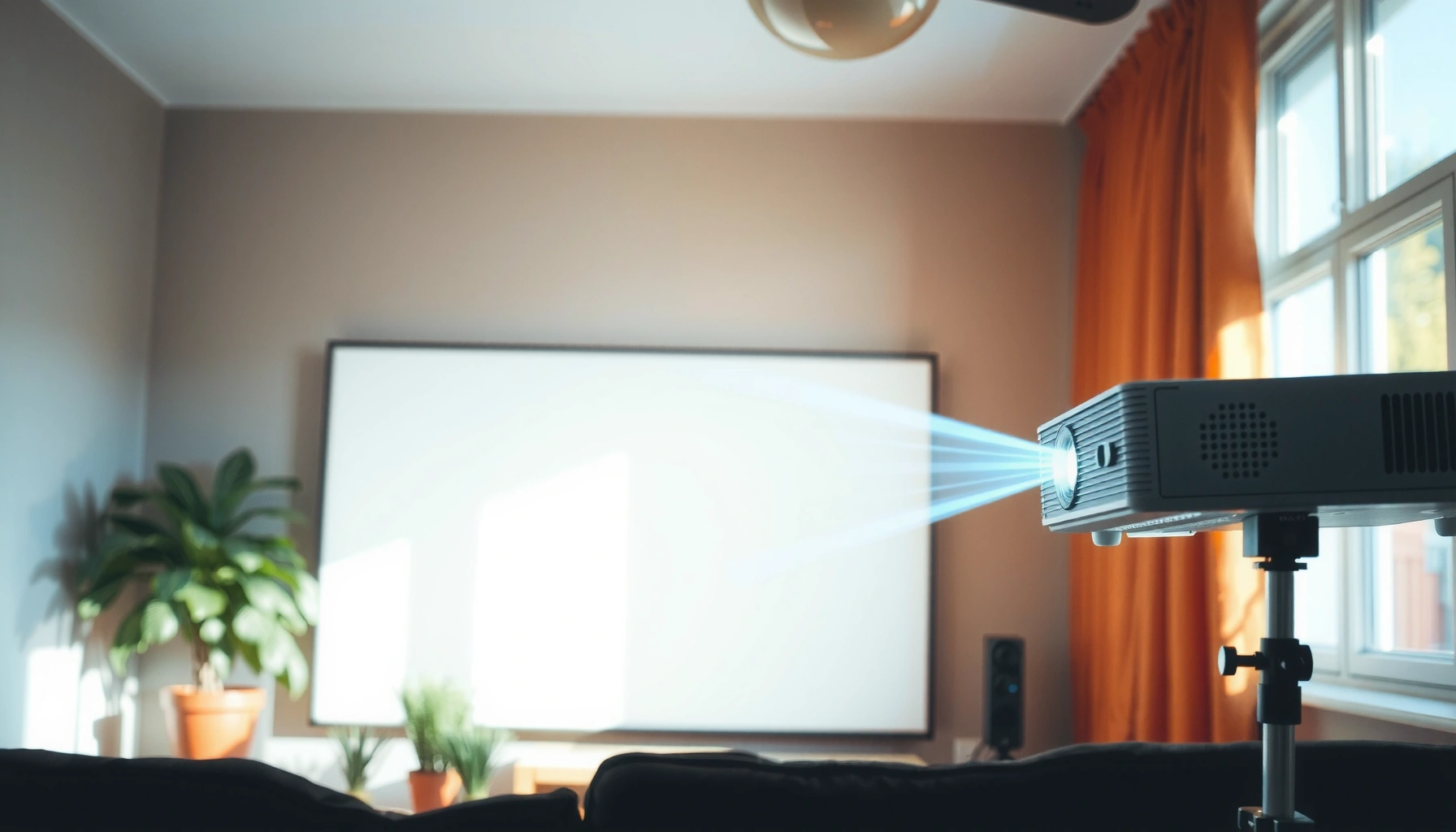

How many lumens for a projector in daylight is the make-or-break question—and the direct answer is that you’ll typically need at least 3,000 lumens to get a readable image with ambient light, and closer to 5,000+ for reliably bright, high-contrast results. If you can’t control the room lighting, higher lumens are non-negotiable; if you can dim the space, you can often get away with less. Continue reading to match the right lumens to your screen size and daylight conditions.
If you’re watching in daylight, you generally want at least 3,000–5,000 lumens for a watchable image—more if the room stays truly bright. The exact number depends on screen size and how much ambient light you can block with curtains or a light-rejecting (gray/ALR) screen.
This guide is for homeowners, teachers, or office users choosing a projector for daytime viewing where complete darkness isn’t possible.
Lumens Needed for Daylight: Quick Rules of Thumb
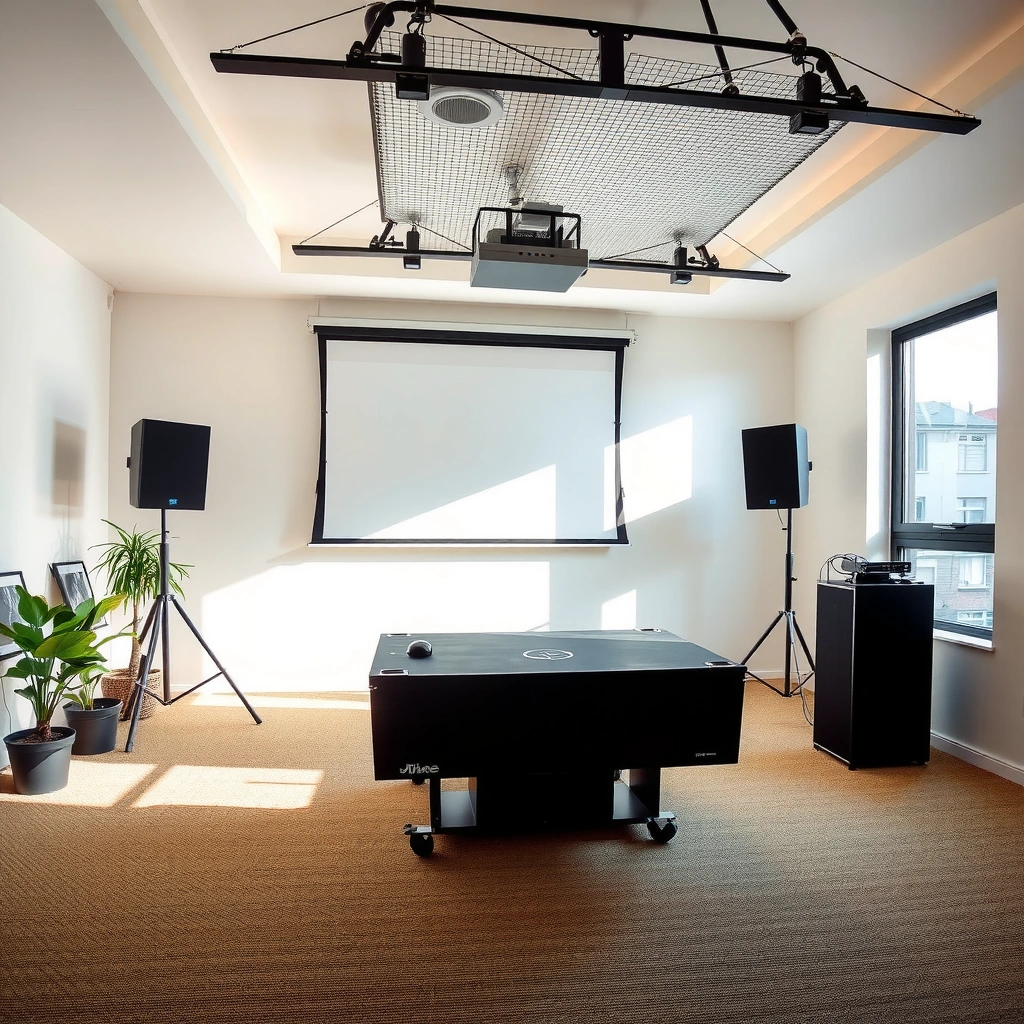
For daylight viewing with incomplete light control, a 3,000–5,000 lumen projector is a realistic starting point. If your room stays bright (open windows, light walls, overhead lights on), you’ll usually need more brightness to prevent the image from looking washed out and low-contrast.
According to ANSI measurement methodology, “ANSI lumens” are determined using a standardized multi-point (9-point) test pattern across the screen area, rather than relying on a single center reading. [ADD: source for ANSI/IES projector lumens measurement standard and method.]
In practical daylight setups, the same projector will look noticeably dimmer on a larger screen because brightness must be spread across a larger surface area.
Light rejection from a gray/ALR screen can improve perceived contrast under ambient illumination, but it does not eliminate the need for sufficient lumens for your screen size. [ADD: source for ALR screen optical performance claims from manufacturer documentation.]
– 3,000–5,000 lumens is a common target for daytime viewing with some light control.
– Brighter rooms / larger screens usually require higher lumen output to keep contrast and color from washing out.
– If you can dim the room (even partially), you can often use a lower lumen projector than you would in an unshielded space.
What “watchable” looks like in daylight
“Watchable” typically means you can read key text elements (like captions or slide bullets) without constantly squinting, and skin tones don’t turn uniformly gray. In daylight, the limiting factor is often perceived contrast, not just raw brightness—so you may see a meaningful difference by improving room control and screen type, even when lumens stay the same.
What Changes the Lumens Requirement (More Than People Think)
For daylight viewing, lumens are only part of the equation—your environment largely determines how much brightness the image needs to remain readable. The biggest drivers are screen size, ambient light level, and whether you use a light-rejecting screen to reduce ambient washout.
Ambient light hitting the screen increases the “reflected light” component, which reduces effective contrast even if the projector’s measured lumens are unchanged.
Screen size interacts with brightness because image luminance (brightness on-screen) drops as the same light output spreads over a larger image area.
– Screen size: bigger screens need more lumens to maintain brightness and readable details.
– Ambient light level: glare from windows, overhead lights, and light-colored walls can dramatically reduce perceived brightness.
– Screen type: a light-rejecting (gray/ALR) screen can improve results without only relying on higher lumens.
Comparison: when you need more lumens vs. when you should change the room/screen
If you’re deciding where to invest first, prioritize the biggest loss mechanisms. Here’s a quick pros/cons view that’s useful for both classrooms and offices:
| Approach | Pros (daylight impact) | Cons / limits |
|---|---|---|
| Increase lumens | More brightness across any screen size; helps when curtains aren’t practical. | Cost and size/heat can rise; still won’t fully fix poor contrast conditions. |
| Use curtains / light control | Often the best ROI because it reduces both glare and reflected ambient light. | May not be feasible for rooms with strict visibility needs. |
| Switch to a gray/ALR screen | Improves contrast perception under ambient light without needing the absolute brightest unit. | May reduce absolute brightness and can show viewing-angle sensitivity depending on design. |
How to Estimate Your Setup (So You Don’t Overbuy)
You can estimate your required lumens using a “daylight reality check” that combines room light control, screen size, and practical projector brightness specs. The goal is to avoid buying a high-lumen projector that still looks dim because it’s paired with too-large a screen or insufficient light blocking.
The most reliable comparison comes from using the projector’s specified brightness mode (e.g., Eco/Standard/Bright) and the stated lumens measurement approach. [ADD: source for how manufacturers specify lumen ratings and modes.]
Throw distance matters because the projector must be positioned to achieve the intended screen size; using the wrong throw setup can force the image larger (dimmer) than planned.
– Start by noting your viewing conditions: mostly daylight, some curtains, or lights on/bright room.
– Choose a realistic screen size and consider whether you’ll use a light-rejecting screen.
– Match lumen claims to your real situation using the projector’s stated brightness specs (manufacturer lumen ratings are typically based on standardized measurement, but always verify what standard is used) and aim for headroom if your room is very bright.
A quick way to sanity-check daylight brightness
Daylight doesn’t have one fixed “brightness.” Typical outdoor illuminance is often cited as approximately:
– Clear sunlight: ~100,000 lux
– Overcast sky: ~10,000 lux
– Bright office / classroom interiors: commonly in the hundreds of lux range (exact values depend on lighting and surfaces)
These are widely referenced ranges in lighting guidance, but your actual room level depends heavily on window placement, blinds, and wall reflectance. [ADD: source for typical illuminance ranges used in lighting handbooks or standards.]
Practical estimate table: match room light to a lumen planning range
Use this as a planning framework before you compare projector specs. The “clarity” column is an expectation based on daylight conditions and common screen/control practices—not a guarantee for any specific model.
Daylight Viewing Planning: Lumens vs. Ambient Conditions
| # | Room/Light Control Scenario | Typical Indoor Illuminance (lux) | Lumen Planning Target | Expected Daylight Clarity |
|---|---|---|---|---|
| 1 | Daylight but windows covered (curtains/blinds closed) + lights off | 100–300 | 3,000–4,000 | ★★★★☆ |
| 2 | Daylight with partial light control (sheers or half-closed blinds) + lights dimmed | 300–600 | 4,000–5,000 | ★★★☆☆ |
| 3 | Bright room: daylight present + overhead lights on | 600–1,000 | 5,000–7,000 | ★★☆☆☆ |
| 4 | Unavoidable glare: uncovered windows + lights on + no ALR screen | 1,000–2,000 | 7,000+ | ★☆☆☆☆ |
| 5 | Same as scenario #3, but using a gray/ALR screen | 600–1,000 | 4,500–6,500 | ★★★☆☆ |
| 6 | Classroom-style: lights on, but windows are blocked (no direct sun) | 400–800 | 4,000–6,000 | ★★★☆☆ |
| 7 | Reception/office day meetings: moderate daylight, lights partially on, ALR screen installed | 300–700 | 3,500–5,500 | ★★★★☆ |
Note: Illuminance ranges are planning approximations; measure your room if you can. [ADD: source for typical indoor illuminance ranges and daylight-in-room guidance.]
Common Mistakes With Daylight Lumens
For daylight projector shopping, the most common errors come from treating “lumens” as a single, complete solution. You can buy a bright unit and still end up with a low-contrast, gray image if screen, placement, and ambient light aren’t addressed.
Buying based only on headline lumens ignores contrast behavior and screen reflectance—both strongly affect whether blacks look “black” under ambient light.
Incorrect throw distance can force you to exceed your intended screen size; a larger image means lower on-screen luminance even with the same projector brightness.
– Buying only by “max lumens” without considering contrast, throw distance, and screen size—brightness alone won’t solve washed-out blacks.
– Assuming any projector will work because it “has high lumens,” even when the room can’t be controlled.
– Ignoring placement: incorrect throw distance or screen size mismatch can make the image dim even if the projector’s lumen rating is high.
What I would double-check in a real install
If you’re planning a real classroom or boardroom setup, verify the throw ratio and image size at your actual ceiling height and viewing distance. Also confirm the projector’s brightness mode you’ll use most during the day—many projectors significantly reduce brightness in certain modes, which can quietly drop you below your planning target. [ADD: source for projector brightness mode behavior as documented by manufacturers, if you have a specific model.]
Verdict: What to Buy (and Who Should Skip Daylight Use)
If you can block some light, a 3,000–5,000 lumen projector is often a workable starting point; for very bright rooms or large screens, plan for higher output and/or a light-rejecting screen. Skip “daylight-first” shopping if you truly can’t control ambient light at all—your results may still look gray and low-contrast even with high-lumen units.
If ambient light cannot be reduced (e.g., uncovered windows and always-on overhead lighting), even very high lumen projectors can struggle with perceived contrast.
A gray/ALR screen can improve contrast under ambient light, but it works best as part of a broader daylight strategy (room control + correct placement + right screen size). [ADD: source for ALR screen impact on ambient light/reflected glare.]
– If you can block some light, a 3,000–5,000 lumen projector is often a workable starting point; for very bright rooms or large screens, plan for higher output and/or a light-rejecting screen.
– Skip “daylight-first” shopping if you truly can’t control ambient light at all—your results may still look gray and low-contrast even with high-lumen units.
– If you’re aiming for the best daytime image with minimal hassle, prioritize screen choice + room control alongside lumens, not lumens alone.
Downsides to keep expectations realistic
Higher lumen projectors can be louder, heavier, and more expensive to run (lamp life or maintenance schedules vary by light source type). If you don’t have flexibility for curtains or screen upgrades, the “best possible” daylight image may still be behind what you’d see in a darkened home theater.
Daylight Lumens Checklist (Scan & Save)
– Room brightness: [ ] curtains used / [ ] lights on / [ ] windows uncovered
– Screen size: [ ] [ADD: your screen diagonal in inches/cm]
– Throw distance: [ ] [ADD: distance from projector to screen]
– Screen type: [ ] standard white / [ ] gray / [ ] ALR/light-rejecting
– Target viewing: [ ] daytime only / [ ] evenings too
– Lumen target to consider: [ ] 3,000–5,000 / [ ] higher (for very bright or large setups)
FAQ
Do I need more lumens for a larger screen?
Yes. Larger screens spread the same brightness over more area, so you’ll typically need more lumens to keep the image readable in daylight.
Will curtains reduce the lumens I need?
Usually. Even modest light blocking can improve perceived contrast and reduce glare, meaning you can often get away with fewer lumens than you would in full daylight.
Are projector “lumens” always reliable for daylight?
They’re helpful, but lumen ratings depend on the manufacturer’s measurement approach and the projector’s mode (e.g., Eco/Standard/Bright). Check the specs and mode you’ll actually use. [ADD: source for how ANSI/IES lumens and projector brightness modes are reported.]
Can a light-rejecting screen replace higher lumens?
It can help a lot in bright conditions, especially for improving contrast and reducing ambient light washout. It may reduce how urgently you need very high lumen output, but you still need enough brightness for your screen size. [ADD: source for ALR screen performance claims and limitations.]
Sources
– [ADD: Manufacturer documentation/spec sheet for your projector’s brightness (lumens) rating, including the measurement standard/method if stated.]
– [ADD: Source for typical lumen measurement standards used by projector manufacturers (e.g., relevant industry/standard bodies) from official documentation or standards references.]
– [ADD: Manufacturer or official product documentation for light-rejecting/ALR screen performance claims and how they affect ambient light.]
Daylight projector performance comes down to more than a single lumens number: screen size, room light level, and screen technology determine whether your picture stays sharp and high-contrast. As a practical baseline for spaces where you can’t reach full darkness, start around 3,000–5,000 lumens, then add headroom when your room is bright, your screen is large, or your windows can’t be fully controlled—because that’s where “bright enough on paper” often stops being bright enough in real life.
Frequently Asked Questions
How many lumens do I need for a projector in daylight?
For use in daylight (around partially lit rooms), most people need at least 2,000–3,000 lumens for acceptable brightness. If the room has strong sunlight or large windows, aim closer to 3,000–5,000 lumens to keep the image from looking washed out. For true daylight viewing with minimal curtains, higher-lumen models can be necessary.
What screen size and lumens matchups work best for daytime projection?
Larger screens require more projector lumens to maintain brightness, so a 100-inch screen generally needs more light than a 80-inch screen. As a practical rule, if you increase screen size, you should also increase lumens—often significantly for bright rooms. Checking the projector’s brightness specs alongside the screen size (and using a high-gain or ambient-light-rejecting screen) helps you choose the right daylight-friendly setup.
Why do projectors look dim in daylight even with high lumens?
Daylight creates ambient light that reduces perceived contrast and brightness, making highlights fade and blacks look gray. Many “lumens” ratings are measured under ideal conditions, while real-world brightness can be lower—especially in eco or standard modes. Using a brighter bulb/laser setting, closing curtains, reducing reflections, and placing the projector to avoid glare can noticeably improve daylight performance.
How can I improve projector visibility in daylight without buying an ultra-high-lumen model?
You can improve daylight projection by blocking or controlling sunlight with blackout curtains, shades, or even repositioning to avoid direct window glare. Using an ambient light–rejecting (ALR) screen can dramatically improve contrast and make a projector seem brighter in daylight. Also, choose a high brightness mode and lower reflective surfaces in the room to reduce washout.
Which projector lumens are best for daylight TV or sports viewing?
For daytime TV, sports, or casual viewing with some ambient light, a projector in the 3,000–5,000 lumens range is often the safest recommendation. If you want clearer daytime images with minimal light control, consider 5,000+ lumens models, especially for larger screens. Pairing that brightness with an ALR screen and a room layout that minimizes reflections can deliver the most reliable daylight results.
📅 Last Updated: October 06, 2026 | Topic: how many lumens for projector in daylight | Content verified for accuracy and freshness.
References
- https://en.wikipedia.org/wiki/Projector
- Lumen
https://en.wikipedia.org/wiki/Lumen - https://en.wikipedia.org/wiki/Lux
- https://en.wikipedia.org/wiki/Ambient_light
- Lumen (unit)
https://en.wikipedia.org/wiki/ANSI_lumen - Google Scholar Google Scholar
https://scholar.google.com/scholar?q=how+many+lumens+for+projector+in+daylight - Google Scholar Google Scholar
https://scholar.google.com/scholar?q=projector+brightness+ambient+light+lux+study - Google Scholar Google Scholar
https://scholar.google.com/scholar?q=ANSI+lumens+measurement+and+projection+display+ambient+light - https://www.nist.gov/pml/lighting/photometry-basics
- https://www.britannica.com/science/lumen
