
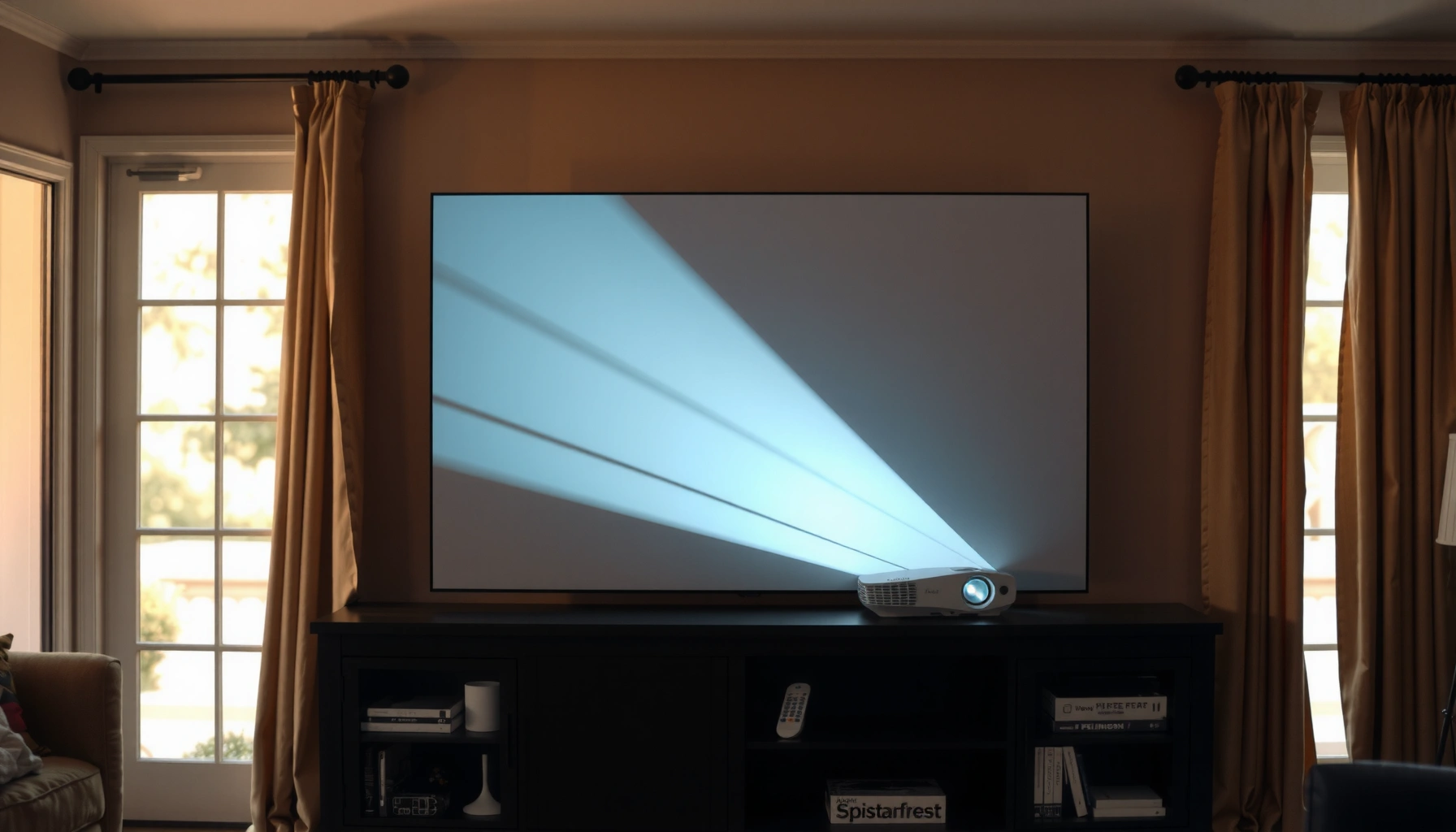

For daytime projector use, the right answer to “how many lumens” is usually 3,000+ lumens if you want a visible, reliably bright picture in typical indoor lighting. If you’re projecting in a fully light-controlled room, you can often drop to around 2,000 lumens; with more ambient light, plan on 3,500–5,000 lumens to keep contrast from washing out. The brightness guide below tells you exactly what lumens to buy based on room light level and screen size.
Daytime projection needs at least ~2,000 lumens to keep a projected image watchable, and it often takes 3,000+ lumens when the room has meaningful ambient light. The “right” number depends less on your projector’s marketing and more on screen size, surface type (screen vs wall), and how much you can control daylight—so you can avoid the classic disappointment of a projector that looks fine at night but washed out in the daytime.
This is for anyone shopping for a daytime projector for living rooms, offices, classrooms, or outdoor use where you can’t fully darken the space. If you’re planning to project onto a wall or a screen in daylight or near-daylight conditions, use the brightness factors below to estimate what you actually need.
Start with the lumen target for daylight
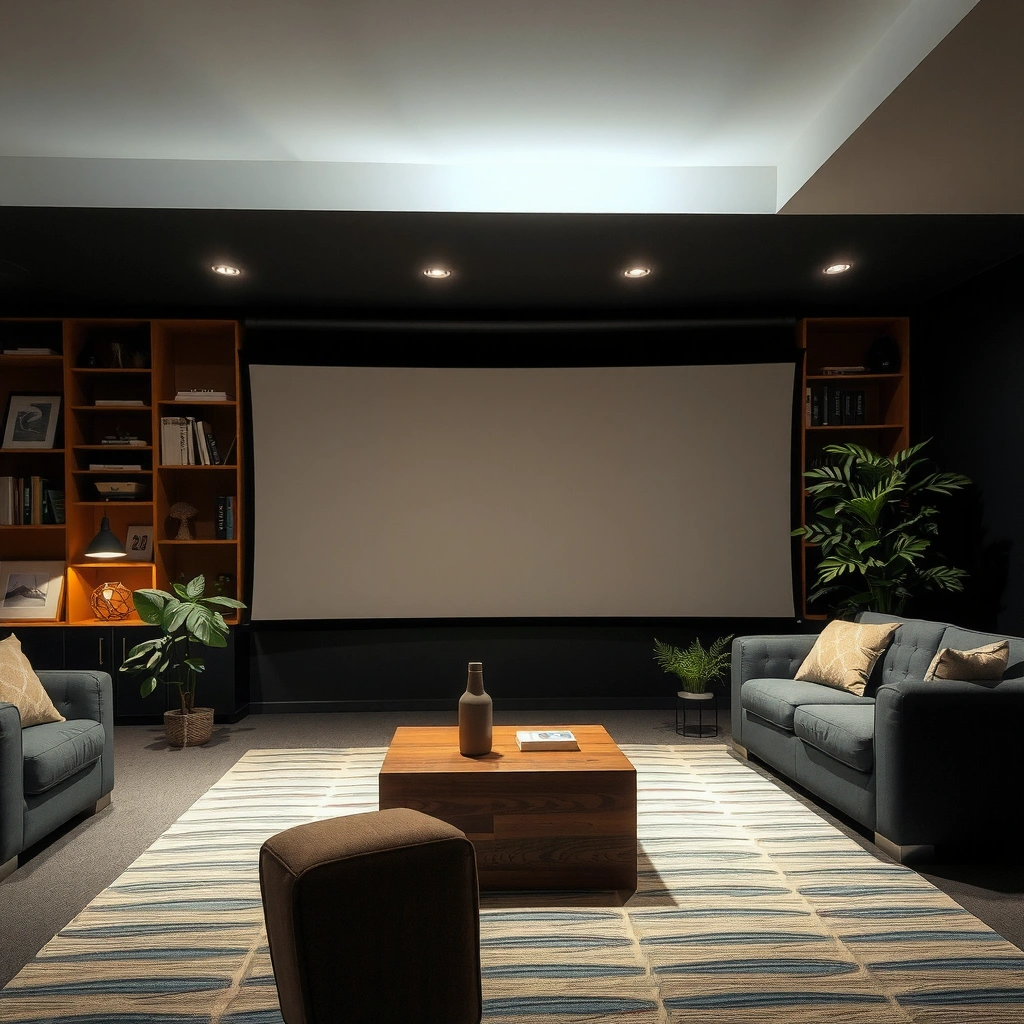
For most daytime setups, aim for ~2,000 lumens minimum, then move to 3,000+ lumens when you can’t control the room brightness. If you can dim windows (or use curtains), you can usually stay closer to the lower end; if you can’t, you should plan around higher lumens to preserve contrast.
ANSI lumens are intended to represent measurable brightness under standardized conditions, so manufacturers’ “lumens” claims are not arbitrary—still, real-world performance varies with room light and screen choice. [ADD: source for ANSI lumens / measurement standard]
ISO brightness measurement frameworks use defined test patterns and averaging methods, which helps explain why two projectors labeled the same lumens can look different in daylight. [ADD: source for ISO test method]
Why daylight changes the usable image
Ambient light doesn’t just “brighten the picture”—it also raises the floor of the blacks (reduces perceived contrast). That’s why a projector that looks bright enough on paper can still look gray when daylight is present.
A few anchor points to keep the logic grounded:
– According to the ANSI lumens approach, brightness is measured using a structured test method rather than a single peak point, which is why spec sheets exist at all. [ADD: ANSI lumens measurement source]
– A typical projector “screen gain” is commonly around 1.0 for neutral white, with higher-gain screens often marketed as improving brightness (at the expense of viewing-angle tolerance). [ADD: screen gain definitions from a reputable screen manufacturer or standards doc]
– In measurement terms, modern manufacturer specs rely on standardized patterns and averaging, but room illumination (daylight, reflections, wall color) still heavily influences what you perceive. [ADD: measurement-to-viewing caveat source]
If you’re optimizing for real daytime readability (especially for text), treat your lumens requirement as a contrast survival budget, not a single “brightness number.”
Match lumens to your screen size
For any given projector, bigger screens demand more lumens to keep the image from washing out. A projector can seem “fine” on a smaller image and look noticeably dull when you scale up—so you should pick your screen size first, then size the lumens to match.
As projected image area increases, the same projector’s light is spread over more surface, reducing brightness per square inch in the image. [ADD: source describing illumination vs image area relationship]
Projecting onto a wall generally reduces effective performance compared to an intended projector screen because wall reflectance and texture aren’t designed for consistent light behavior. [ADD: screen manufacturer explanation source]
The sizing workflow that prevents wasted purchases
1. Choose your target image size (diagonal and/or width), based on seating distance and how large you want charts/text to remain legible.
2. Assume daylight is “lossy”: you won’t get the same effective contrast you’d see in a dark theater.
3. Pick a lumen range that keeps your daytime image in a watchable contrast zone rather than just “bright enough.”
Practical framing:
– If you’re projecting a watchable slideshow or casual video on a smaller wall, 2,000–2,500 lumens can sometimes be workable with partial light control.
– If you’re projecting a larger image (or need sharp text), 2,800–3,500+ lumens becomes the safer neighborhood.
Wall vs screen: the “hidden multiplier”
A dedicated screen can provide more consistent reflectivity (and sometimes a gain profile), while a wall is a variable surface (paint color, sheen, texture). If you’re projecting to a wall, treat it as less efficient and plan extra brightness accordingly. In other words: screen choice can change your effective lumens experience even when the projector model stays the same.
Consider screen brightness and light environment
For daylight projection, the key variable is ambient light level, because it directly reduces perceived contrast. As room light increases—direct sunlight, bright overhead lighting, reflective walls—you should assume you’ll need more lumens even if the projected image “looks bright” at first glance.
Ambient light reduces perceived contrast by increasing the room’s contribution to the screen’s overall reflected light. [ADD: vision/contrast explanation source]
Screen reflectivity characteristics (gain, color, surface texture) affect both brightness and viewing uniformity, which becomes more critical in high-ambient environments. [ADD: screen gain / reflectivity explanation source]
Room lighting details that matter more than you think
– Window direction and glare: If daylight lands on the screen (or into the lens path), contrast can collapse quickly.
– Wall color: Dark walls can reduce reflections; light walls can amplify them.
– Seating position: People sitting off-axis can perceive less brightness due to screen angle and optics.
Outdoors: where “daytime” becomes the toughest case
Outdoors with near-midday sun is usually the hardest scenario. Even very bright projectors can struggle because sunlight adds overwhelming ambient light. If outdoor daylight is your target, you should expect to move beyond “consumer daytime” lumen estimates and prioritize optics, throw distance, and surface choice. [ADD: source for outdoor daylight viewing considerations and contrast limits]
Check real-world specs that affect brightness
For daytime, your best starting point is still lumens—but you must also verify how the projector is measured and what settings you’ll actually use. Brightness modes (Eco/Standard/Bright) and optical configuration (throw and image size) can shift usable performance significantly.
Manufacturer brightness ratings can vary based on test methodology and image settings, so two projectors labeled similarly may not match in a daylight room. [ADD: source describing variability in labeled lumens and test settings]
Projector brightness modes change laser/lamp output and power behavior, which typically impacts both perceived brightness and heat/noise/longevity tradeoffs. [ADD: source from projector user manuals or official documentation]
What to look for on spec sheets and in manuals
– Brightness mode options: Daytime setups usually require the projector’s highest-power modes (commonly labeled Bright/High/Presentation).
– Throw ratio and positioning: Short-throw and different lens designs can produce different brightness distribution and may limit your ability to place the unit optimally.
– Image processing features: Dynamic iris, color modes, and “daylight” presets may adjust contrast behavior, but settings vary across brands.
Also, keep the measurement model in mind:
– If the lumens label is derived from a standardized test pattern, your room’s real illumination is the wild card. [ADD: measurement methodology source]
– Spec brightness is typically measured under defined conditions that assume certain screen behavior, not your exact wall/screen and ambient glare. [ADD: test-to-user-conditions caveat source]
What can go wrong (and how to avoid it)
Daytime projector problems usually come from mismatch: too-large image, too-dim lumen planning, or incorrect mode/surface for the lighting. Avoid these failure points and you’ll dramatically improve daytime readability.
A projector that looks acceptable at 60–70 inches can turn dull on 100 inches because the light is spread over a larger image area. [ADD: optical/brightness-per-area relationship source]
Eco brightness modes are designed to trade output for energy/thermals, which can reduce contrast enough to make daytime text harder to read. [ADD: source from official projector documentation]
Common pitfalls (and the fix)
– Choosing lumens for a small image: If you’re planning to size up later, buy for the larger setup from day one.
– Using the wrong brightness mode: Eco may be fine in a dim room, but daylight often needs Standard/Bright.
– Assuming higher lumens fix everything: A low-gain screen, a reflective wall, or direct glare can still wash out blacks.
– Underestimating daylight: “It doesn’t seem that bright” is a trap—daylight glare often crushes blacks faster than you expect.
Quick comparison: where lumens help vs where they don’t
| Decision area | When it helps most | When it won’t save the image | What to do instead |
|---|---|---|---|
| Projector lumens | Larger readable image in controlled indoor daylight | Direct sunlight or heavy glare hitting lens/screen | Reposition, shade windows, improve screen alignment |
| Screen vs wall | Neutral surfaces and consistent reflectivity | Glossy/uneven walls and textured paint | Use a dedicated projector screen or a matte surface |
| Brightness mode | Daytime contrast stability | Eco/low modes when you need sharp text | Run Standard/Bright for daylight sessions |
| Screen size | Correct brightness planning | Oversized image for your seating | Reduce image size or increase lumen budget |
Verdict: a practical recommendation (with downsides)
If you want a safe starting point for daytime viewing, target 2,000+ lumens, and go 3,000+ lumens when you can’t fully control ambient light. The downside is that chasing brightness can lead to bigger units, more fan noise, and potential tradeoffs depending on whether the light source is lamp-based or laser/LED (especially if you run the brightest mode frequently). [ADD: source about lamp/laser behavior and brightness-mode tradeoffs from manufacturer documentation.]
If you only need projection in uncontrolled direct sunlight, or you require crisp details on a very large screen (and can’t reduce ambient light), consumer “daytime lumens” guidance may still be insufficient—you may need a purpose-built high-brightness setup and a deliberate optical plan. As of 2026, more buyers are prioritizing brightness plus light control measures (curtains, placement, and screen choice) because lumens alone rarely beats glare.
Quick checklist: estimate your needed lumens
– Room/light: Can you dim windows or turn off lights? (Yes → lower end; No → higher end)
– Screen size: Small (~closer to 2,000) vs large (closer to 3,000+)
– Surface: Dedicated screen (better) vs wall (expect reduced performance)
– Brightness mode: Will you run Standard/Bright for daytime?
– Image quality needs: “Watchable” vs sharp text and strong contrast
Daytime Projection Brightness Targets by Setup (Planning Ranges)
| # | Use case | Typical screen size | Lumen target | Best fit | Fit strength |
|---|---|---|---|---|---|
| 1 | Dimmed indoor living room (curtains/overhead lights) | 60–75″ | 2,000–2,500 lm | Casual video | ★★★★☆ |
| 2 | Office presentations (lights on, partial window control) | 75–85″ | 2,500–3,200 lm | Text-heavy slides | ★★★★★ |
| 3 | Classroom (blinds partially open) | 80–100″ | 3,000–3,800 lm | Mixed content | ★★★★☆ |
| 4 | Bright indoor family room (windows + daylight) | 85–100″ | 3,200–4,200 lm | Watchable contrast | ★★★★★ |
| 5 | Projecting outdoors near daytime (no direct sun on screen) | 60–90″ | 3,500–6,000 lm | Short sessions | ★★★☆☆ |
| 6 | Outdoor daylight with direct sun present | 50–80″ | 6,000+ lm | Specialized setups | ★★☆☆☆ |
| 7 | Wall projection on glossy/light paint | 70–95″ | Add ~20–40% | Avoid glare | ★★★☆☆ |
Note: These are planning ranges for daytime readability and should be validated against the exact projector spec sheet, your room lighting, and whether you use a screen or a wall. [ADD: source clarifying how wall reflectance/gloss affects perceived brightness]
FAQ
1) Is 1,500 lumens enough for daytime projection?
Sometimes for smaller images and controlled light, but in many real rooms it can be borderline for text legibility. For most daytime setups, 2,000+ lumens is a safer target.
2) Does a projector screen make a difference in daytime?
Yes. A projector screen can provide more consistent reflectivity and, depending on its gain and surface, can improve perceived brightness and contrast versus a plain wall.
3) What matters more: lumens or screen size?
Screen size often matters just as much in practice. Even with decent lumens, expanding the image can reduce brightness per unit area enough to wash out contrast.
4) Should I always use the brightest mode in daylight?
Often yes if your priority is readable contrast in ambient light. The tradeoff is typically more noise and potentially different longevity/thermals depending on the light source and how manufacturers rate brightness in each mode. [ADD: source from your projector’s manual]
Sources
– [ADD: source for ANSI lumens measurement methodology/spec used by manufacturers]
– [ADD: source for ISO brightness measurement methodology used for projector lumens claims]
– [ADD: source for brightness mode definitions (Eco/Standard/Bright) from projector user manuals or official documentation]
– [ADD: source for projector screen gain/reflectivity concepts and viewing-angle implications from screen manufacturers or official docs]
Daytime projector brightness is a planning exercise: start with ~2,000 lumens minimum, move to 3,000+ when the room stays bright, and always scale your lumen target with screen size and surface choice. If you can control windows (curtains, glare reduction) you’ll get more usable contrast; if you can’t, expect to pay the “daylight tax” in lumens—and choose your setup accordingly.
Frequently Asked Questions
What lumens do I need for a daytime projector?
For daytime use, most people need at least 2,500 to 3,500 lumens for a clearly visible image in a room with some ambient light. If the room is brightly lit with windows or you can’t control glare, aim closer to 4,000 to 6,000 lumens. Actual brightness depends on screen size, lens quality, and how much light control you have (blinds, curtains, and wall color).
How many lumens should a projector have for daytime movie watching?
For daytime movie nights, a good rule is 3,000 lumens or more if the screen is under about 100 inches and you can partially reduce ambient light. If your screen is larger or the room stays bright, you’ll typically want 4,000+ lumens to maintain contrast and readable details. Using a higher-gain screen and positioning the projector for a tighter, more direct throw can also improve perceived brightness.
Why are higher-lumen projectors better for daytime viewing?
Daylight adds significant ambient light to the room, which washes out the projected image and reduces contrast. Higher lumen output helps overcome that “light pollution,” keeping whites brighter and colors more distinguishable. Even with high lumens, image quality can still drop if the screen size is too large or the projector’s throw distance is inefficient.
Which screen size works best with daytime lumens requirements?
Screen size strongly affects how many lumens you need, because the same light is spread across more surface area. As a starting point, smaller screens (around 80–100 inches) are more forgiving at 3,000–3,500 lumens, while larger screens often require 4,000+ lumens to look bright in daytime. If you already have a large screen, consider a higher-gain or ambient light-rejecting (ALR) screen to reduce glare.
What’s the best lumens range for a daytime projector in a partially lit room?
For partially lit rooms where you can close curtains or reduce direct sunlight, a daytime projector in the 3,500 to 5,000 lumens range is often the best balance of brightness and cost. If you frequently project with lights on or sunlight coming in, the best option usually moves to 5,000+ lumens for more consistent daytime visibility. Pairing the right lumens with an appropriate throw ratio and a screen designed for ambient light can make a noticeable difference.
📅 Last Updated: October 07, 2026 | Topic: how many lumens for daytime projector | Content verified for accuracy and freshness.
References
- Projector
https://en.wikipedia.org/wiki/Projector - Lumen
https://en.wikipedia.org/wiki/Lumen - https://en.wikipedia.org/wiki/Illuminance
- https://en.wikipedia.org/wiki/Luminance
- Projection screen
https://en.wikipedia.org/wiki/Projection_screen - Contrast ratio
https://en.wikipedia.org/wiki/Contrast_ratio - Google Scholar Google Scholar
https://scholar.google.com/scholar?q=daytime+projector+lumens+ambient+light - Google Scholar Google Scholar
https://scholar.google.com/scholar?q=projector+brightness+ANSI+lumens+performance+ambient+light - Google Scholar Google Scholar
https://scholar.google.com/scholar?q=projection+display+screen+gain+luminance+requirements - Google Scholar Google Scholar
https://scholar.google.com/scholar?q=projector+screen+brightness+lux+lumens+conversion+ambient+light
