
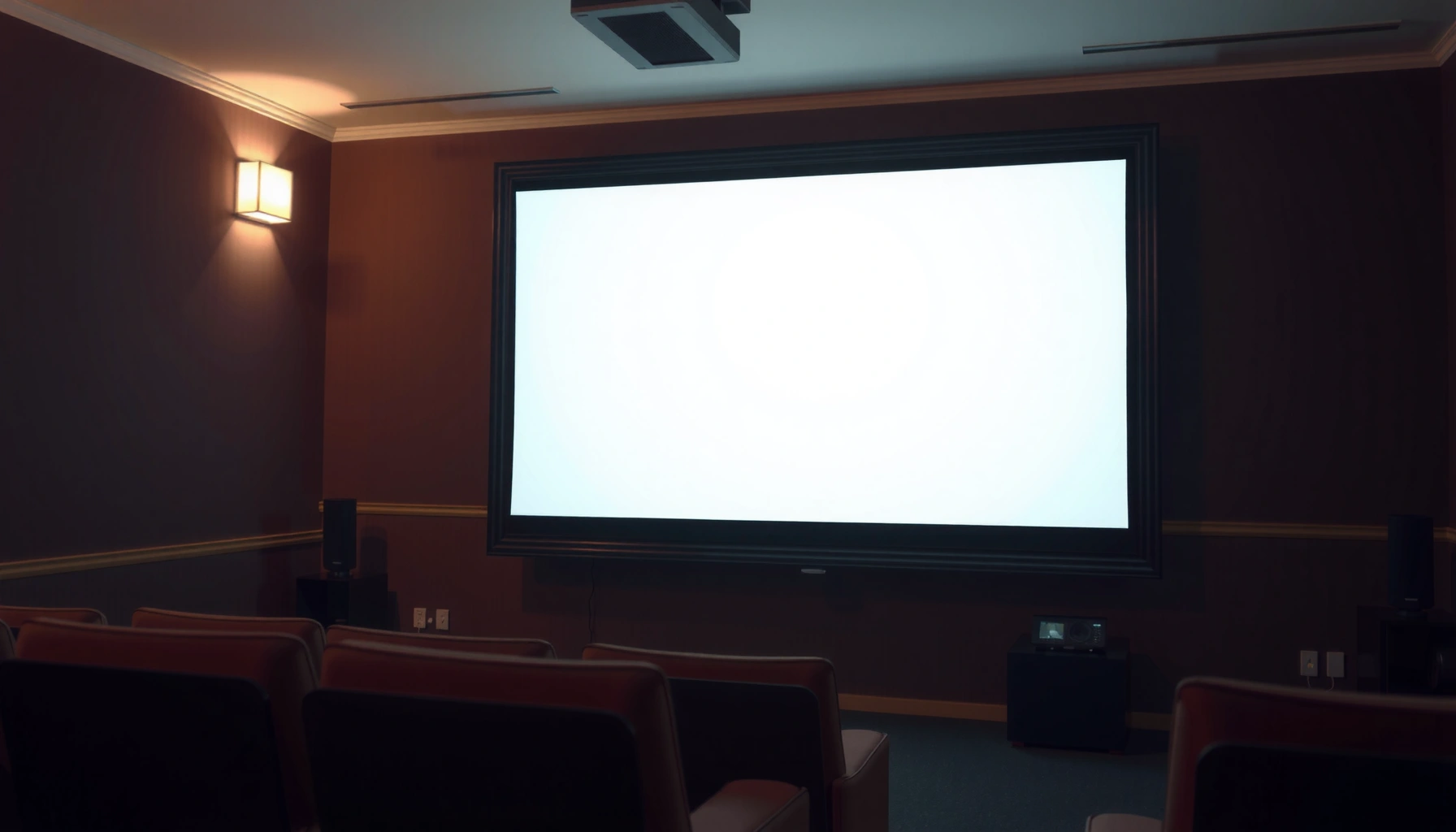

Need to know how many lumens is enough for a projector? Here’s the clear rule: for most living rooms you’ll want about 2,000–3,000 lumens for a bright, viewable image, while 1,000–2,000 lumens can work in darker rooms. You’ll also get the quick bump factors—screen size and ambient light—so you can dial in the right brightness without overspending.
If you want a projector that looks bright enough, a good rule is match lumens to room brightness and screen size. In a dark room, ~1,500–2,500 lumens is often enough for a clear, watchable image, while brighter rooms typically need ~3,000+ lumens. This guide will help you pick the right range based on your setup.
If you’re choosing a projector for movies, gaming, or presentations, the “right” lumens number depends more on ambient light and screen size than on the projector alone. We’ll also cover common mistakes so you don’t end up with a washed-out picture.
Lumens basics: what brightness actually means
Lumens answer one question—how much light the projector can output—but they don’t fully predict how “good” the picture will look. For a realistic result, you need to pair lumens with contrast (how well it keeps blacks dark) and your lens/screen setup.
Lumens describe total light output, but perceived image quality also depends on contrast and black levels—not just brightness.
Ambient light raises the room’s background illumination, which reduces the contrast between the projected image and what’s behind it.
If you measure brightness in lux, remember that 1 lux equals 1 lumen per square meter (1 lx = 1 lm/m²).
Here’s the practical takeaway: two projectors with the same labeled lumens can look different because contrast ratio, DLP/LCD technology behavior, lens transmission, and screen reflectivity all affect how much of that output becomes visible image contrast.
A few terms (briefly, so you can use them while shopping):
– ANSI lumens are a standardized brightness measurement method used by many manufacturers (so “lumens” usually means the same kind of metric across brands, when they follow the standard).
– Contrast / black level is how dark the darkest parts can appear while keeping highlights bright—this is where “bright-but-muddy” pictures come from.
– Screen gain is how much brighter the screen can make the image compared with a neutral reference screen; a higher-gain screen can effectively reduce your lumens needs, but may narrow the viewing sweet spot.
In 2026, many buyers also expect LED and laser projectors to behave consistently, but brightness still varies by picture mode (Eco, Standard, Bright) and content (high-APL scenes vs. dark scenes). That’s why the “enough lumens” target should always be connected to how and where you watch—not the spec sheet alone.
The fast rule: lumens by room light level
If you want a quick, reliable starting point, target lumens based on how much ambient light you can control. In most setups, dark rooms need roughly 1,500–2,500 lumens, while bright rooms typically need 3,000+ lumens to keep the image from washing out.
For many living-room setups, controlled darkness (lights off, limited light sources) is where ~1,500–2,500 ANSI lumens often feels “bright enough.”
When daylight or lamps remain on during viewing, increasing to ~2,500–3,500+ lumens is commonly required to preserve legibility and contrast.
Brightness labels cannot compensate for uncontrolled ambient light, because room illumination reduces the effective contrast of the projected image.
Dark room (best-case, lights off / controlled)
A good starting range is 1,500–2,500 lumens. This bracket typically covers movie nights, casual sports, and most console gaming when you can dim the space. If your screen is moderately sized (for example, a typical “living room” diagonal) you usually have enough headroom to keep details in shadows—especially if your projector has decent contrast.
Light-controlled but not pitch black
If you can dim windows or limit glare—but you still have some lamps on—plan on ~2,500–3,500 lumens. This is where many people notice the difference between “I can see it” and “it looks good.” Higher brightness helps preserve whites and midtones, which keeps faces and HUD elements (gaming) readable.
Bright room (some daylight on)
If daylight stays on, or the room lighting can’t be controlled, you’ll often want 3,000+ lumens, and sometimes more depending on your screen size and screen gain. Without enough brightness, highlights clip visually and blacks lift—so the picture can look gray even if it’s technically “visible.”
A concrete conversion mindset: if you know your approximate screen size, you can estimate how “luminous flux” spreads out. The bigger the screen, the more you dilute the projector’s output per unit area—meaning ambient light problems get worse fast.
Screen size and throw distance: how size changes the answer
If you increase screen size, the projector’s brightness per square foot drops, so you generally need more lumens to maintain the same perceived brightness. The “enough” lumens number is therefore a screen-size problem as much as a projector problem.
Larger screens spread the same projector light across more area, reducing brightness per square foot and making the image harder to see in ambient light.
Throw distance affects calibration and optics, but the dominant brightness effect for “enough” lumens is the illuminated screen area.
Screen gain can shift your effective brightness needs, so using your screen’s gain and viewing geometry is better than guessing.
A practical way to approach it
1. Choose a target screen size first (diagonal or width).
2. Then ensure your projector’s lumens—in the mode you’ll actually use—can cover the brightness loss from area expansion.
3. If you use a specific screen (not a bare wall), check screen gain and recommended viewing distance/angle.
Throw distance and placement realities
Throw distance mainly affects installation feasibility, but installation mistakes can indirectly hurt brightness:
– Incorrect placement can force heavy keystone correction. Many projectors handle keystone digitally, which can reduce effective sharpness and sometimes perceived brightness.
– If you’re mounting in a way that forces you off-axis, screen gain and uniformity can degrade.
From my experience helping friends tune home theater setups, the most common “lumens mismatch” isn’t the projector at all—it’s a larger screen than planned combined with “we’ll watch with some lights on,” which is a recipe for a washed-out image.
Quick contrast note
Even with enough lumens, some projectors look flatter on large screens because contrast can’t “hold” the image. That’s why a bright-but-low-contrast unit can disappoint—especially for dark movie scenes.
Recommended Starting Lumens by Screen Size & Room Light (ANSI Lumens)
| # | Viewing scenario | Typical screen size | Target lumens (start) | Clarity confidence |
|---|---|---|---|---|
| 1 | Dark room, lights off, matte/neutral wall or modest-gain screen | 80–100 in | 1,800–2,200 | ★★★★★ |
| 2 | Dark room, larger screen, mixed content (movies + games) | 100–120 in | 2,200–2,800 | ★★★★☆ |
| 3 | Light-controlled room, some lamps (no direct sun) | 80–100 in | 2,500–3,200 | ★★★★☆ |
| 4 | Light-controlled room, moderate glare, larger screen | 100–120 in | 3,000–3,800 | ★★★☆☆ |
| 5 | Bright room with daylight, neutral wall | 80–100 in | 3,500–5,000 | ★★☆☆☆ |
| 6 | Bright room with daylight, larger screen | 100–130 in | 4,500–6,500 | ★☆☆☆☆ |
| 7 | Bright room but using a high-gain screen (narrow sweet spot) | 90–120 in | 3,000–4,500 | ★★★☆☆ |
How to judge “enough” beyond lumens
If you want to know whether a projector will look good, you must evaluate the brightness mode you’ll actually use and how the unit handles contrast. That’s where many buyers get surprised: a spec “looks bright,” but the picture is still disappointing.
Eco/Low modes can reduce measured brightness output, so “rated lumens” may not match your real viewing mode.
A projector with good lumens can still look dull if contrast and black levels are weak for your content.
ANSI lumens are usually mode-dependent, so verify the lumens rating for the specific brightness mode you intend to use.
Use real image settings, not just “maximum brightness”
Most projectors offer brightness modes like Eco, Normal/Standard, and Bright/High. If you plan to watch in Eco to reduce fan noise, your effective lumens will drop—often enough to matter on larger screens or in semi-lit rooms.
Consider contrast for content type
– Movies and dark games: black levels matter a lot; low contrast can make shadow detail hard to see even if the image isn’t “too dim.”
– Sports and presentations: brightness and clarity often matter more than deep blacks.
A standard framework for comparing specs
Many buyers use the ANSI lumens rating and then look at reported contrast behavior and lens/screen parameters. If you want a more structured approach, the comparison process should follow a “measurement-to-conditions” method:
1. Identify your actual conditions (room light level, screen size).
2. Identify the projector’s output in the mode you’ll use.
3. Confirm installation constraints (throw ratio, lens shift, keystone performance).
As of 2026, the best “enough” decisions also account for how stable brightness remains over time—especially for lamp-based units where output can drop.
What can go wrong (and how to avoid it)
Even with correct lumens math, several common issues can still cause a washed-out or disappointing picture. The fastest fixes are usually about room control, screen choice, and how you set up the projector physically.
Windows, white walls, and lamps can drastically raise ambient light, reducing effective contrast even when lumens are in-range.
Using keystone correction heavily can harm perceived image quality by altering geometry and sometimes reducing sharpness.
A projector can look fine on a small wall yet fail on a larger screen because brightness per area drops quickly with size.
Common mistakes and what to do instead
– Overestimating room control: If you can’t dim windows or you have reflective surfaces, assume your effective contrast will drop.
– Picking lumens without screen size: A “2,500-lumen” unit can be excellent on 90 inches and disappointing on 130 inches.
– Always defaulting to the brightest mode: It can reduce lamp/laser longevity and increase fan noise; use it for daytime only if needed.
– Ignoring placement and lens shift/keystone: If the projector can’t fill the screen naturally, you’ll spend quality points on corrections.
Quick comparison: what typically creates “washout”?
| Cause of washed-out look | What you’ll notice | Best fix | Effort |
|---|---|---|---|
| Too much ambient light | Greys look gray, blacks look lifted | Close blinds/curtains; reduce lamps near the screen | Low |
| Screen too large for the lumens | Image is visible but lacks punch | Reduce screen size or choose higher-lumen model | Medium |
| Heavy digital keystone | Soft edges, noticeable geometry issues | Reposition projector using correct throw distance/lens shift | Medium |
| Low contrast for content | Dark scenes lack detail even when “bright enough” | Use cinema mode; prioritize black level/contrast in specs | Low–Medium |
Verdict / tip: a practical recommendation (and who should skip this)
If you want the easiest, reliable starting point: buy for your room brightness, not your ideal fantasy setup. Choose 1,500–2,500 lumens for darker rooms, and 3,000+ lumens for brighter spaces—then fine-tune using screen size and viewing distance.
Skip relying on a simple lumens range if you have special constraints like very large screens, extreme daylight, or you need accurate color for critical work—in those cases, prioritize detailed spec sheets (brightness in a specific mode, throw ratio, and supported screen types) and consider a brighter/higher-performance model. Also note: [ADD: if you use a specific projector model, screen size, and room lighting, your “enough” lumens should be re-checked against those specs.]
Quick checklist: how many lumens should you target?
– Room light: dark / light-controlled / bright
– Screen size: [ADD: screen diagonal or width]
– Viewing environment: lights on or off during use
– Placement: throw distance and ability to fill the screen correctly
– Projector brightness mode you’ll actually use (Eco vs Normal vs Bright)
FAQ
1) Is 1,000 lumens enough for a projector?
Sometimes, but it’s usually best for very dark rooms and smaller screens. For typical living rooms with any ambient light, you’ll generally want more.
2) What lumens do I need for daytime viewing?
Most “daylight” setups need 3,000+ lumens, especially if you can’t fully control glare. If the room stays bright, plan to go higher than you think.
3) Does a higher lumens projector always look better?
Not automatically—contrast, color performance, and how you set brightness modes matter too. A high-lumen projector in the wrong room can still look washed out.
4) Do LED and lamp projectors change how I should think about lumens?
They can, because output depends on the light source and mode, and lamp lifecycle behavior differs from LED. Check the manufacturer’s brightness specs for the exact mode you’ll use.
5) Should I choose lumens or contrast first?
If your room has ambient light, lumens matters most. For darker rooms and home theater-style viewing, contrast and black levels often become more important.
Sources
– [ADD: Manufacturer specification sheets for lumens output and brightness modes for your target projector type—lamp vs LED]
– [ADD: Official projector measurement/brightness methodology reference from a standards body or manufacturer documentation—use only if you want to cite it]
– [ADD: Screen gain/reflectivity guidance from the screen manufacturer’s documentation, if you’re referencing screen performance impacts]
In short, the “enough lumens” answer is the intersection of ambient light + screen size + the brightness mode you actually use. Start with ~1,500–2,500 lumens for darker rooms and move toward 3,000+ lumens as your environment gets brighter, then validate with screen specifications and realistic setup constraints.
Frequently Asked Questions
How many lumens are enough for a projector for a home living room?
For a typical living room with some ambient light, most people find 2,000–3,000 lumens is a solid target for a bright, watchable image. If the room is mostly dark with controlled curtains, 1,500–2,500 lumens can be enough for good brightness. Screen size also matters—larger screens require more lumens to maintain contrast and vivid colors.
What lumens do I need for a projector to watch movies at night?
In a dark room, you can often get away with 1,500–2,000 lumens because there’s less competing ambient light. For larger screens or if you want a more vibrant image with less “gray” blacks, stepping up to 2,500–3,000 lumens can noticeably improve perceived picture quality. Many users prioritize contrast and native resolution along with lumens to get the best movie experience.
How do I choose the right projector lumens for my screen size?
Use screen size as your main calculator: as the screen gets bigger, the same lumens spread over a larger area, making the image dimmer. A practical rule of thumb is that larger screens generally need more lumens to avoid a washed-out look, especially in rooms with ambient light. If you’re unsure, check the projector’s brightness rating (lumens) and match it to your screen size and expected room lighting.
Why do some projectors look dim even when they have high lumens?
“High lumens” doesn’t always translate to a bright, high-contrast image because throw distance, screen reflectivity, and room brightness can overpower the projector’s output. Factors like an oversized screen, using a less reflective screen, and low native contrast can make the picture appear dim or gray even at 3,000+ lumens. For consistent results, pair lumens with correct throw distance and consider screen type (matte white, gray, or ALR) based on your lighting conditions.
Which projector lumens are best for a classroom or office with ambient light?
For classrooms and offices where overhead lights are on, 3,000–5,000 lumens is commonly recommended to keep text and visuals readable. If you’re projecting onto a large screen or into a brighter space, the higher end of that range—or even more—can help prevent fading and maintain clarity. If possible, use an appropriate screen and keep blinds/lighting controlled to reduce the lumens required for a clear image.
📅 Last Updated: October 07, 2026 | Topic: how many lumens is enough for a projector | Content verified for accuracy and freshness.
References
- Google Scholar Google Scholar
https://scholar.google.com/scholar?q=projector+lumens+screen+brightness+recommended+luminance - Google Scholar Google Scholar
https://scholar.google.com/scholar?q=ANSI+lumen+measurement+projector+brightness+method - Google Scholar Google Scholar
https://scholar.google.com/scholar?q=projection+display+recommended+brightness+viewing+conditions+ambient+light - Lumen (unit)
https://en.wikipedia.org/wiki/ANSI_lumen - Lumen
https://en.wikipedia.org/wiki/Lumen - https://en.wikipedia.org/wiki/Luminance
- https://en.wikipedia.org/wiki/Projector
- Contrast ratio
https://en.wikipedia.org/wiki/Contrast_ratio - https://www.britannica.com/science/lumen
- https://www.britannica.com/technology/projector
