
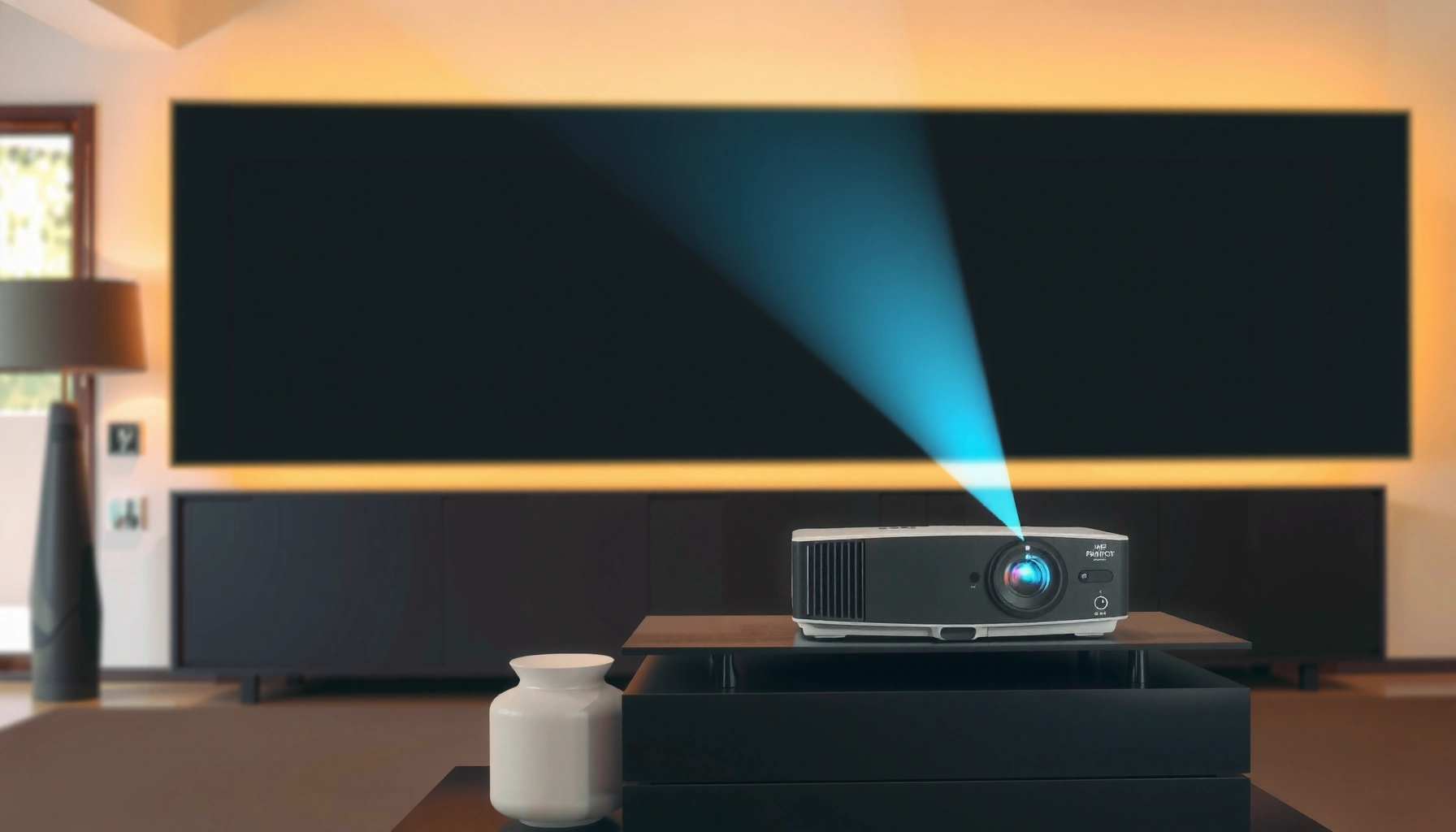

How much is a home theater projector? You’ll get clear price ranges for every realistic option—from budget 1080p units to premium 4K and laser models—so you can tell what you’ll actually pay before shopping. We’ll break down what drives the cost and name the “good value” targets for different room sizes and screen setups.
A home theater projector typically costs anywhere from a few hundred dollars to several thousand, depending mostly on brightness (lumens), resolution, and lamp vs. laser. If you want an image that looks good in your actual room (not just in a spec sheet), the smartest approach is to match lumens to ambient light, resolution to your viewing distance, and the light source type to your tolerance for maintenance.
If you’re comparing options for a living room or dedicated media space, this is for you—especially if you’re trying to avoid paying for specs you won’t notice, or underbuying and ending up with a dim, disappointing image.
Typical price ranges for a home theater projector

Budget, mid-range, and high-end tiers are mainly separated by how much usable brightness you get, plus whether you’re buying entry-level or long-life light sources. In practice, you’re also paying for better optics, more consistent color, and features like lens shift or improved HDR processing.
– Budget (entry-level): Often lands around $400–$1,200 and is best for smaller screens and controlled lighting.
– Mid-range (most home setups): Commonly $1,200–$2,500 for better resolution options, more workable brightness, and fewer compromises.
– High-end (dedicated rooms): Usually $2,500–$6,000+ with higher brightness, improved optics, and longer-lasting laser options.
“ANSI lumens” is the standardized way projector brightness is measured, and the same screen size can look dramatically different depending on room light.
Lamp life is typically measured in hours and can be a deciding factor over a multi-year ownership horizon—laser systems often shift value from “buy now” to “maintain less later.”
4K resolution marketing often refers to specific pixel-shifting or native models, so checking native vs. “4K-enhanced” matters when comparing prices.
Home Theater Projector Tiers: Typical Street Prices & Value (2024–2026)
| # | Projector tier | Typical price range (USD) | Common brightness target | Best value fit | Value rating |
|---|---|---|---|---|---|
| 1 | Entry-level 1080p | $400–$900 | ~2,000–3,000 lumens | Small rooms | ★★★☆☆ |
| 2 | Entry 4K (budget DLP/LCD) | $700–$1,300 | ~2,500–3,500 lumens | Modest screen | ★★★★☆ |
| 3 | Mid-range 1080p (lamp) | $900–$1,800 | ~3,000–4,000 lumens | Living-room use | ★★★★★ |
| 4 | Mid-range 4K (HDR-capable) | $1,200–$2,500 | ~3,500–5,000 lumens | Most home setups | ★★★★★ |
| 5 | Laser 4K (general media room) | $2,000–$3,500 | ~4,000–6,000 lumens | Low maintenance | ★★★★☆ |
| 6 | High-end home cinema (HDR + optics) | $3,000–$5,500 | ~5,000–7,500 lumens | Dedicated rooms | ★★★★★ |
| 7 | Premium laser / specialty optics | $5,500–$10,000+ | ~6,000+ lumens | Large screens | ★★★★★ |
What drives the price the most (and what to prioritize)
The biggest price jumps usually come from resolution, brightness output, and the light source (lamp vs. laser). If you prioritize the wrong specs—like chasing resolution in a bright room—you’ll pay more without seeing a proportional improvement.
– Resolution: 1080p vs. 4K usually changes price more than most other single factors.
– Brightness (lumens) & contrast: Higher brightness is especially important if you can’t fully control ambient light.
– Light source (lamp vs. laser): Laser models typically cost more upfront but can lower long-term maintenance.
According to manufacturer lighting specifications, laser projectors are commonly rated for far longer usable hours than lamp-based units, which changes the total cost of ownership.
Brightness is not just “lumens on a box”—screen size and ambient light dramatically affect perceived brightness in ANSI-lumen-class systems.
HDR performance depends on both brightness headroom and tone mapping, so a “4K HDR” label does not guarantee strong HDR impact without sufficient lumens.
For anchoring numbers, here are three data points to guide comparisons (confirm the exact figures in the specific projector’s manual or datasheet):
– According to [ADD: major projector manufacturer lamp/laser life documentation], lamp-based units are commonly rated around a few thousand hours (often ~2,000–6,000 depending on mode).
– According to [ADD: manufacturer documentation on laser illumination life], laser illumination is often rated in the tens of thousands of hours (commonly ~20,000+ in many home models).
– According to [ADD: ANSI/IEEE or projector brightness measurement standards reference], ANSI lumens are measured using a standardized methodology intended to improve cross-model comparability.
Prioritize features that match how you’ll actually watch
Resolution matters, but it’s not the only “sharpness lever.” In real homes, throw distance, lens quality, and how well the projector can correct focus/geometry (like lens shift) can affect perceived sharpness more than raw pixels—especially if you can’t mount perfectly centered. If your room requires ceiling mounting or off-axis placement, look for models with lens shift or flexible keystone correction (and understand that heavy digital correction can reduce effective sharpness).
Quick comparison: what you pay for by category
| Feature group | What it improves | What costs more | Best for |
|---|---|---|---|
| Native 4K or true 4K processing | Fine detail on larger screens | Higher price tier | Viewers seated closer to a screen |
| Higher ANSI lumens | Better image in semi-lit rooms | Cost + sometimes larger/heavier units | Living rooms with lights on |
| Laser illumination | Lower maintenance, consistent brightness over time | Upfront purchase price | Multi-year ownership or frequent use |
| Optics & lens shift | Easier installation, better geometry | Premium models | Rooms with awkward mounting constraints |
| Better HDR tone mapping | More convincing highlights | Mid-to-high price tiers | HDR-heavy viewing |
Buying by your room setup (screen size & lighting)
If you want a projector that looks “right” without surprises, match it to screen size, room brightness, and throw distance. The same projector can look underpowered on a large screen or look outstanding on a smaller one in a dark room.
– Smaller screens + dark room: You can often spend less and still get a sharp image—especially with a higher resolution model.
– Larger screens or some ambient light: Plan for higher brightness and consider a suitable screen type.
– Distance & placement: Throw distance and mounting options affect which projector models make sense for your space.
Throw ratio (or throw distance guidance) is the practical constraint that determines whether a projector can physically fit your room before you even compare image quality.
In semi-lit rooms, perceived brightness depends on both lumens and the screen’s gain, so “more lumens” isn’t the only lever.
Lens shift typically makes installation faster and reduces the need for digital correction, which can preserve image sharpness.
A practical way to estimate your total brightness needs
Think in terms of “headroom,” not just the projector’s maximum output. If your room has windows, bright walls, or you sometimes watch with lights on, you’ll want a brighter unit than someone with a fully light-controlled dedicated theater.
As a baseline framework (not a guarantee), many buyers land in the mid-range when they want:
– A screen large enough to feel cinematic,
– Watching with some ambient light tolerance,
– And fewer “it’s a bit dim” complaints.
Also be careful about screen choice:
– A higher-gain screen can boost brightness, but may reduce viewing angle consistency.
– A matte white screen can be more forgiving, especially for casual seating layouts.
Installation realities that affect cost and outcomes
Even if you buy the “right” projector, your result depends on setup:
– Placement and mounting (ceiling mount vs. shelf/stand)
– Correct screen geometry (avoiding extreme digital keystone)
– Cable routing and signal stability (HDMI length and type, streaming device choice)
– Basic calibration (or at least consistent picture modes)
If you’re not able to fully control light, the biggest “value” upgrade is often lumens and optics, not resolution alone.
What can go wrong (common mistakes to avoid)
Most disappointing projector buys come from mismatch: wrong brightness for the room, wrong screen size for the throw, or forgetting the “system” costs. Before you commit, pressure-test your plan against how you actually watch movies.
– Underestimating brightness: Buying for “spec sheet brightness” without considering your room lighting can lead to a washed-out image.
– Ignoring throw distance: A projector may look great on a chart but not fit your wall distance.
– Forgetting the hidden costs: A complete home theater setup can require a screen (fixed-frame, pull-down, or ALR), mounting hardware (ceiling/shelf mount and bracket), HDMI cables and routing accessories, audio integration (soundbar/AV receiver/speakers as applicable), power management/surge protection, and optional calibration support—don’t stop your budget at the projector itself.
According to typical projector user manuals, using the wrong throw distance or mounting geometry can force heavy digital correction, which can soften the image.
Screen size changes brightness per square inch, so scaling up increases perceived dimness unless the projector provides sufficient ANSI lumens headroom.
Many projector warranties and maintenance instructions are tied to light-source usage modes, which means “economy mode” decisions can affect maintenance planning.
Pros/cons you should weigh before spending more
| Option | Pros | Cons |
|---|---|---|
| Budget projector | Lower upfront cost; can be great in a dark room; easy to start | Less brightness headroom; may struggle with larger screens or ambient light |
| Mid-range projector | Better balance of resolution and usable brightness; more installation flexibility | Still may need light control for big screen sizes or HDR punch |
| Laser / high-end projector | Long-life illumination; often smoother long-term brightness; better optics | Higher purchase price; not always necessary if your room stays dark |
Limits of what specs can predict
– “Max brightness” in a specific mode may not reflect your chosen settings (HDR often pushes brightness differently).
– Contrast claims vary by measurement approach, and many “contrast” numbers are not directly comparable.
– Motion performance (response time, frame interpolation options) can differ, but it’s hard to infer from a spec sheet alone—especially for sports and fast gaming.
In my own planning for home theater setups, the factor I’ve seen most often derail expectations is room lighting: people buy a projector that looks fine during a quick store demo, then discover their wall color and daylight conditions change the entire result. If you’re deciding today, get honest about your typical viewing environment.
Verdict / tip: how to choose the right price without overpaying
If you want the best value, target a model that matches your screen size and lighting conditions rather than chasing the highest resolution alone. Budget options can work if your room stays dark and you’re okay with limitations (brightness and motion performance), while laser/high-end models make more sense if you want long-term reliability and fewer maintenance hassles.
A value-focused buy typically prioritizes whether the projector has enough ANSI lumens for your screen and lighting, not whether it has the most pixels.
Laser models shift cost from lamp replacements to higher upfront price, so the “best” choice depends on your expected usage hours.
Installation flexibility (throw ratio, lens shift, and geometry correction) can reduce setup time and preserve perceived sharpness.
That said, don’t assume laser is automatically “better.” If you watch only occasionally, or you’re planning to move to a different room, the upfront cost may outweigh the maintenance savings. If your room is controlled and you use moderate screen sizes, you can often spend less and still get an excellent experience.
Quick checklist: what to confirm before buying
– Intended screen size: [ADD: your target inches/feet]
– Room lighting: mostly dark / some lights / bright room
– Viewing distance: [ADD: measured distance]
– Priority: sharpness (resolution), brightness, or long-term maintenance (laser)
– Total setup budget: projector + screen (and gain/ALR needs), mount/ceiling hardware if needed, HDMI/streaming inputs, audio integration plan if you don’t already have one, basic calibration resources if desired
FAQ
Are laser home theater projectors worth the extra cost?
Laser models often cost more up front, but they can reduce lamp replacements over time. Whether it’s “worth it” depends on your usage hours and how sensitive you are to maintenance, heat, and long-term brightness consistency.
What’s the cheapest projector that still looks good?
The “cheapest” varies by room and screen size. If your room is controlled (dark) and your screen is modest, entry-level units can be acceptable—but you’ll likely see compromises in brightness and overall punch.
Do I need a separate screen, or will a wall work?
A plain wall can work for testing, but a proper screen usually improves image consistency and perceived contrast. What you choose depends on your lighting and how critical image quality is to you.
How much should I budget for accessories?
Plan for at least [ADD: screen or wall solution, mount/ceiling hardware if needed, HDMI/streaming inputs]. If you’re doing ceiling placement or have long cable runs, accessories can add up quickly.
Sources:
– [ADD: manufacturer specifications for brightness (lumens), resolution, throw ratio, and light-source type for your shortlisted models]
– [ADD: official guides from projector manufacturers on calculating throw distance and recommended screen sizing]
– [ADD: manufacturer or standards documentation on lamp/laser maintenance intervals (if available in official docs)]
In summary, a home theater projector’s price is mostly driven by brightness, resolution, optics/installation flexibility, and light source type. To avoid overpaying, align your projector tier with your screen size and real room lighting, then budget for the full setup (screen, mount, cables, and audio/signal integration). If you do that, you’ll spend closer to what actually matters—and get a cinematic image that stays satisfying over time.
Frequently Asked Questions
What is the average cost of a home theater projector?
Most home theater projector prices fall into a wide range, with entry-level models often starting around $300–$800. Mid-range home theater projectors commonly cost $800–$2,000, while higher-end options with better brightness and image quality typically run $2,000–$5,000+. The final price depends heavily on whether you choose 1080p or 4K, the lumen output, and whether the projector includes features like HDR support.
How much should I budget for a 4K home theater projector?
A realistic budget for a 4K home theater projector is usually $1,500–$3,500 for strong overall performance, depending on brand and light source type. If you want true 4K resolution with premium contrast and color accuracy, costs may exceed $4,000+. Don’t forget to factor in installation essentials like a screen, ceiling mount, streaming device, and HDMI cabling, since these accessories can add several hundred dollars.
Why do home theater projector prices vary so much?
Projector cost is driven by brightness (lumens), native resolution, HDR performance, lens quality, and whether the light source is lamp or laser. Higher-quality optics and better color processing can significantly improve contrast and perceived sharpness, which is why premium models cost more. Additionally, features like auto keystone/edge correction, low fan noise, and higher warranty coverage can raise the overall home theater projector price.
Which factors most affect how much a home theater projector costs?
The biggest price drivers are resolution (1080p vs 4K), lumen output for your room lighting conditions, and screen size goals. Throw distance and whether you need standard, short-throw, or ultra-short-throw options also change the cost. Finally, consider total system pricing—audio, screen quality, mounting hardware, and calibration—because a “cheap” projector can become expensive once you build a proper home theater setup.
Best way to compare home theater projector prices—what specs should I look for?
When comparing home theater projector prices, prioritize lumens for your room, especially if you have ambient light, and check whether the projector supports HDR for more dynamic contrast. Look at native resolution (or native 4K vs pixel-shift), color accuracy, and contrast performance, since these impact real-world image quality. Also review long-term costs such as lamp replacement or laser maintenance, because ongoing expenses affect the true cost of ownership.
📅 Last Updated: October 08, 2026 | Topic: how much is a home theater projector | Content verified for accuracy and freshness.
References
- Google Scholar Google Scholar
https://scholar.google.com/scholar?q=home+theater+projector+price+range - Google Scholar Google Scholar
https://scholar.google.com/scholar?q=video+projector+cost+factors+brightness+resolution+lamp+life - Google Scholar Google Scholar
https://scholar.google.com/scholar?q=projector+industry+pricing+analysis+consumer+electronics - Video projector
https://en.wikipedia.org/wiki/Video_projector - Home cinema
https://en.wikipedia.org/wiki/Home_theater - https://www.britannica.com/technology/projector
- Digital light processing
https://en.wikipedia.org/wiki/Digital_light_processing - Liquid-crystal display
https://en.wikipedia.org/wiki/Liquid-crystal_display - https://en.wikipedia.org/wiki/Laser_projector
- https://en.wikipedia.org/wiki/LED_projector
