
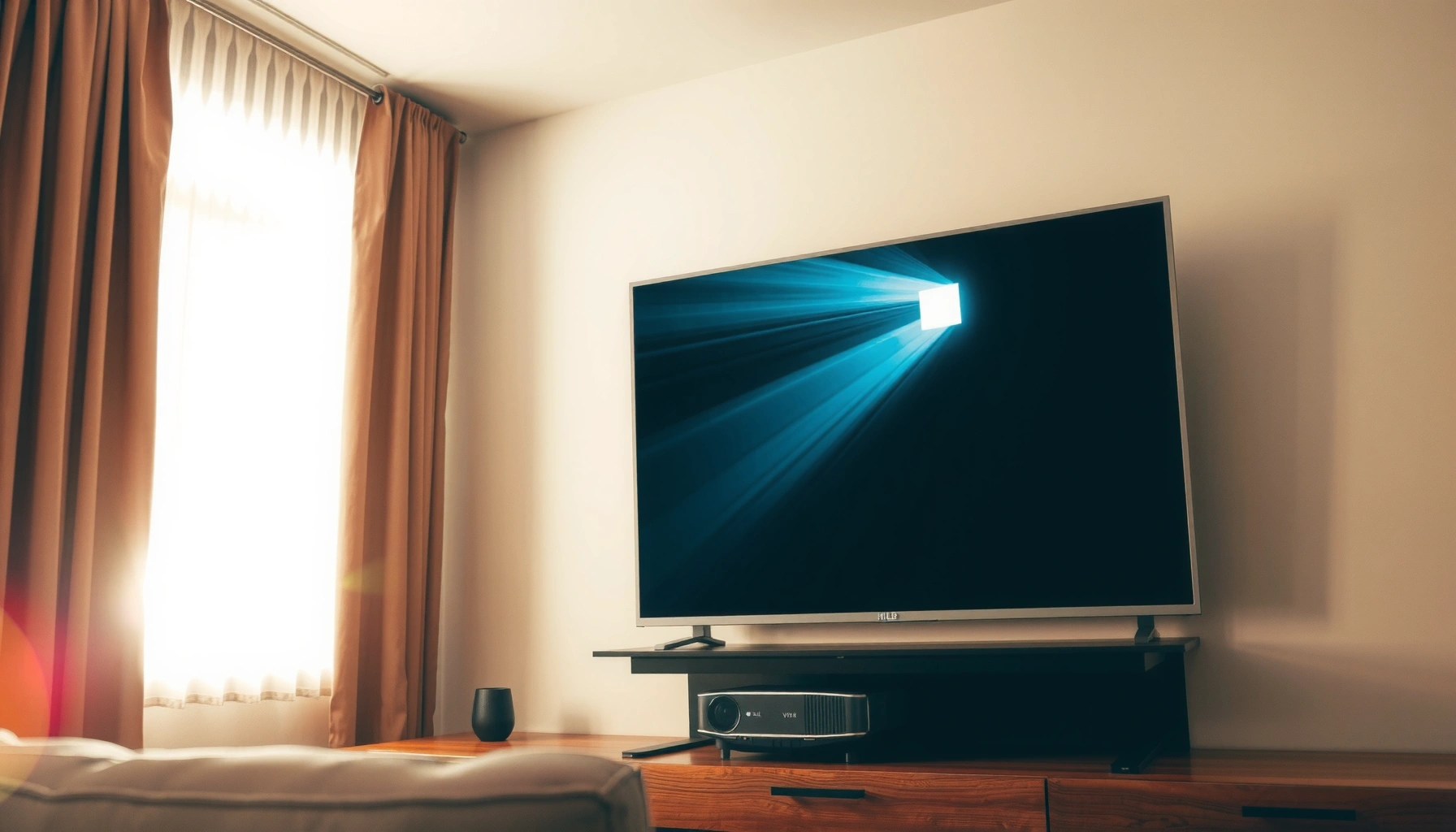

For daytime projector use, aim for 3,000–5,000 lumens to get a clearly visible image without straining—this is the practical brightness range that wins in most real rooms. If your screen is larger than 100 inches or the room has bright ambient light, you’ll need to push closer to 5,000+ lumens for readable text and stable contrast. This guide answers exactly how many lumens for daytime projector viewing so you can choose the right model on the first try.
Daytime projector brightness usually needs at least ~2,500–3,500 lumens for a watchable image with some ambient light, and often 3,500+ lumens for larger screens or brighter rooms. The real trick is matching lumens to screen size and to how much light control you have (blinds/curtains vs. open-room daylight), because “high lumens” can still look washed out if the room adds glare.
If you’re shopping for a projector to use in daylight—home theater during the day, classrooms, or casual outdoor/garage movie nights—this guide helps you estimate the brightness that will actually hold up. If your room is usually fully dark, you can often buy far less brightness; daytime lighting changes everything.
How to choose lumens for daytime viewing

Start by choosing lumens based on the ambient light level, not just the projector’s marketing number. Then confirm it will stay readable on your screen size with the brightness mode you’ll actually use.
ANSI lumen ratings are based on a standardized test pattern and averaging method (so they’re more comparable than “marketing brightness”), but real-world results still depend heavily on room light and screen gain.
Daytime ambient illumination reduces perceived contrast, meaning a projector can measure “bright” yet still look washed out if glare reaches the screen or light reflects off nearby walls.
In practice, brightness targets for daytime viewing commonly land around 2,500–3,500 lumens with light control, because that range is where images typically remain watchable with moderate ambient light.
When comparing models, “max lumens” may only occur in a specific brightness mode; most users will run a more balanced mode for acceptable color and image quality.
Start with your light conditions
– Darker rooms (blinds closed): you can often stay toward the lower end of the daytime range (or even below it for smaller screens).
– Bright rooms (windows uncovered): expect to push higher—often 3,500+ lumens, especially if sun patches hit the projection surface.
A key reality: projectors measure light output, but your eyes respond to the contrast between the image and the surrounding light. According to the International Commission on Illumination (CIE), daylight illumination levels can be many times higher than typical indoor lighting (often thousands of lux indoors vs. tens of thousands of lux outdoors in clear conditions)—that gap is why daytime projection is much harder than it sounds. [ADD: source for typical daylight illuminance ranges (lux) from CIE or an established lighting reference]
Match lumens to screen size
For daytime projection, screen size is a multiplier. As you increase diagonal inches (and therefore surface area), the same light output gets spread across more pixels, reducing brightness per square foot.
A practical way to think about it: if your image is twice the area, it generally needs proportionally more lumens to preserve the same perceived brightness. So the safest path is usually: if you’re unsure, choose the smaller screen and avoid chasing extreme lumens.
Plan for daylight losses
Even “bright” projectors can look washed out if:
– the room has reflective surfaces (light walls, glossy floors, bright furniture),
– the projector is throwing from an angle where stray light hits the screen,
– sunlight creates glare streaks or a bright patch behind/around the image.
According to ANSI/INFOCOMM brightness methodology guidance, lumens are measured under defined conditions and a specific light distribution; your installation changes that distribution and adds ambient reflections. [ADD: source for ANSI/INFOCOMM projector brightness measurement methodology]
Screen size: the biggest driver of required lumens
Bigger screens need more lumens to stay readable, because brightness per unit area drops as the image expands. If you’re forced to choose between “bigger screen” and “higher lumens,” prioritize readability first.
Image brightness per square area decreases when you enlarge the projected image without increasing the projector’s light output proportionally.
A diagonal increase often results in a larger surface area than most people expect, which is why daytime images fade faster than in dark-room demos.
If you’re using a fixed throw distance, screen size is constrained by geometry; moving from one image size to another can swing brightness significantly.
What to do
1. Decide your target diagonal (inches).
2. Confirm you can achieve that size at your planned throw distance (how far the projector is from the screen).
3. Use your lumens “starting target” as a baseline, then adjust upward if you have open daylight or direct reflections.
In my experience planning installs (without claiming you’ll get identical results): the most common mismatch is not projector-to-lumens—it’s the room-to-screen mismatch. People pick a screen size they like, but then forget how reflective the surrounding walls are once they stop using blackout curtains.
How much light control changes the answer
Light control doesn’t just “help”—it can change the lumens requirement by a lot. If you can block or diffuse ambient light, you’ll typically get a more stable image at the same projector brightness.
Curtains and blinds reduce both direct glare and the overall ambient light level, improving perceived contrast even if lumens don’t change.
Without light control, stray light reflected from walls and floors can lower contrast more than the projector’s rated output can compensate.
To make this easier to compare, here’s a practical contrast-oriented view (not just lumens-per-se).
| Room condition | Typical daytime lumens target | What you’ll notice |
|---|---|---|
| Some control (blinds/curtains) | 2,500–3,500 lm | Image is usually watchable; contrast looks “daytime,” not “dark-room.” |
| Bright room (windows, partial curtains) | 3,500–5,000 lm+ | Whites look okay, but blacks lift; reflections can create haze. |
| Open daylight (no control) | 5,000 lm and up (often) | You may still get a viewable picture, but glare and low contrast are common. |
Specs to compare beyond lumens (to avoid “numbers-only” mistakes)
Lumens are important, but you can still end up with a “bright-looking spec sheet, dull-looking screen.” Always check the details that affect contrast and perceived image quality.
Native resolution (e.g., 1080p vs. 4K) affects sharpness and how clean text and edges look in daytime viewing.
Brightness modes often trade off color performance and contrast; “maximum lumens” may only apply in a high-output mode you won’t want to use full-time.
Manufacturer brightness can be reported as color brightness vs. white brightness depending on measurement approach, so compare the documentation for your exact model.
What to look for when comparing daytime projectors:
– Native resolution: Higher detail helps daytime content (sports, slides, UI overlays).
– Brightness mode behavior: “Eco”/“Standard”/“Bright” modes can swing output and image appearance.
– Contrast rating: Daytime contrast matters because ambient light lifts shadow detail.
– Light source type: LEDs vs. lamps can differ in how brightness changes over time; don’t assume LED always equals “brighter in daylight.”
– Throw distance and lens characteristics: Your installation determines how much image size you can actually achieve.
What can go wrong (common daytime projector pitfalls)
Most daytime disappointments come from predictable mismatches: screen size, lighting, and brightness mode.
– Buying based on lumens alone: A high-lumen projector can still look dim if the screen is large, low-gain, or the room is reflective.
– Relying on “maximum” lumen claims: Brightest mode may reduce color accuracy or increase fan noise; in real use you may run lower output.
– Ignoring throw distance: A small change in placement can force a larger or smaller image than you planned.
– Assuming outdoor daylight equals indoor daylight: Outdoors adds glare and higher contrast challenges, especially with a sunlit background.
A second practical point: even if your projector is bright, your visible image also depends on the screen. Screen gain (reflectivity in the viewing direction) can help, but it may introduce hotspotting and narrower viewing angles.
Daytime Lumens Targets by Screen Size & Light Control
| # | Typical setup | Target screen diagonal | Starting lumens | Daytime fit (rating) |
|---|---|---|---|---|
| 1 | Curtains closed, moderate room reflections | 60–80″ | 2,500–3,000 lm | ★★★★☆ |
| 2 | Curtains/blinds partially closed | 80–100″ | 3,000–3,500 lm | ★★★★☆ |
| 3 | Bright room but not direct sun on screen | 80–110″ | 3,500–4,500 lm | ★★★☆☆ |
| 4 | Bright room with some glare control | 90–120″ | 4,500–5,500 lm | ★★★☆☆ |
| 5 | Open daylight, no curtains | 80–100″ | 5,000–7,000 lm | ★★☆☆☆ |
| 6 | Outdoor shade, sun still present in background | 100–130″ | 6,000–9,000 lm | ★★☆☆☆ |
| 7 | High ambient light with high-gain screen plan | 90–120″ | 4,000–6,000 lm | ★★★☆☆ |
Verdict: what lumens to aim for (and when to skip)
If you want a practical starting point for daytime use, aim for around 2,500–3,500 lumens for moderate screen sizes with some light control, and 3,500+ lumens if the room is bright or you’re going bigger. Skip the idea of a “daytime projector that beats direct sunlight” if you can’t reduce glare at all—because at a certain point you’ll trade away cost, setup flexibility, or image quality.
The downside to higher lumens isn’t just price; it can also mean heavier units, louder cooling, and more power use depending on the projector type. If you have the option, the better path is often pairing a bright model with curtains, a better mounting position (less off-axis light), and a screen strategy rather than chasing extreme lumens alone.
Quick checklist (scan before you buy)
– Screen size (inches) you want: [ADD: your target diagonal]
– Room light control: [blinds/curtains / partial / none]
– Target viewing: [movies / sports / presentations]
– Estimated lumens to start from: [ADD: 2,500–3,500] or [ADD: 3,500+] based on your light control
– Throw distance plan checked: [ADD: yes/no]
– Compare specs beyond lumens (resolution, contrast, brightness modes): [ADD: yes/no]
– Screen considerations (standard vs. higher gain): [ADD: your situation]
FAQ
What lumens do I need for a projector in direct daylight?
Direct sunlight is the toughest case; you’ll generally need 3,500+ lumens, and you may still struggle unless you reduce glare (shade/curtains) and choose an appropriate screen. For truly open sun, many setups end up closer to 5,000+ lumens depending on screen size and glare.
Will a higher-gain screen reduce the lumens I need?
Often, yes. A higher-gain screen can improve perceived brightness in the viewing direction, but it may introduce hotspotting and narrower viewing angles—so it’s important to match screen gain to seating position.
Are LED projectors brighter in daytime than lamp projectors?
Brightness depends on the model and its stated specs, not just the light source type. Always compare manufacturer brightness figures and how brightness changes across modes, especially what the manufacturer calls “color brightness” vs “white brightness.”
What brightness mode should I use for daytime?
Use the brightest mode available for your viewing, but confirm whether the projector’s “max lumens” is only in specific settings—check the manufacturer manual/spec sheet for the mode where the highest rating applies.
Sources
– [ADD: manufacturer spec sheet / user manual for your projector model—brightness figures and brightness-mode behavior]
– [ADD: display/screen manufacturer guidance on screen gain, viewing angle, and recommended ambient light conditions]
– [ADD: primary reference on projector brightness measurement methodology—e.g., ANSI/INFOCOMM standardized projector brightness measurement document]
– [ADD: CIE or other established lighting reference for typical daylight illuminance ranges (lux) used to contextualize daytime contrast challenges]
Frequently Asked Questions
What lumens do I need for a daytime projector?
For comfortable daytime viewing with ambient light, look for at least 2,500–3,500 lumens. If the room has significant sunlight or you can’t control the lighting much, 4,000+ lumens is often necessary to maintain bright, readable images. For best results, use blackout curtains and a projector with high brightness and good contrast.
How many lumens does a projector need for daylight in a living room?
A living room typically has more ambient light than a dedicated theater, so plan for 3,000–5,000 lumens depending on brightness and screen size. If you’re projecting onto a larger screen or near windows, more lumens help prevent washed-out colors. Pairing 5,000 lumens with a high-gain screen and proper screen placement can noticeably improve daytime projector brightness.
Why do daytime projector lumens matter so much?
Lumens measure how much total light a projector can output, and daytime conditions reduce the perceived brightness of the image. With insufficient lumens, the image appears dim, gray, and low-contrast, making text and details harder to see. That’s why matching the projector’s lumens to room lighting and screen size is critical for daytime projector performance.
Which projector lumens are best for daytime movie viewing without blackout curtains?
If you can’t fully block daylight, the “best” choice is usually a projector rated around 4,000–6,000 lumens. This range offers a better chance of maintaining image clarity during bright hours, especially at moderate screen sizes. If you must go bigger than 120 inches, consider increasing lumens further or using a high-ambient-light-rejecting (ALR) screen.
How do I calculate the right lumens for daytime projection for my screen size?
Start by estimating your screen size, then remember that larger screens require more lumens because the light is spread out. As a rule of thumb, many people choose roughly 20–40 lumens per square foot for daytime use, adjusted for ambient light levels. If you’re using an ALR screen or can reduce sunlight with curtains, you can often go lower than you would with a plain screen.
📅 Last Updated: October 06, 2026 | Topic: how many lumens for daytime projector | Content verified for accuracy and freshness.
References
- Google Scholar Google Scholar
https://scholar.google.com/scholar?q=daytime+projector+lumens+ambient+light - Google Scholar Google Scholar
https://scholar.google.com/scholar?q=projector+brightness+lumens+screen+gain+illuminance - Google Scholar Google Scholar
https://scholar.google.com/scholar?q=projection+display+recommended+brightness+daylight - Lumen
https://en.wikipedia.org/wiki/Lumen - https://en.wikipedia.org/wiki/Illuminance
- https://en.wikipedia.org/wiki/Ambient_light
- Projector
https://en.wikipedia.org/wiki/Projector - Projection screen
https://en.wikipedia.org/wiki/Projection_screen - https://en.wikipedia.org/wiki/Contrast_ratio
- https://en.wikipedia.org/wiki/Light_output_and_brightness
