
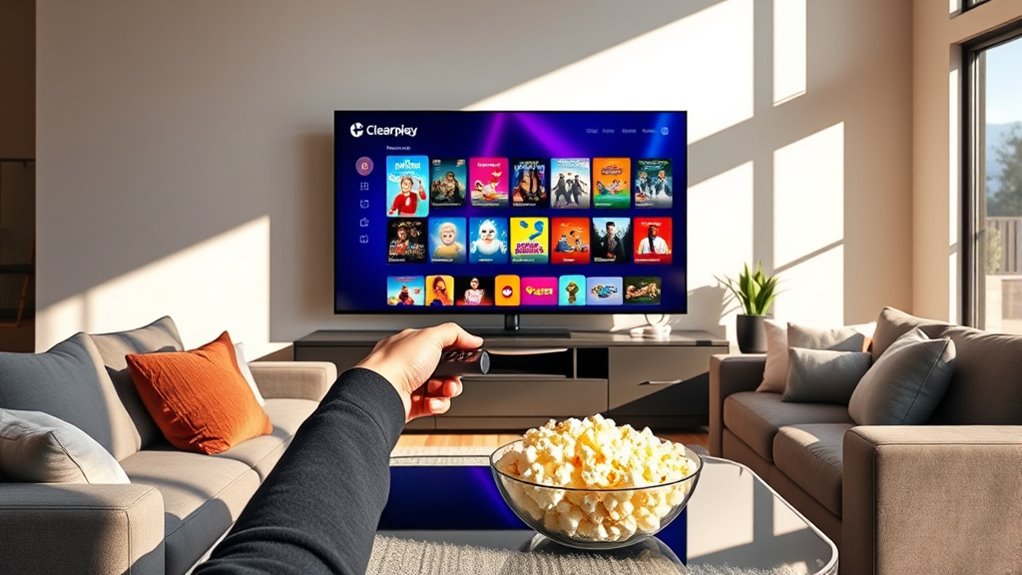

To use Clearplay on your smart TV, first, check if your TV is compatible. Download the Clearplay app from your TV’s app store and sign in with your account. After installation, follow the setup instructions to select your preferred content filtering options. You can easily navigate the interface to tailor your viewing experience. If you encounter issues, troubleshooting tips can help resolve them quickly. There’s more to explore about optimizing your Clearplay experience!
What Is Clearplay and How Does It Work?
Clearplay is a streaming service that allows you to filter out unwanted content from movies and TV shows. With Clearplay features, you can customize your viewing experience by selecting specific content categories to skip, such as violence, profanity, or adult themes. This means you can enjoy films and shows that align with your values without compromising on entertainment.
The Clearplay benefits are significant; not only do you get to watch what you love, but you also have peace of mind knowing that you’re in control of the content. This freedom to tailor your viewing guarantees that every family member can enjoy the same show without worry. Embrace the power of choice with Clearplay and elevate your streaming experience.
Compatible Smart TVs for ClearPlay
To make the most of your Clearplay experience, it’s important to know which smart TVs are compatible with the service. Clearplay is designed to work seamlessly with popular brands like Samsung, LG, and Roku. These brands support the Clearplay features that let you filter content based on your preferences. By using Clearplay on a compatible smart TV, you’ll enjoy the benefits of customized viewing, ensuring your family watches content that aligns with your values. Always check for the latest firmware updates on your TV, as compatibility can change over time. With the right setup, you can freely enjoy peace of mind while watching your favorite shows and movies, tailored to your needs.
Setting Up ClearPlay on Your Smart TV
Getting Clearplay set up on your smart TV is a straightforward process that enhances your viewing experience. First, verify your TV is compatible with ClearPlay; most major brands are supported. Start the installation process by downloading the ClearPlay app from your TV’s app store. Once installed, open the app and sign in with your ClearPlay account credentials. You’ll then be guided through the setup, including selecting your preferred filtering options. It’s essential to check for any firmware updates on your TV to guarantee peak performance. After setup, you’re ready to enjoy movies and shows tailored to your preferences, giving you the freedom to watch content without unwanted material. Enjoy your personalized viewing!
Navigating the ClearPlay Interface
Once you’ve set up ClearPlay, managing the interface is simple and user-friendly. The ClearPlay navigation system allows you to easily browse through movies and shows while highlighting the features you care about most. You’ll find options to filter content based on your preferences, enabling you to enjoy films without unwanted scenes.
As you scroll through the library, you can quickly access details about each title, including its rating and the specific ClearPlay features available. Whether you’re looking to skip certain content or mute specific elements, the intuitive layout lets you customize your viewing experience effortlessly. Embrace the freedom to watch what you love, all while staying in control of what you don’t want to see.
Customizing Your Viewing Preferences
Although customizing your viewing preferences might seem challenging at first, ClearPlay makes it straightforward and intuitive. You can easily tailor your content filtering options to match your family’s values, ensuring a more enjoyable viewing experience. With ClearPlay, you have the freedom to create a safe environment through effective parental controls. Here are some features you might appreciate:
- Control over explicit content
- Adjust settings for various age groups
- Easy-to-use interface
- Ability to save preferences for future use
- Instant updates on new movies
With these customizable options, you can relax knowing your family watches what aligns with your values. Embrace the freedom to create a viewing experience that everyone can enjoy!
Troubleshooting Common ClearPlay Issues
When you encounter issues with ClearPlay, it can be frustrating, especially if you’re enthusiastic to enjoy family movie night. To tackle buffering issues, check your internet connection first; a stable, high-speed connection is vital for smooth playback. If you’re still facing problems, try restarting your Smart TV or the ClearPlay app.
For audio sync issues, verify that your TV’s audio settings are correctly configured. Sometimes, adjusting the audio delay settings can help restore harmony between sound and visuals. Also, keeping your ClearPlay app updated can resolve many glitches. If problems persist, reaching out to ClearPlay support can provide additional solutions. With a few tweaks, you’ll be back to enjoying your favorite films in no time!
Frequently Asked Questions
Can I Use Clearplay Without an Internet Connection?
You can’t use Clearplay without an internet connection. Just like a bird needs open skies, Clearplay’s features rely on online compatibility. Embrace the freedom of filtered content with a reliable connection for the best experience.
Is Clearplay Available for Streaming Services Like Netflix?
Yes, Clearplay offers features like content filtering, but it’s not compatible with streaming services like Netflix. If you want to enjoy tailored viewing, consider alternatives that align with your preferences for content control.
Does Clearplay Work With DVDS or Blu-Rays?
They say, “A stitch in time saves nine.” Clearplay’s compatibility extends to DVDs and Blu-rays, offering features that let you customize your viewing experience. Enjoy your films without unwanted content, giving you freedom in entertainment choices.
How Do I Cancel My Clearplay Subscription?
To cancel your Clearplay subscription, log into your account and navigate to the cancellation process. Review your subscription options, then follow the prompts. It’s quick, giving you the freedom to manage your preferences easily.
Are There Age Restrictions for Using Clearplay?
Yes, there’re age guidelines for using Clearplay. It’s designed to offer content filtering suitable for families, ensuring that younger viewers access age-appropriate material. You can customize settings to fit your family’s needs and preferences.
