
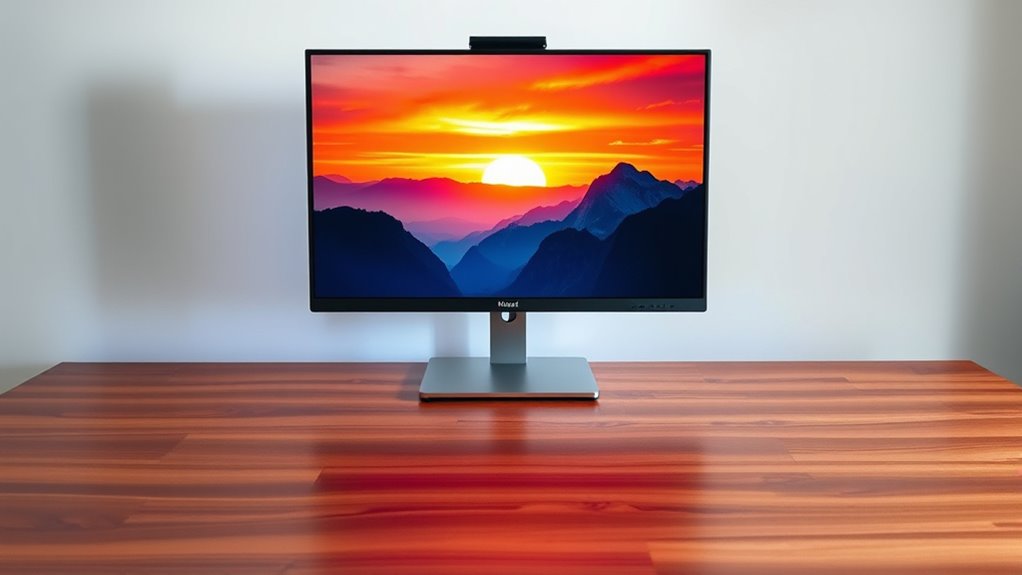

A monitor’s an essential tool that shapes your digital experience, impacting productivity and entertainment. Depending on your needs, you can choose from various sizes, aspect ratios, and resolutions. Higher resolutions provide sharper images, while refresh rates and response times enhance smooth visuals, especially for gaming. Color accuracy and panel technologies like LCD, LED, and OLED also play a role. So, if you want to optimize your monitor setup, there’s a lot more to explore.
Understanding Monitor Types
When you think about monitors, it’s easy to get lost in the myriad of options available today. Different monitor sizes and aspect ratios can considerably affect your experience. Smaller monitors might suit basic tasks, while larger ones are ideal for multitasking or immersive gaming. Aspect ratios, such as 16:9 or 21:9, dictate how wide your screen appears. A wider aspect ratio enhances your viewing experience for movies and gaming, while a standard ratio is versatile for general use. Understanding these factors not only helps you select the right monitor but also empowers you to tailor your workspace to your needs. So, weigh your options carefully; the right choice can lead to a more liberating and efficient digital experience.
Key Features to Consider
As you explore the world of monitors, it’s crucial to take into account several key features that can greatly impact your overall experience. Two critical aspects to evaluate are color accuracy and screen size. Color accuracy guarantees that what you see on-screen matches the real world, which is essential for graphic design and photo editing. On the other hand, screen size influences your immersion and productivity, especially if you multitask.
Here’s a simple comparison:
| Feature | Importance |
|---|---|
| Color Accuracy | Essential for visuals |
| Screen Size | Affects comfort |
| Refresh Rate | Smoothness in action |
| Connectivity | Versatility |
| Price | Budget evaluation |
Understanding these features helps you make an informed choice that aligns with your needs.
Resolution and Display Quality
Resolution and display quality are essential factors that determine your visual experience with a monitor. Higher resolution means more pixels, which translates to better pixel density. This is imperative if you want sharp images and crisp text. A monitor with low pixel density can make your content look blurry and unappealing. Color accuracy is another critical aspect; vibrant colors can enhance your enjoyment during gaming or content creation. When you choose a monitor, aim for one that supports a wide color gamut and has excellent calibration options. By prioritizing resolution and display quality, you’ll guarantee that your visual experience is immersive and true to life, allowing you the freedom to fully engage with your work or entertainment.
Refresh Rates and Response Times
When choosing a monitor, understanding refresh rates and response times is essential for an ideal viewing experience. Higher refresh rates can greatly enhance your gaming experience by providing smoother visuals, while quicker response times reduce motion blur. Knowing how these factors interact can help you make a more informed decision when selecting the right display for your needs.
Understanding Refresh Rates
Understanding refresh rates is essential for anyone looking to enhance their viewing experience, whether for gaming, watching movies, or simply browsing. The refresh rate, measured in hertz (Hz), indicates how many times your monitor updates the image per second. A higher refresh rate means smoother visuals, particularly important in fast-paced gaming. Adaptive sync technology helps synchronize the refresh rate with your graphics card’s output, reducing screen tearing and stuttering. Additionally, frame interpolation can create smoother motion by generating intermediate frames, making action scenes look more fluid. Ultimately, knowing your monitor’s refresh rate options lets you tailor your experience, ensuring you enjoy every detail with freedom and clarity. Choose wisely, and your viewing experience will never be the same!
Importance of Response Times
While many people focus on refresh rates, response times play an equally important role in delivering a seamless viewing experience. The significance of response time is often underestimated, yet it directly impacts how quickly pixels can change colors. Low response times minimize ghosting and blurring, ensuring that fast-moving images appear sharp and clear. If you’re dealing with high latency effects, you might notice lag that disrupts your enjoyment, especially during action-packed scenes. A monitor with a quick response time allows you to react swiftly and accurately, enhancing your overall experience. So, when selecting a monitor, don’t overlook response times; they’re vital for achieving the fluidity and clarity you crave in your visual adventures.
Impact on Gaming Experience
As you immerse yourself in the world of gaming, the interplay between refresh rates and response times becomes vital for your overall experience. Higher refresh rates deliver smoother visuals, while lower response times reduce ghosting, enhancing gameplay fluidity. When you consider screen size and viewing distance, these elements become even more important.
| Refresh Rate | Response Time |
|---|---|
| 60 Hz | 5 ms |
| 144 Hz | 1 ms |
| 240 Hz | 0.5 ms |
Choosing the right combination guarantees you’re not only seeing every detail but also reacting swiftly. This balance allows you to enjoy every moment, whether you’re exploring vast worlds or competing in high-stakes matches. Your gaming freedom hinges on understanding these factors!
Panel Technologies Explained
When choosing a monitor, understanding panel technologies is essential for your experience. LCD and LED panels offer different benefits, while OLED technology brings unique advantages that can enhance color vibrancy and contrast. Let’s break down these options to help you make the best choice for your needs.
LCD vs. LED Panels
Have you ever wondered how LCD and LED panels differ, especially in relation to performance and application? Understanding these differences can help you make an informed choice for your needs. Here’s a quick comparison:
- Color Accuracy: LCDs often provide more consistent color reproduction.
- Energy Efficiency: LEDs usually consume less power, making them more eco-friendly.
- Brightness: LED panels deliver superior brightness levels, enhancing visibility in well-lit environments.
- Thinness: LED technology allows for slimmer designs, perfect for modern aesthetics.
- Cost: Generally, LCDs are more budget-friendly than their LED counterparts.
OLED Technology Advantages
While many display technologies have their strengths, OLED (Organic Light Emitting Diode) stands out due to its unique advantages. One of the most compelling benefits is the superior picture quality, offering vibrant colors and deep blacks thanks to individual pixel illumination. This results in an immersive viewing experience that you’ll appreciate, whether gaming or watching movies. Additionally, OLED panels are thinner and lighter, allowing for sleek, modern designs. However, it’s important to evaluate OLED cost, as these panels can be pricier than traditional displays. Despite this, their longer OLED lifespan, compared to other types, can offset the initial investment. In the end, if you value quality and aesthetics, OLED technology is a fantastic choice for your visual freedom.
Ergonomics and Design
As you consider the right monitor for your workspace, it’s essential to prioritize ergonomics and design to create a comfortable and productive environment. Effective monitor positioning can greatly reduce strain and enhance your overall experience. Here are some key aspects to keep in mind:
- Adjustable height settings for ideal eye level
- Tilt and swivel functionalities for better viewing angles
- Anti-glare screens to minimize reflections
- Sufficient screen size for multitasking without eye strain
- Cable management features to reduce clutter
Tips for Optimal Setup
To achieve an ideal monitor setup, you’ll want to focus on a few key elements that enhance both comfort and productivity. First, make sure your monitor positioning is at eye level, about an arm’s length away. This reduces strain on your neck and eyes, letting you work efficiently. Adjust the tilt and swivel for best viewing angles, too. Next, don’t underestimate the importance of cable management. Keep your workspace tidy by organizing cables with clips or sleeves, preventing distractions and accidents. This not only improves aesthetics but also boosts airflow, helping your equipment stay cool. Finally, consider using a monitor stand or mount for extra flexibility. With these tips, you’ll create a workspace that feels inviting and functional, giving you the freedom to thrive.
Frequently Asked Questions
Can I Connect Multiple Monitors to One Computer?
Absolutely, you can connect multiple monitors to one computer. With dual monitor setups, it’s all about the right display connections. Embrace the freedom of expanded workspace, enhancing your productivity and creativity like never before.
How Do I Clean My Monitor Safely?
To clean your screen safely, use a microfiber cloth lightly dampened with water or a screen cleaning solution. Avoid harsh chemicals. Regular monitor maintenance keeps your display clear and enhances its longevity. Enjoy a spotless view!
What Is the Lifespan of a Typical Monitor?
A typical monitor lifespan ranges from 30,000 to 60,000 hours, depending on display technology. Regular usage and maintenance can affect longevity, so understanding these factors helps you maximize your monitor’s performance and lifespan.
Are There Any Health Risks Associated With Monitor Use?
Yes, prolonged use can lead to health risks like eye strain—affecting about 50% of users—and posture problems. Taking breaks and maintaining ergonomic setups can help mitigate these issues, ensuring your comfort and productivity.
How Do I Choose the Right Monitor Size for My Workspace?
To choose the right monitor size, consider your workspace dimensions, preferred screen resolution, and aspect ratio. A larger screen enhances productivity, but make certain it fits comfortably within your setup without overwhelming your environment.
