How to Turn On TWS Earbuds: Quick Steps
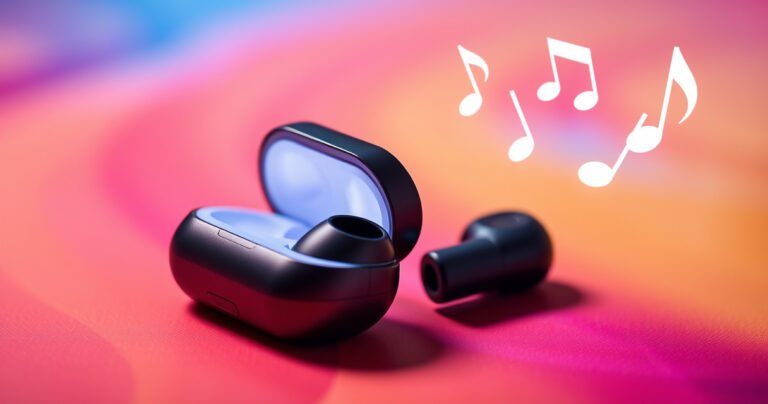
Want to know how to turn on TWS earbuds fast? For most models, the quickest path is to take them out of the charging case—if they don’t auto-power, press and hold the touch or button on each earbud for 3–5…


Want to know how to turn on TWS earbuds fast? For most models, the quickest path is to take them out of the charging case—if they don’t auto-power, press and hold the touch or button on each earbud for 3–5…

Looking for the loudest earbuds? We test and crown the top pick for maximum real-world volume and clean bass—plus the key specs that actually move the needle, like driver size, sensitivity, and peak output. If you want earbuds that stay…
You can watch Court TV for free live with official free-streaming options on the network’s own platforms—no cable login required. If you miss a broadcast, the best free on-demand path is Court TV’s streaming availability through its authorized apps and…

Singers wear earphones mainly to hear themselves and the music mix clearly while performing, so pitch stays on target and timing doesn’t slip. In practice, they use in-ear monitors to reduce stage noise, get the right vocal balance, and keep…
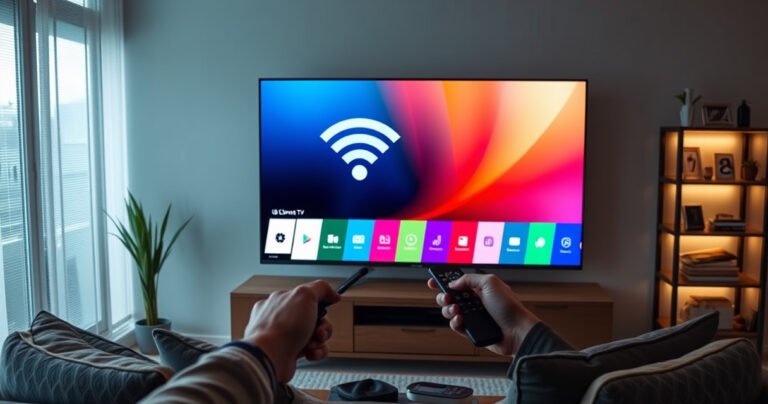
Turning WiFi on on an LG Smart TV is usually a five-minute fix when you follow the right menu path. This guide shows exactly where to go in Settings, how to select your wireless network, and what to do if…
Trying to change the Netflix household on your smart TV without violating Netflix rules? The straightforward answer: you can’t bypass household verification on a smart TV—you must change the household properly through your Netflix account and confirm your home network…
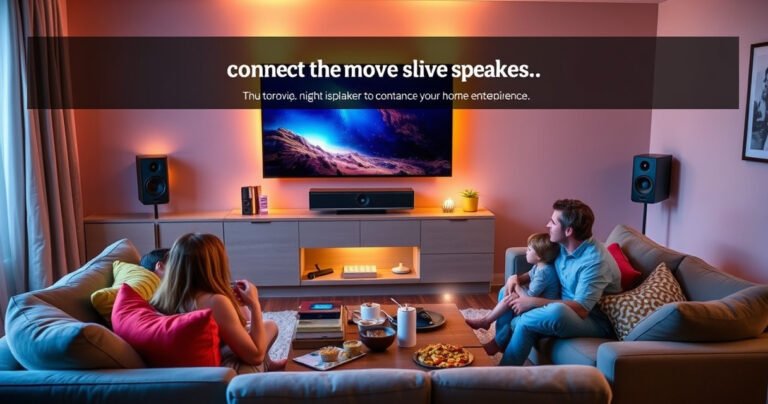
Yes, you can connect speakers to your TV, and the easiest path depends on what ports your TV and speakers have. If your TV has a Bluetooth option, pairing wireless speakers is the fastest setup; if it doesn’t, the best…
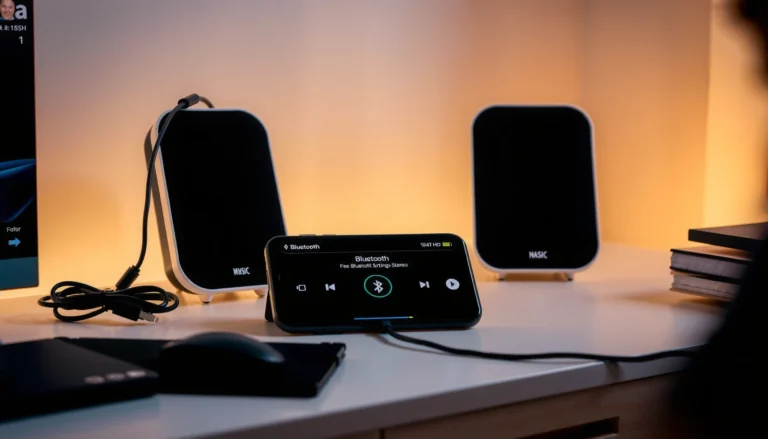
Want to play 2 Bluetooth speakers at once and get sound that actually syncs instead of cutting in and out? This guide walks you through the simplest setup steps to run two speakers together—plus how to choose the right mode…
Trying to choose between amps vs speakers for better sound? The clear answer: the right speaker (matching the amp you already have) determines most of the audible quality, from frequency balance to distortion. This guide cuts through the confusion by…
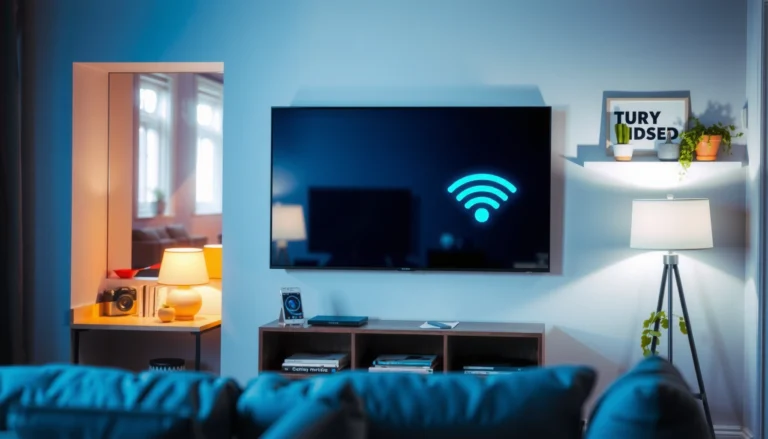
Yes—you can AirPlay to Google TV, but only if your setup matches the right conditions. This guide tells you exactly when AirPlay works, which devices and apps you need, and the fastest way to cast audio or video to your…