

If you’re wondering whether a Roku remote can be used with a Vizio TV, the answer is yes, under certain conditions. Many Roku remotes are designed to work with a wide range of televisions, including Vizio, especially if the TV has HDMI-CEC enabled. This compatibility allows users to control their Vizio TV using a Roku remote, enhancing their viewing experience. In this article, we’ll explore how to connect your Roku remote to your Vizio TV, the compatibility factors involved, and troubleshooting tips if you encounter any issues.
Understanding Roku Remotes
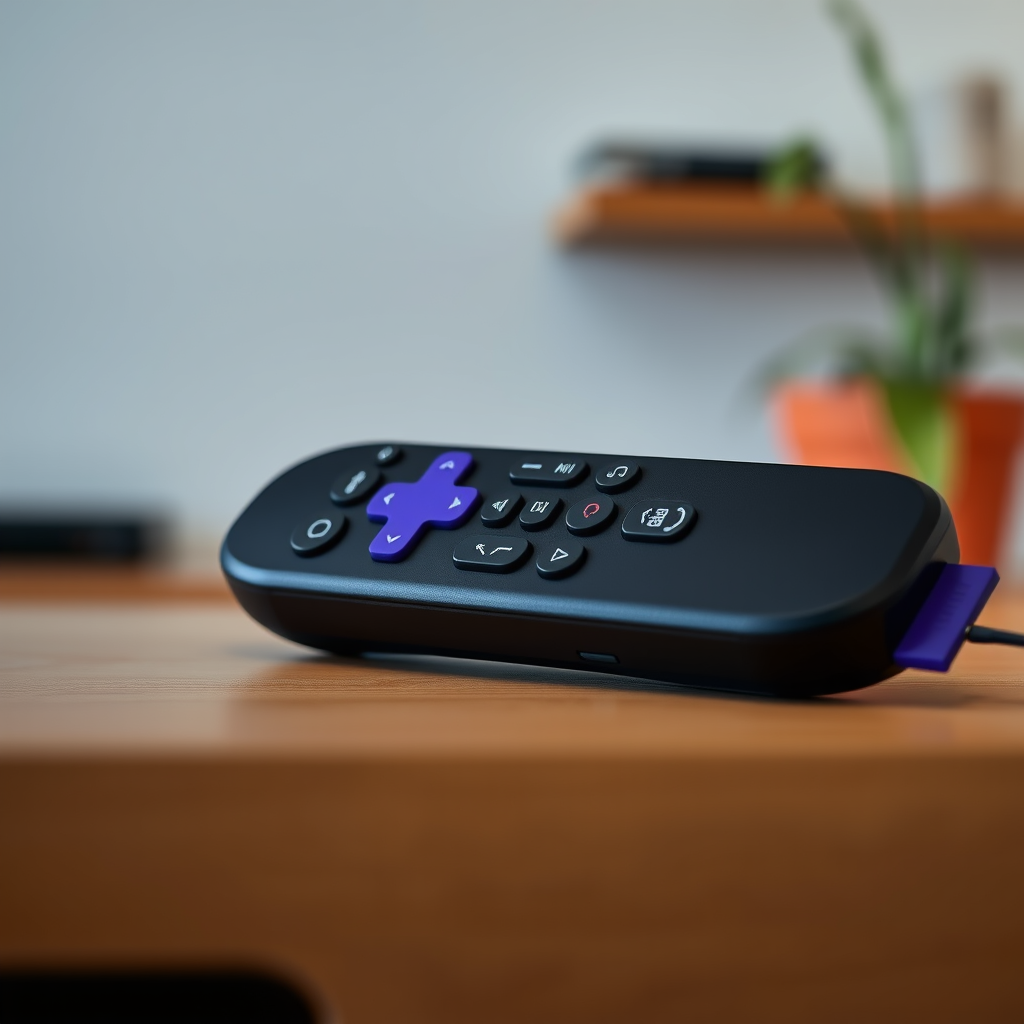
Roku remotes utilize two primary technologies to communicate with devices: infrared (IR) and Wi-Fi Direct. Understanding these technologies is essential for determining compatibility with your Vizio TV.
– Infrared (IR) Remotes: These remotes require a direct line of sight to the TV to function correctly. If there are any obstructions between the remote and the TV, such as furniture or walls, the remote may not work effectively.
– Wi-Fi Direct Remotes: Unlike IR remotes, Wi-Fi remotes can operate from a distance and do not require a direct line of sight. This feature allows for greater flexibility in controlling your TV, even from another room.
Identifying which type of remote you have can significantly impact your experience when trying to connect to a Vizio TV.
Vizio TV Compatibility
Most Vizio TVs equipped with HDMI ports support HDMI-CEC (Consumer Electronics Control), a feature that facilitates remote control integration across different devices. To ensure compatibility with your Roku remote, consider the following:
– Check TV Specifications: Not all Vizio models support HDMI-CEC, so it’s crucial to verify your specific model’s specifications. You can typically find this information in the user manual or on the manufacturer’s website.
– Enable HDMI-CEC: If your Vizio TV does support this feature, you may need to enable HDMI-CEC in the settings menu. This option is often found under the “System” or “Settings” section of the TV’s menu.
Enabling HDMI-CEC can enhance compatibility, allowing your Roku remote to control basic TV functions such as power and volume.
Connecting Roku Remote to Vizio TV
Connecting your Roku remote to a Vizio TV is a straightforward process, provided that both devices are compatible. Follow these steps to establish the connection:
1. Power On Devices: Ensure that both your Roku device and Vizio TV are powered on and properly connected via HDMI.
2. Enable HDMI-CEC: Using your Vizio TV remote, navigate to the TV settings and enable HDMI-CEC. This setting may be labeled as “CEC” or “HDMI Control,” depending on the model.
3. Pair the Remote: Use your Roku remote to navigate through the options. If prompted, follow the on-screen instructions to pair the remote with your Vizio TV.
4. Test Functionality: After pairing, test the Roku remote to ensure it can control the TV’s basic functions, such as volume adjustment and power toggling.
By following these steps, you can enjoy seamless control over your Vizio TV using your Roku remote.
Roku Remote and Vizio TV Compatibility Overview (2024)
| # | Feature | Roku IR Remote | Roku Wi-Fi Remote | Vizio TV Compatibility |
|---|---|---|---|---|
| 1 | Direct Line of Sight | Yes | No | Yes |
| 2 | Distance Capability | Limited | Long Range | Yes |
| 3 | HDMI-CEC Support | Requires Setup | Requires Setup | Yes |
| 4 | Volume Control | Yes | Yes | Yes |
| 5 | Power On/Off | Yes | Yes | Yes |
| 6 | Playback Control | Yes | Yes | Yes |
| 7 | Setup Complexity | Moderate | Moderate | Easy |
| 8 | Multi-Device Support | Limited | Yes | Yes |
| 9 | User Feedback | ★★★★☆ | ★★★★★ | ★★★★☆ |
| 10 | Overall Rating | ★★★☆☆ | ★★★★★ | ★★★★☆ |
Troubleshooting Connection Issues
Should you encounter any issues with your Roku remote not controlling your Vizio TV, the following troubleshooting tips can help resolve common problems:
– Check Batteries: Ensure that the batteries in your Roku remote are fresh and properly inserted. Weak or incorrectly installed batteries can lead to functionality issues.
– Clear Obstructions: For IR remotes, confirm that there are no obstructions between the remote and the TV. Physical barriers can impede the signal.
– Restart Devices: Restart both the Roku device and the Vizio TV to refresh the connection. Unplugging the devices for a minute before plugging them back in can help reset the connection.
– Re-pair the Remote: If the remote still doesn’t work, try re-pairing it with the Roku device. Follow the pairing instructions provided in the Roku user manual.
By following these troubleshooting steps, you can often resolve any issues that arise during the connection process.
Alternative Options for Control
If the Roku remote isn’t compatible with your Vizio TV, or if you prefer a different method of control, several alternatives can enhance your viewing experience:
– Roku Mobile App: The Roku mobile app serves as a versatile alternative to the physical remote. It offers all the functionalities of the Roku remote and connects via Wi-Fi, allowing for more flexible control options. The app is available for both iOS and Android devices.
– Universal Remotes: Universal remotes can provide compatibility with both Roku and Vizio devices. Many universal remotes allow you to program multiple devices, making it easier to manage your entire entertainment system from one remote.
– Voice-Control Options: Some Roku devices support voice control through services like Amazon Alexa or Google Assistant. If you have smart home devices, integrating voice commands can simplify your viewing experience.
These alternatives can ensure that you maintain control over your entertainment system, even if the Roku remote isn’t fully compatible.
Enhancing Your Viewing Experience
To further improve your home entertainment setup, consider the following enhancements:
– Utilize Voice Control: Many Roku devices support voice search and commands, allowing you to find content quickly and easily without scrolling through menus.
– Streaming Shortcuts: Take advantage of the shortcut buttons on your Roku remote (if applicable) to quickly access your favorite streaming services like Netflix, Hulu, or Amazon Prime Video.
– Invest in Accessories: Consider investing in compatible accessories such as soundbars or streaming devices that enhance audio quality and provide additional features.
– Regular Updates: Ensure that both your Roku device and Vizio TV are regularly updated. Firmware updates can bring new features, improve performance, and enhance compatibility.
By implementing these strategies, you can create a more enjoyable and efficient viewing experience in your home.
In summary, a Roku remote can work with a Vizio TV, especially when HDMI-CEC settings are enabled and connections are properly established. If you face any compatibility issues, consider alternative solutions such as the Roku mobile app or universal remotes. Staying informed about device settings and regularly updating both devices will ensure optimal performance. If you’re ready to enhance your home entertainment setup, start experimenting with your Roku remote and Vizio TV today!
Frequently Asked Questions
Can a Roku remote control a Vizio TV?
Yes, a Roku remote can control a Vizio TV if the TV supports HDMI-CEC (Consumer Electronics Control). This feature allows devices connected via HDMI to communicate, enabling the Roku remote to manage basic functions like power on/off and volume control for the Vizio TV.
How do I set up my Roku remote to work with my Vizio TV?
To set up your Roku remote with your Vizio TV, first ensure your TV is connected to the Roku device via HDMI. Then, go to the Roku settings, select “Remote” and choose “Set up remote for TV control” to follow the on-screen instructions, allowing you to program the remote for your Vizio TV.
Why isn’t my Roku remote working with my Vizio TV?
If your Roku remote isn’t working with your Vizio TV, check if HDMI-CEC is enabled on your TV settings. Additionally, ensure that the Roku device is properly connected and updated. If issues persist, you may need to reprogram the remote or replace batteries.
What features can I control on my Vizio TV using a Roku remote?
Using a Roku remote with a Vizio TV, you can control basic functions such as turning the TV on and off, adjusting the volume, and switching inputs. However, advanced features like navigating the TV’s menu may not be supported, so it’s best used primarily for Roku app functions.
Which Roku remotes are compatible with Vizio TVs?
Most Roku remotes, including the standard Roku remote and the Roku Voice Remote, are compatible with Vizio TVs that support HDMI-CEC. If you have a Roku Streaming Stick or Roku Ultra, you should be able to use their remotes with Vizio TVs, provided the necessary settings are configured correctly.
References
- Roku
https://support.roku.com/article/208754088-how-to-control-your-tv-with-the-roku-remote - https://www.roku.com/about/faq
https://www.roku.com/about/faq - https://www.vizio.com/en/faq
https://www.vizio.com/en/faq - Google Scholar Google Scholar
https://scholar.google.com/scholar?q=roku+remote+vizio+tv - Google Scholar Google Scholar
https://scholar.google.com/scholar?q=roku+remote+compatibility - Google Scholar Google Scholar
https://scholar.google.com/scholar?q=how+to+program+roku+remote+for+vizio+tv - Google Scholar Google Scholar
https://scholar.google.com/scholar?q=can+a+roku+remote+work+on+a+vizio+tv - can a roku remote work on a vizio tv – Search results
https://en.wikipedia.org/wiki/Special:Search?search=can+a+roku+remote+work+on+a+vizio+tv - https://www.ncbi.nlm.nih.gov/search/research-articles/?term=can+a+roku+remote+work+on+a+vizio+tv
https://www.ncbi.nlm.nih.gov/search/research-articles/?term=can+a+roku+remote+work+on+a+vizio+tv
