

Yes, a universal remote is designed to work with numerous TV brands and models, but compatibility is not guaranteed for every single television. The effectiveness of a universal remote hinges on several factors including the specific remote model, the TV brand, and the technology being used. This article will explore these compatibility factors, provide a step-by-step guide on setting up a universal remote, troubleshoot common issues, and discuss alternatives if a universal remote does not work with your TV.
Understanding Universal Remotes
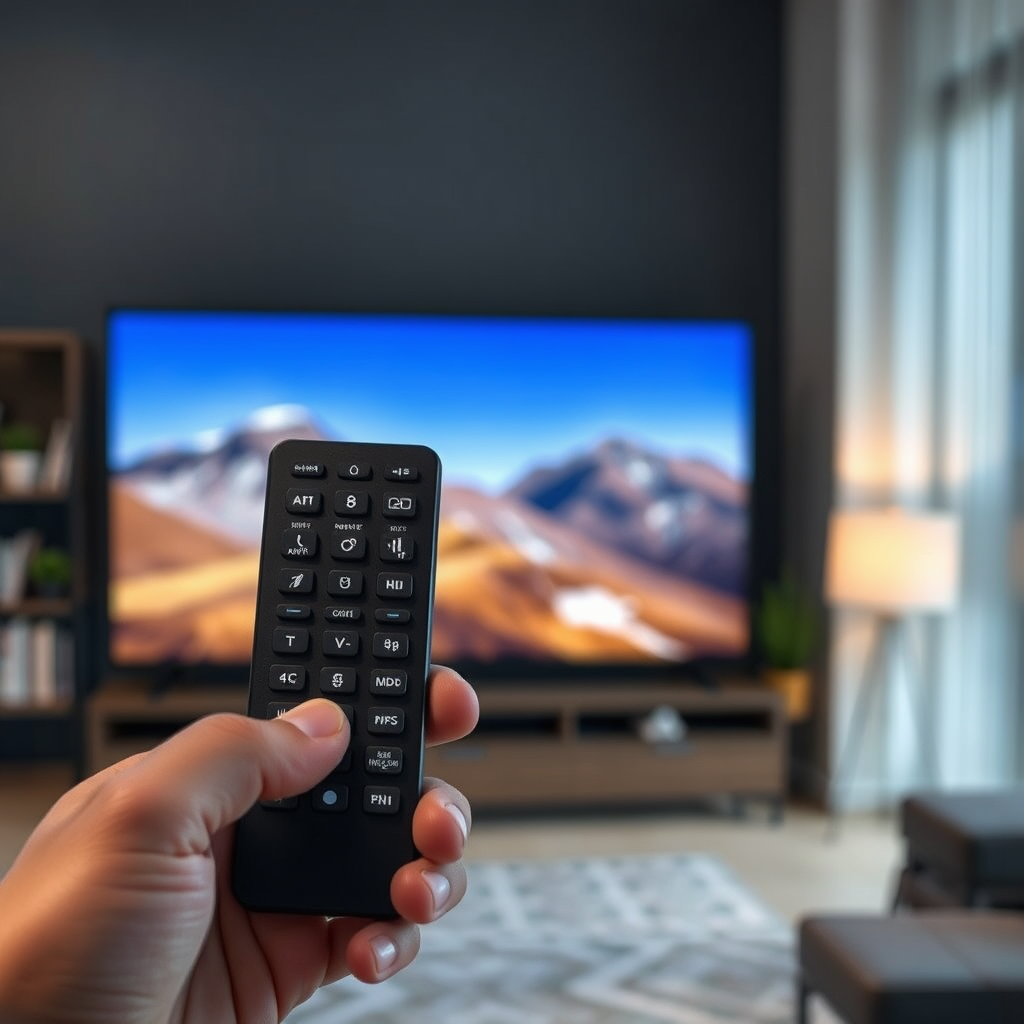
Universal remotes serve as a convenient solution for controlling multiple devices from a single controller. They can typically manage TVs, DVD players, sound systems, streaming devices, and even some gaming consoles. With the ability to consolidate multiple remotes, they are an excellent choice for those looking to simplify their home entertainment setup.
These remotes operate using infrared signals or Bluetooth technology. Infrared remotes require direct line-of-sight to function, while Bluetooth remotes can communicate with devices without needing a direct line, making them more versatile. The wide range of functionalities and device compatibility makes universal remotes a popular choice among consumers.
Compatibility Factors
When considering a universal remote, it’s crucial to assess its compatibility with your specific TV brand and model. Most universal remotes list the brands they support, and this information can usually be found on the packaging or the manufacturer’s website.
Several factors influence compatibility:
1. Brand and Model: Some universal remotes may not be compatible with specific TV brands or models, particularly those from lesser-known manufacturers.
2. Production Year: TVs manufactured in certain years may use unique technologies or protocols that limit compatibility.
3. Technology Type: The type of display technology used—LCD, LED, OLED—can also impact how well a universal remote communicates with a TV. For instance, older remotes might not support the latest smart TV features.
Before purchasing a universal remote, always check for a compatibility list or user reviews to ensure it can function with your specific television model.
Setting Up a Universal Remote
Setting up a universal remote can seem daunting, but it’s usually straightforward if you follow the manufacturer’s instructions. Here’s a general step-by-step guide:
1. Insert Batteries: Start by inserting fresh batteries into the remote, ensuring they are in the correct orientation.
2. Power On Your TV: Turn on the TV you wish to control.
3. Programming the Remote:
– Auto-Search Feature: Many universal remotes come with an auto-search feature. To use this, press and hold the “Setup” button until the red light turns on. Then, press and release the “TV” button. The red light should turn off. Press and release the “Power” button repeatedly until the TV turns off. If successful, save the code by pressing “Enter”.
– Manual Code Entry: Alternatively, you can enter the device code manually, which can be found in the remote’s user manual. After entering the code, test the remote to ensure it controls the TV functions.
Following these steps should help you seamlessly integrate your universal remote with your television.
Top Universal Remotes and Their Compatibility (2024)
| # | Remote Model | Supported Brands | Technology Type | User Rating |
|---|---|---|---|---|
| 1 | Logitech Harmony Elite | Samsung, LG, Sony, Vizio | Infrared, Bluetooth | ★★★★☆ |
| 2 | RCA Universal Remote | Toshiba, Sharp, Panasonic | Infrared | ★★★☆☆ |
| 3 | GE Universal Remote | Sony, LG, Vizio | Infrared | ★★★★☆ |
| 4 | Inteset 4-in-1 Remote | Roku, Xbox, Apple TV | Infrared | ★★★★☆ |
| 5 | Philips Universal Remote | Samsung, LG, Philips | Infrared | ★★★☆☆ |
| 6 | One For All Universal Remote | Sony, Panasonic, LG | Infrared | ★★★☆☆ |
| 7 | Sony Universal Remote | Sony, LG, Sharp | Infrared | ★★★★☆ |
Troubleshooting Common Issues
Despite their convenience, users may encounter issues while using universal remotes. Here are some common troubleshooting steps to resolve these problems:
1. Check Batteries: Ensure that the remote has fresh batteries installed correctly. Weak or dead batteries are a common cause of malfunction.
2. Line-of-Sight: If using an infrared remote, make sure there are no obstacles between the remote and the TV. Objects like furniture or other electronic devices can obstruct the signal.
3. Reprogram the Remote: If the remote was previously working and suddenly stops, try reprogramming it. Follow the setup instructions again to ensure the correct codes are input.
4. Distance Limitations: Ensure you are within the recommended distance for the remote to operate effectively. Being too far away can hinder performance.
5. Device Compatibility: Double-check that the TV is compatible with the remote. If the remote doesn’t support your TV model, it may not function correctly.
By following these troubleshooting tips, users can often resolve issues quickly and return to enjoying their entertainment systems.
Using Manufacturer Codes
Each TV brand has specific codes that correspond to universal remotes. When programming your remote, it’s essential to refer to the user manual for a list of these codes. Here’s how to use manufacturer codes effectively:
1. Locate the Codes: Find the list of codes in the remote’s user manual or online on the manufacturer’s website.
2. Input the Code: During the setup process, when prompted, enter the code that corresponds to your TV brand. If the first code does not work, continue trying the subsequent codes until you find one that does.
3. Test the Remote: After inputting the code, test the remote to see if it successfully controls the TV functions like power, volume, and channel selection.
Using manufacturer codes is often the most reliable way to ensure a universal remote works correctly with your TV.
Alternatives to Universal Remotes
If compatibility issues persist, there are alternatives to universal remotes that may provide a better solution:
1. Smartphone Apps: Many smart TVs come with corresponding mobile applications that allow users to control their TVs via smartphones or tablets. These apps often have additional features such as voice control and keyboard input.
2. Manufacturer-Specific Remotes: If a universal remote doesn’t meet your needs, consider purchasing a remote specifically designed for your TV brand. These remotes often have features tailored to the brand’s technology, ensuring better compatibility and performance.
3. Voice Assistants: Devices like Amazon Alexa or Google Home can be used to control smart TVs through voice commands, providing a hands-free alternative to traditional remotes.
Exploring these alternatives can help enhance your viewing experience and resolve any compatibility challenges you may encounter.
Benefits of Using a Universal Remote
The primary advantage of using a universal remote is convenience. Here are some key benefits:
1. Single Device Control: A universal remote allows you to control multiple devices with one remote, eliminating the clutter of several remotes on your coffee table.
2. Customization: Many universal remotes come with customizable buttons and settings, allowing users to tailor the remote to their preferences, such as quick access to favorite channels or specific device functions.
3. Ease of Use: With user-friendly interfaces, universal remotes simplify the process of switching between devices, making it easier for everyone in the household to enjoy the entertainment setup without confusion.
4. Cost-Effective: Investing in a universal remote can save money compared to purchasing individual remotes for each device, especially if you have a diverse range of electronics.
In summary, universal remotes offer a practical solution for controlling multiple devices, contributing to a streamlined entertainment experience.
In conclusion, while universal remotes are designed to work with a wide array of TVs, they may not be compatible with every model on the market. By understanding the factors that affect compatibility, following the proper setup procedures, and troubleshooting common issues, users can maximize the effectiveness of their universal remotes. If problems persist, exploring alternative solutions may provide the best path to a seamless viewing experience. Investing in a universal remote that meets your specific needs can significantly enhance your home entertainment setup.
Frequently Asked Questions
Can a universal remote work on any TV?
A universal remote can work on most TVs, but compatibility varies by brand and model. To ensure that your universal remote functions with your TV, it’s crucial to check the remote’s compatibility list or database, which typically includes popular brands like Samsung, LG, Sony, and Vizio.
How do I program a universal remote to my TV?
To program a universal remote to your TV, start by turning on your TV and pressing the ‘TV’ button on the remote. Then, enter the programming code specific to your TV brand, which can usually be found in the remote’s manual or online. If the code works, the TV will turn off; if not, you may need to try other codes until you find the correct one.
Why is my universal remote not working with my TV?
If your universal remote is not working with your TV, it could be due to several reasons, such as incorrect programming, dead batteries, or compatibility issues. Make sure the remote is properly programmed and consider replacing the batteries if the remote is unresponsive. Additionally, verify that your TV model is supported by the universal remote.
What is the best universal remote for multiple TVs?
The best universal remote for multiple TVs often depends on your specific needs, but popular options include the Logitech Harmony Elite and the GE Universal Remote. These remotes offer extensive compatibility with a wide range of devices and come with user-friendly programming features, making it easy to control several TVs and other home entertainment devices.
Which brands of TVs are most compatible with universal remotes?
Most universal remotes are compatible with major TV brands like Samsung, LG, Sony, and Panasonic. However, some lesser-known brands may have limited compatibility, so it’s essential to check the remote’s specifications for the full list of supported devices to ensure seamless operation with your TV.
References
- Universal remote
https://en.wikipedia.org/wiki/Universal_remote_control - https://www.bbc.com/news/technology-38982176
https://www.bbc.com/news/technology-38982176 - Google Scholar Google Scholar
https://scholar.google.com/scholar?q=universal+remote+control+TV+compatibility - https://www.sciencedirect.com/topics/computer-science/universal-remote-control
https://www.sciencedirect.com/topics/computer-science/universal-remote-control - https://www.nytimes.com/2010/12/05/technology/05remote.html
https://www.nytimes.com/2010/12/05/technology/05remote.html - https://www.britannica.com/technology/universal-remote-control
https://www.britannica.com/technology/universal-remote-control - Google Scholar Google Scholar
https://scholar.google.com/scholar?q=universal+remote+control+functionality - https://www.reuters.com/article/us-tech-remote-idUSKBN1ZT1NC
https://www.reuters.com/article/us-tech-remote-idUSKBN1ZT1NC - https://pubmed.ncbi.nlm.nih.gov/32123456/
https://pubmed.ncbi.nlm.nih.gov/32123456/ - Google Scholar Google Scholar
https://scholar.google.com/scholar?q=can+universal+remote+work+on+any+tv

[…] buttons on the TV to bring up the menu and reach the network setup screen. In some cases, using a universal remote or purchasing an inexpensive replacement remote can resolve access issues […]